Start Grand Prix
Game Configuration
Set up the track, team and driver before configuring the race settings.
Start a new Grand Prix
- From the main menu select F1® WORLD. If this is the first time playing the game, skip through the tutorials.
- Select PLAY, then GRAND PRIX™.
- Select Start new Grand Prix™ and accept the START NEW GRAND PRIX™ prompt.
- Select the F1® 2025 option.
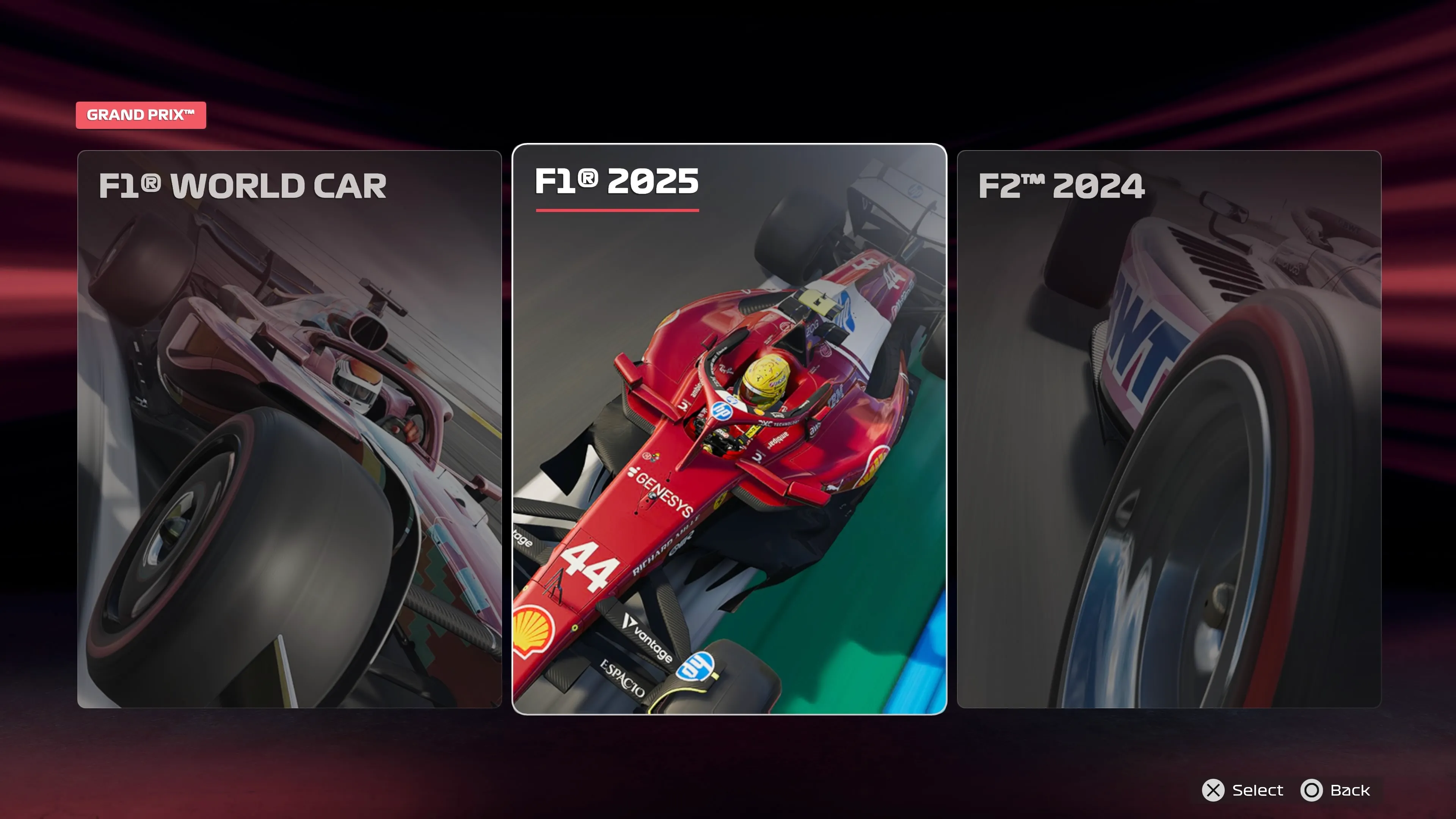
Build the track schedule
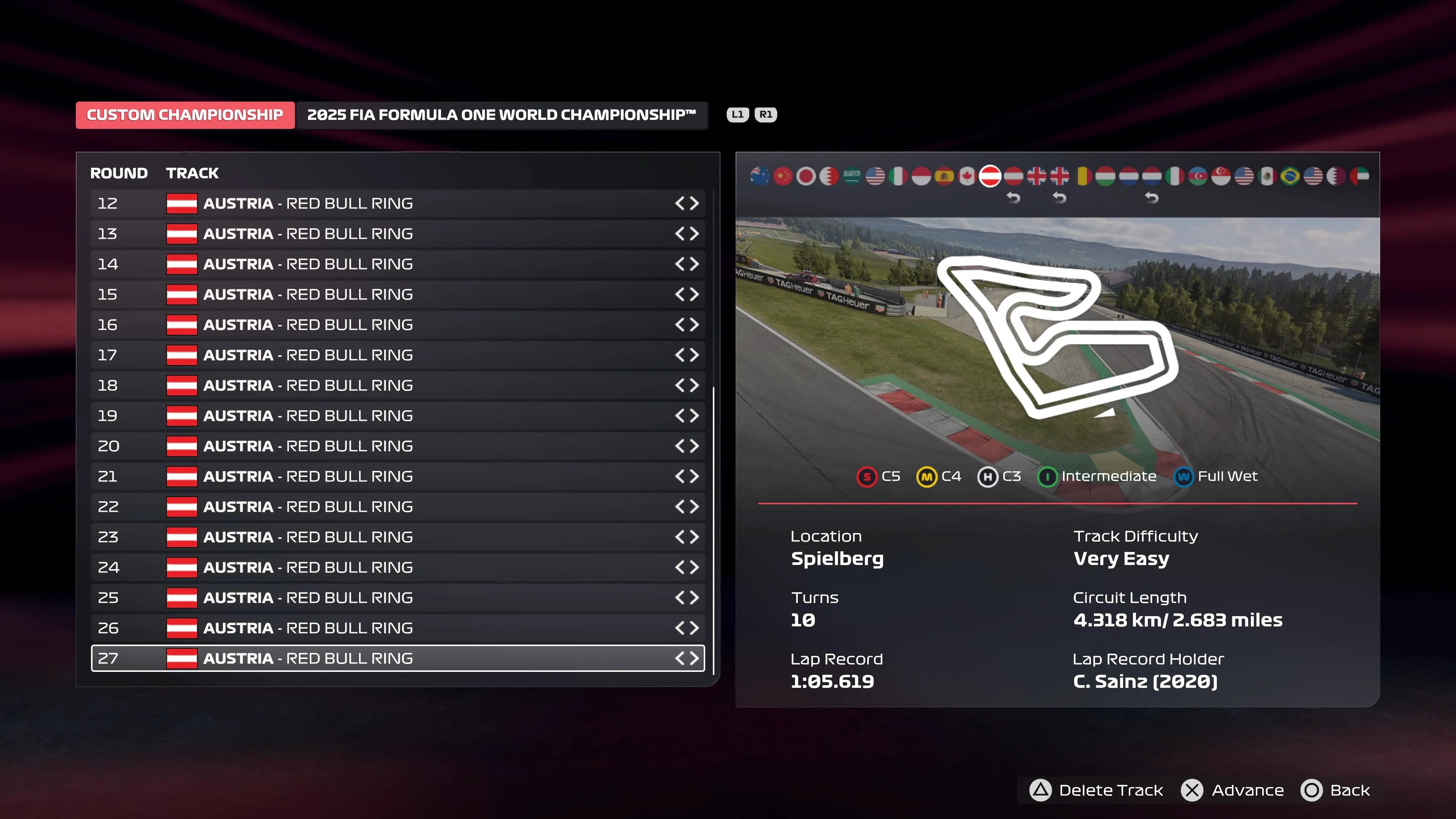
- Select the desired track. Use the track for the next Grand Prix or a short track such as Austria.
- Select Highlight To Add Next Track and add the same track again.
- Repeat until all slots are filled with the same track.
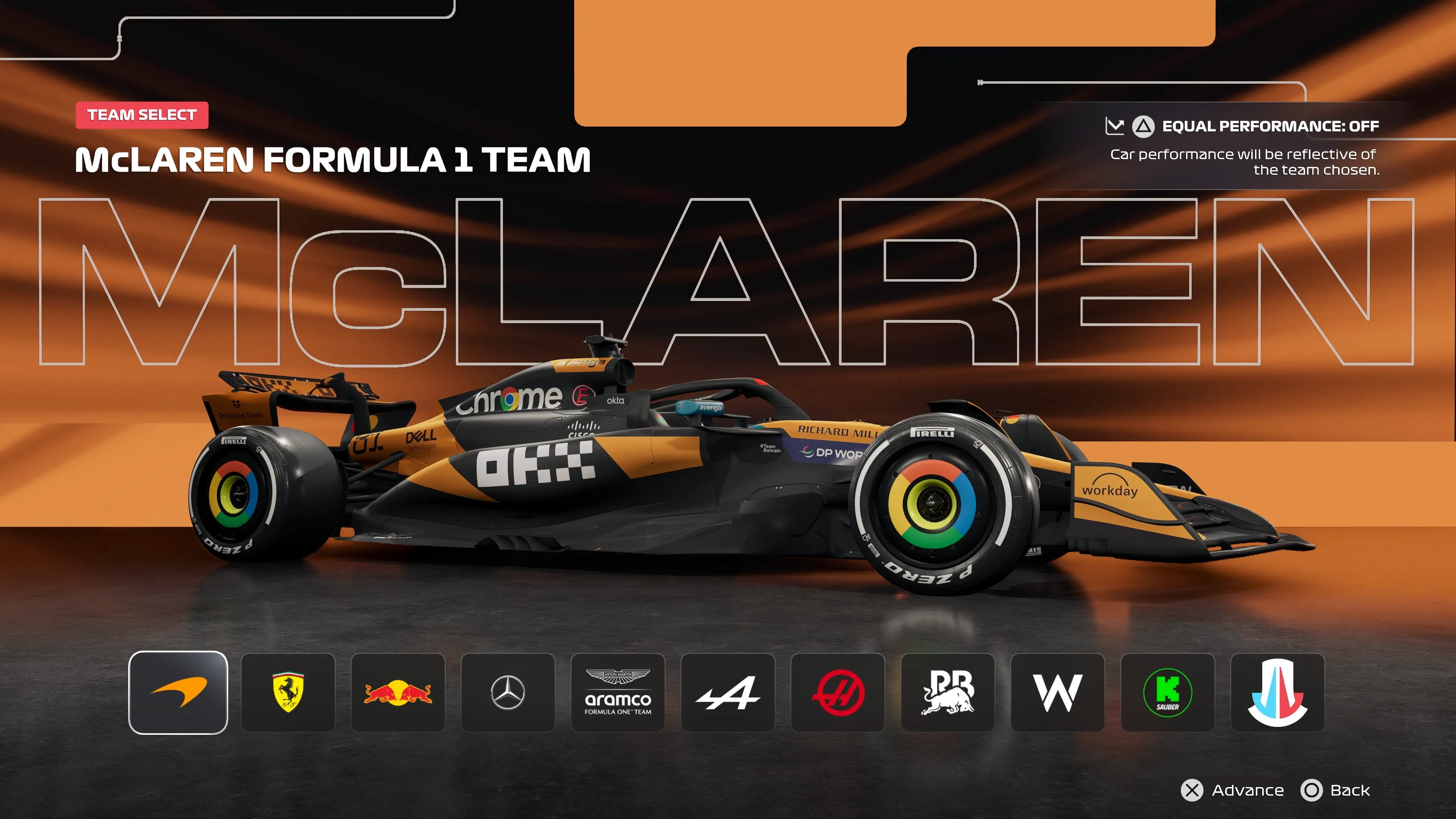
Choose the team and driver
Select the McLaren team.
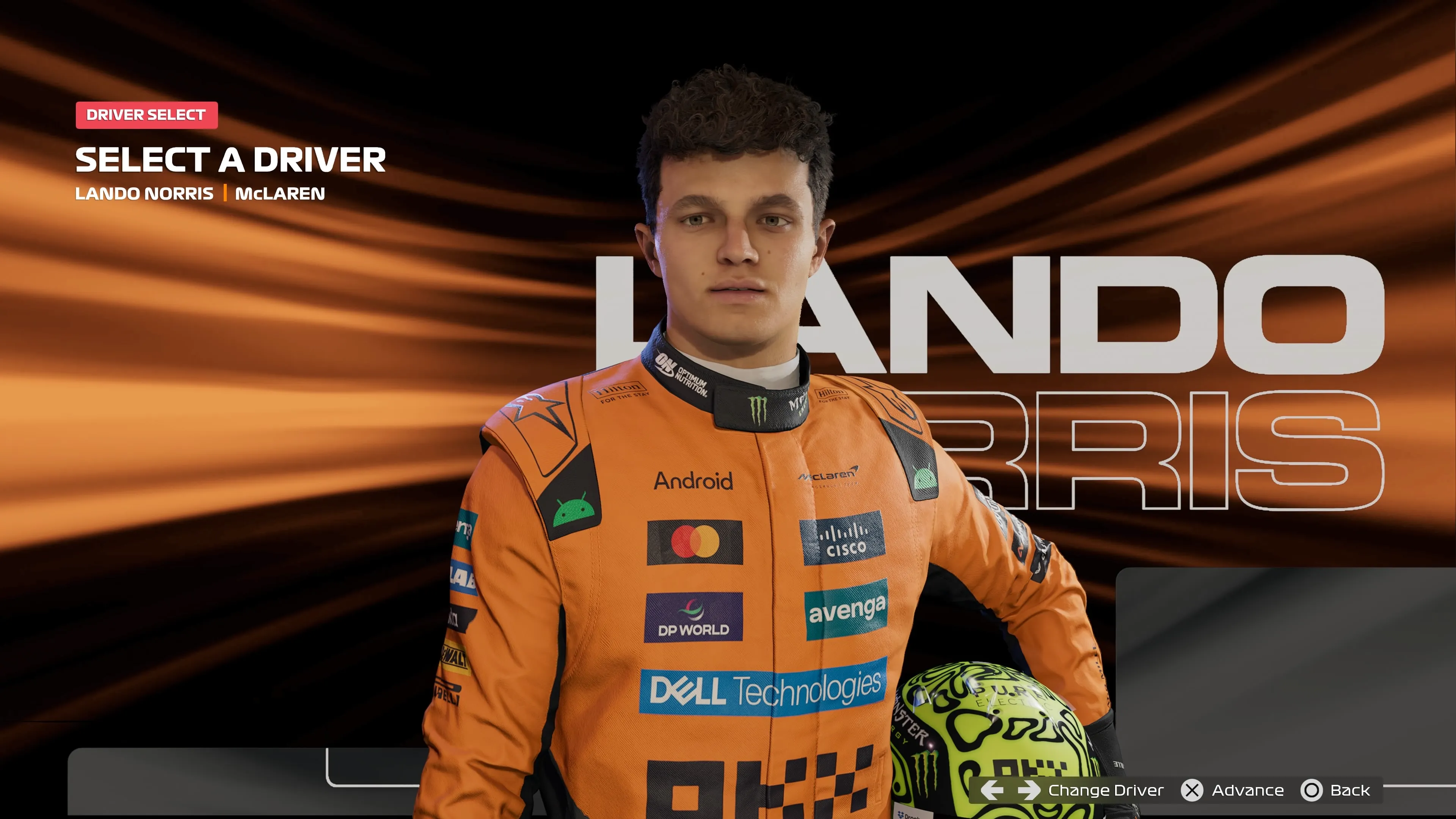
Select Lando Norris as the driver.
Continue to race settings
Press X to Advance, then configure the assists.