Weather and Time of Day
Weather and Time of Day
Select WEATHER AND TIME OF DAY
Configure the weather and time of day:
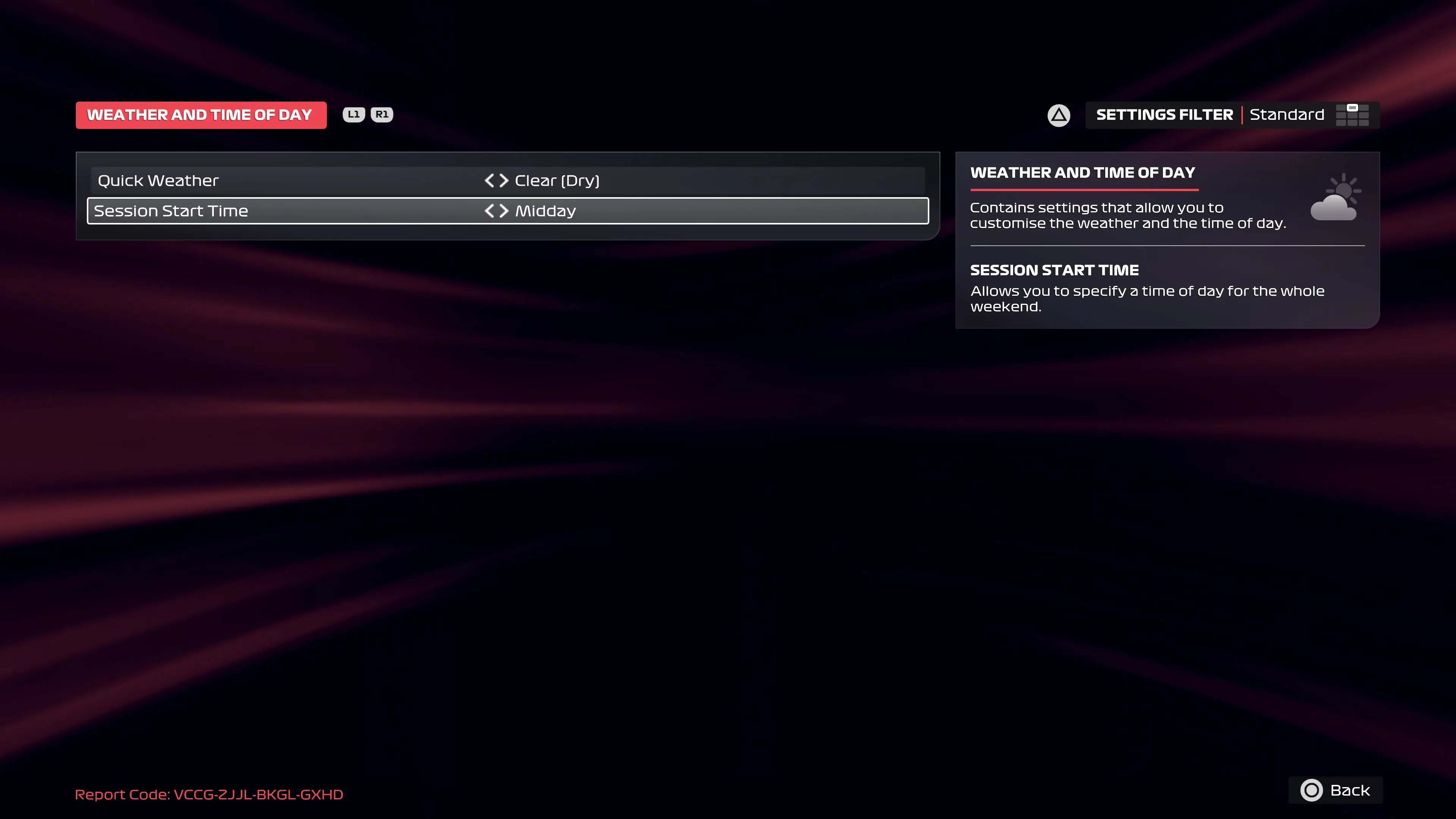
Setting Value Quick Weather Clear (Dry) Session Start Time Midday Return to the Grand Prix™ Settings screen by pressing O
Select WEATHER AND TIME OF DAY
Configure the weather and time of day:
| Setting | Value |
|---|---|
| Quick Weather | Clear (Dry) |
| Session Start Time | Midday |
Return to the Grand Prix™ Settings screen by pressing O