

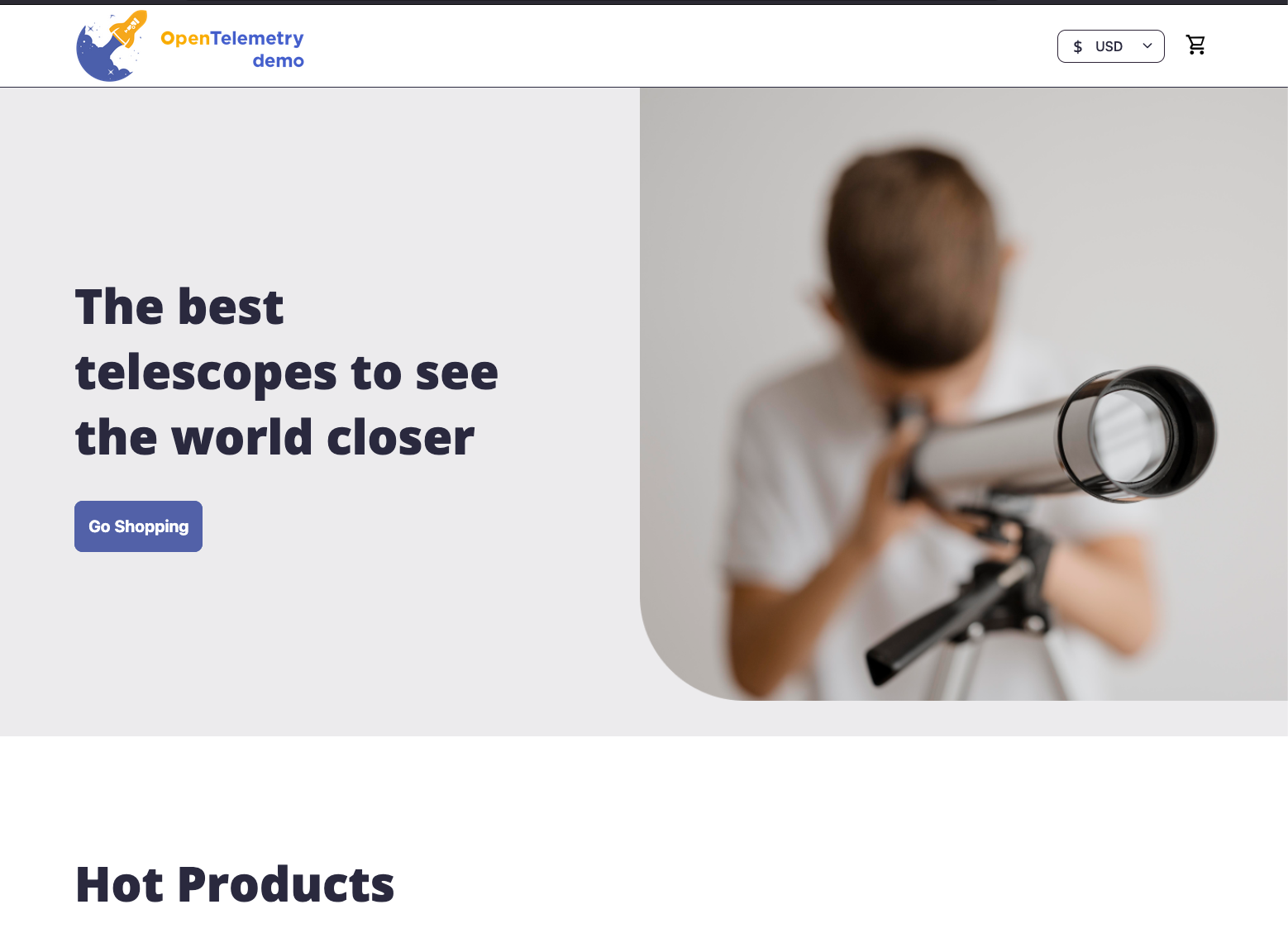
Go Shopping
Persona
You are an aspiring astronomer, browsing the Astronomy Shop for telescopes, star charts, and accessories.
- Go to the Astronomy Shop URL provided by your instructor: Astronomy Shop US
- In a private/incognito browser window:
- Browse the Astronomy Shop products
- Interact with elements like the “Ask AI” feature and “Show All Reviews”
- Add a few items to your cart and complete a checkout
- Close the browser window
- Repeat 2-3 times to generate more user sessions.
- If possible, also visit the Astronomy Shop via a mobile device or tablet.
Did everything work perfectly, or did you notice anything unusual when interacting with the application?
Some elements and services in the Astronomy Shop have deliberately injected issues. You may have noticed slow responses or errors during checkout — this is intentional and will be investigated in the workshop modules.
Let’s go to the next page, where we’ll see what our sessions look like in Splunk Digital Experience Analytics (DXA).