Deploying the OpenTelemetry Collector in Kubernetes
1. Connect to EC2 instance
You will be able to connect to the workshop instance by using SSH from your Mac, Linux or Windows device. Open the link to the sheet provided by your instructor. This sheet contains the IP addresses and the password for the workshop instances.
Info
Your workshop instance has been pre-configured with the correct Access Token and Realm for this workshop. There is no need for you to configure these.
2. Install Splunk OTel using Helm
Install the OpenTelemetry Collector using the Splunk Helm chart. First, add the Splunk Helm chart repository and update:
Install the OpenTelemetry Collector Helm with the following commands, do NOT edit this:
3. Verify Deployment
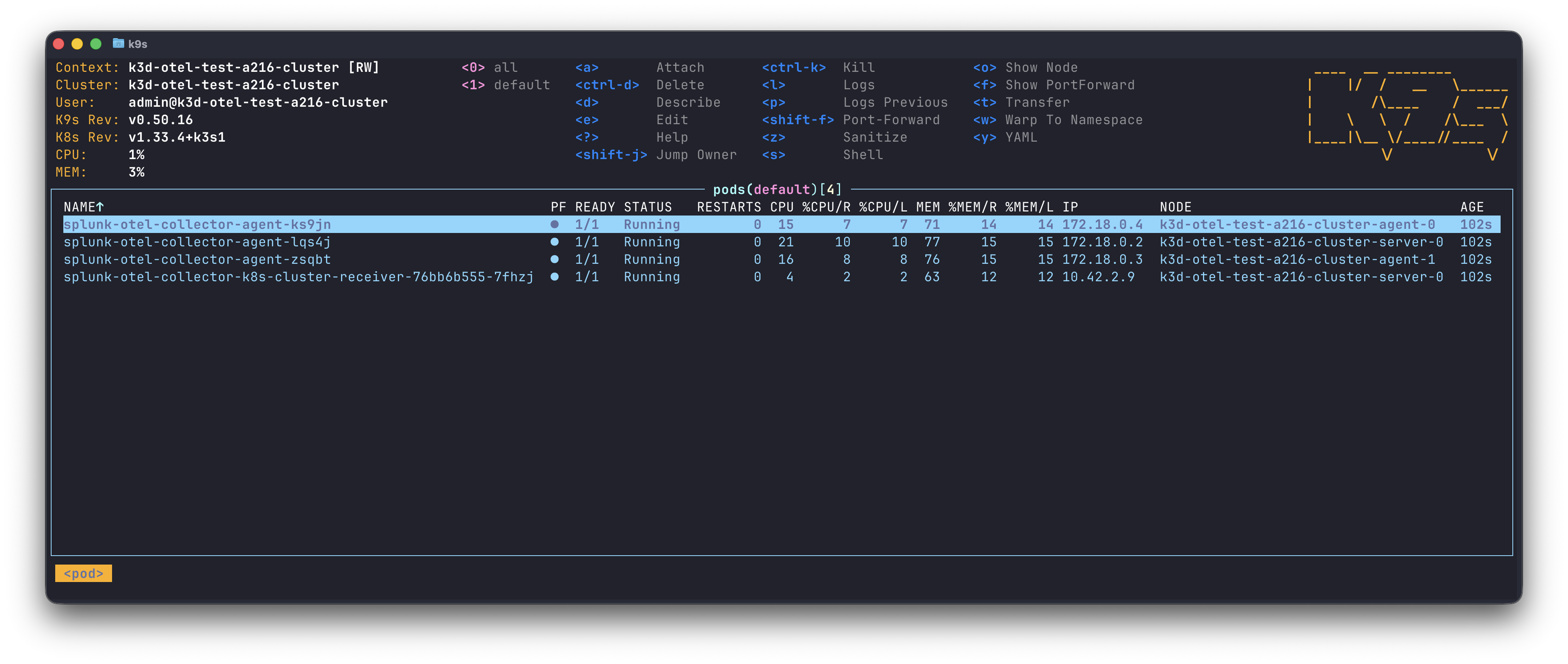
You can monitor the progress of the deployment by running kubectl get pods which should typically report that the new pods are up and running after about 30 seconds.
Ensure the status is reported as Running before continuing.
Use the label set by the helm install to tail logs (You will need to press ctrl + c to exit).
Or use the installed k9s terminal UI.
Deleting a failed installation
If you make an error installing the Splunk OpenTelemetry Collector you can start over by deleting the installation using: