Search Request
Add Search Request
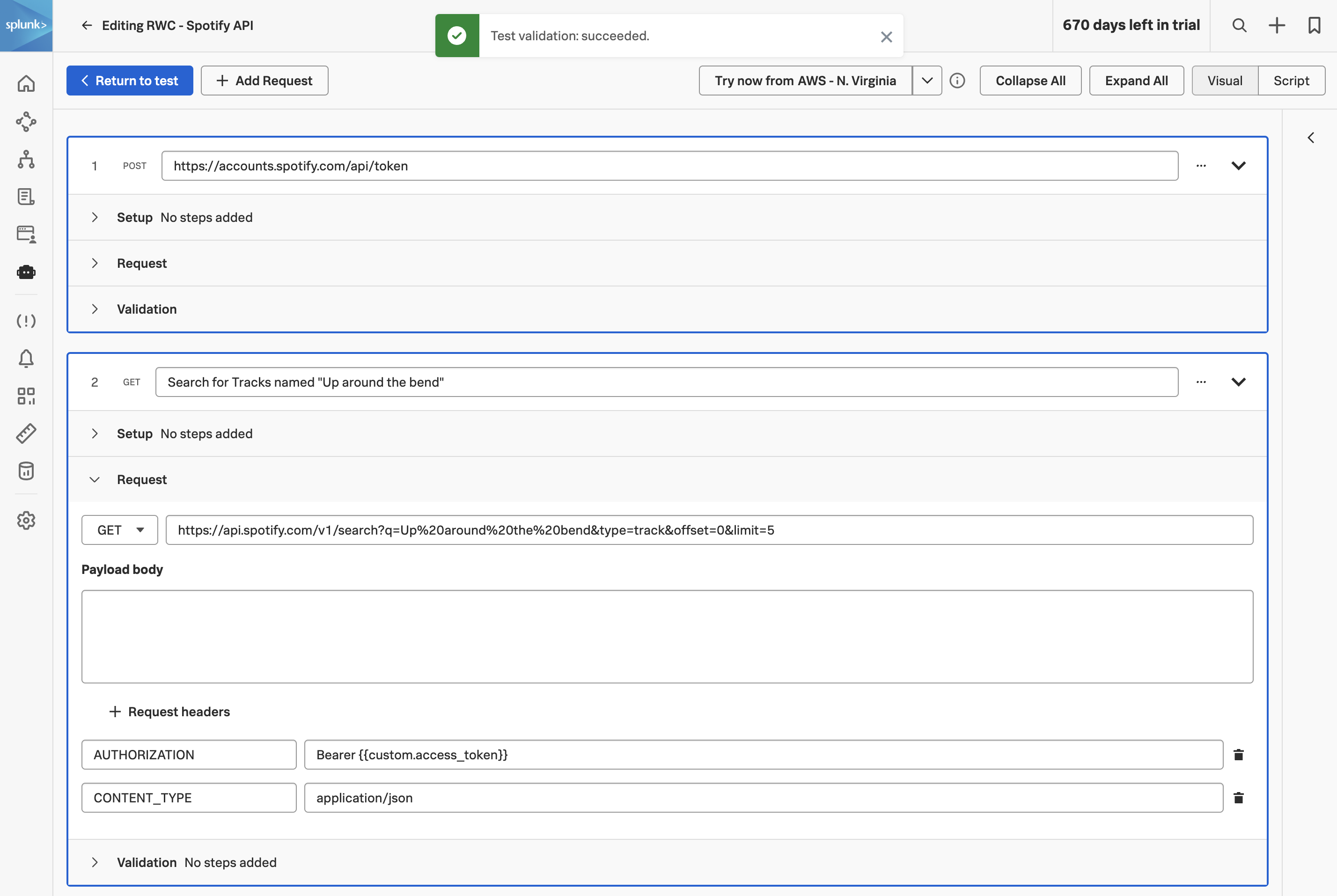
Click on to add the next step. Name the step Search for Tracks named “Up around the bend”.
Expand the Request section and change the request method to GET and enter the following URL:
Next, add two request headers with the following key/value pairings:
- CONTENT-TYPE: application/json
- AUTHORIZATION: Bearer {{custom.access_token}}
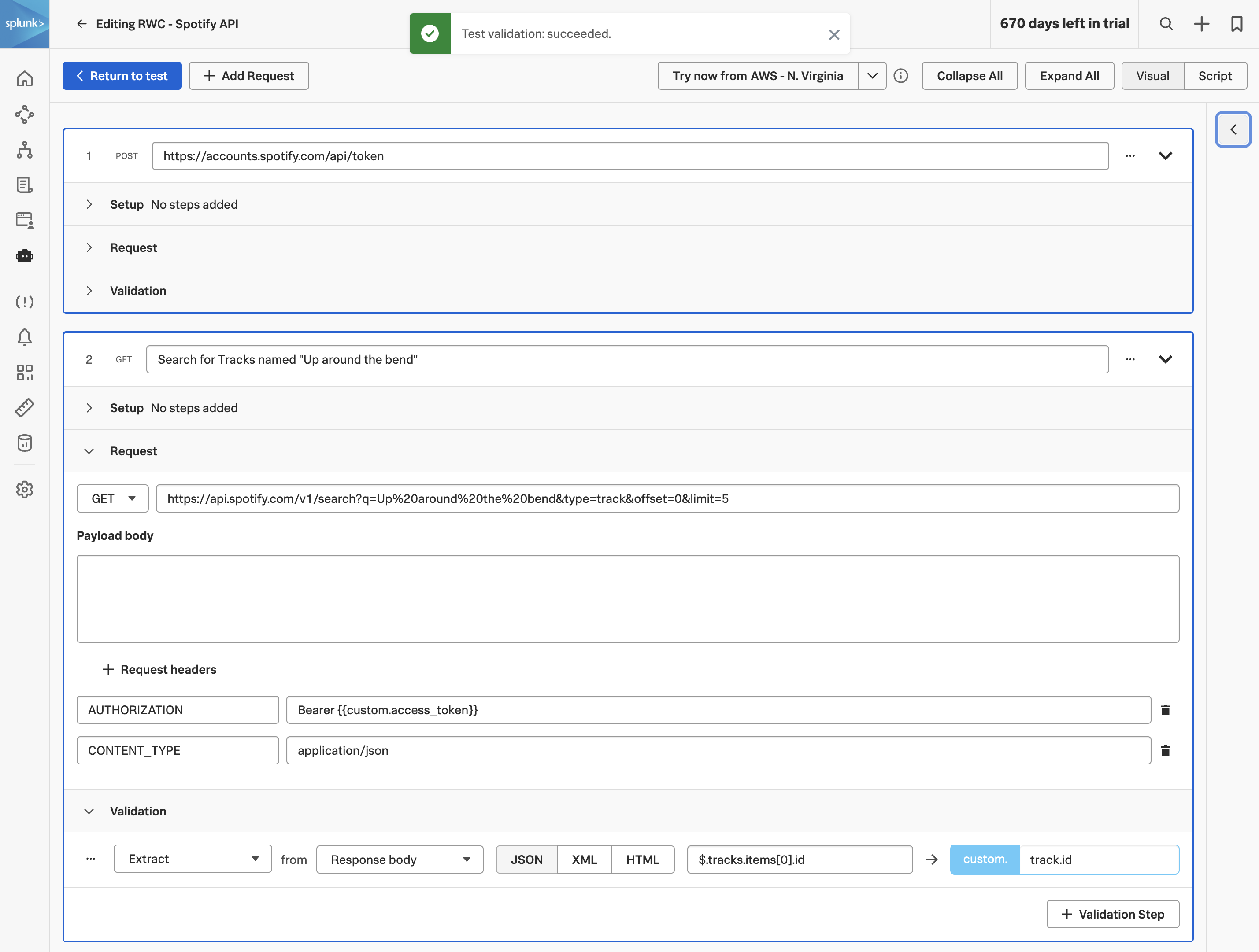
Expand the Validation section and add the following extraction:
- Extract from Response body JSON $.tracks.items[0].id as track.id.
Click on to return to the test configuration page. And then click to save the API test.