Get Connected
Sign In to Splunk Agent Observability
Sign In to Splunk Agent Observability #
To access Splunk Agent Observability, navigate to https://console.multitenant.sao.splunkcloud.com` using your browser.
Use the credentials provided by the workshop organizer to sign in.
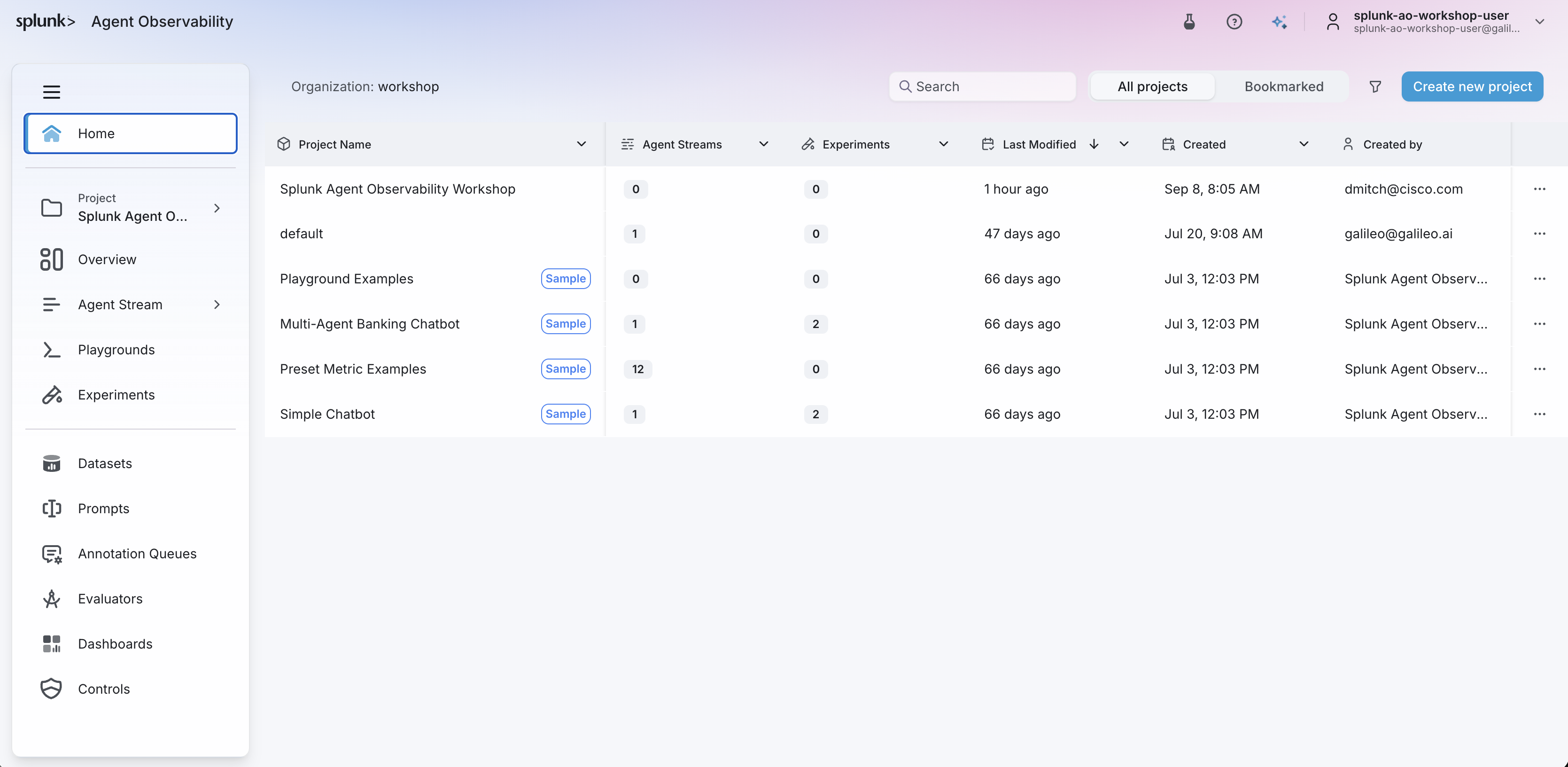
After signing in, ensure that the workshop org is selected. Then, you should see a screen
similar to the following example: