Database Monitoring
In this Lab you learn about AppDynamics Database Visibility Monitoring.
Objectives #
In this Lab you learn about AppDynamics Database Visibility Monitoring.
When you have completed this lab, you will be able to:
- Download the AppDynamics Database Visibility Agent.
- Install the AppDynamics Database Visibility Agent.
- Configure a Database Collector in the Controller.
- Monitor the health of your databases.
- Troubleshoot database performance issues.
Workshop Environment #
The lab environment has two hosts:
- The first host runs the AppDynamics Controller and will be referred to from this point on as the Controller.
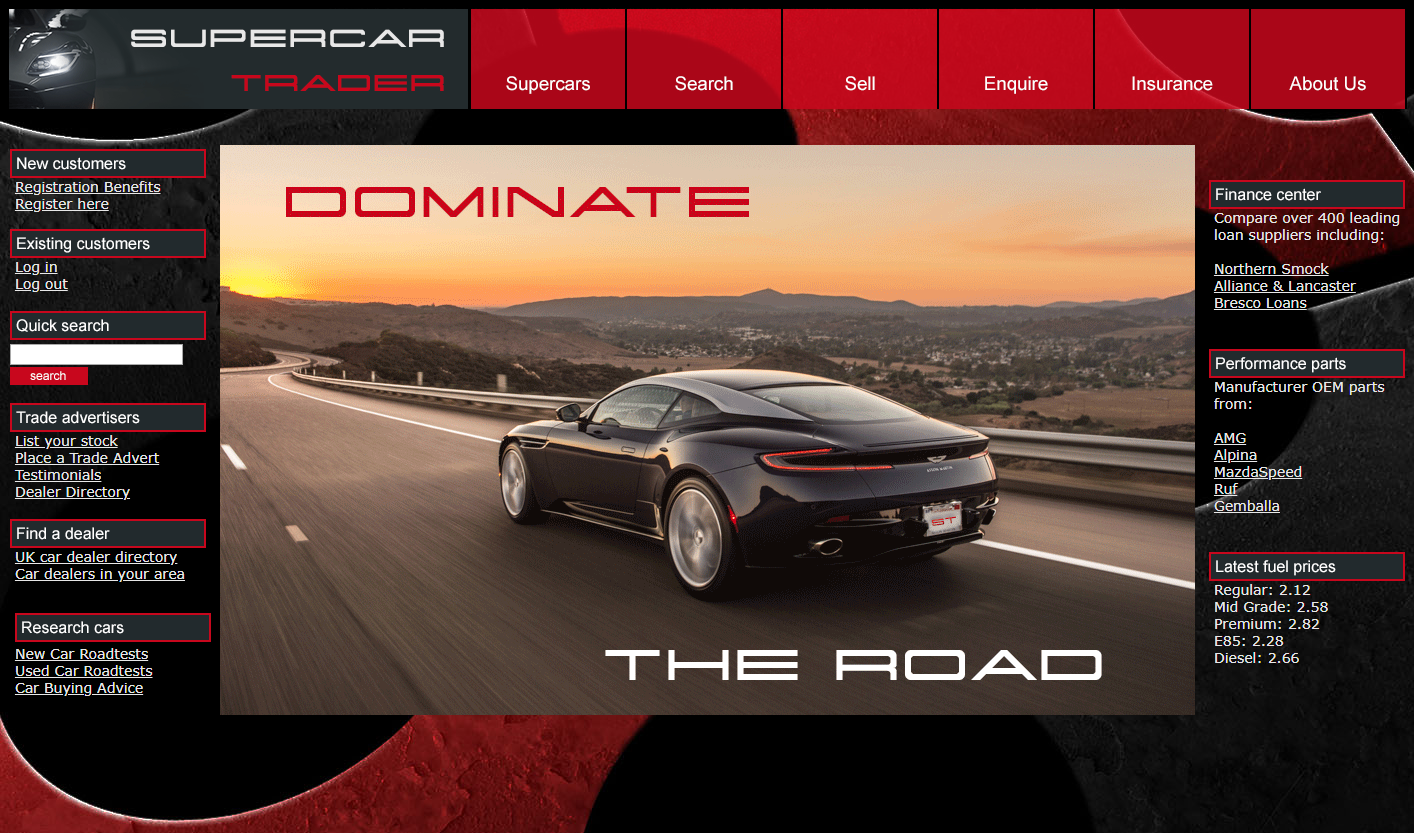
- The second host runs the Supercar Trader application used in the labs. It will be the host where you will install the AppDynamics agents and will be referred to from this point on as the Application VM.
Controller VM #
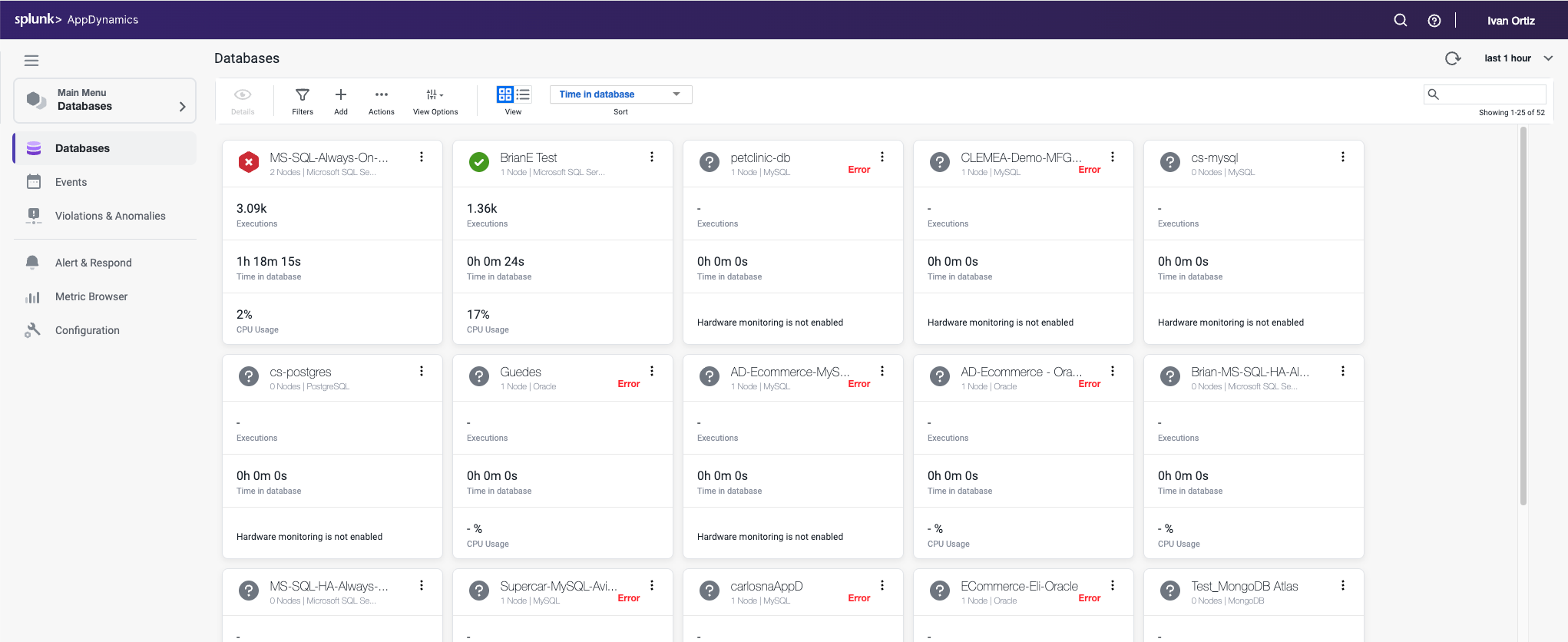
You will be using the AppDynamics SE Lab Controller for this workshop.
Application VM #
Supercar Trader is a Java-based Web Application
The purpose of Supercar-Trader collection is to generate dynamic traffic (business transactions) for AppDynamics Controller.