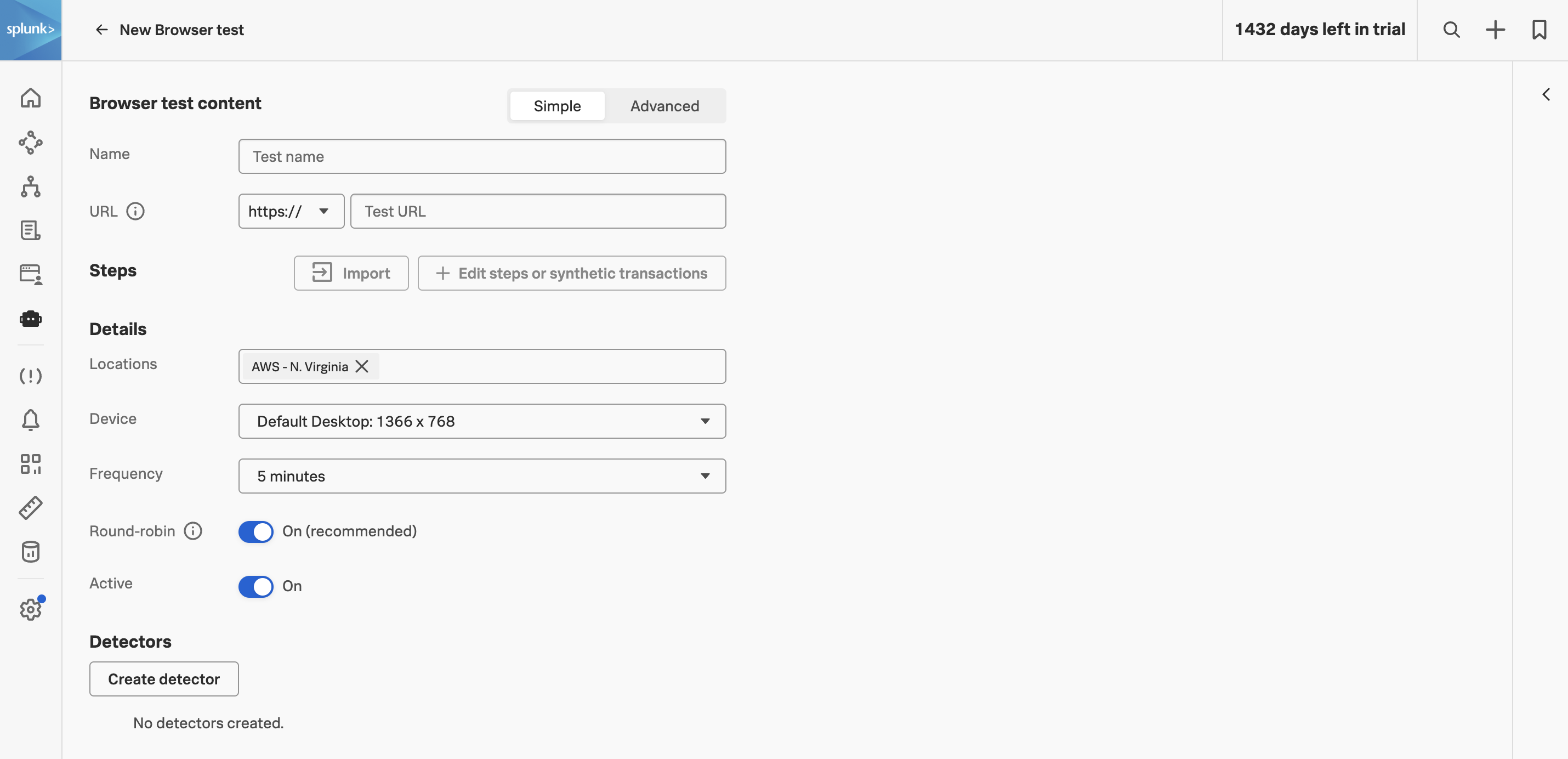
1. Real Browser Test
1.2 Create Real Browser Test
The recording you just saved is a local file — it can’t fail an alert, can’t run from London at 3am, and can’t tell you whether checkout was slow yesterday. Moving from a recording to a Splunk Synthetic Monitoring test is what unlocks all of that: the same user journey, now executed continuously from cloud locations you choose, with results that flow into the same Observability Cloud organisation as your metrics, logs, and traces.
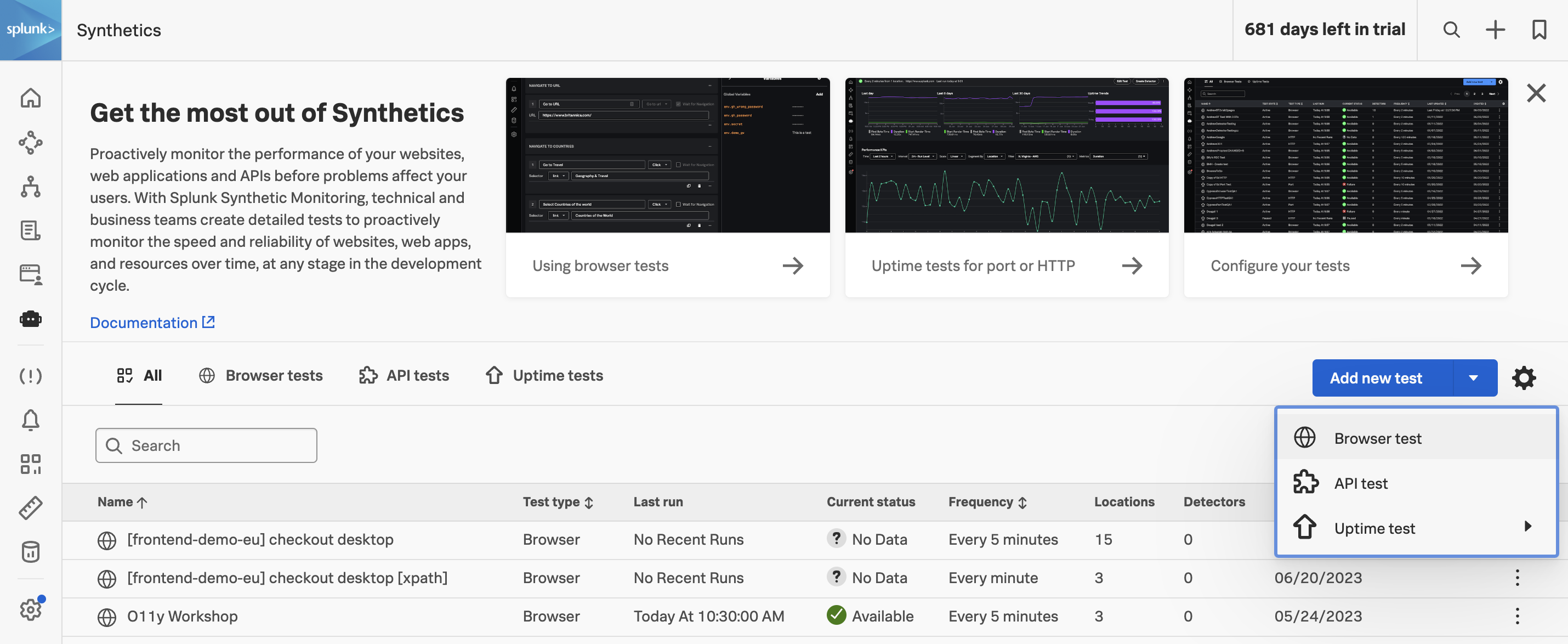
In Splunk Observability Cloud, navigate to Synthetics. The landing page surfaces the three Synthetic Monitoring check types:
- Browser tests — the full-Chromium real-user-journey checks we’re building today.
- Uptime tests — lightweight port and HTTP availability checks.
- API tests — multi-step HTTP transaction checks (we’ll build one in Part 2).
Click on and select Browser test from the dropdown.
You will then be presented with the Browser test content configuration page — this is where you’ll import the JSON you exported a moment ago, configure where and how often the test runs, and name each step so on-call engineers can read run results at a glance.