

API Test
Create new API test
1
Create a new API test
From the Synthetics landing page, click and select API test from the dropdown.
Name the test using your initials followed by Spotify API — for example RWC - Spotify API. The same naming convention applies as in Part 1: prefix with your initials so the test is easy to find in a shared organisation, and include the system under test in the name so alert messages are self-describing.
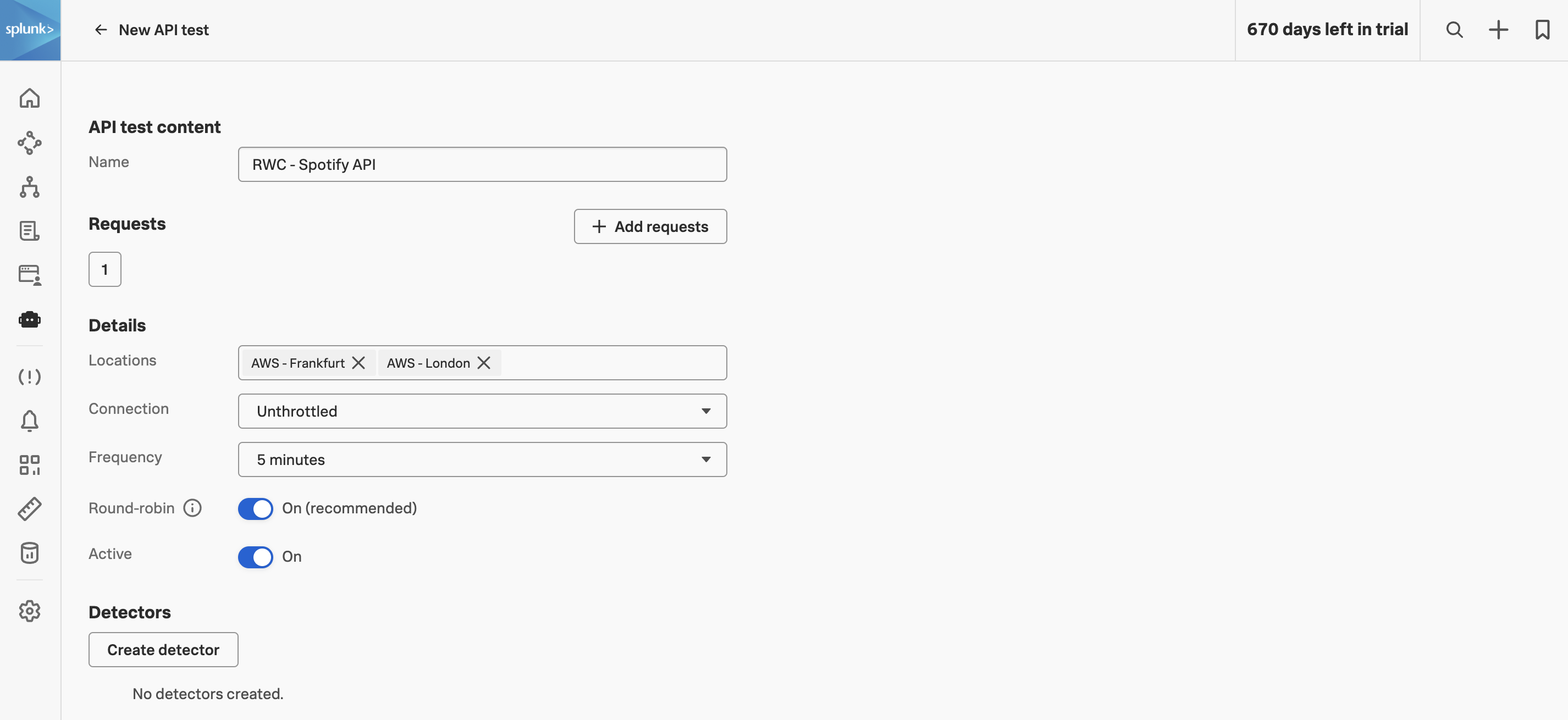
Once you click you’ll land on the API Test content page. This is where you’ll add the two requests that make up our synthetic business transaction:
- Authenticate with Spotify API — a
POSTto the OAuth token endpoint that exchanges our client credentials for an access token, which we’ll extract and stash as a custom variable. - Search for tracks — a
GETto the search endpoint, sending the token from step 1 as a Bearer credential, and extracting an item from the JSON response.
We’ll build them one at a time in the next two chapters.