

Build & Deploy Application
Generate Traffic
In this step, you’ll generate traffic through Cosmic Observatory Shop.
Access the Application #
From your laptop, open a new ssh window and type
text
ssh -p 2222 \
  -L 30080:localhost:30080 \
  -L 15672:localhost:15672 \
  user@1.111.11.111 //Change this to your actual ssh user & IP Address for your instsance
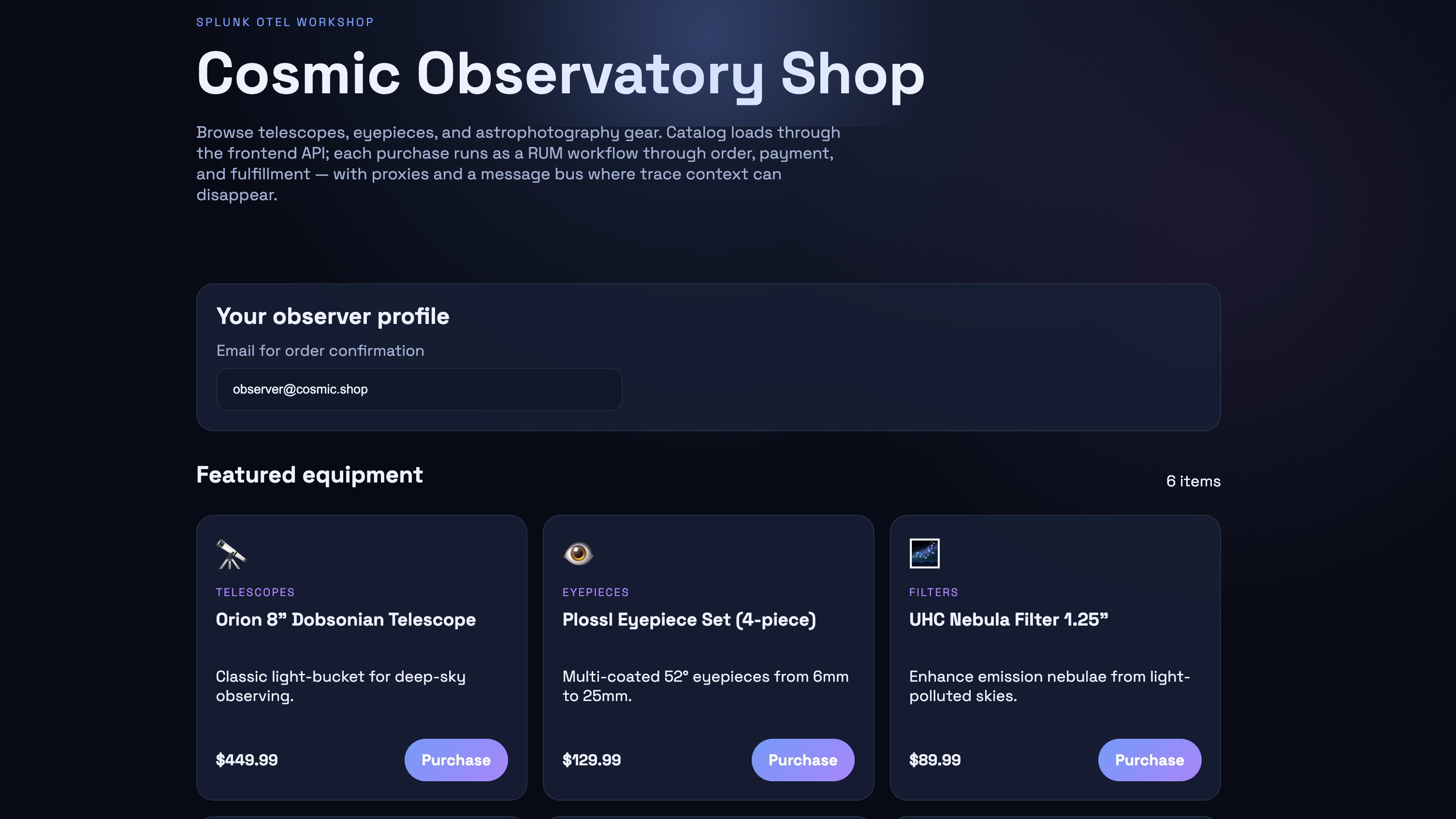
Keep that session open. Then Open the Cosmic Observatory Shop in your browser:
text
http://localhost:30080You should see the astronomy equipment catalog with telescopes, eyepieces, and astrophotography gear…
Optional - RabbitMQ management UI: (login: guest / guest)
text
http://localhost:15672 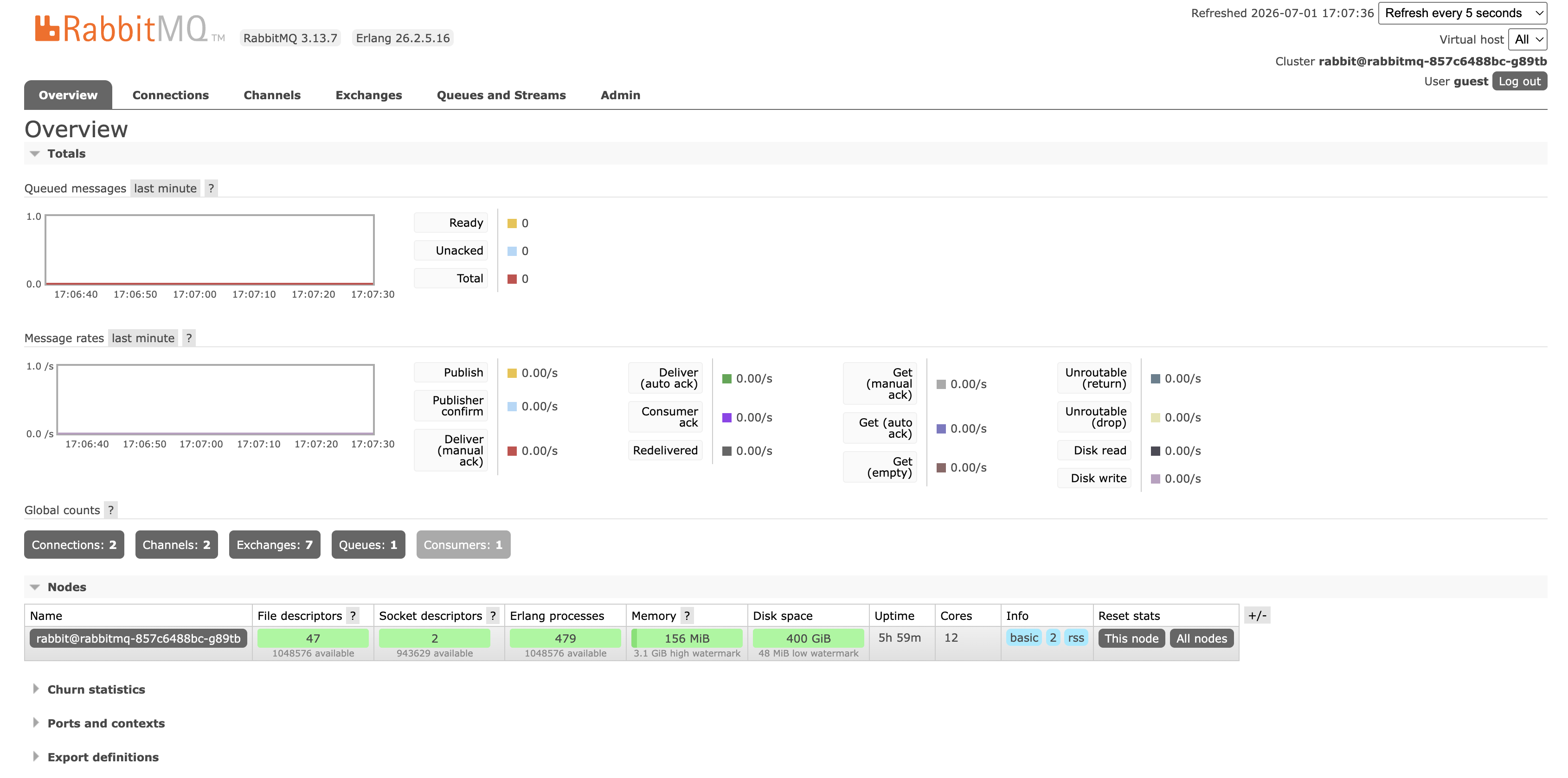
If the UI does not load, verify the loadbalancer port and use port-forward:
bash
docker ps --filter name=k3d-cosmic-shop-serverlb --format '{{.Ports}}'
kubectl -n cosmic-shop port-forward svc/rabbitmq 15672:15672
Generate Initial Traffic #
- After opening the shop at http://localhost:30080
- Enter an email address (e.g.
observer@cosmic.shop) - Click Purchase on any product
- Confirm the order in the modal
Repeat a few times to generate trace data.