Fix Payment Gateway Propagation
Explore APM in Splunk
Check Splunk #
1. Confirm partial correlation in Service Map #
- Navigate yo the app in the browser http://localhost:30080
- Refresh the browser session using Command + Shift + R
- Generate 2-3 new requests
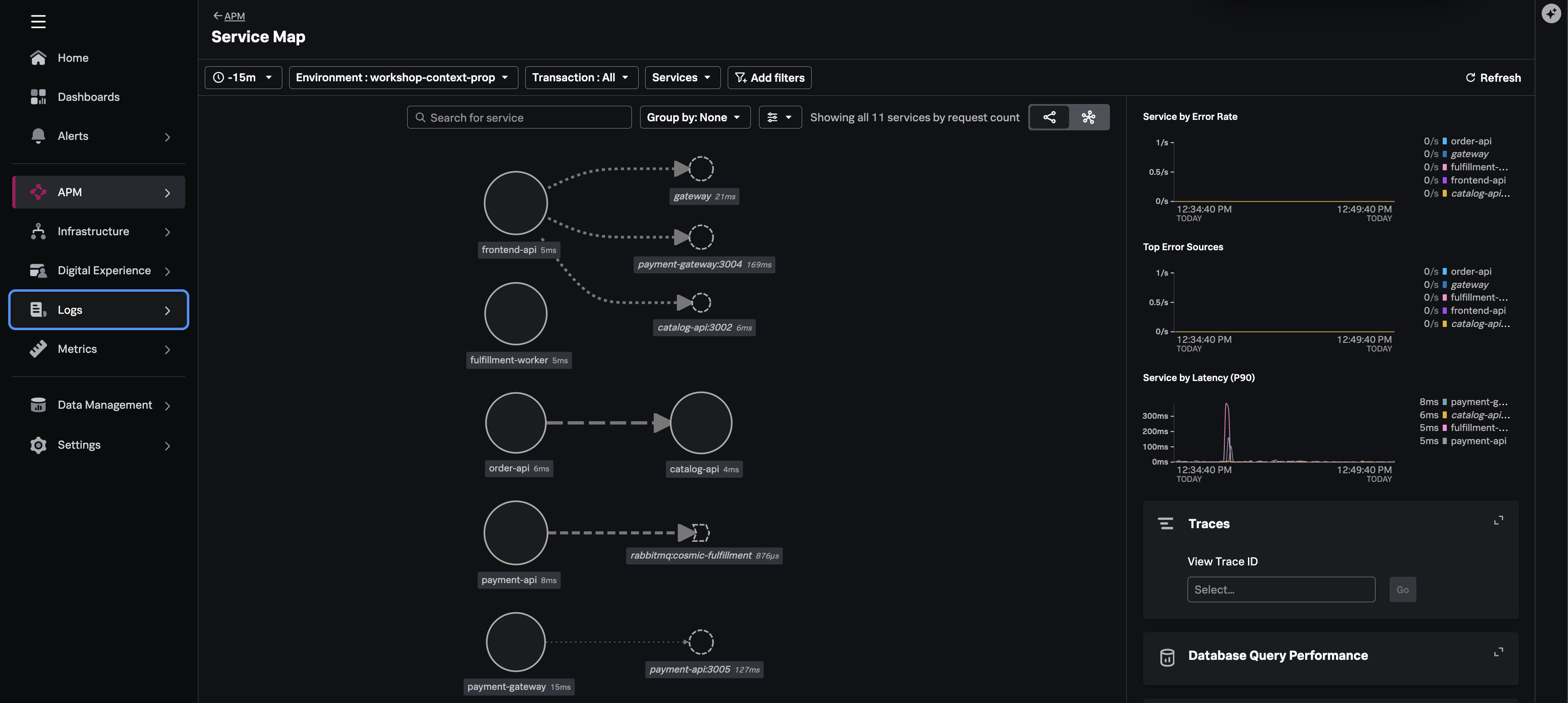
- Navigate to APM → Service Map
- Filter environment:
workshop-$INSTANCE
Note
You may see the service map with APM disjointed correlation between the payment-gateway and payment-api because:
- The time-window selected is too broad
- There may still be some health probe orphans
In this case, the service map will show:
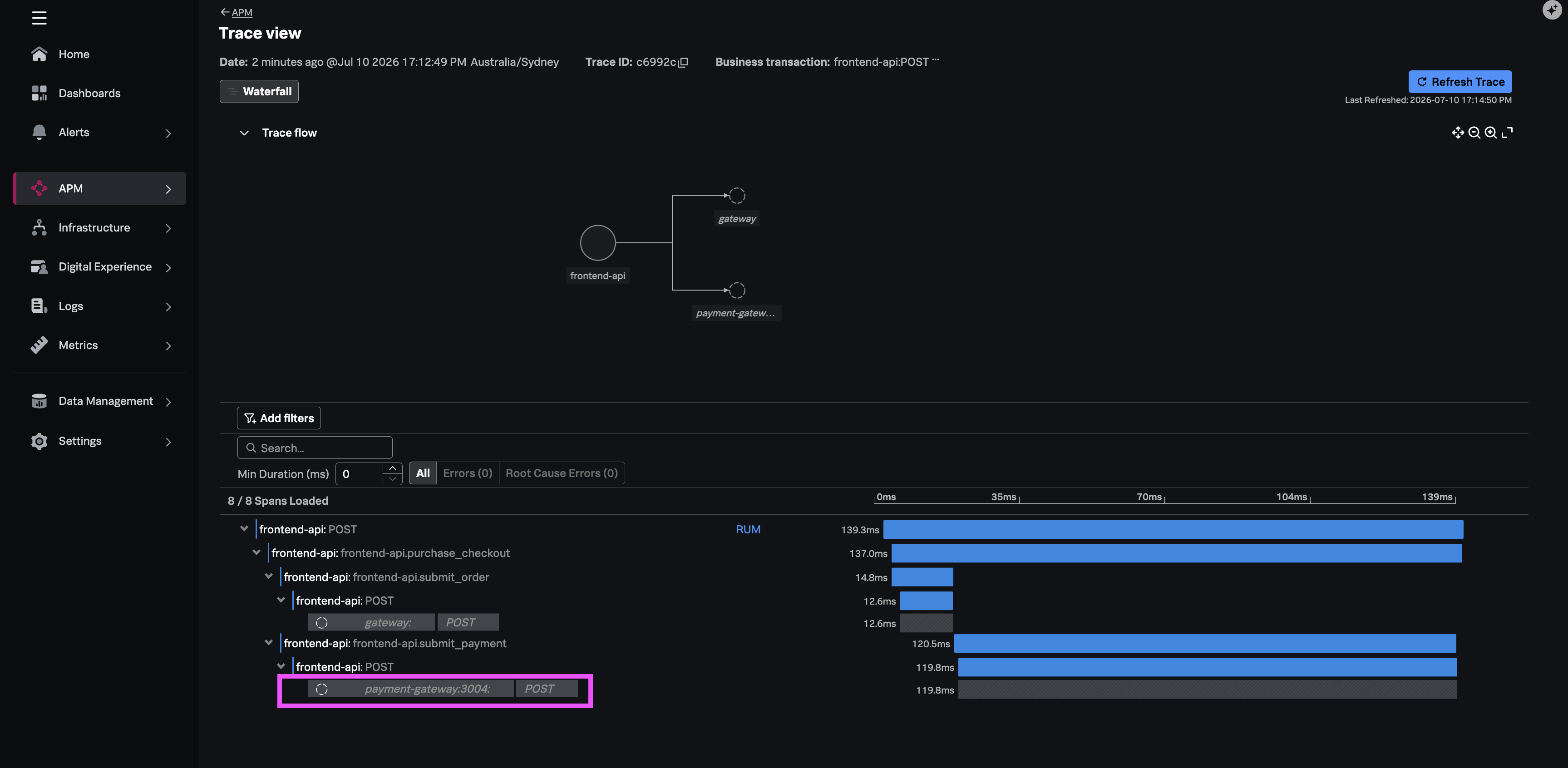
- Trace A: frontend-api -> payment-gateway:PORT (stops at gateway)
- Trace B: payment-gateway -> payment-api:PORT (gateway starts its own root trace)
2. Confirm the purchase flow #
In APM → Traces view, open a recent frontend-api trace. The trace should now show correlation whereby the payment-api appears in the trace waterfall view.