

Distributed Tracing for AWS Lambda Functions
Splunk APM, Lambda Functions and Traces, Again!
In order to see the result of our context propagation outside of the logs, we’ll once again consult the Splunk APM UI .
Let’s take a look at the Service Map for our environment in APM once again.
In Splunk Observability Cloud:
- Click on the
APMButton in the Main Menu. - Select your APM Environment from the
Environment:dropdown. - Click the
Service MapButton on the right side of the APM Overview page. This will take you to your Service Map view.
Warning
Workshop Question
- You should be able to see the
producer-lambdaandconsumer-lambdafunctions linked by the propagated context this time!
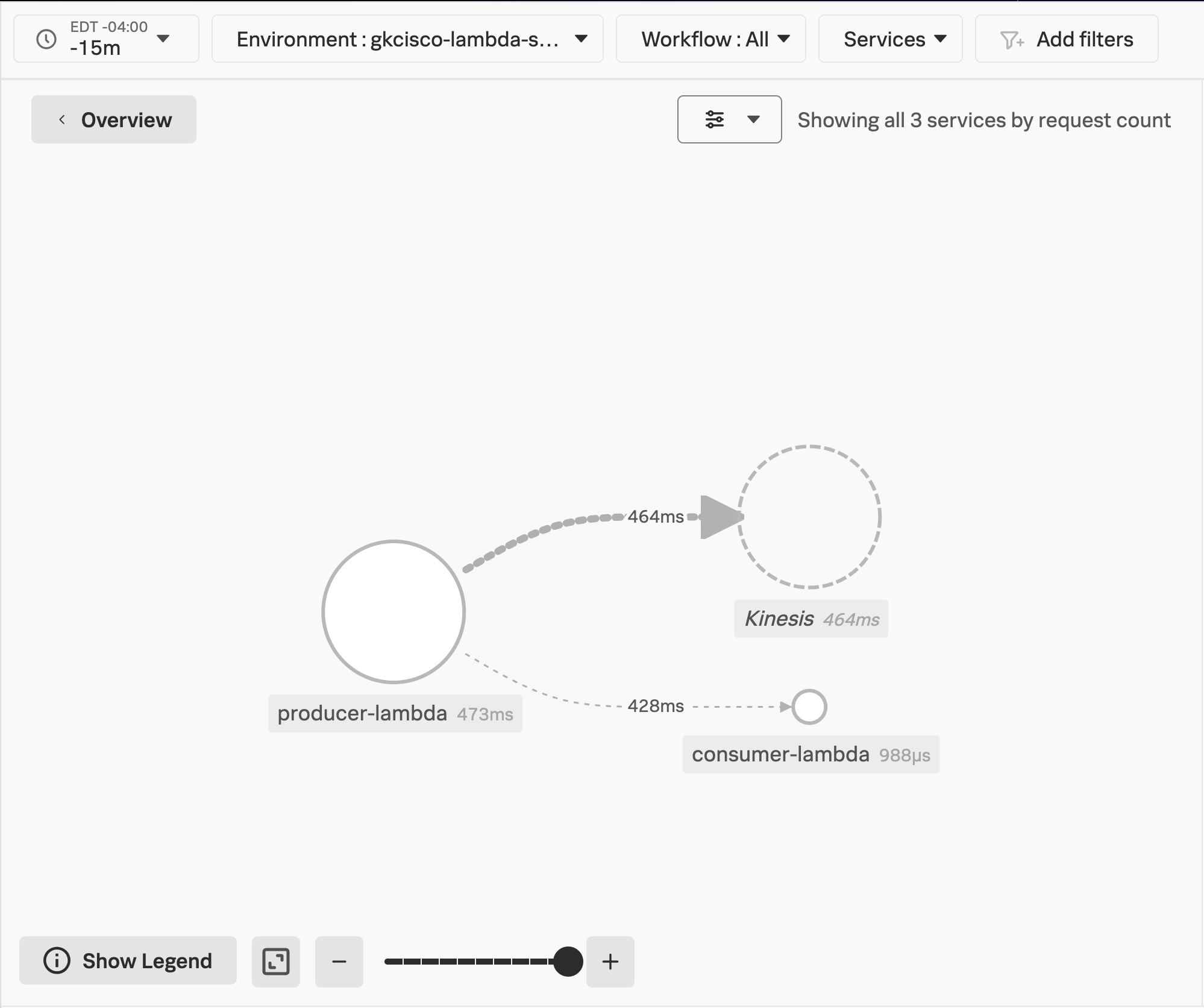
Next, we will take another look at a trace related to our Environment.
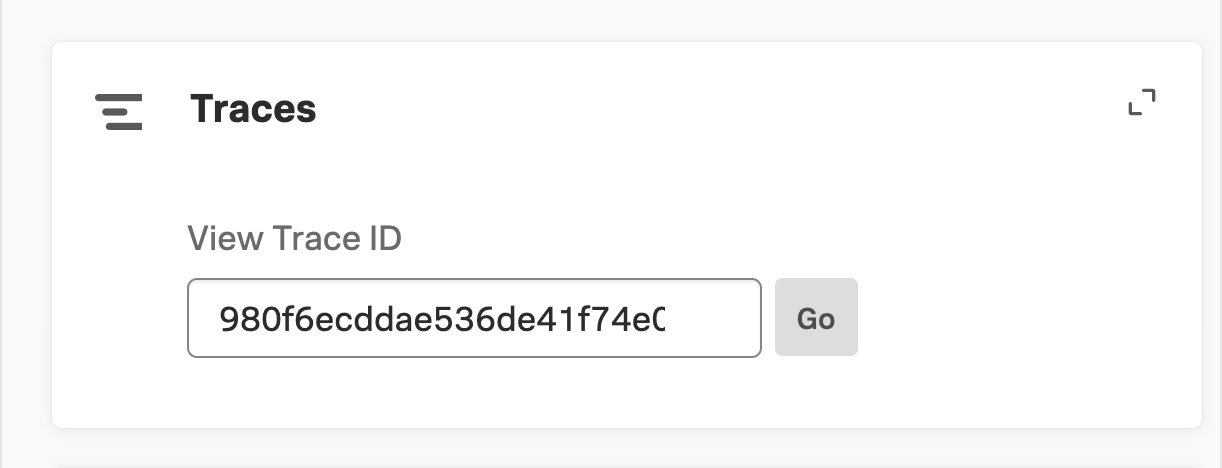
- Paste the Trace ID you copied from the consumer function’s logs into the
View Trace IDsearch box under Traces and clickGo
Info
You can read up on two of the most common propagation standards:
Workshop Question
Which one are we using?
- The Splunk Distribution of Opentelemetry JS, which supports our NodeJS functions, defaults
to the
W3Cstandard
Workshop Question
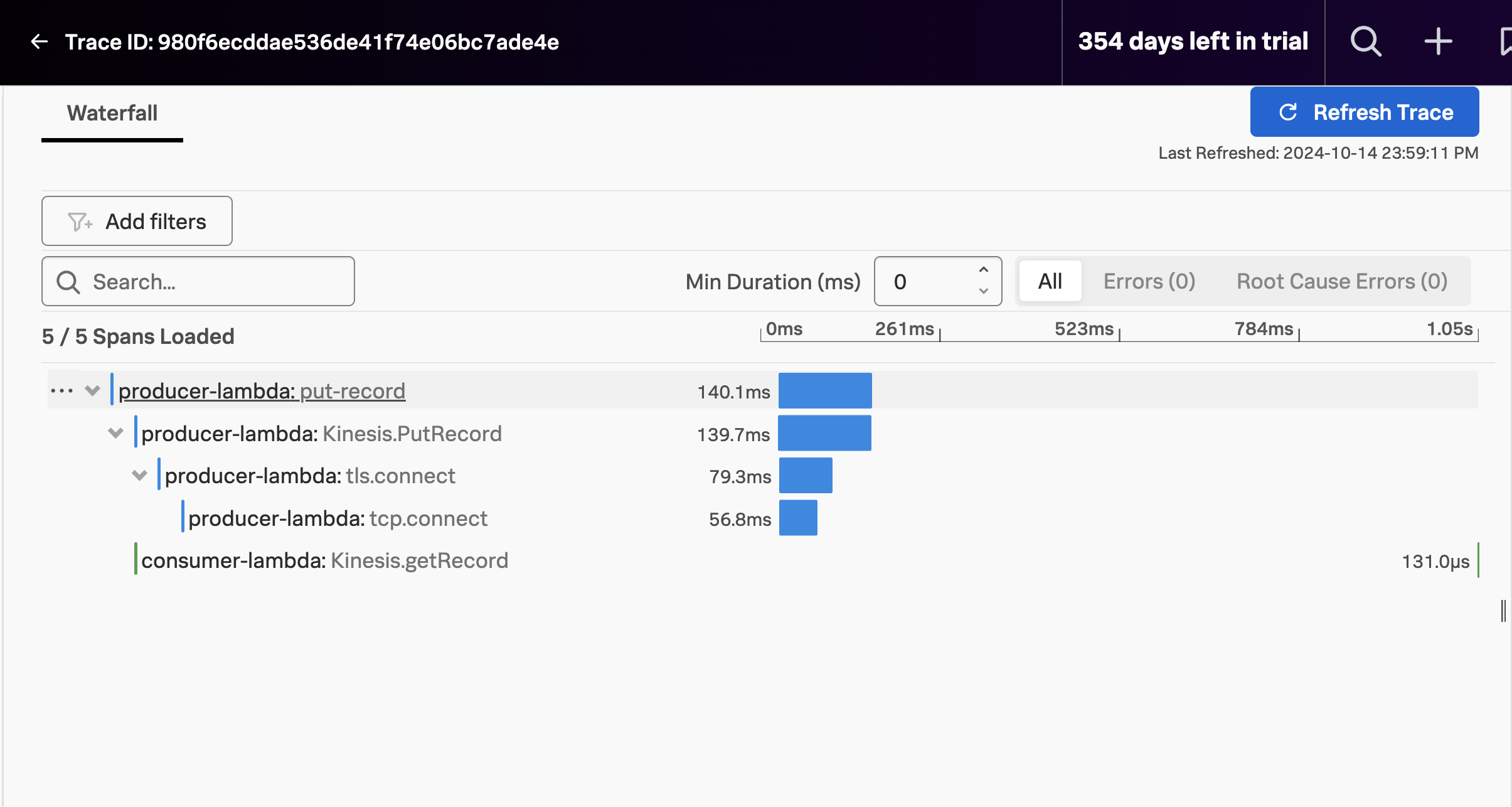
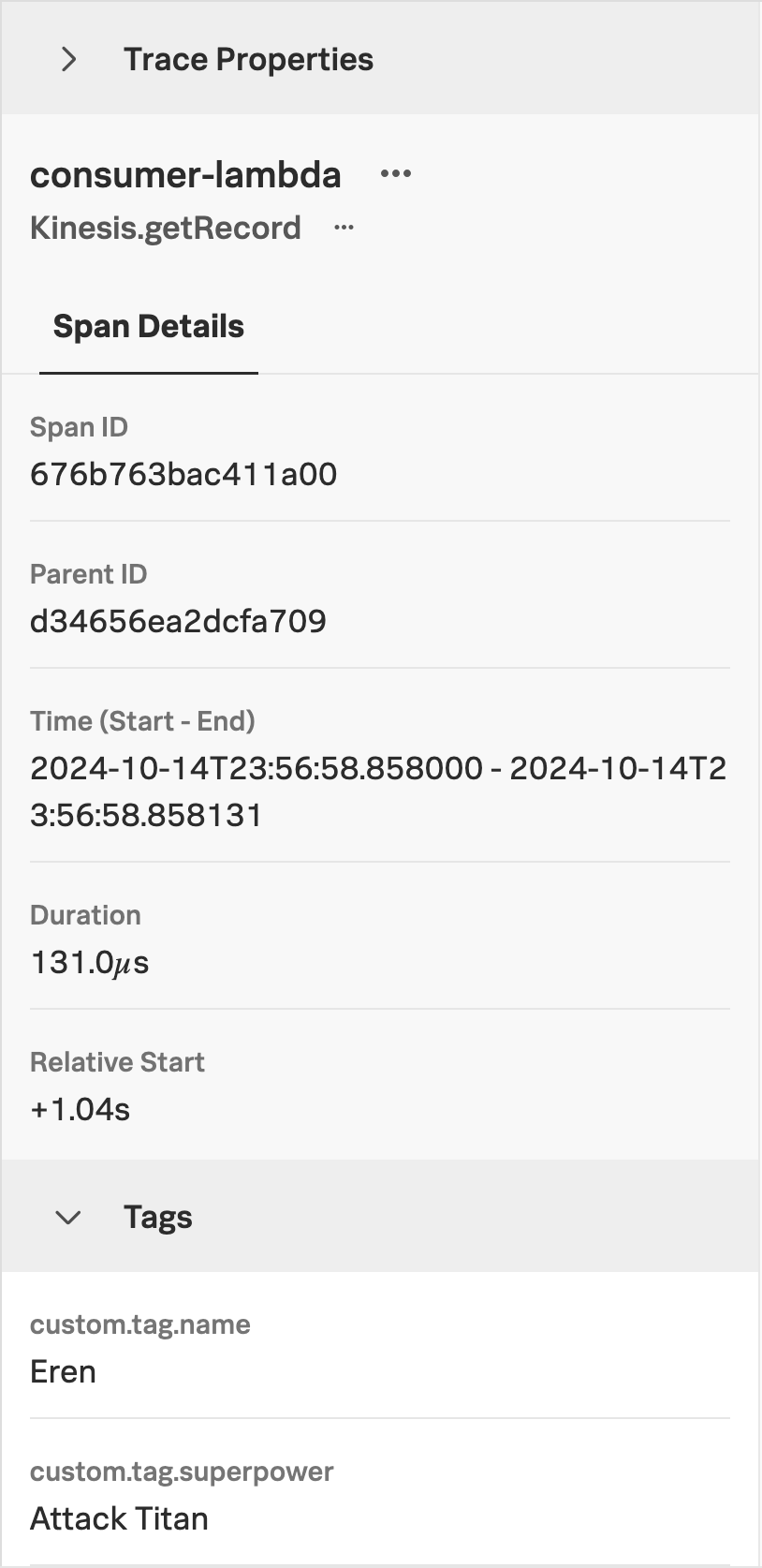
Click on the consumer-lambda span.
Workshop Question
Now that we have seen that, it’s time to clean up.
Stop the messages
The resources we deployed as part of this instrumenation exercise need to be cleaned up. Likewise, the script that was generating traffic against our producer-lambda endpoint needs to be stopped, if it’s still running. Follow the below steps to clean up resources.
- If the
send_message.pyscript is still running, stop it with the following commands:
fg- This brings your background process to the foreground.
- Next you can hit
[CONTROL-C]to kill the process.
Destroy all AWS resources
Please follow these steps to destroy your resources:
- Change to the
manualdirectory:
cd ~/workshop/lambda/manual- Destroy the Lambda functions and other AWS resources you deployed earlier:
terraform destroy- respond
yeswhen you see theEnter a value:prompt - This will result in the resources being destroyed, leaving you with a clean environment