

Profiling Workshop
Build the Sample Application
Introduction #
For this workshop, we’ll be using a Java-based application called The Door Game. It will be hosted in Kubernetes.
Pre-requisites #
You will start with an EC2 instance and perform some initial steps in order to get to the following state:
- Deploy the Splunk distribution of the OpenTelemetry Collector
- Deploy the MySQL database container and populate data
- Build and deploy the
doorgameapplication container
Initial Steps #
The initial setup can be completed by executing the following steps on the command line of your EC2 instance.
You’ll be asked to enter a name for your environment. Please use profiling-workshop-yourname (where yourname is replaced by your actual name).
cd ~/workshop/profiling
./1-deploy-otel-collector.sh
./2-deploy-mysql.sh
./3-deploy-doorgame.sh
Let’s Play The Door Game #
Now that the application is deployed, let’s play with it and generate some observability data.
You should be able to access The Door Game application by pointing your browser to port 81 of the IP address for your EC2 instance. For example:
http://52.23.184.60:81You should be met with The Door Game intro screen:
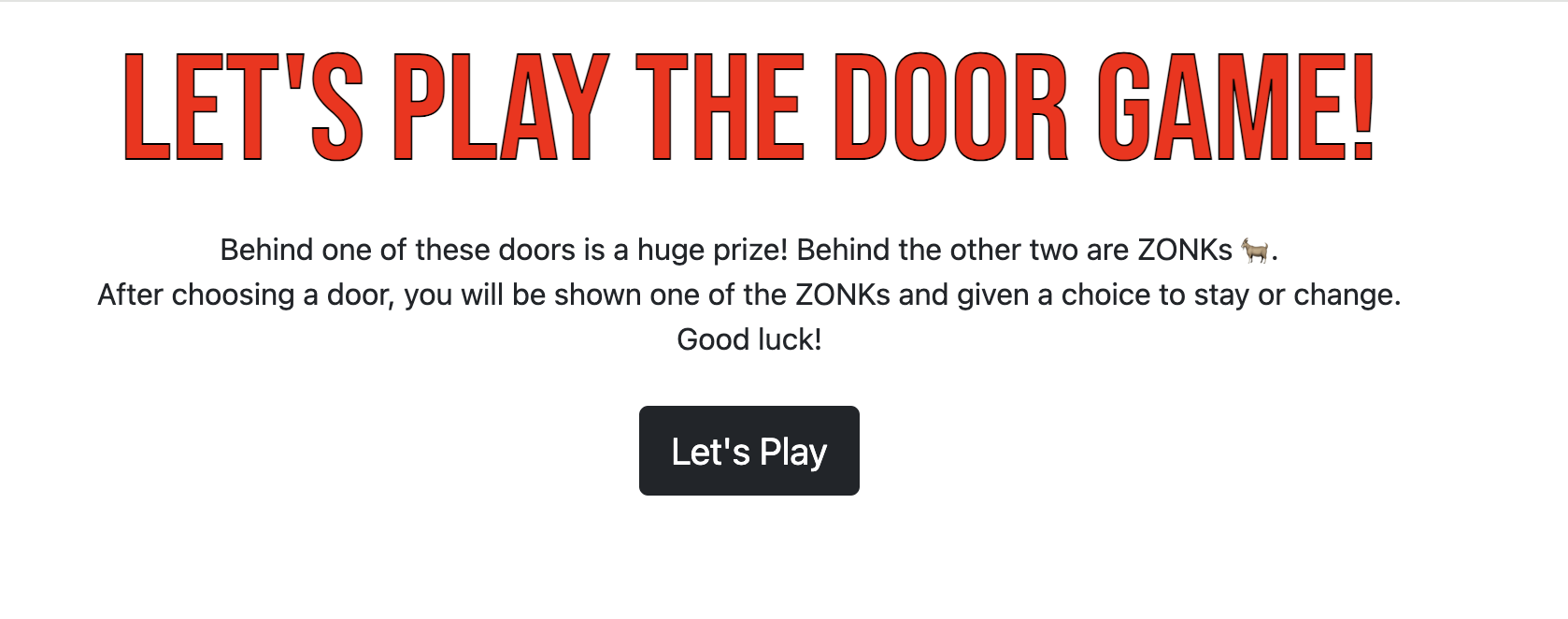
Click Let's Play to start the game:

Did you notice that it took a long time after clicking Let's Play before we could actually start playing the game?
Let’s use Splunk Observability Cloud to determine why the application startup is so slow.