Install the Cisco Enterprise Networks Content Pack
5 minutes Authors Chris Putnam, Sam Scudere-Weiss, & Tim HardExercise: Install the Cisco Enterprise Networks Content Pack
1. In ITSI Navigate to Configuration -> Data Integrations
2. Select Content Library in the tabs under Data Integrations
Info
Here you can see all of the available Out of the box Integrations that are available in the Splunk App for Content Packs
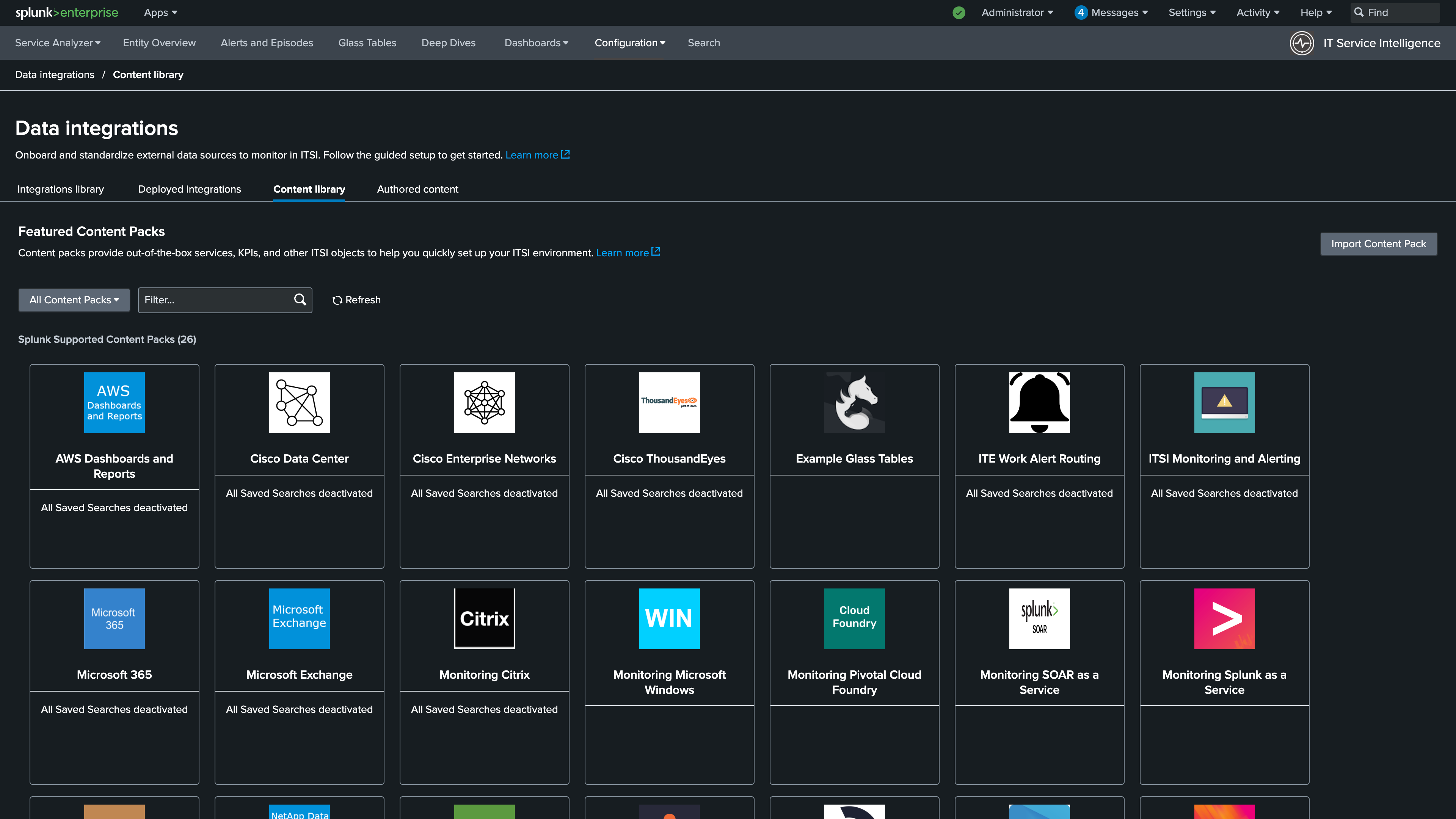
3. Select the Content Pack for Cisco Enterprise Networks, and click Proceed
Info
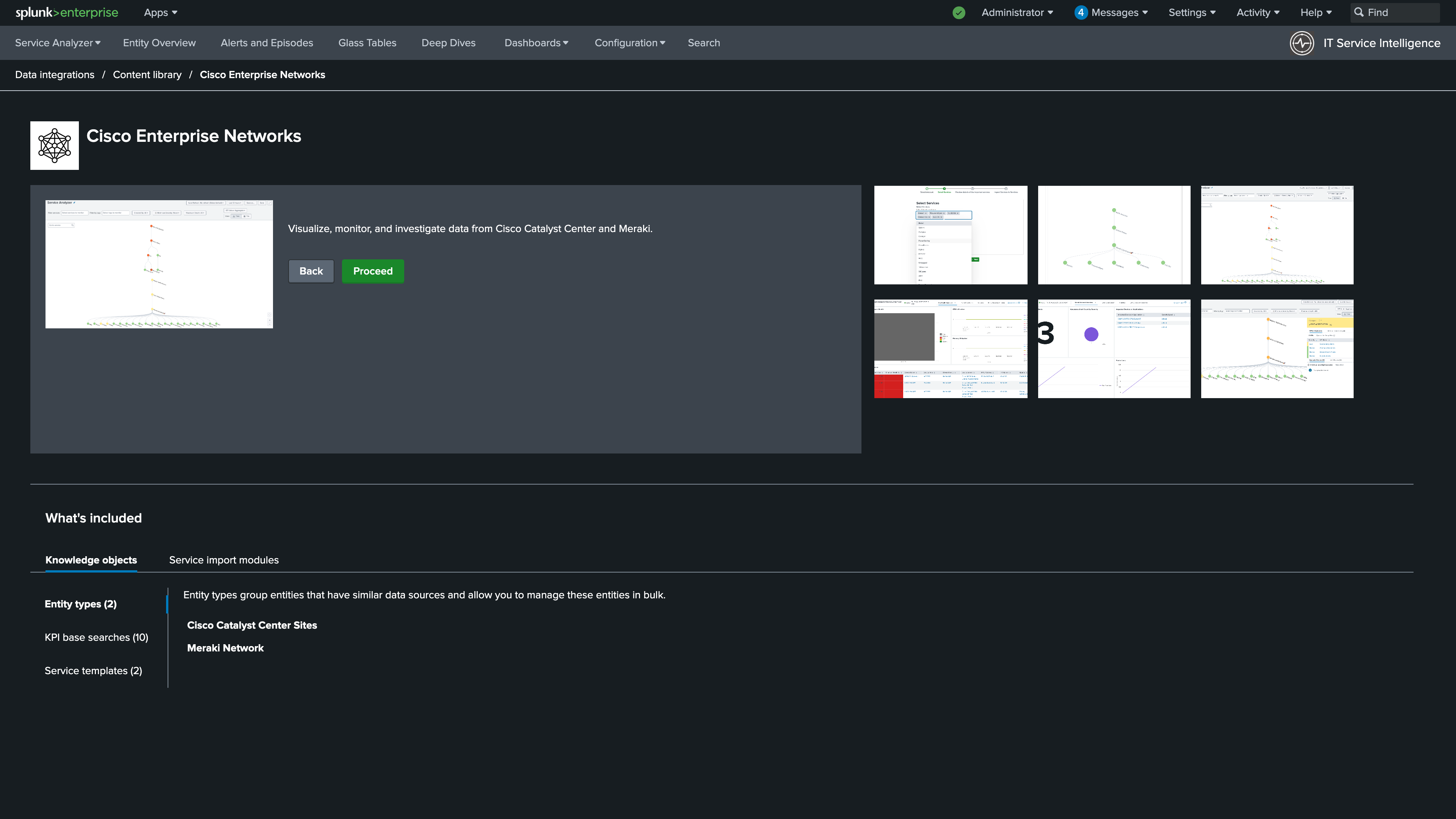
This page gives you an overview of what's available in the content pack
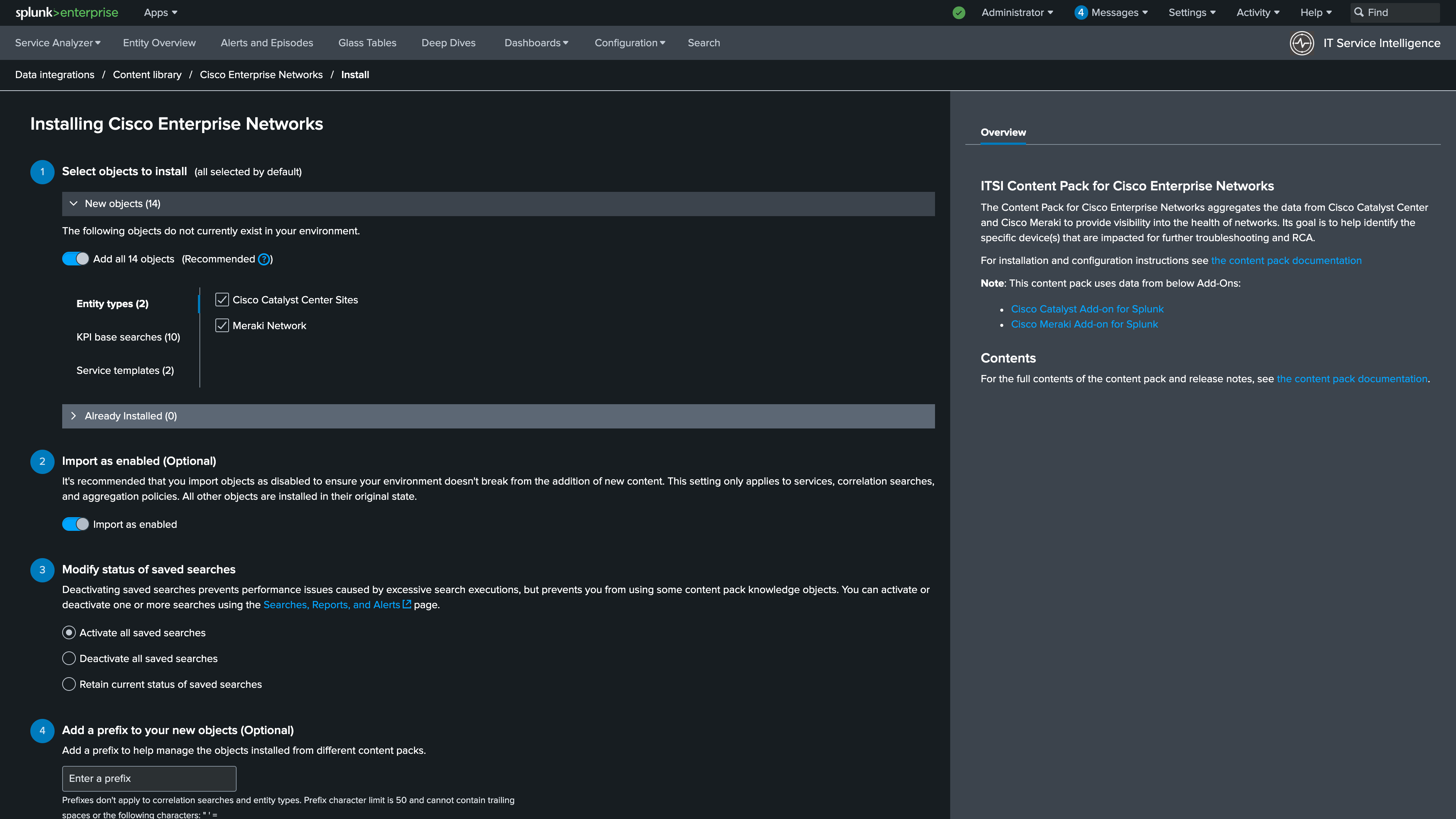
5. Make sure Add all 14 objects is enabled
6. Enable the Import As Enabled toggle
IMPORTANT: Do not enter a prefix in the Add a prefix to your new objects section
7. Click Install Selected
Info
Make sure Add all 14 objects and Import As Enabled are both toggled on before clicking Install Selected
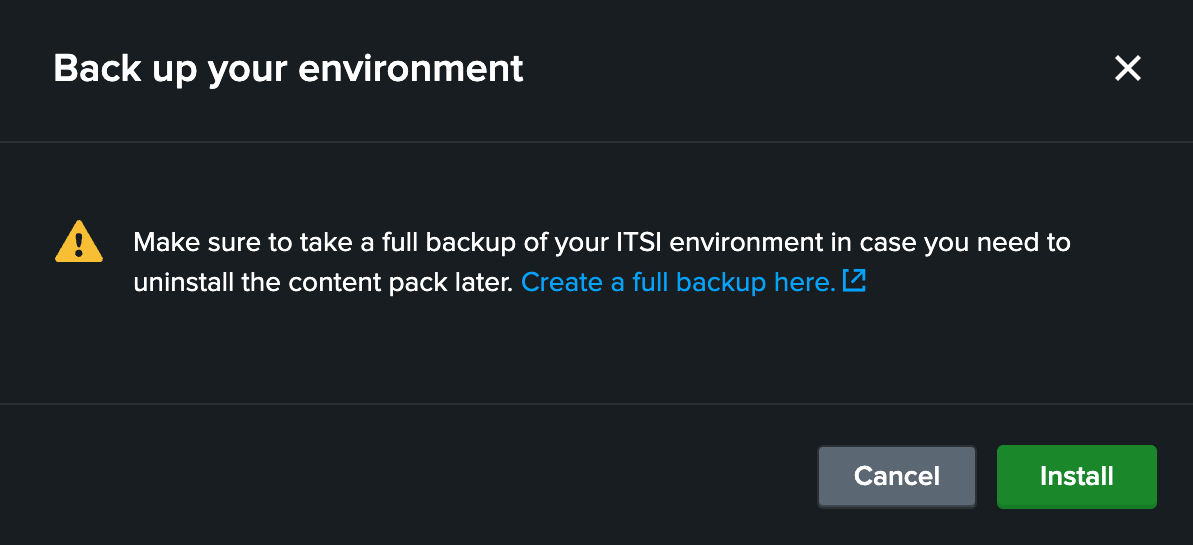
8. Click Install.
Info
In production environments it's a best practice to take a backup before any major changes
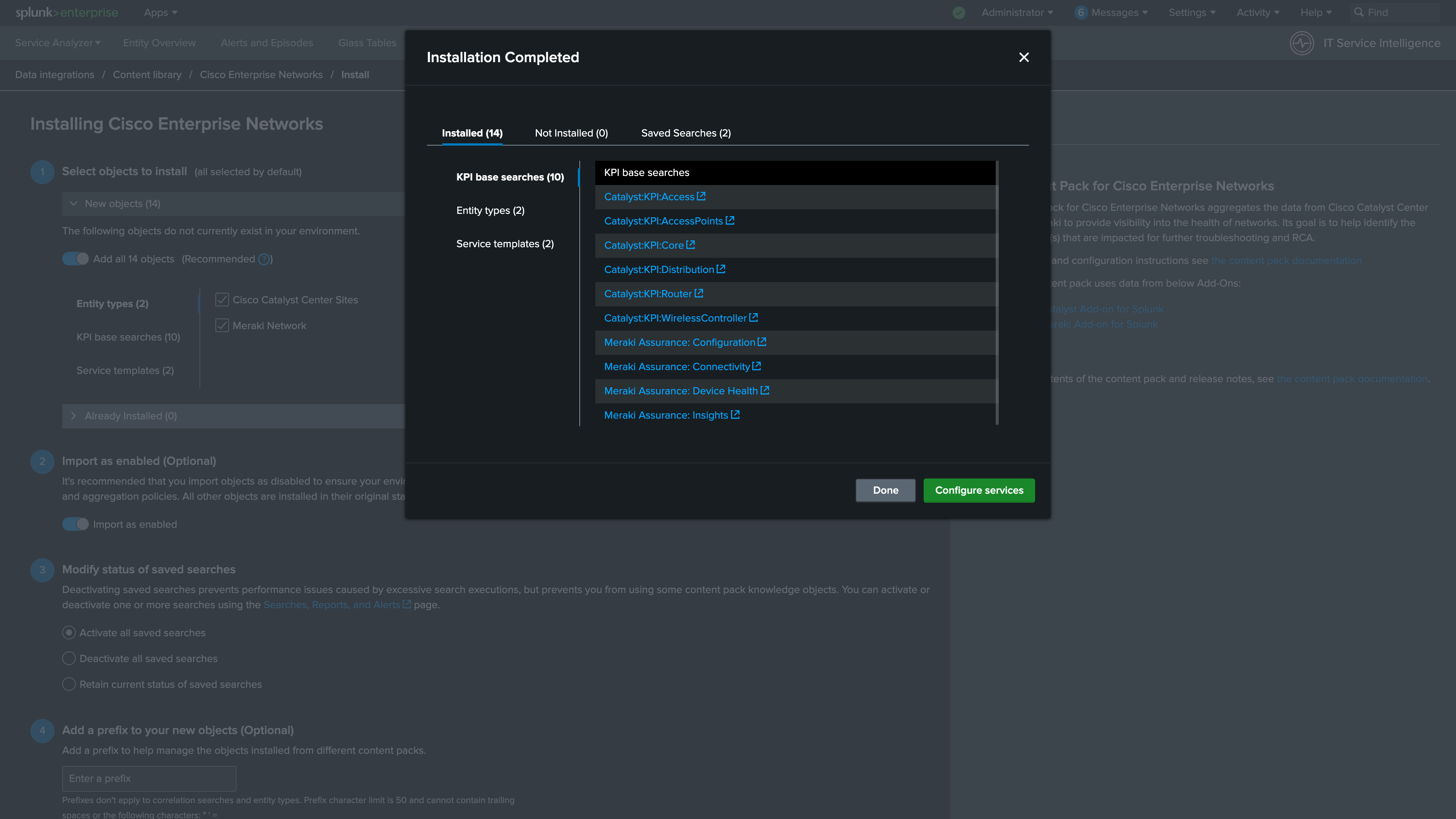
9. Confirm the installation is complete.
Info
The summary confirms all objects were successfully installed
Nice Job!
The Cisco Enterprise Networks Content Pack is now installed!
In the next section you see how the content pack can be used to automatically import Catalyst Center Sites as services in ITSI.
Click Configure Services and continue to the next section of the workshop.