

Import Catalyst Center Services in ITSI
ITSI Service and KPI Validation
With ITSI 4.21 manual import processes are replaced by a guided workflow and pre-built data integrations. The content pack includes service import modules that discover and build the service hierarchy for Meraki and Catalyst Center automatically.
Exercise: Import Services and Configure Alerts
Tip
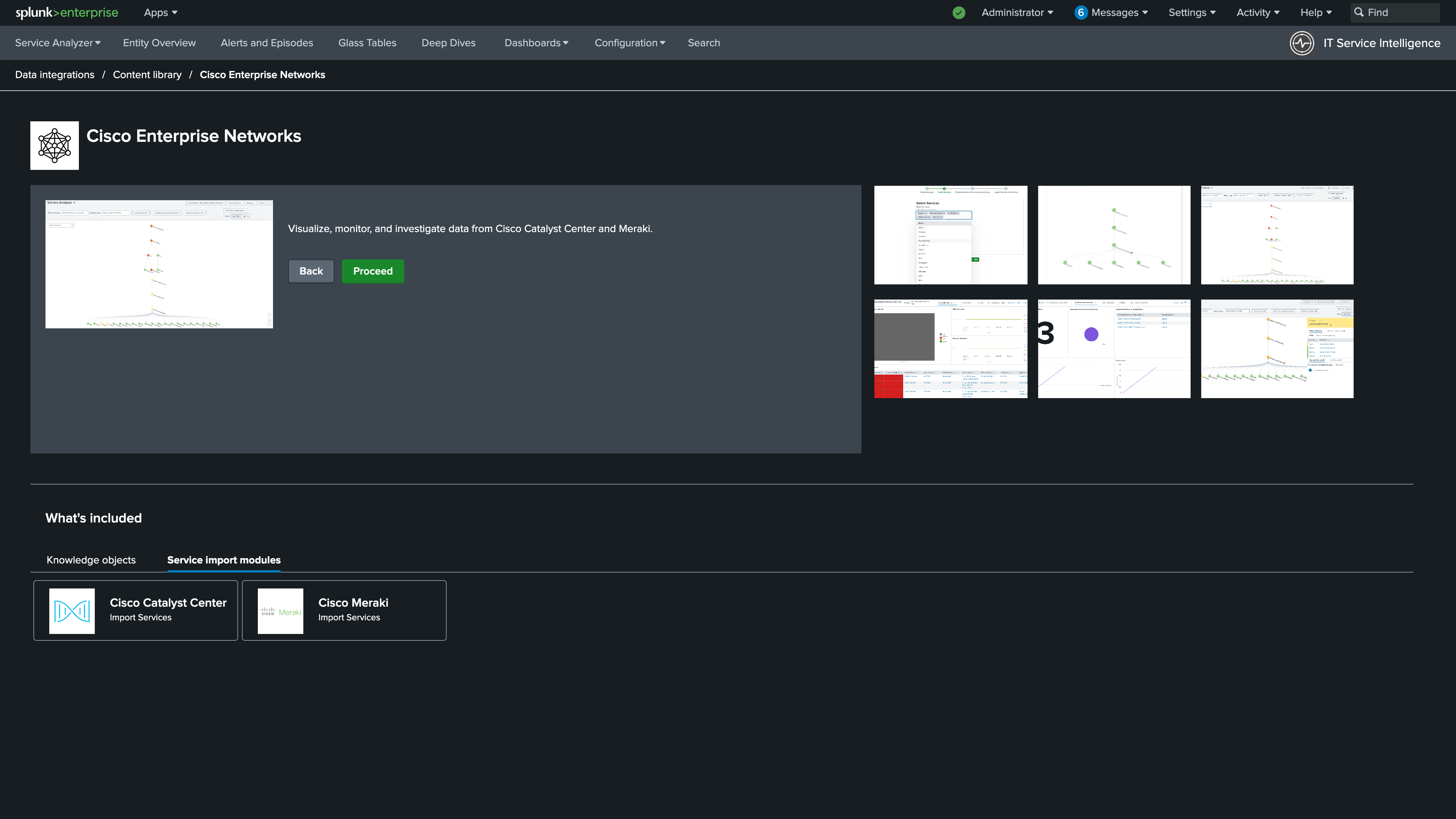
1. Under Service Import Modules, select Cisco Catalyst Center.
Info
Automatic service hierarchy imports are supported for both Catalyst Center and Meraki
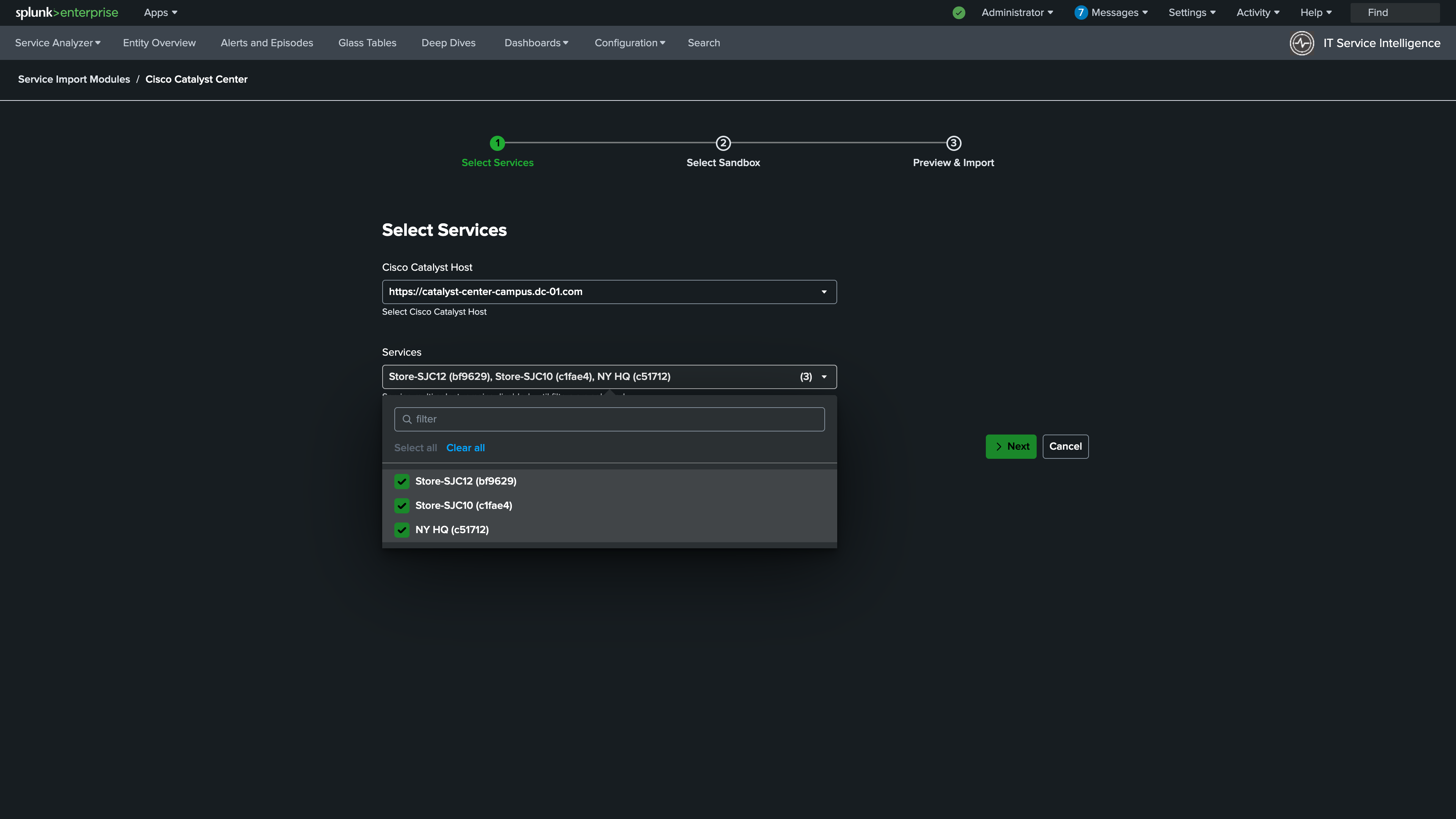
2. Select the Catalyst Center Host and all available services. Click Next.
Info
Select the Catalyst Center host and all available sites to import as ITSI services
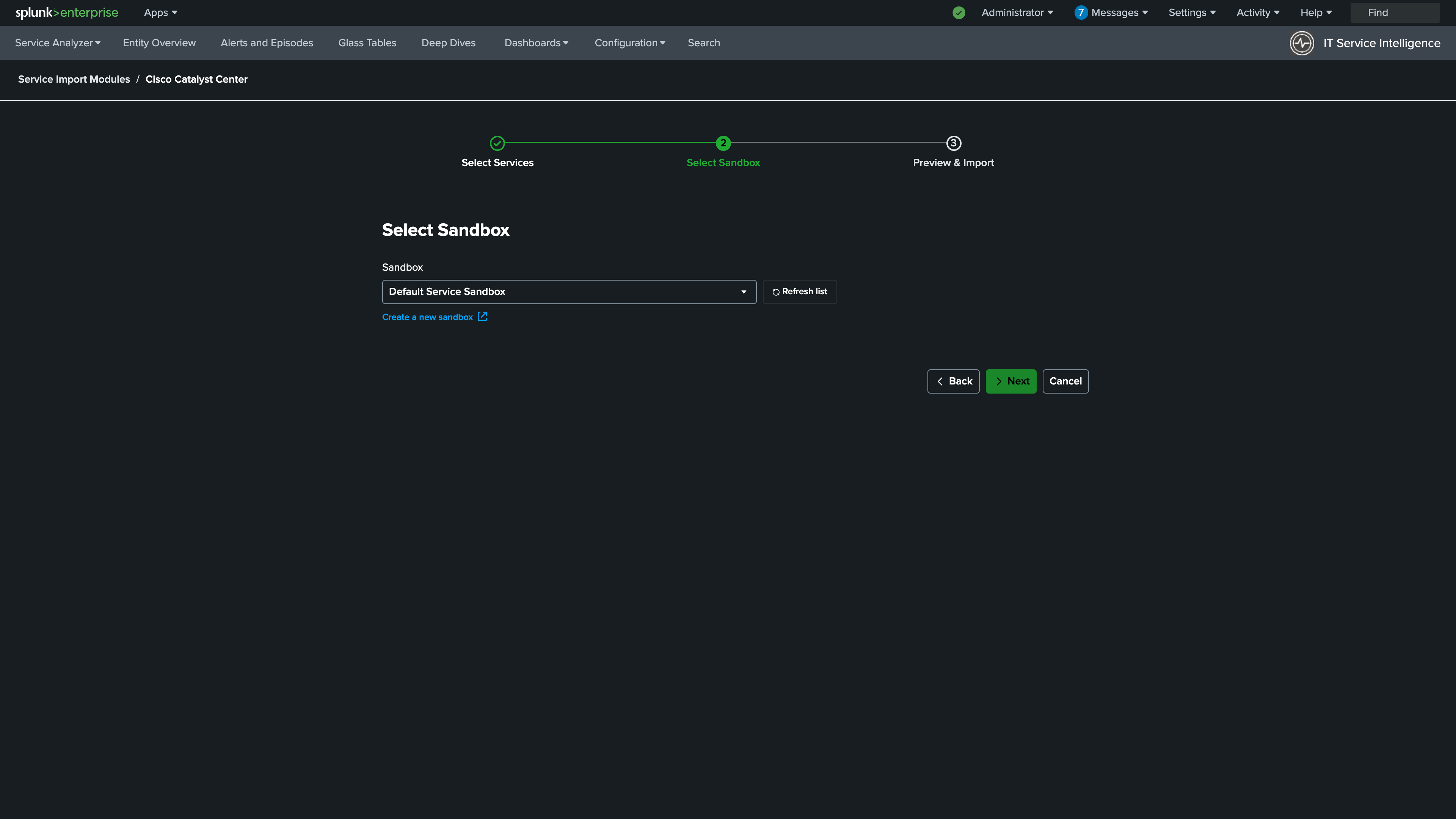
3. Select Default Service Sandbox. Click Next.
Info
Services are imported into a sandbox for review before being published to production ITSI
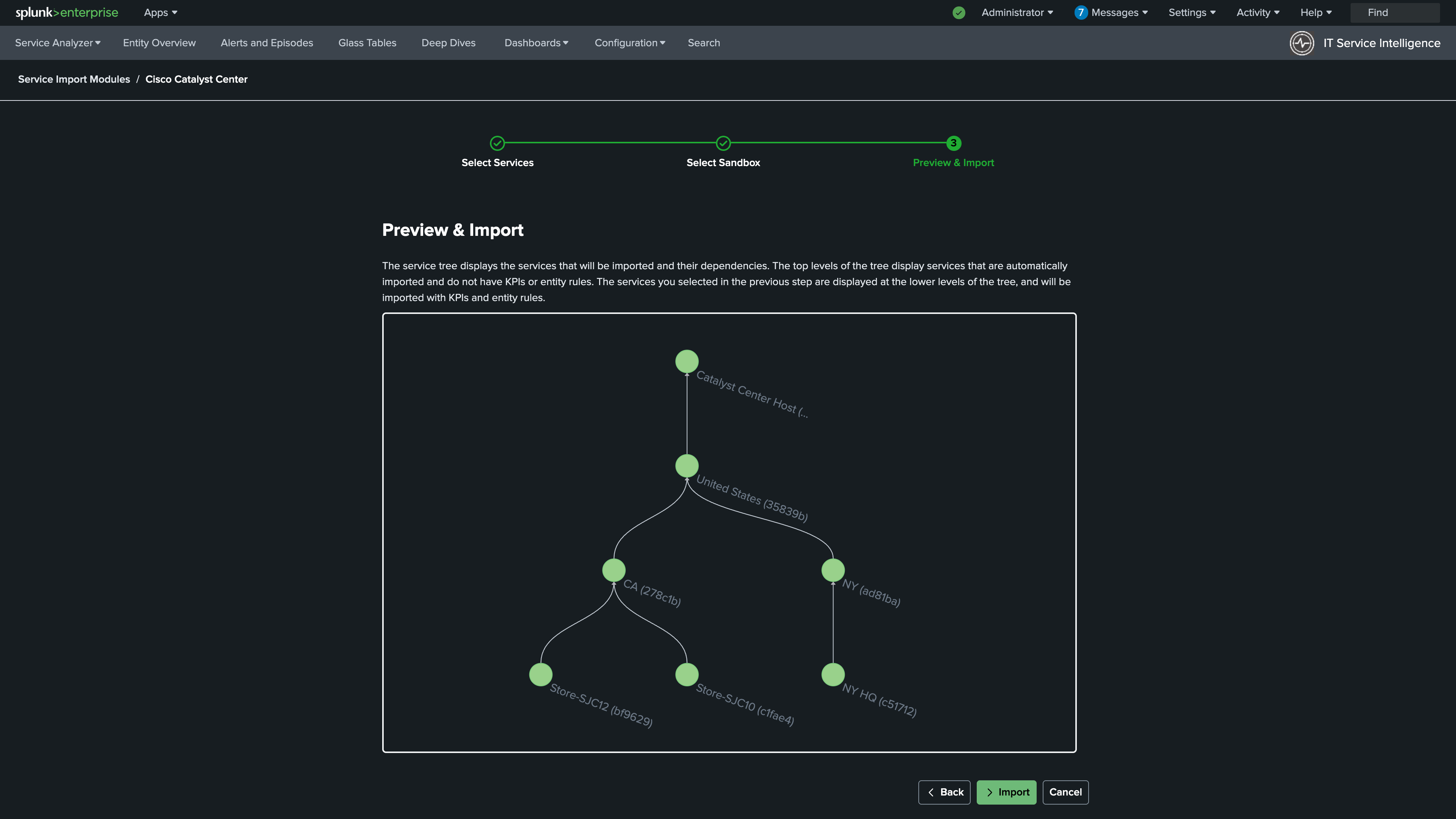
4. Review the Services that will be imported. Click Import.
Info
Review the complete list of Catalyst Center site services that will be created before clicking Import
5. Review the Service Sandbox. Click Publish. After the precheck completes, click Next.
Info
Review the service hierarchy in the sandbox, then publish to make the services active in ITSI
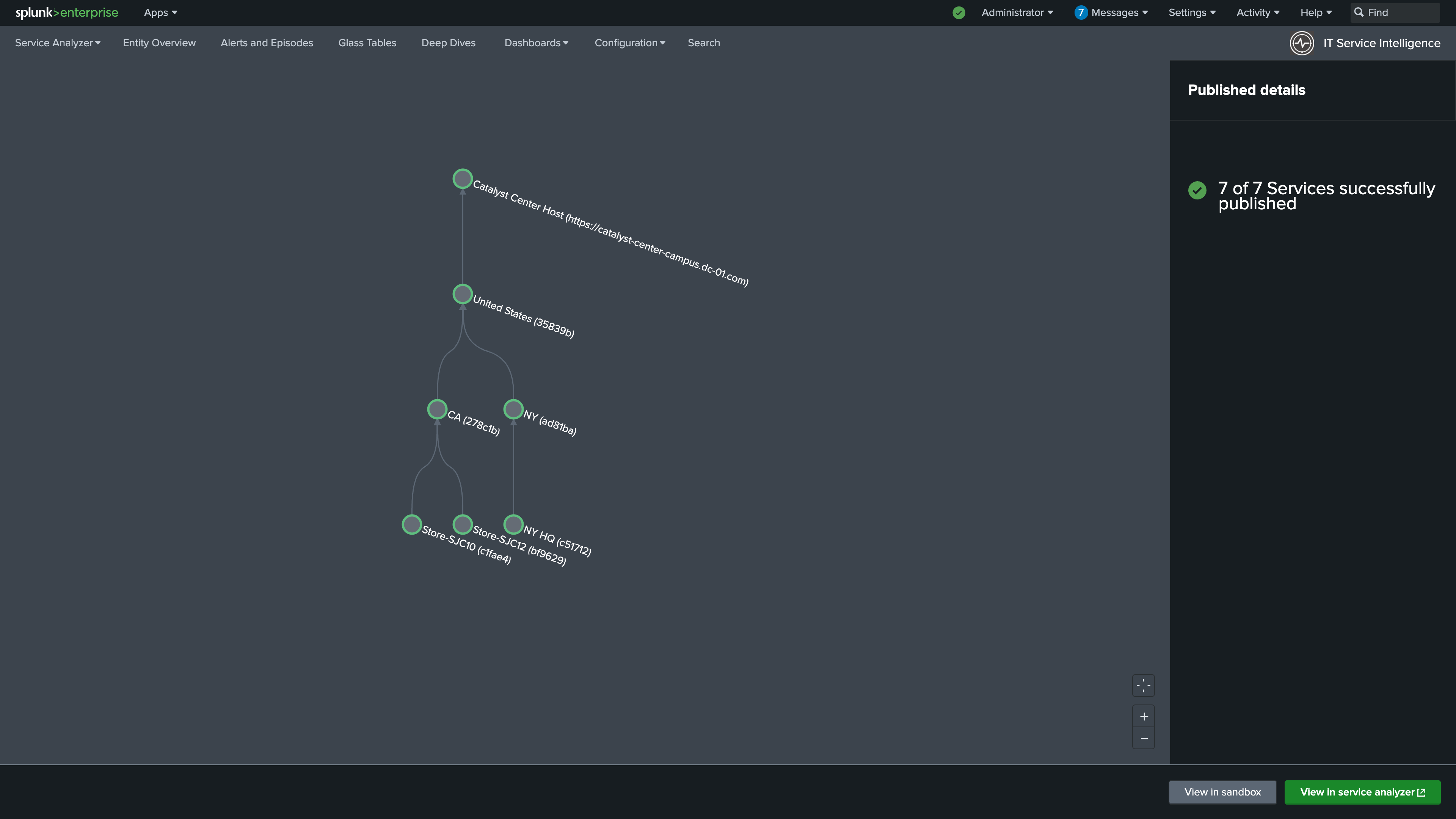
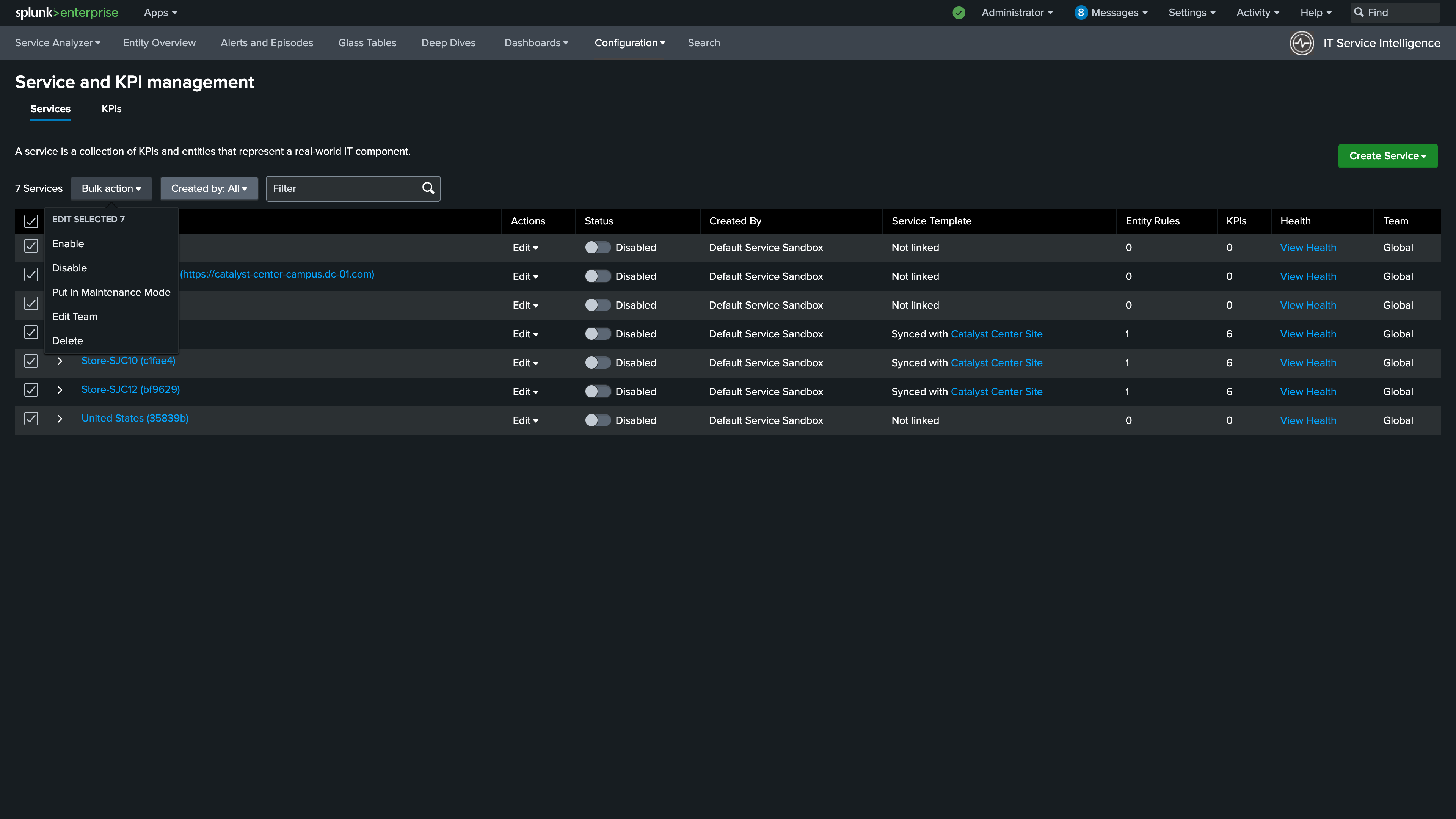
6. Navigate to Configuration > Service Monitoring > Service and KPI Management.
7. Use the Select All check box to select all of your services
8. With all services selected click Bulk Action > Enable.
Info
Use Bulk Action to enable all imported services at once from the Service and KPI Management page
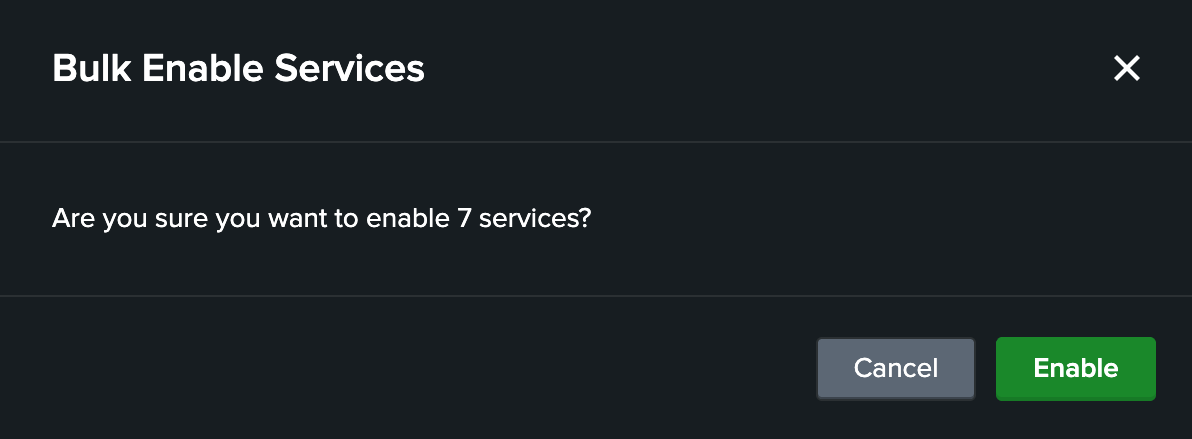
9. Click Enable. After a few minutes the KPIs will populate.
Info
Confirm the enable action. KPIs will begin calculating within a few minutes
Nice Job!
You just imported all of the Catalyst Center services without having to create any CSVs, lookups, write any SPL, or manually configure the service dependencies. Pretty neat, huh?
Continue to the next section to validate your configuration is working correctly.