ITSI Service and KPI Validation
5 minutes Authors Chris Putnam, Sam Scudere-Weiss, & Tim HardExercise: Import Services and Configure Alerts
Tip
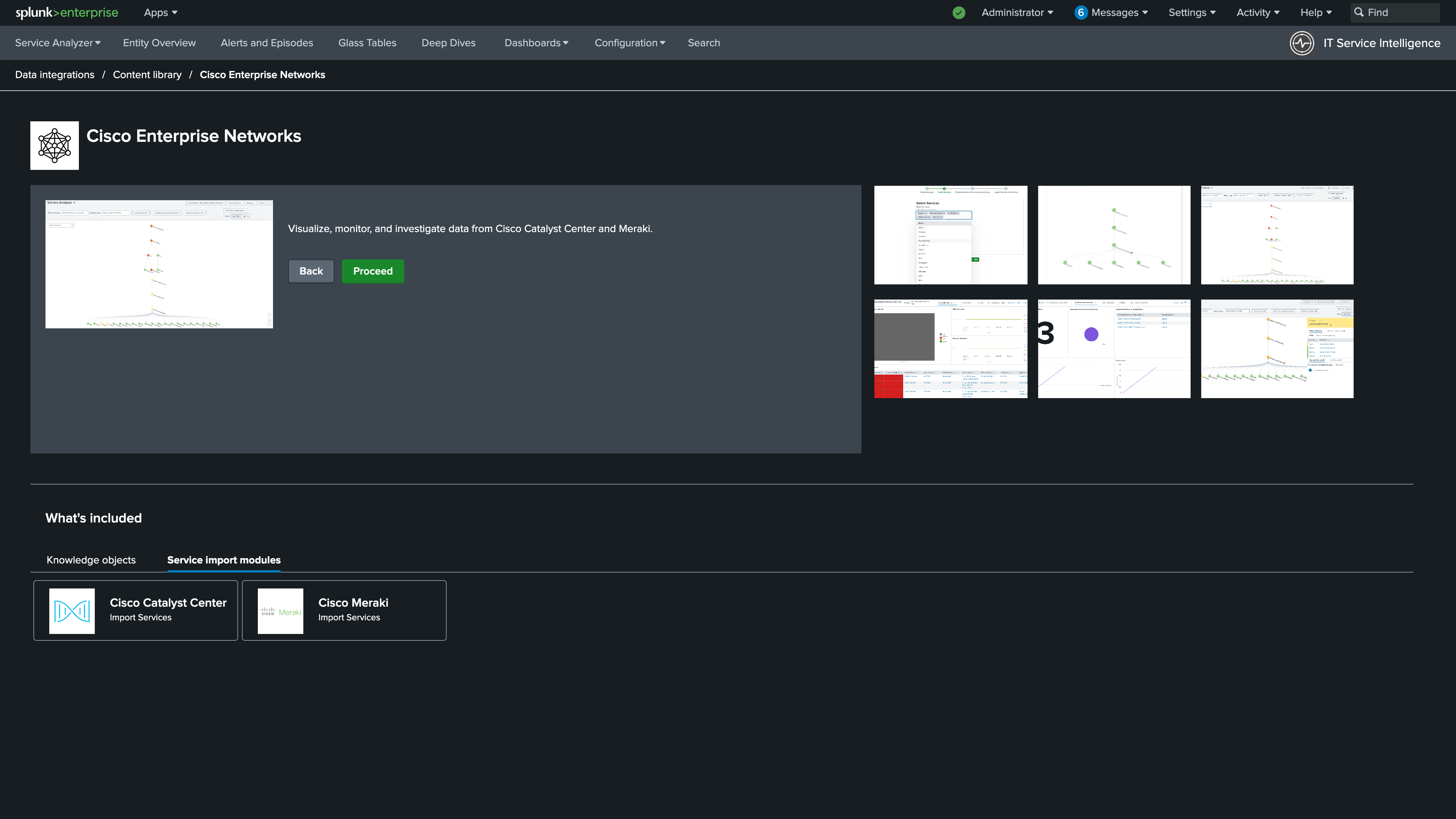
To get back to the Import Services page for Catalyst Center, navigate to Configuration > Data Integrations > Content Library > Cisco Enterprise Networks.
1. Under Service Import Modules, select Cisco Catalyst Center.
Info
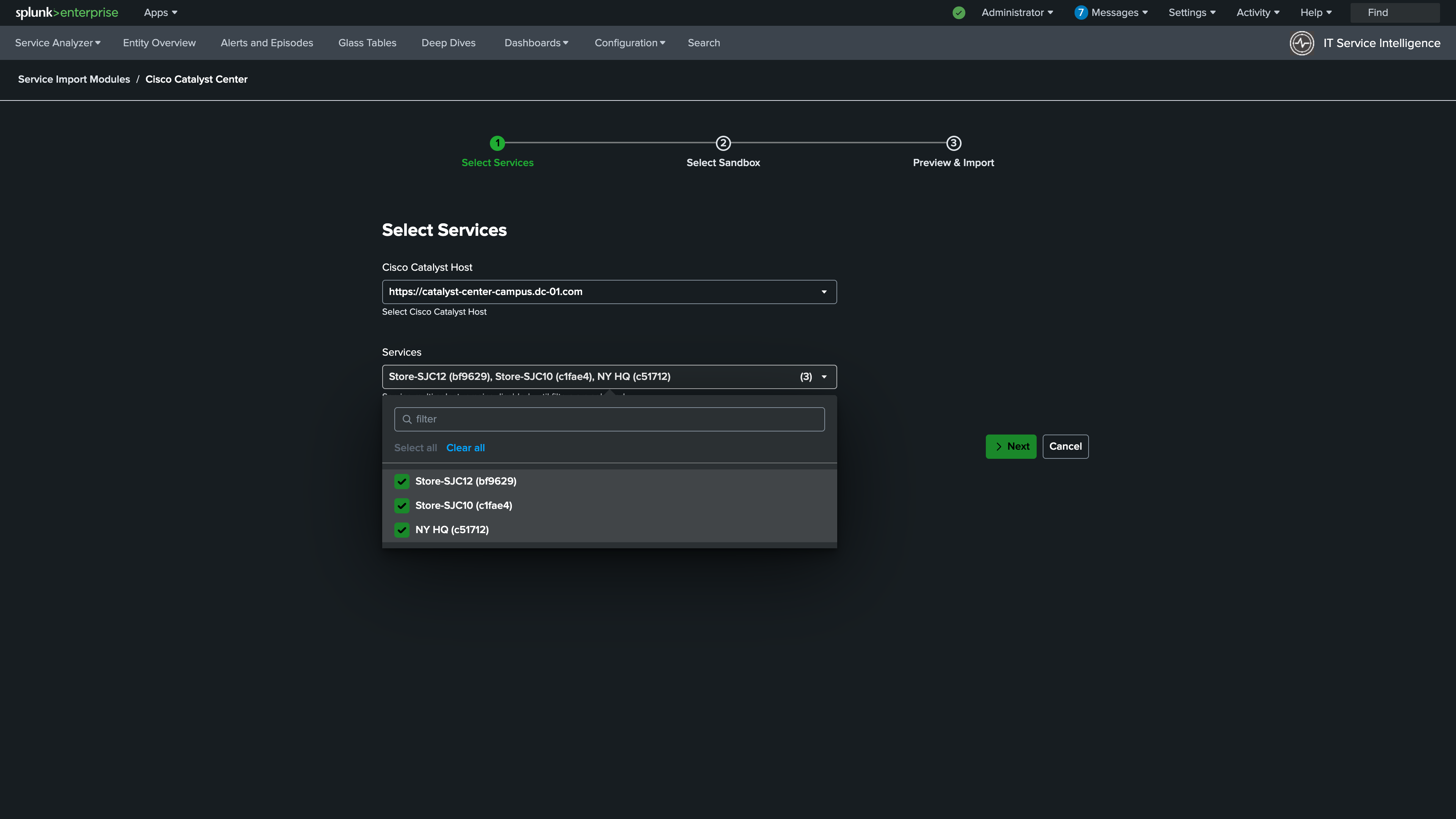
2. Select the Catalyst Center Host and all available services. Click Next.
Info
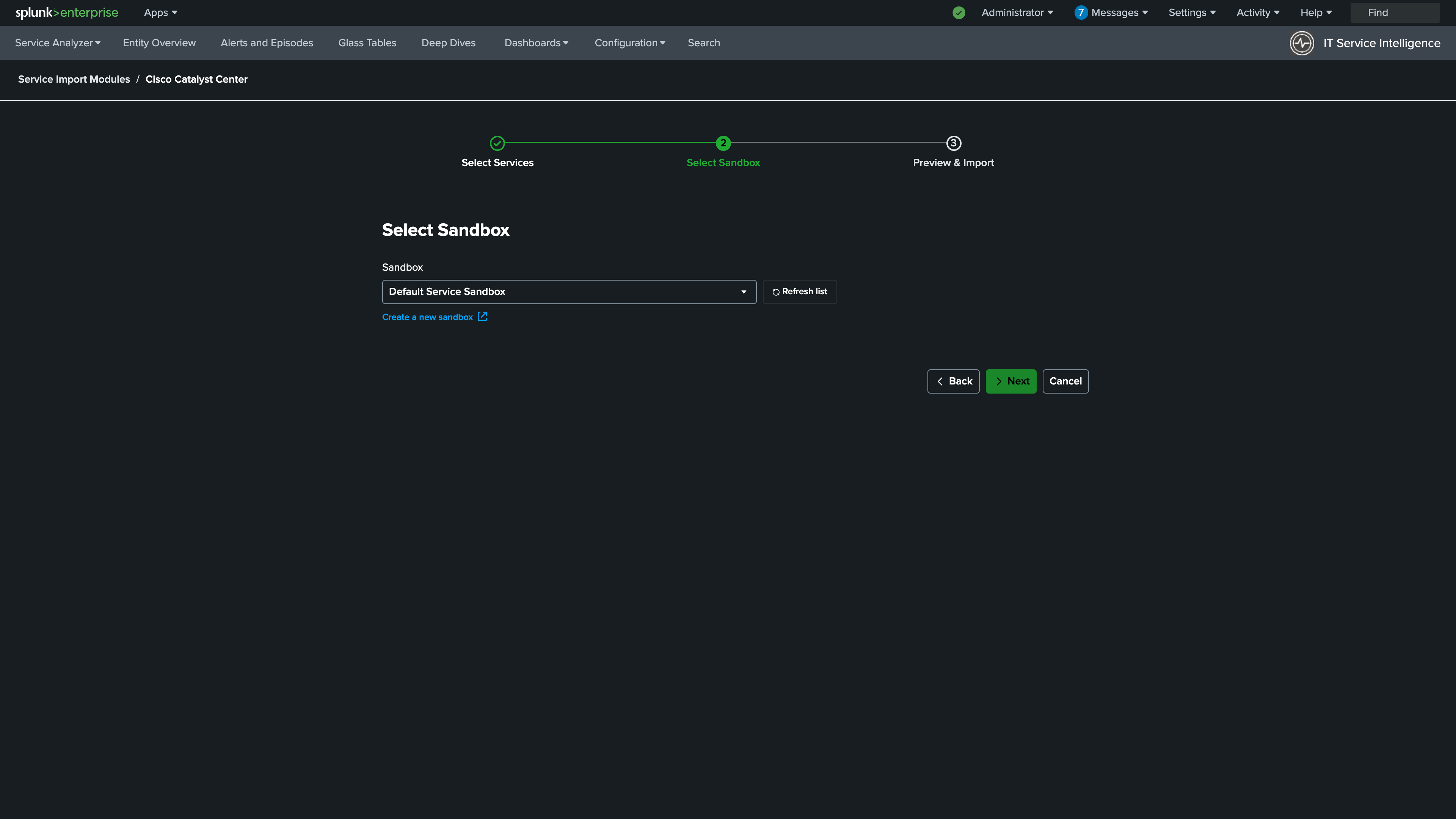
3. Select Default Service Sandbox. Click Next.
Info
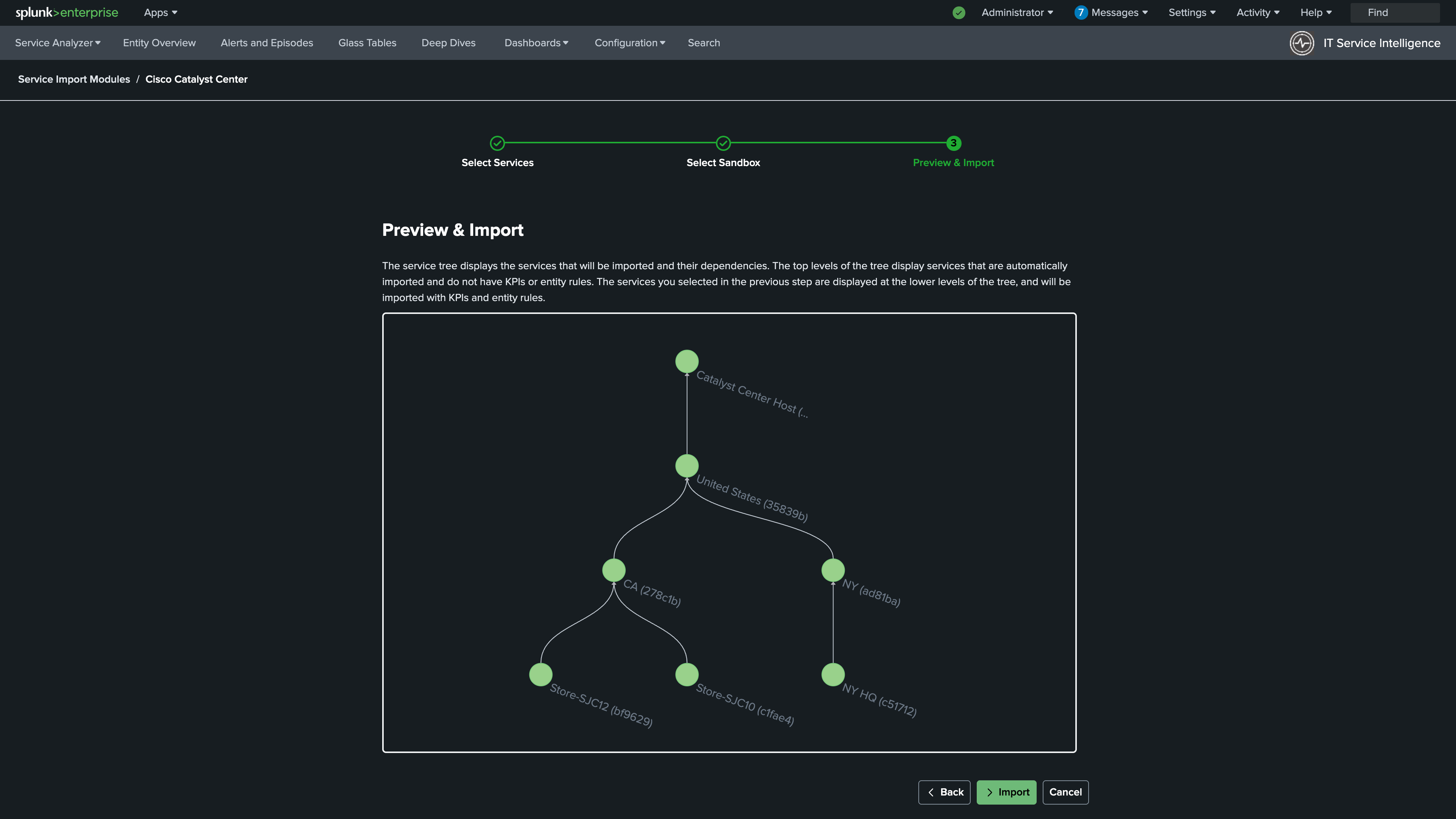
4. Review the Services that will be imported. Click Import.
Info
5. Review the Service Sandbox. Click Publish. After the precheck completes, click Next.
Info
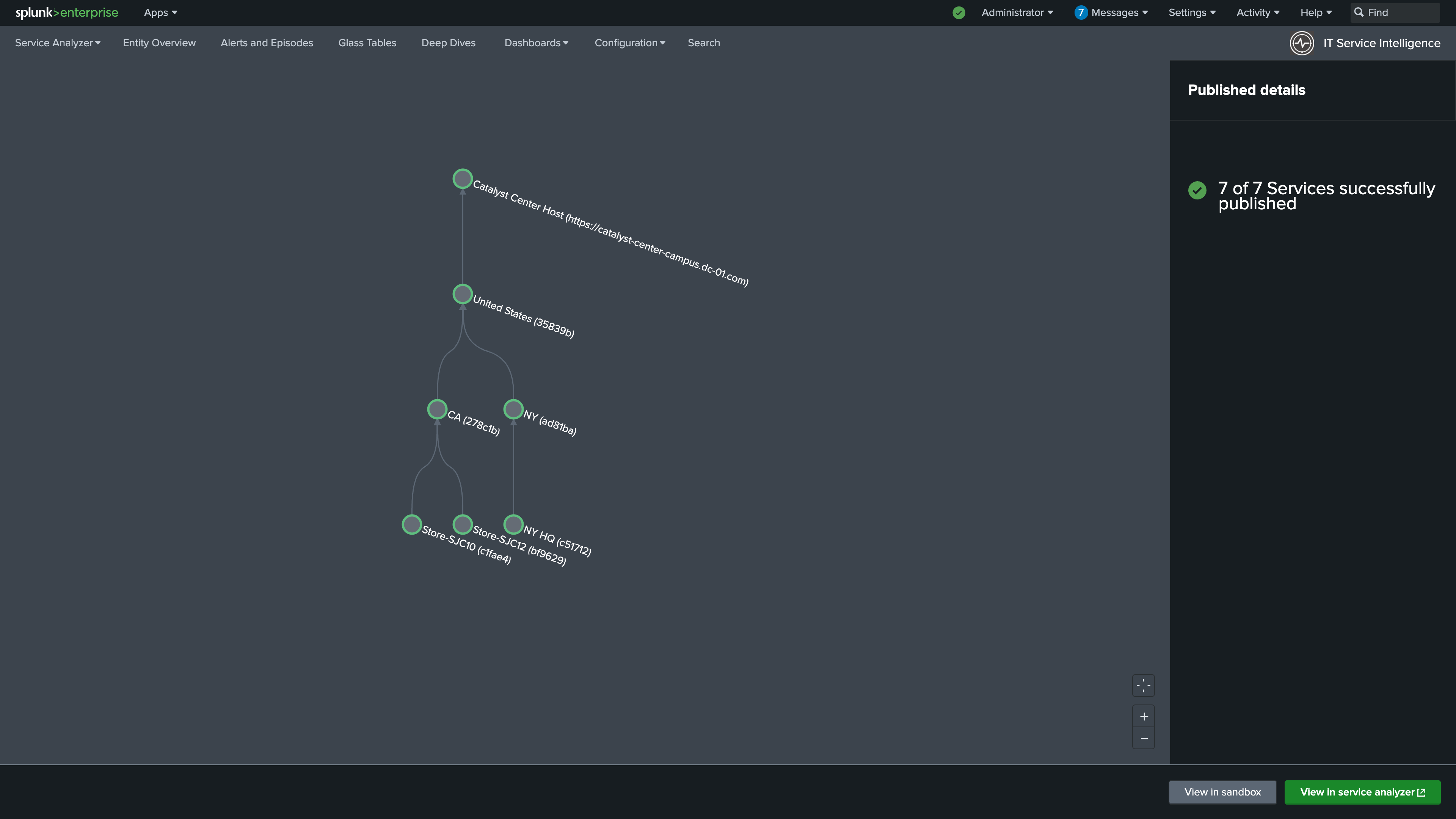
6. Navigate to Configuration > Service Monitoring > Service and KPI Management.
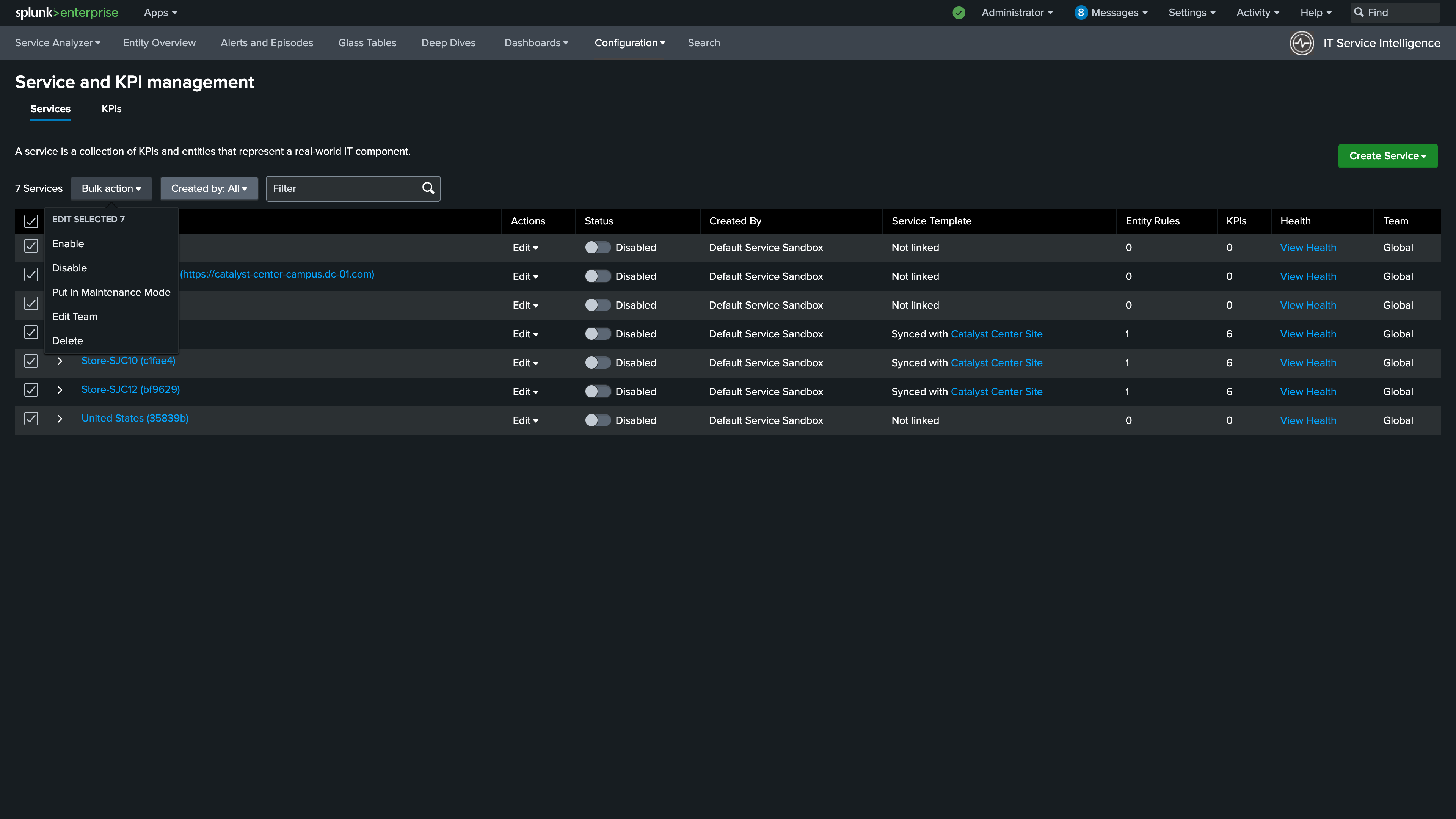
7. Use the Select All check box to select all of your services
8. With all services selected click Bulk Action > Enable.
Info
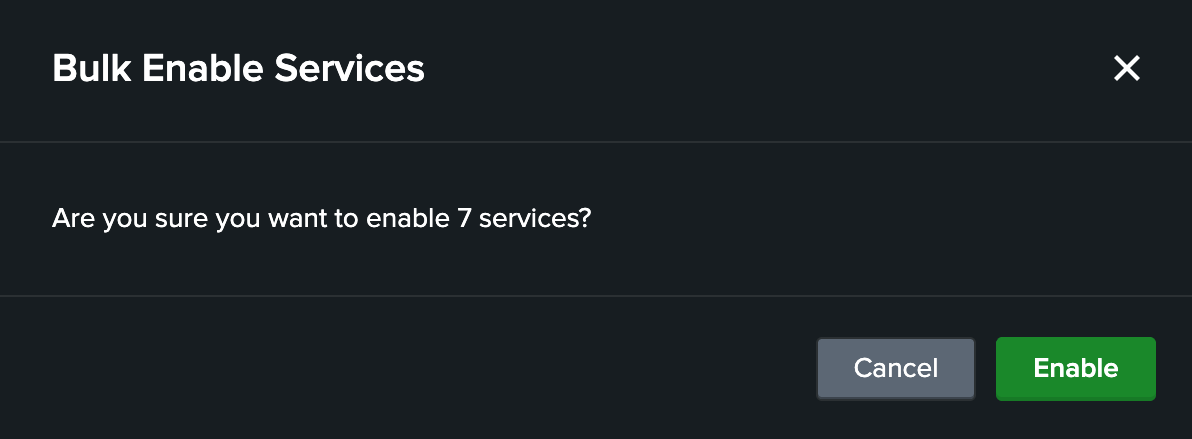
9. Click Enable. After a few minutes the KPIs will populate.
Info
Nice Job!
Continue to the next section to validate your configuration is working correctly.