Configure Catalyst Center Notifications
2 minutes Authors Chris Putnam, Sam Scudere-Weiss, & Tim HardBringing Catalyst Center Alerts into ITSI
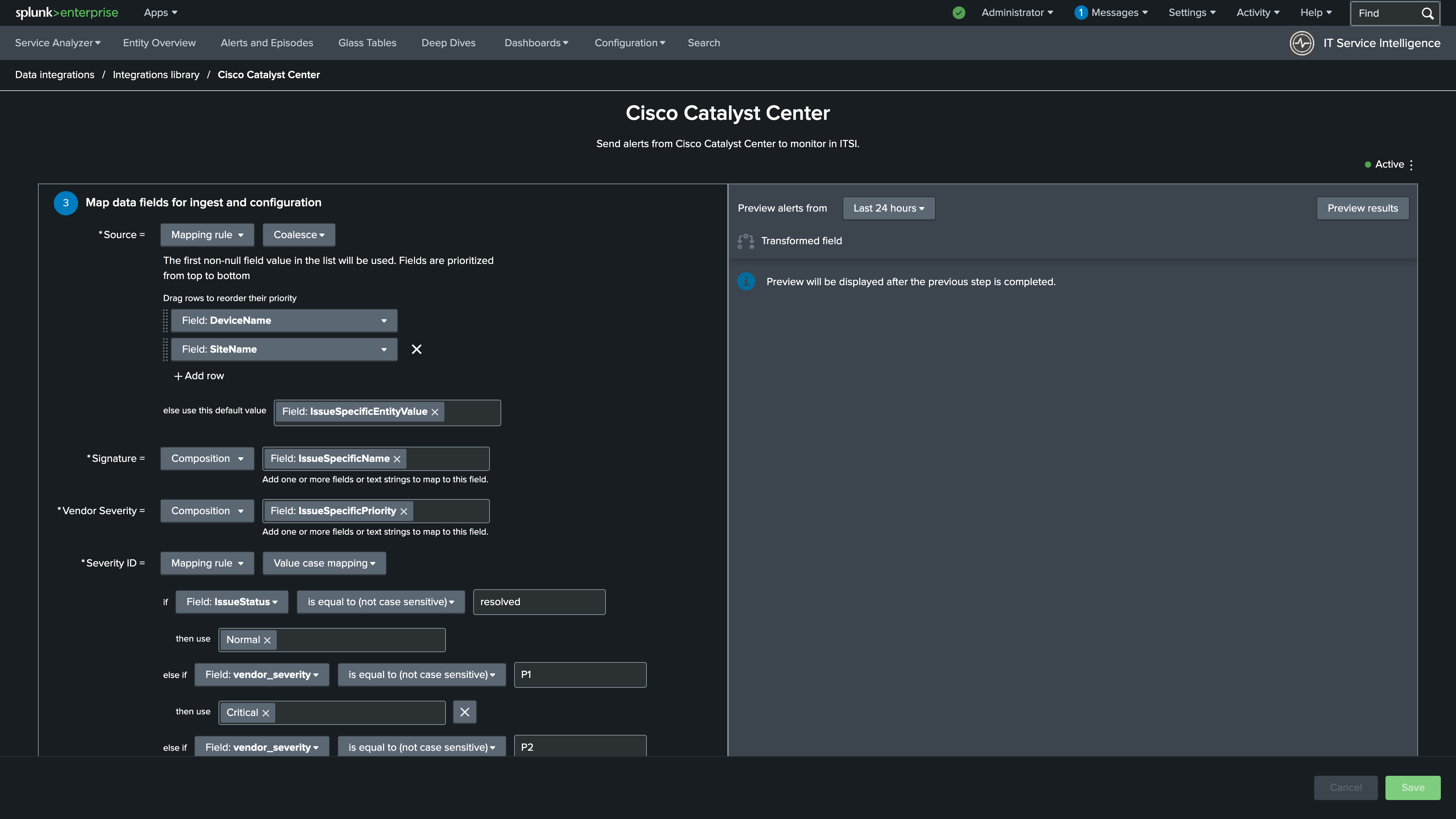
With your Catalyst Center services and KPIs now live in ITSI, the next step is configuring inbound notifications so that Issues and Events generated by Catalyst Center directly into ITSI episodes. This creates the feedback loop that makes location-based monitoring actionable. A site’s KPI health score degrades, Catalyst Center raises an Issue, and that Issue surfaces in ITSI as a notable event tied to the affected site service.
The Cisco Catalyst Add-on for Splunk handles data ingestion, but alert normalization requires configuring an inbound notification connection within ITSI. The Content Pack for Cisco Enterprise Networks includes a pre-built alert data integration template for Catalyst Center that maps the relevant fields automatically, so setup is straightforward.
Note: In this section you will configure a custom version of the Catalyst Center inbound notification connection in ITSI, enabling Issues from Catalyst Center to appear as normalized notable events on the Episode Review page.
What You’ll Do in This Section
By the end of this section you will have:
- Configured a custom inbound notification connection for Cisco Catalyst Center alerts in ITSI
- Mapped the alert fields required to associate events with the correct site service