Create a Custom NEAP
10 minutes Authors Chris Putnam, Sam Scudere-Weiss, & Tim HardCorrelating Alerts Across Vendors
When a network event occurs, operations teams are left manually hunting across disconnected tools to piece together what happened, where it started, and which services or users are affected. Without a common correlation layer, alert noise is high, investigation is slow, and the business impact of network incidents remains invisible until customers start calling.
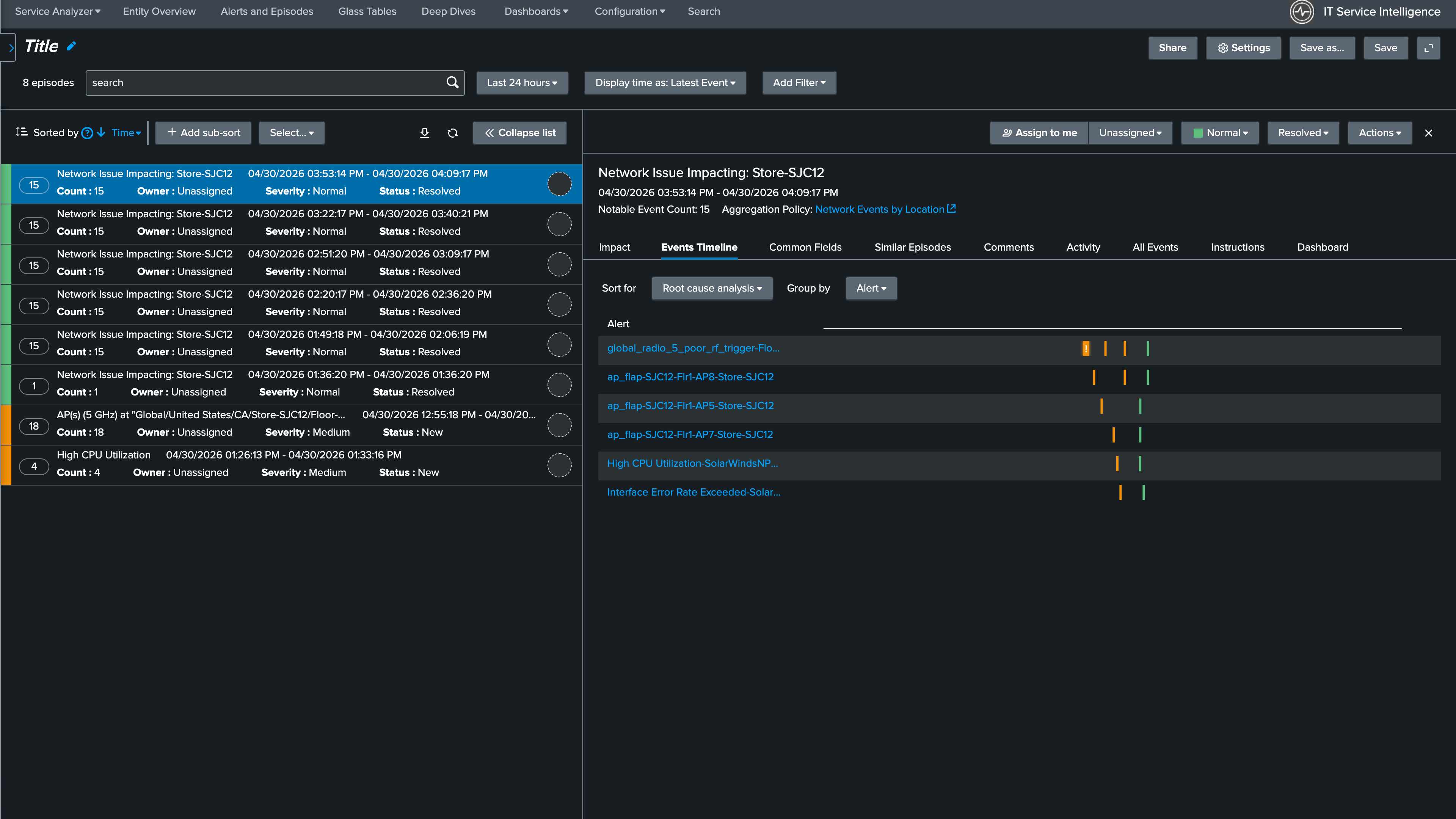
The real value of ITSI is its ability to correlate related events into a single, actionable episode using a Notable Event Aggregation Policy (NEAP).
A NEAP defines the rules by which ITSI groups notable events. In this case, the goal is to group alerts from both Catalyst Center and SolarWinds that relate to the same network site into a single episode. This gives the operations team one place to investigate, one ticket to action, and one clear view of which site is affected and how many alert sources are corroborating the problem.
ITSI includes a number of pre-configured NEAPs, but for this workshop we are specifically interested in grouping alerts by location. In this section you will build a custom NEAP that correlates Catalyst Center and SolarWinds alerts by site, then validate that the policy is working correctly by reviewing service health and episode state together.
What You’ll Do in This Section
By the end of this section you will have:
- Created a custom Notable Event Aggregation Policy that groups alerts from both Catalyst Center and SolarWinds by network site
- Configured automatic episode resolution when network health returns to normal
- Validated that the Service Analyzer and Episode Review reflect real-time site health