Advanced Synthetics
Import JSON
To begin configuring our test, we need to import the JSON that we exported from the Chrome DevTools Recorder. To enable the button, we must first give our test a name e.g. [<your team name>] <your initials> - Online Boutique.
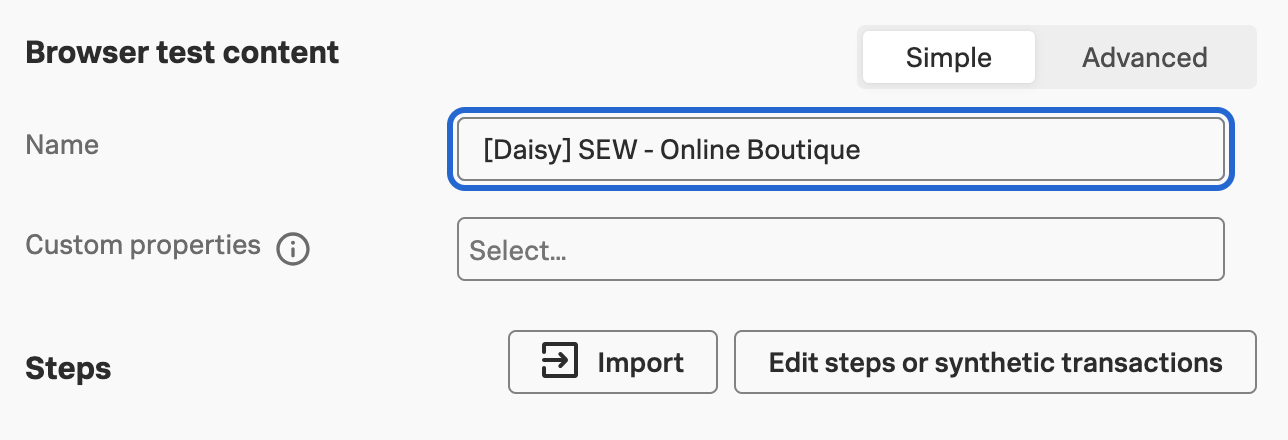
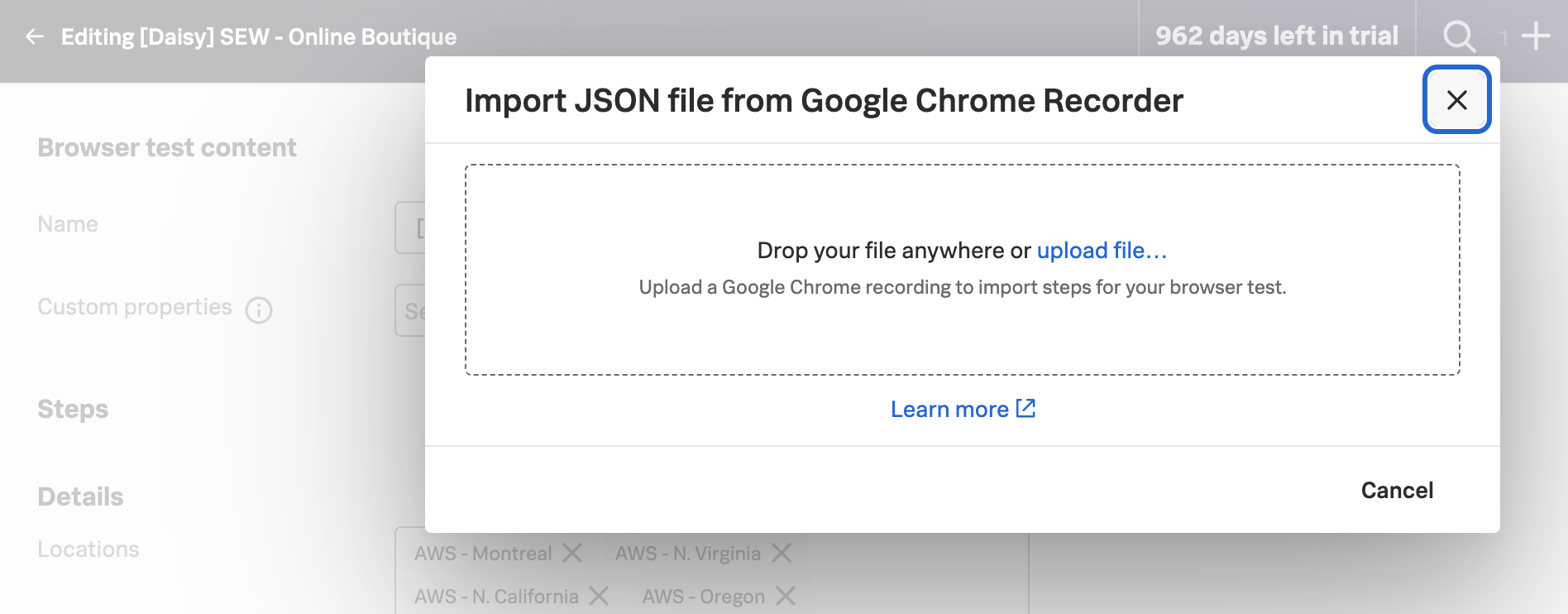
Once the button is enabled, click on it and either drop the JSON file that you exported from the Chrome DevTools Recorder or upload the file.
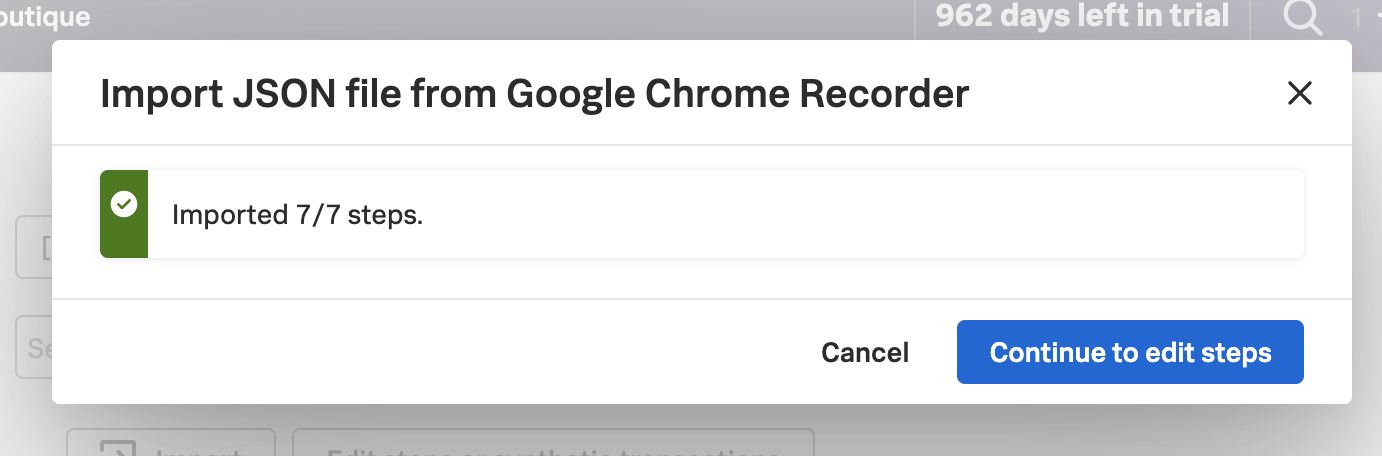
Once the JSON file has been uploaded, click on
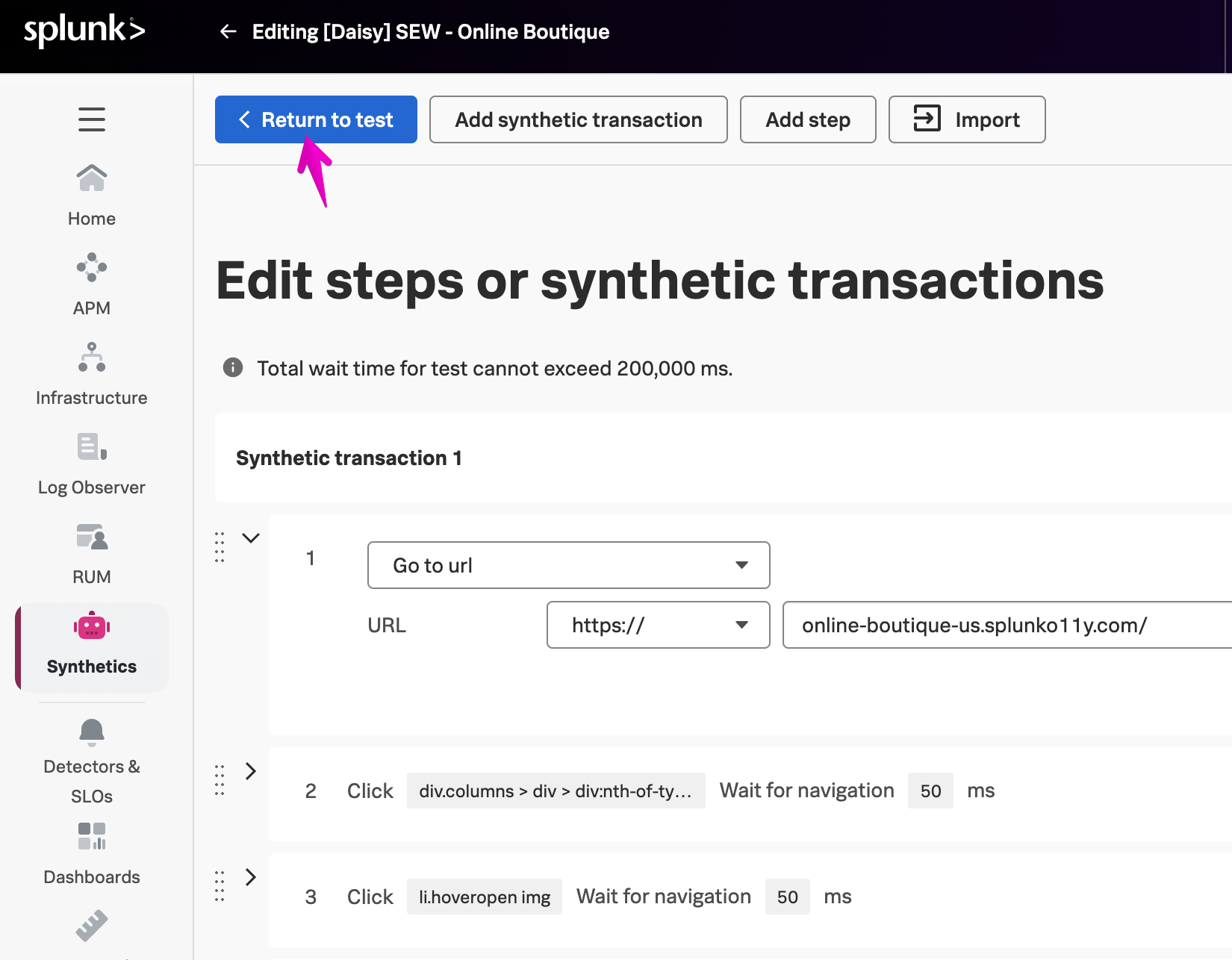
Before we make any edits to the test, let’s first configure the settings, click on