Splunk Integration
15 minutesAbout Splunk Observability Cloud
Splunk Observability Cloud is a real-time observability platform purpose-built for monitoring metrics, traces, and logs at scale. It ingests OpenTelemetry data and provides advanced dashboards and analytics to help teams detect and resolve performance issues quickly. This section explains how to integrate ThousandEyes data with Splunk Observability Cloud using OpenTelemetry.
Scope Of This Section
This section covers the metrics streaming path from ThousandEyes into Splunk Observability Cloud. The next section adds the separate distributed tracing workflow that creates bi-directional links between ThousandEyes and Splunk APM.
Step 1: Create a Splunk Observability Cloud Access Token
To send ThousandEyes metrics to Splunk Observability Cloud, you need an access token with the Ingest scope. Follow these steps:
- In the Splunk Observability Cloud platform, go to Settings > Access Token
- Click Create Token
- Enter a Name
- Select Ingest scope
- Select Create to generate your access token
- Copy the access token and store it securely
You need the access token to send telemetry data to Splunk Observability Cloud.
Step 2: Create an Integration
This integration is the one-way telemetry stream that gets ThousandEyes metrics into Splunk Observability Cloud dashboards and detectors.
Using the ThousandEyes UI
To integrate Splunk Observability Cloud with ThousandEyes:
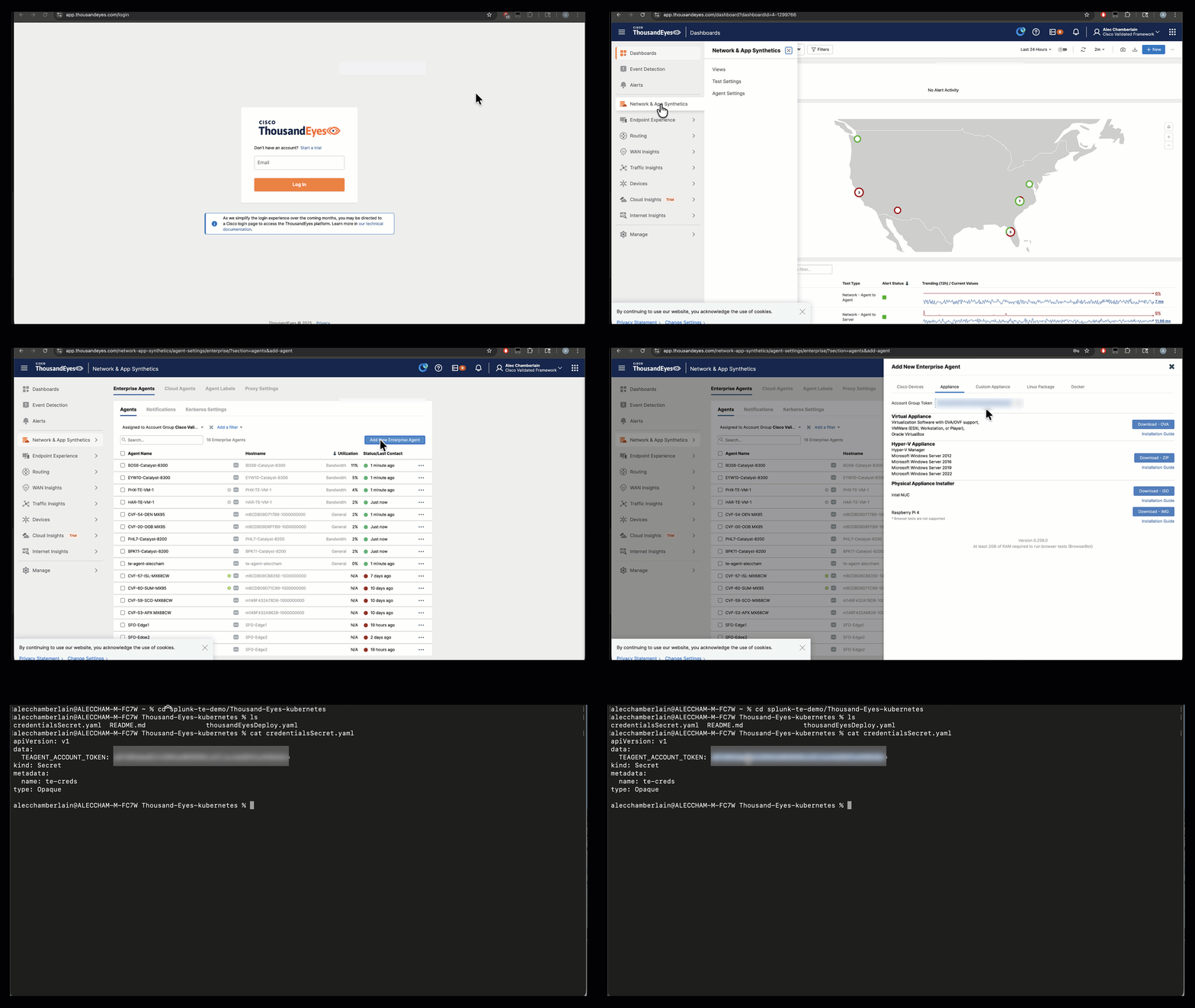
Log in to your account on the ThousandEyes platform and go to Manage > Integration > Integration 1.0
Click New Integration and select OpenTelemetry Integration
Enter a Name for the integration
Set the Target to HTTP
Enter the Endpoint URL:
https://ingest.{REALM}.signalfx.com/v2/datapoint/otlp- Replace
{REALM}with your Splunk environment (e.g.,us1,eu0)
- Replace
For Preset Configuration, select Splunk Observability Cloud
For Auth Type, select Custom
Add the following Custom Headers:
X-SF-Token: {TOKEN}(Enter your Splunk Observability Cloud access token created in Step 1)Content-Type: application/x-protobuf
For OpenTelemetry Signal, select Metric
For Data Model Version, select v2
Select a test
Click Save to complete the integration setup

You have now successfully integrated your ThousandEyes data with Splunk Observability Cloud.
Using the ThousandEyes API
For a programmatic integration, use the following API commands:
HTTP Protocol
gRPC Protocol
Replace streamEndpointUrl and X-SF-Token values with the correct values for your Splunk Observability Cloud instance.
Note
Make sure to replace {REALM} with your Splunk environment realm (e.g., us1, us2, eu0) and {TOKEN} with your actual Splunk access token.
What Comes Next
After you finish the metrics integration, continue to Distributed Tracing to add the reverse investigation path from ThousandEyes into Splunk APM and back again.
Step 3: ThousandEyes Dashboard in Splunk Observability Cloud
Once the integration is set up, you can view real-time monitoring data in the ThousandEyes Network Monitoring Dashboard within Splunk Observability Cloud. The dashboard includes:
- HTTP Server Availability (%): Displays the availability of monitored HTTP servers
- HTTP Throughput (bytes/s): Shows the data transfer rate over time
- Client Request Duration (seconds): Measures the latency of client requests
- Web Page Load Completion (%): Indicates the percentage of successful page loads
- Page Load Duration (seconds): Displays the time taken to load pages
Dashboard Template
You can download the dashboard template from the following link: Download ThousandEyes Splunk Observability Cloud dashboard template (Google Drive).
Success
Your ThousandEyes data is now streaming to Splunk Observability Cloud. Next, add the distributed tracing connector so you can pivot between ThousandEyes and Splunk APM during troubleshooting.