Distributed Tracing and Bi-Directional Drilldowns
APM Integration
Configure bi-directional drilldowns between APM and ThousandEyes
Summary #
In this section we will configure the APM Connector in ThousandEyes.
Step 1: Create the Splunk APM Connector in ThousandEyes #
The metric streaming integration from the previous section uses an Ingest token. This step is different: ThousandEyes needs to query Splunk APM and build trace links, so it uses a Splunk API token instead.
In Splunk Observability Cloud, create an access token with the API scope.
In ThousandEyes, go to Manage > Integrations > Integrations 2.0, and change to the Connectors tab.
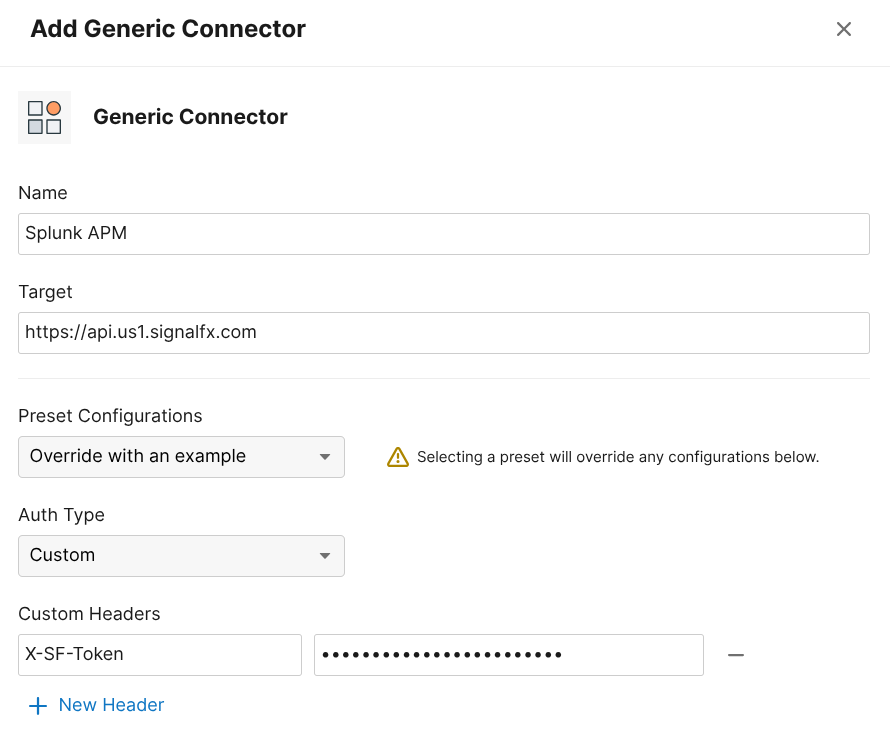
Create a Generic Connector. You can select the Preset as Splunk Observability APM:
- Name:
Splunk APM - Target URL:
https://api.<REALM>.signalfx.com - Header:
X-SF-Token: <your-api-scope-token>
- Name:
Click Save and Assign Operation
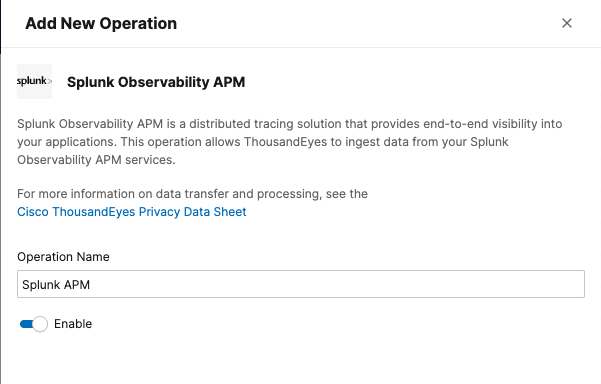
Click New Operation and select Splunk Observability APM.
Name it
Splunk APM.Click Save & Assign Connector.
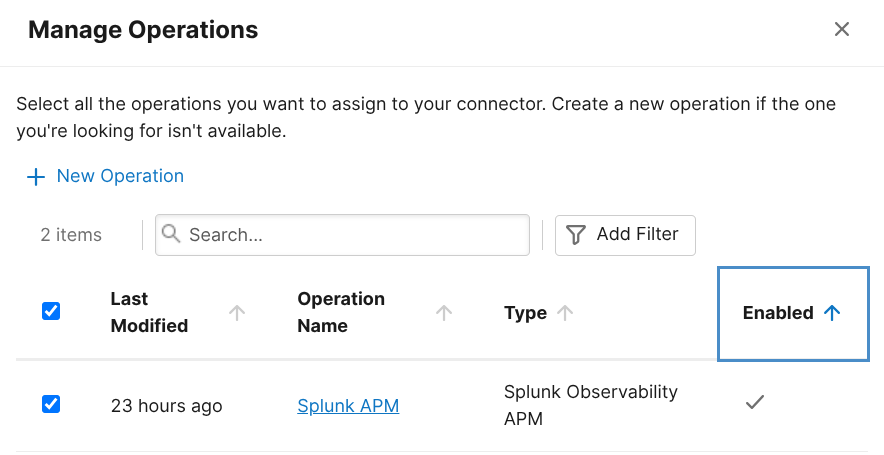
Select the connector you just created and click Save.
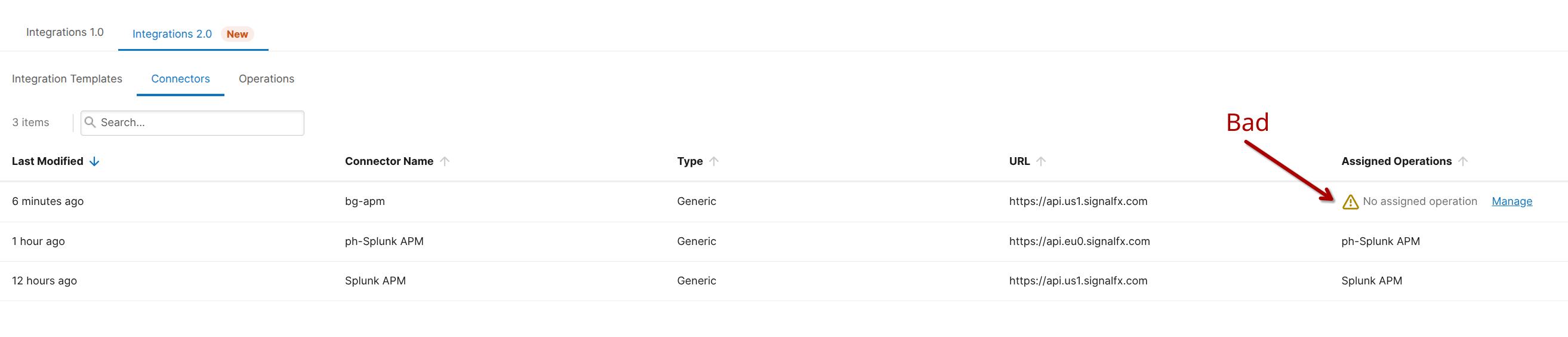
Troubleshooting Guidance