Getting Started
Learn how to get started with Splunk Observability Cloud.
1. Sign in to Splunk Observability Cloud #
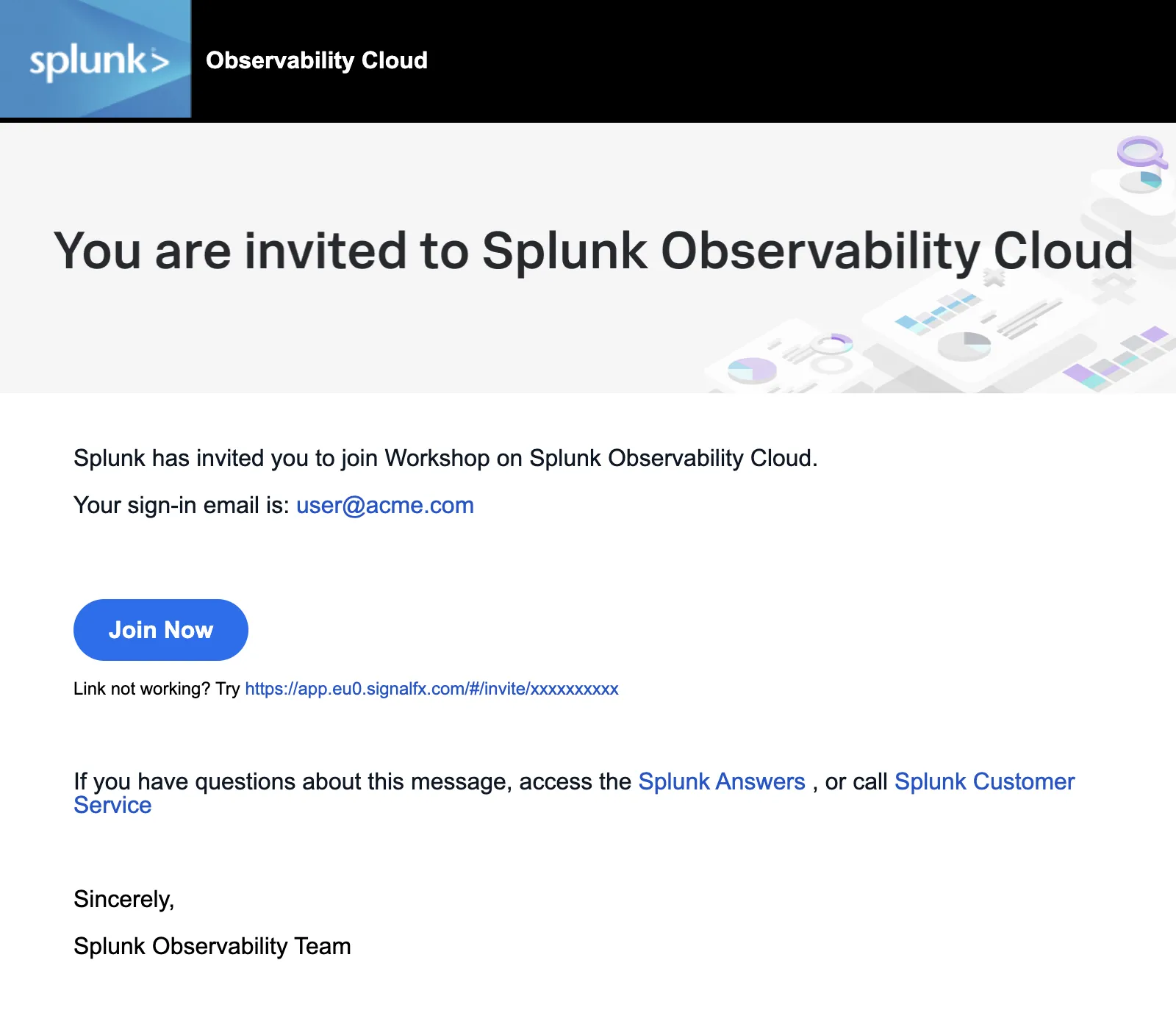
You should have received an e-mail from Splunk inviting you to the Workshop Org. This e-mail will look like the screenshot below, if you cannot find it, please check your Spam/Junk folders or inform your Instructor. You can also check for other solutions in our login F.A.Q. .
To proceed click the Join Now button or click on the link provided in the e-mail.
If you have already completed the registration process you can skip the rest and proceed directly to Splunk Observability Cloud and log in:
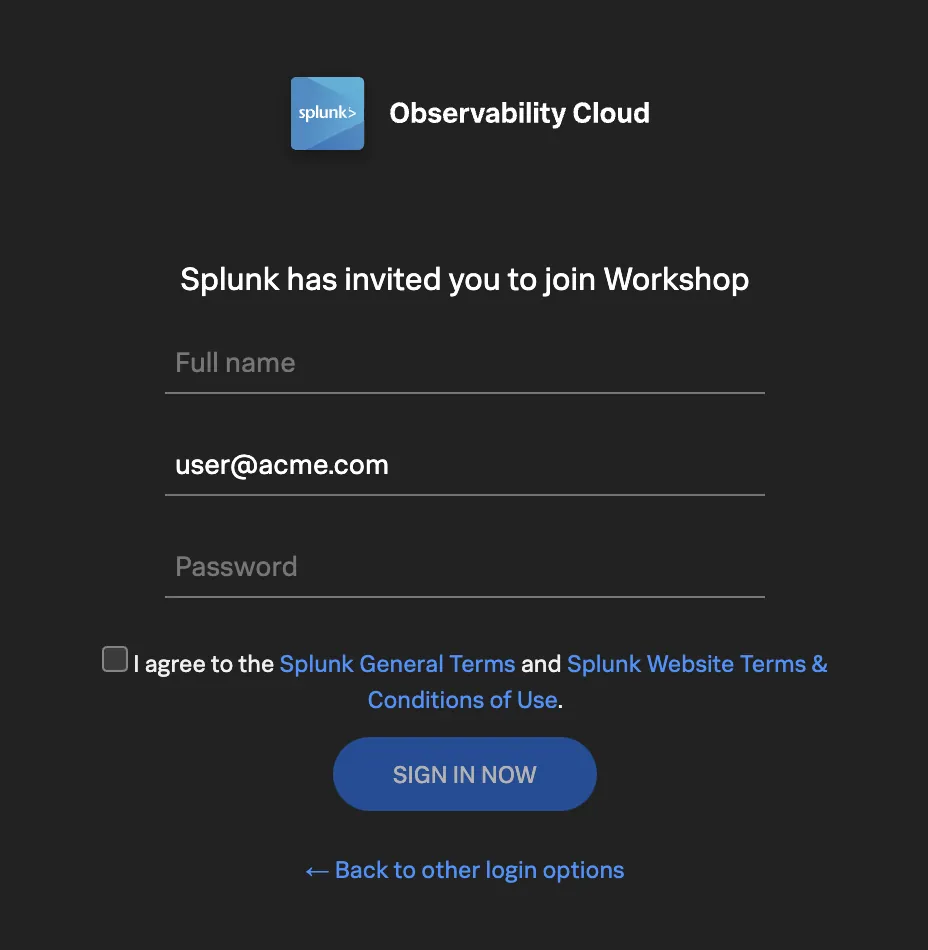
If this is your first time using Splunk Observability Cloud, you will be presented with the registration form. Enter your full name, and desired password. Please note that the password requirements are:
- Must be between 8 and 32 characters
- Must contain at least one capital letter
- Must have at least one number
- Must have at least one symbol (e.g. !@#$%^&*()_+)
Click the checkbox to agree to the terms and conditions and click the SIGN IN NOW button.