Login to Splunk Observability Cloud
Log in to Splunk Observability Cloud and verify access.
Exercise
- You should have received an e-mail from Splunk inviting you to the Workshop Org. If you cannot find it, please check your Spam/Junk folders or inform your Instructor.
- To proceed click the Join Now button or click on the link provided in the e-mail.
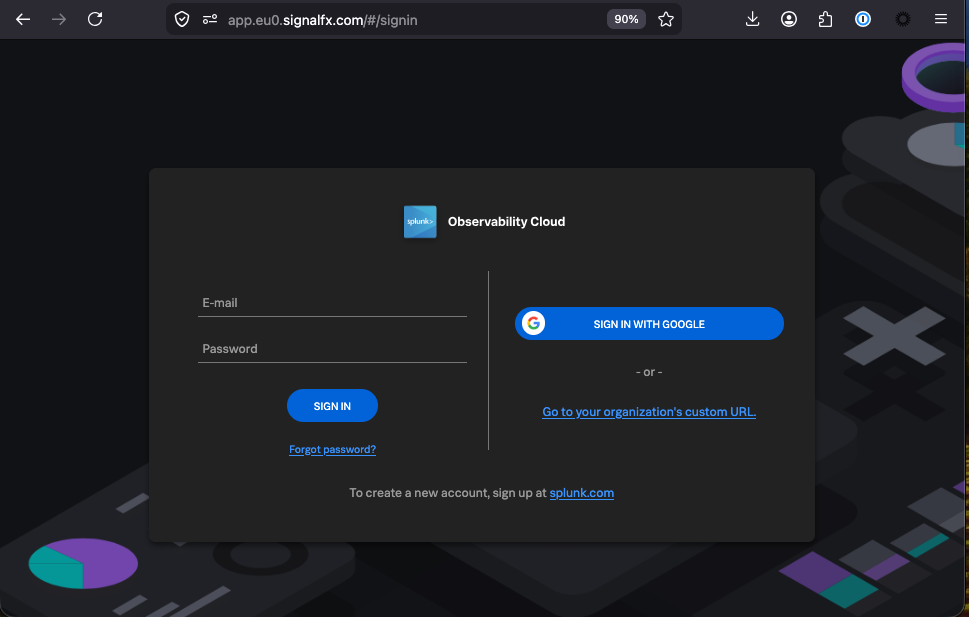
- If you have already completed the registration process you can skip the rest and proceed directly to Splunk Observability Cloud and log in:
- https://app.eu0.signalfx.com (EMEA)
- https://app.us1.signalfx.com (APAC/AMER)
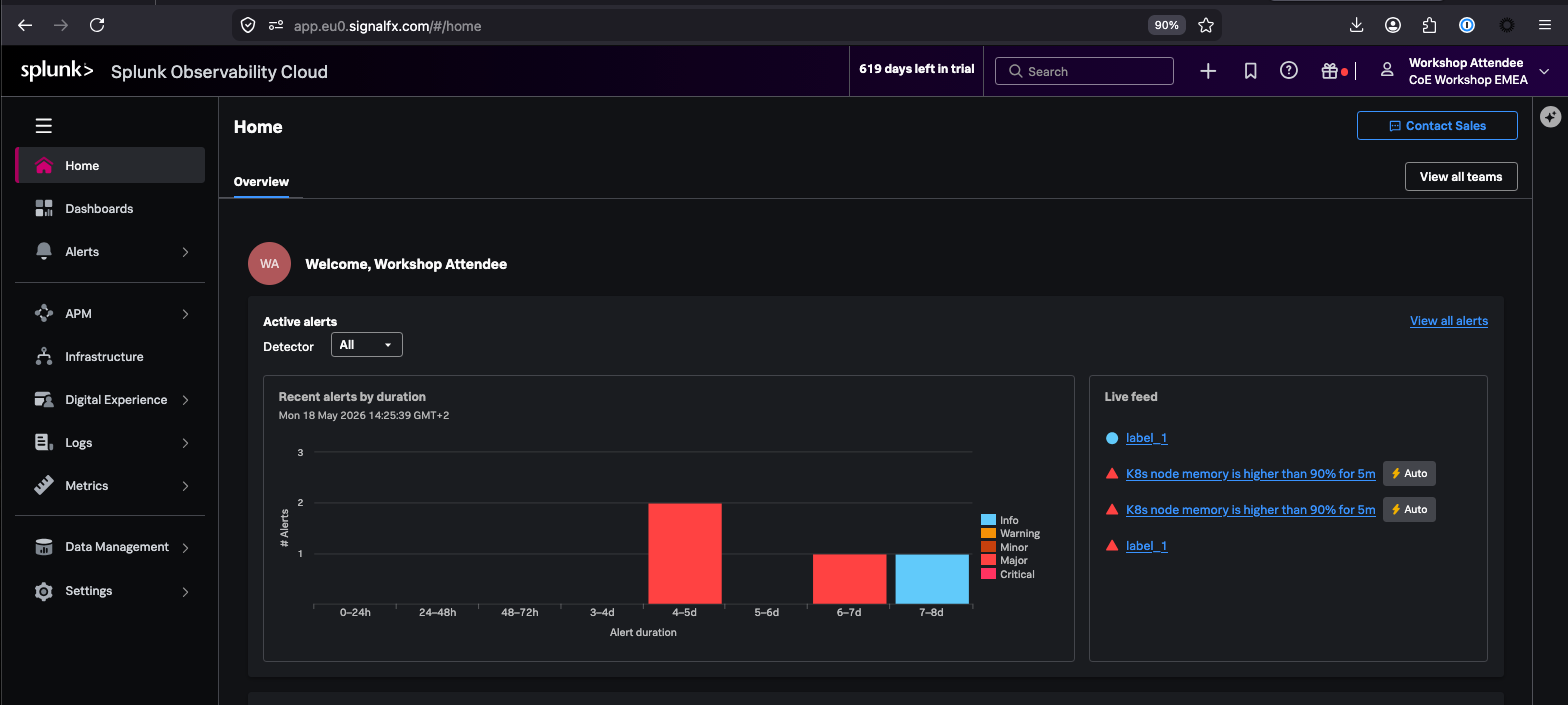
- You will land on the home page of Splunk Observability Cloud.