

Let's go shopping 💶
Interact with the Online Boutique web application to generate data for Splunk Observability Cloud.
Persona
You are a hip urban professional, longing to buy your next novelty items in the famous Online Boutique shop. You have heard that the Online Boutique is the place to go for all your hipster needs.
- The application is pre-deployed, your instructor will provide a link to the Online Boutique website (e.g.
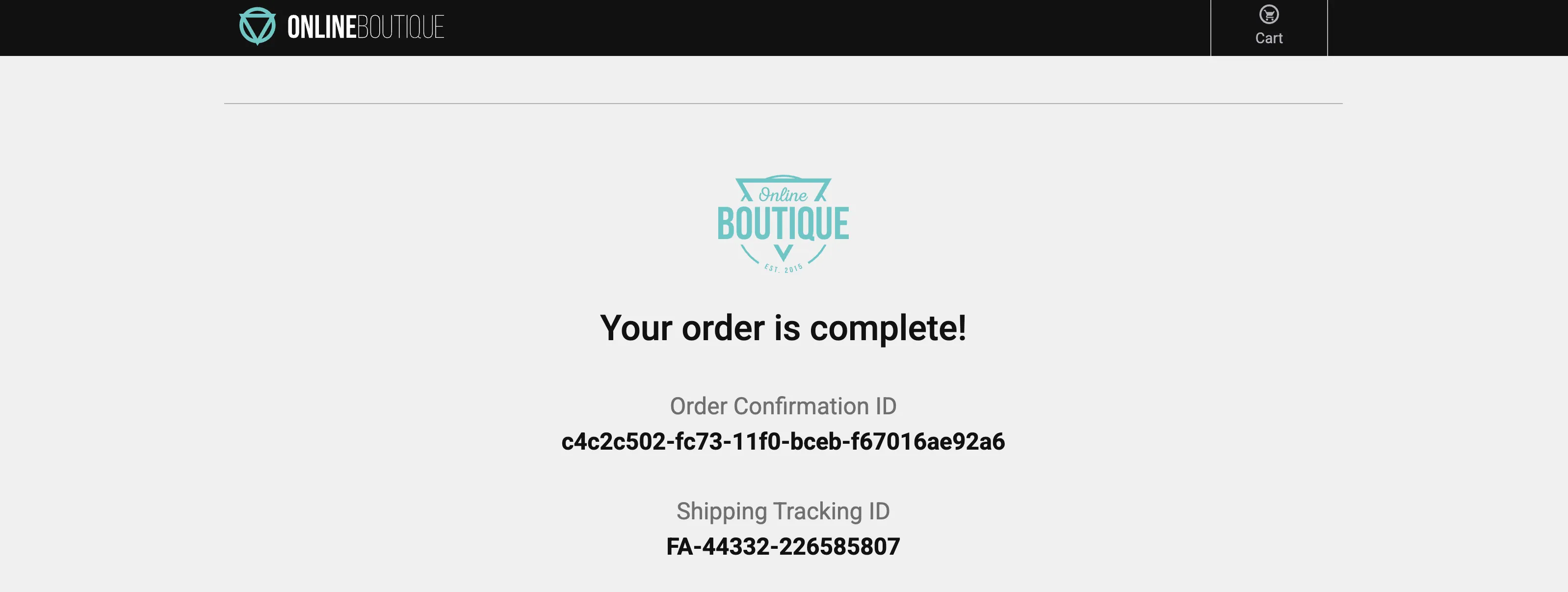
http://<s4r-workshop-i-xxx.splunk>.show:81/). Ports 80 and 443 are also available if port 81 is unreachable. - Browse the Online Boutique, add a few items to your cart, and complete a checkout.
- Repeat this at least 3–5 times to surface the performance issues deliberately built into the application.
Quick check
The whole checkout process is only supposed to take milliseconds. Did you notice anything about the checkout process?
Sometimes slow!
- When the checkout process is slow, it creates a frustrating user experience. Because this directly impacts customer satisfaction, we should prioritise investigating and resolving the issue.
Let’s go to the next page where we will start using Splunk Observability Cloud and take a look at what the data looks like in Splunk Real User Monitoring (RUM).