Application Performance Monitoring (APM)

20 minutes  
Persona

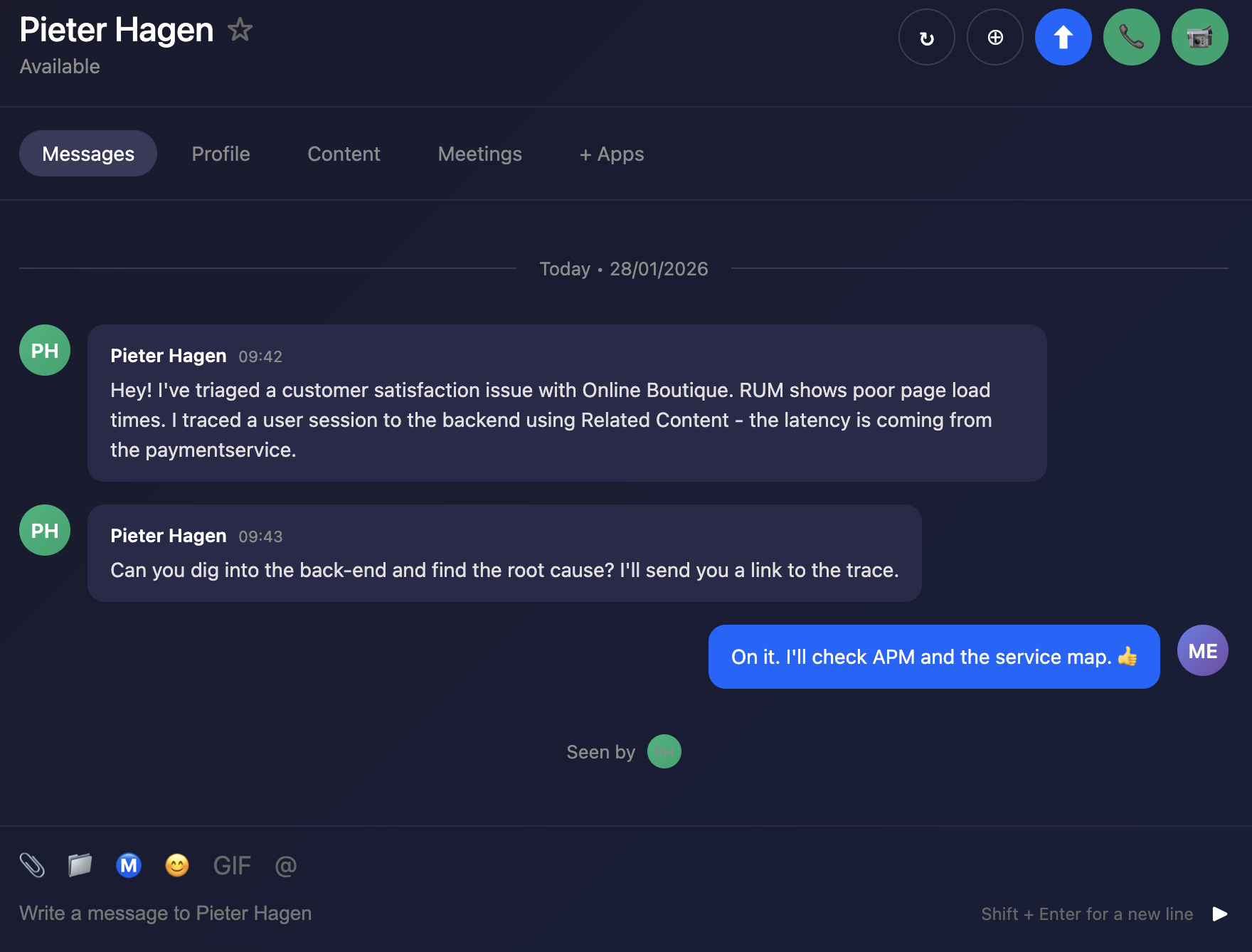
You are a back-end developer and you have been called in to help investigate an issue found by the SRE. The SRE has identified a poor user experience and has asked you to investigate the issue.

Discover the power of full end-to-end visibility by jumping from a RUM trace (front-end) to an APM trace (back-end). All the services are sending telemetry (traces and spans) that Splunk Observability Cloud can visualize, analyze and use to detect anomalies and errors.

RUM and APM are two sides of the same coin. RUM is the client-side view of the application and APM is the server-side view. In this section, we will use APM to drill down and identify where the problem is.
Messages Messages

Last Modified Feb 17, 2026

Subsections of 4. APM

1. APM Service Map

The APM Service Map displays the dependencies and connections among your instrumented and inferred services in APM. The map is dynamically generated based on your selections in the time range, environment, workflow, service, and tag filters.

When we clicked on the APM link in the RUM waterfall, filters were automatically added to the service map view to show the services that were involved in that WorkFlow Name (frontend:/cart/checkout).

You can see the services involved in the workflow in the Service Map. In the side pane, charts for the selected workflow are displayed. When you select a service in the Service Map, the charts in the side pane are updated to show metrics for the selected service.

Exercise
  • Click on the paymentservice in the Service Map to select it.

APM Explore APM Explore

With the paymentservice selected, what can you conclude from the Service Requests & Errors chart in the side pane? (1)

The Errors percentage is very high.

  • Splunk APM also provides built-in Service Centric Views to help you see problems occurring in real time and quickly determine whether the problem is associated with a service, a specific endpoint, or the underlying infrastructure. Let’s have a closer look.
  • In the right-hand pane, click on paymentservice in blue (2).
Last Modified Feb 17, 2026

2. APM Service View

Service View

As a service owner you can use the service view in Splunk APM to get a complete view of your service health in a single pane of glass. The service view includes a service-level indicator (SLI) for availability, dependencies, request, error, and duration (RED) metrics, runtime metrics, infrastructure metrics, Tag Spotlight, endpoints, and logs for a selected service. You can also quickly navigate to code profiling and memory profiling for your service from the service view.

Exercise
  • Check the Time box, you can see that the dashboards only show data relevant to the time it took for the APM trace we previously selected to complete (note that the charts are static).
  • In the Time box change the timeframe to -1h (1).

Service Dashboard Service Dashboard

  • You can clearly see the Success rate is not 100%, this is because we have errors in our service.
  • We need to understand if there is a pattern to this error rate. We have a handy tool for that, click on the Tag Spotlight tab (2).
Last Modified Feb 17, 2026

3. APM Tag Spotlight

Exercise
  • Once in Tag Spotlight ensure the toggle Show tags with no values is off.

APM Tag Spotlight APM Tag Spotlight

  • This view displays a series of cards, each representing an indexed tag (such as Endpoint, Environment, Version, or custom tags like tenant.level). Within each card, you can see the distribution of tag values along with key metrics including request count, error count, root cause errors, and latency percentiles (P50, P90, P99).

Which card exposes the tag that identifies what the problem is?

The version card. The number of requests against v350.10 matches the number of errors i.e. 100%

  • Now that we have identified the tag that indicates the issue, let’s see if we can find out more information about the error.
  • Click the APM link above paymentservice at the top of the page to return to the APM Overview.
  • In APM Overview, click on Service Map in the right-hand pane.
Last Modified Feb 17, 2026

4. APM Service Breakdown

Exercise
  • Select the paymentservice in the Service Map.
  • In the right-hand pane click on the Breakdown.
  • Select version in the list.

What can you conclude from what you are seeing?

There are no errors for v350.9, but v350.10 clearly has a problem.

APM Service Breakdown APM Service Breakdown

Span Tags

Using span tags to break down services is a very powerful feature. It allows you to see how your services are performing for different customers, different versions, different regions, etc. In this exercise, we have determined that v350.10 of the paymentservice is causing problems.

  • Next, we need to drill down into a trace to see what is going on. Click on the red circle for v350.10 (1) in the paymentservice, then click on the Traces (2) tab in the right-hand pane.
Last Modified Feb 17, 2026

5. APM Trace Analyzer

We have arrived at the Trace Analyzer.

Trace Analyzer is a powerful tool in Splunk APM designed for exploring and analyzing distributed traces at scale. Because Splunk APM captures every trace with full-fidelity (NoSample), you have complete visibility into all transactions flowing through your services.

Trace Analyzer enables you to:

  • Search with high-cardinality tags: Filter traces using any indexed span tag, such as customer IDs, order IDs, or custom business attributes.
  • Visualize trace patterns: View trace and error counts over time to identify trends and anomalies.
  • Analyze latency distribution: Use the heatmap view to understand trace duration patterns and spot outliers.
  • Drill down to specific traces: Quickly find the exact trace you need, whether investigating a customer complaint or debugging a specific transaction.

This makes Trace Analyzer ideal for investigating unknown issues, researching specific transactions, and performing root cause analysis when you need to find a needle in a haystack.

Exercise

APM Trace Analyzer APM Trace Analyzer

  • Find a trace with:
    • an error in the checkoutservice and the paymentservice (1)
    • and an Initiating Operation of frontend: POST /cart/checkout
    • then select the blue Trace ID (2) to continue
  • This will open the Trace Waterfall for that specific trace.
Last Modified Feb 17, 2026

6. APM Waterfall

The Trace Waterfall view displays all spans within a trace as a hierarchical timeline. Each span appears as a horizontal bar, with the bar’s length representing its duration and its position showing when it occurred relative to other spans.

A trace is a collection of spans that share the same trace ID, representing a unique transaction handled by your application and its constituent services.

A span represents a single unit of work within a trace, capturing information about a specific operation such as an API call, database query, or service request. Each span includes metadata like the operation name, start time, duration, and associated tags or attributes that provide context about the work being performed.

Exercise
  • Click on the ! next to any of the paymentservice:grpc.hipstershop.PaymentService/Charge spans in the waterfall.

Trace Waterfall Trace Waterfall

What is the error message and version being reported in the Span Details?

Invalid request and v350.10.

Last Modified Feb 17, 2026

7. APM to Logs

Exercise

Now that we have identified the version of the paymentservice that is causing the issue, let’s see if we can find out more information about the error. This is where Related Logs come in.

Related Content relies on specific metadata that allows APM, Infrastructure Monitoring, and Log Observer to pass filters around Observability Cloud. For related logs to work, you need to have the following metadata in your logs:

  • service.name

  • deployment.environment

  • host.name

  • trace_id

  • span_id

  • At the very bottom of the Trace Waterfall click on Logs. This highlights that there are Related Logs for this trace.

  • Click on the Logs for trace xxx entry in the pop-up, this will open the logs for the complete trace in Logs.

Related Logs Related Logs

  • Next, let’s find out more about the error in the logs.