2. Log Filtering
Exercise
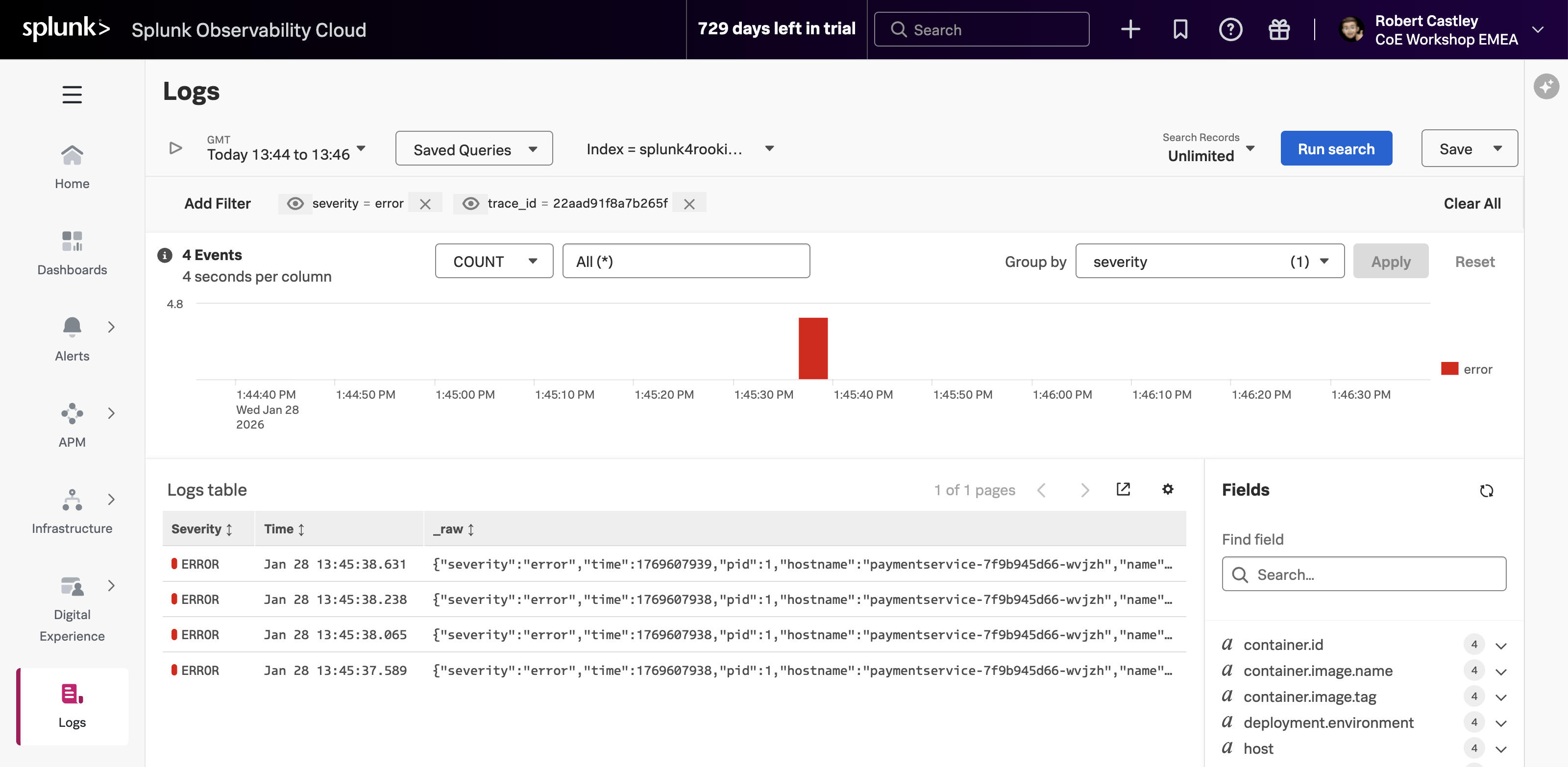
- We need to focus on just the Error messages in the logs:
- Click on the Group By (1) drop-down box and use the filter to find severity.
- Once selected click the button (notice that the chart legend changes to show debug, error and info).

- Selecting just the error logs can be done by either clicking on the word error (2) in the legend, followed by selecting Add to filter. Then click at the top of the page.
Next, we will look at log entries in detail.