1. Synthetics Dashboard
Exercise
In Splunk Observability Cloud from the main menu, click on Digital Experience → Synthetics tests. Click on All or Browser tests to see the list of active tests.
During our investigation in the RUM section, we found there was an issue with the Place Order Transaction. Let’s see if we can confirm this from the Synthetics test as well.
In the Search box, enter [NAME OF WORKSHOP] to filter the tests for this workshop.
Select the test.
Click on Go to all run results.
Change All to Failure (1).
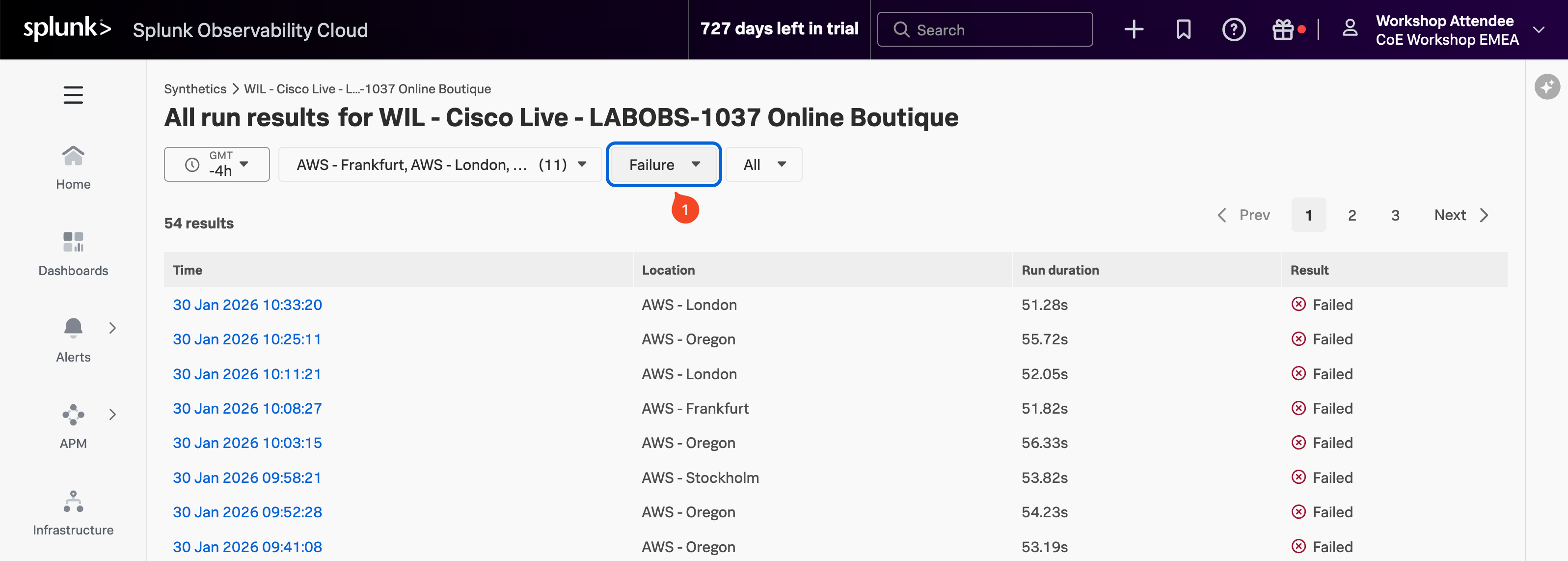
Click on one of the failed results.