2. Synthetics Test Detail
Exercise
- Now we are looking at the result of a single Synthetic Browser Test.
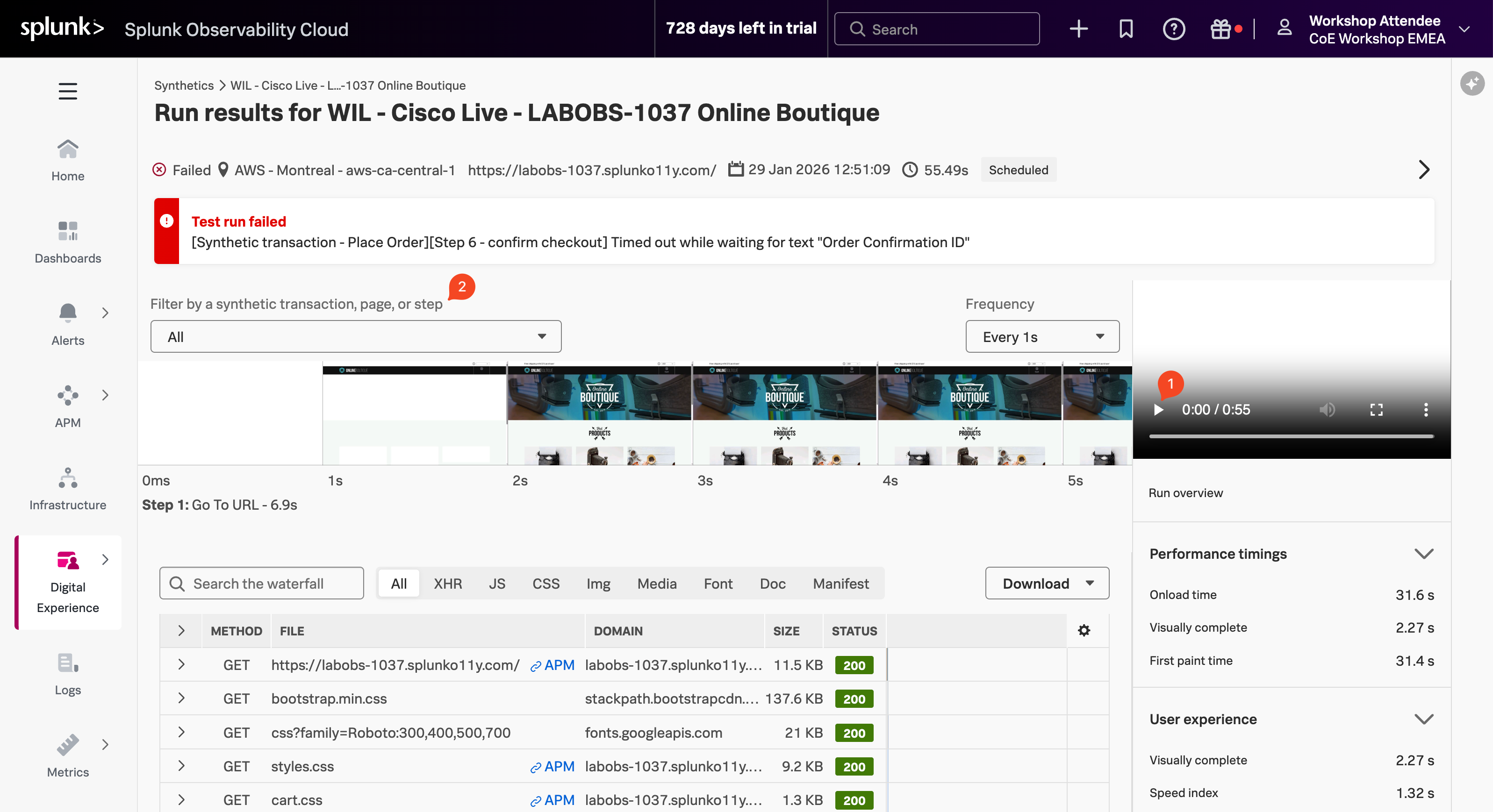
By default, Splunk Synthetics provides screenshots and video capture of the test. This is useful for debugging issues. You can see, for example, the slow loading of large images, the slow rendering of a page, etc.
Use your mouse to scroll left and right through the filmstrip to see how the site was being rendered during the test run.
In the Video pane, press on the play button ▶ (1) to see the test playback.
Using the filter above the filmstrip, under the heading Filter by a synthetic transaction, page, or step (2), click on Place Order under Synthetic transactions.