

Let's go shopping 💶
Interact with the Online Boutique web application to generate data for Splunk Observability Cloud.
Persona
You are a hip urban professional, longing to buy your next novelty items in the famous Online Boutique shop. You have heard that the Online Boutique is the place to go for all your hipster needs.
Interact with Online Boutique — a sample e-commerce app (browse, cart, checkout) wired up for Splunk Observability Cloud.
The application will already be deployed for you and your instructor will provide you with a link to the Online Boutique website e.g:
- http://<s4r-workshop-i-xxx.splunk>.show:81/. The application is also running on ports 80 & 443 if you prefer to use those or port 81 is unreachable.
Exercise - Let’s go shopping
- Once you have the link to the Online Boutique, have a browse through a few items, add them to your cart and then, finally, do a checkout.
- Repeat this exercise a few times and if possible use different browsers, mobile devices or tablets as this will generate more data for you to explore.
Tip
While you are waiting for pages to load, please move your mouse cursor around the page. This will generate more data for us to explore at a later date in this workshop.
Exercise (cont.)
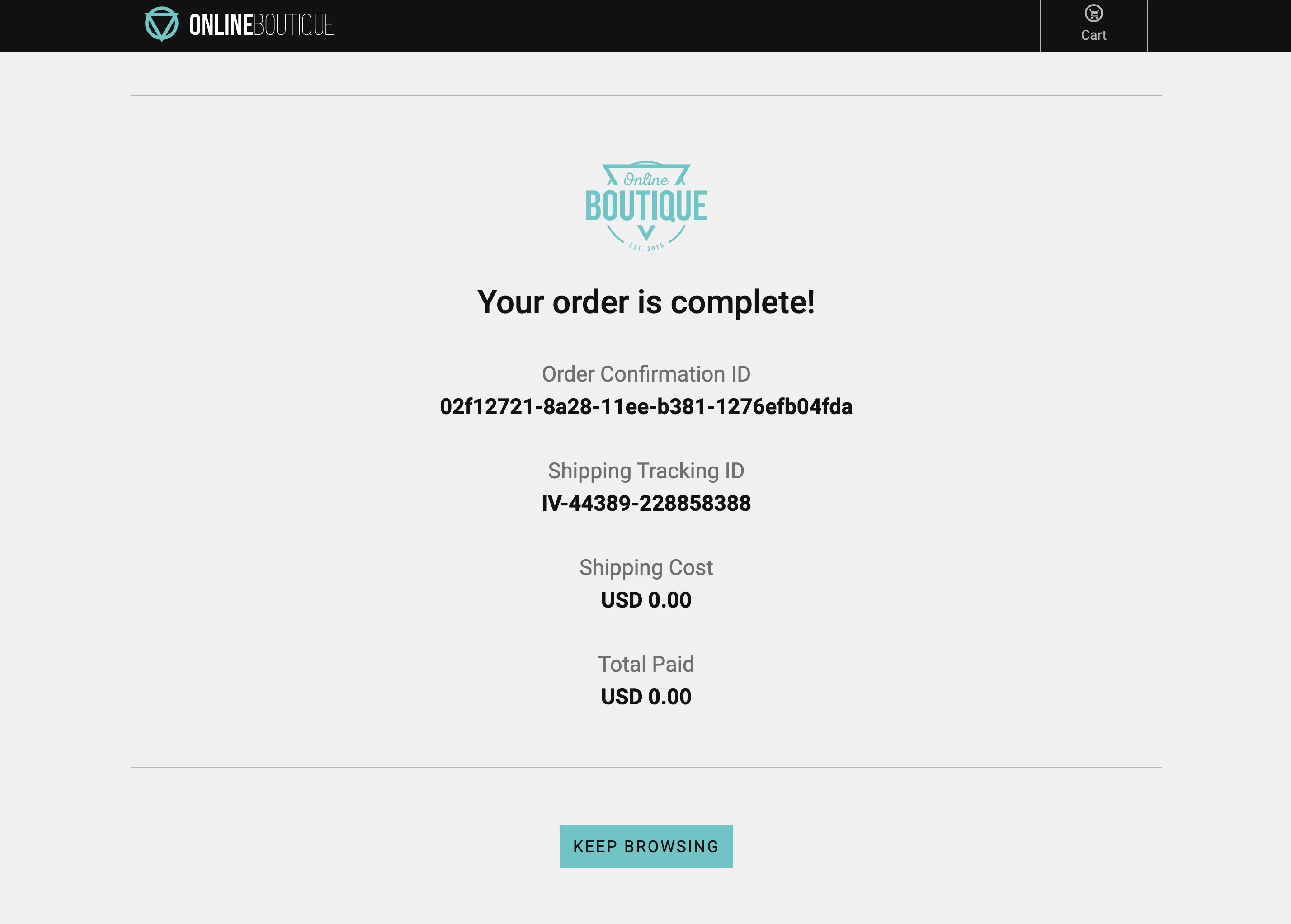
- Did you notice anything about the checkout process? Did it seem to take a while to complete, but it did ultimately complete? When this happens please copy the Order Confirmation ID and save it locally somewhere as we will need it later.
- Close the browser sessions you used to shop.
This is what a poor user experience can feel like and since this is a potential customer satisfaction issue we had better jump on this and troubleshoot.
Let’s go take a look at what the data looks like in Splunk RUM.