

Splunk RUM
3. Session Replay
Sessions
A session is a collection of traces that correspond to the actions a single user takes when interacting with an application. By default, a session lasts until 15 minutes have passed from the last event captured in the session. The maximum session duration is 4 hours.
- In the User Sessions table, click on the top Session ID with the longest Duration (over 20 seconds or longer), this will take you to the RUM Session view.
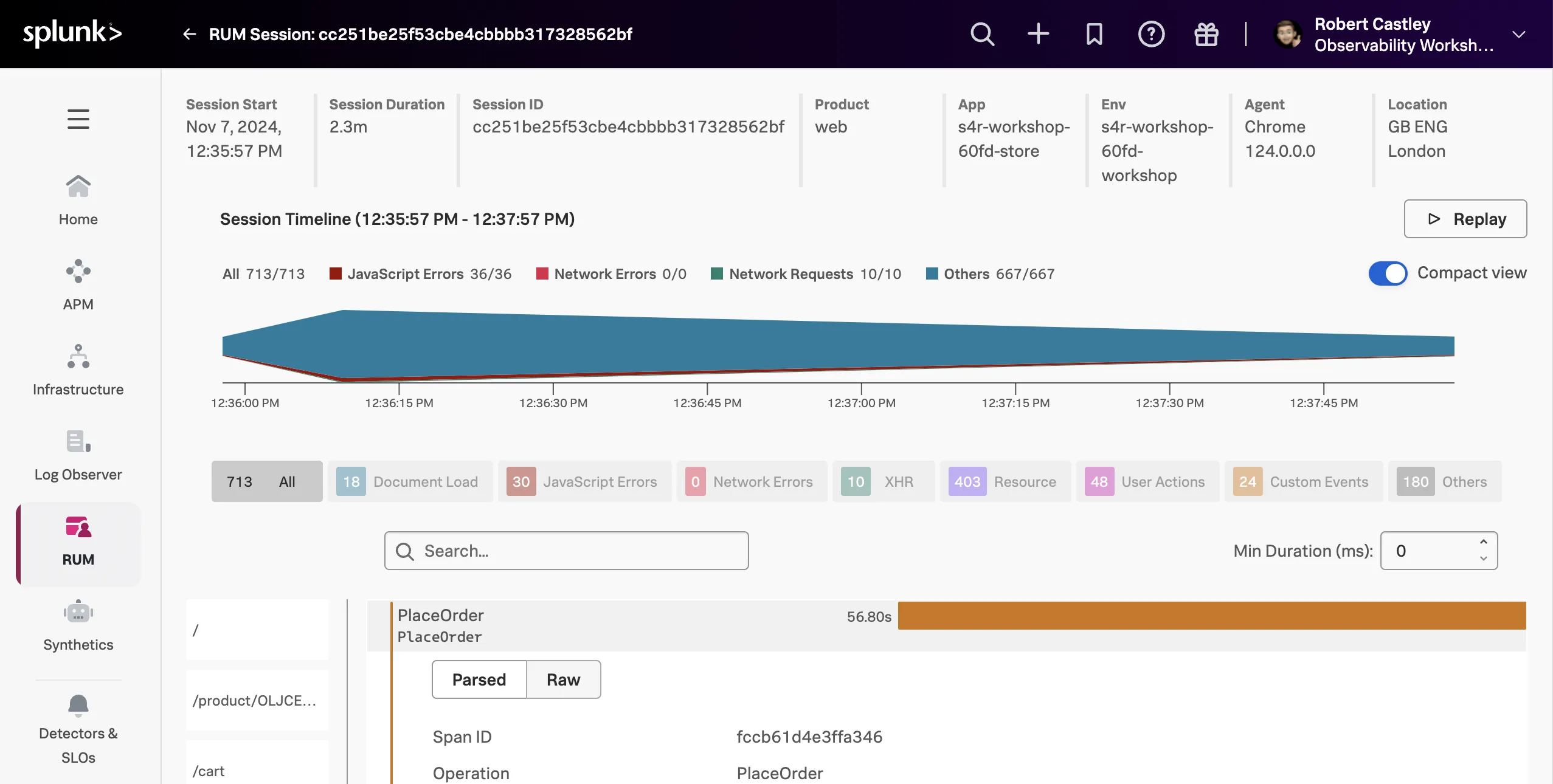
- Scroll UP to reveal the RUM Session Replay, which allows you to replay and see the user session. This is a great way to see exactly what the user experienced. You may need to wait a few moments for the replay to be generated.
- Click the button to start the replay.
RUM Session Replay can redact information, by default text is redacted. You can also redact images (which has been done for this workshop example). This is useful if you are replaying a session that contains sensitive information. You can also change the playback speed, skip periods of inactivity, and pause the replay.
Tip
When playing back the session, notice how the mouse movements are captured. This is useful to see where the user is focusing their attention.