Splunk RUM
4. User Sessions
- Close the RUM Session Replay by clicking on the X in the top right corner.
- Note the length of the span, this is the time it took to complete the order, not good!
- Scroll down the page and you will see the waterfall which shows the page objects that have been loaded (HTML, CSS, images, JavaScript etc.)
- Keep scrolling down the page until you come to a blue APM link (the one with
/cart/checkoutat the end of the URL) and hover over it.
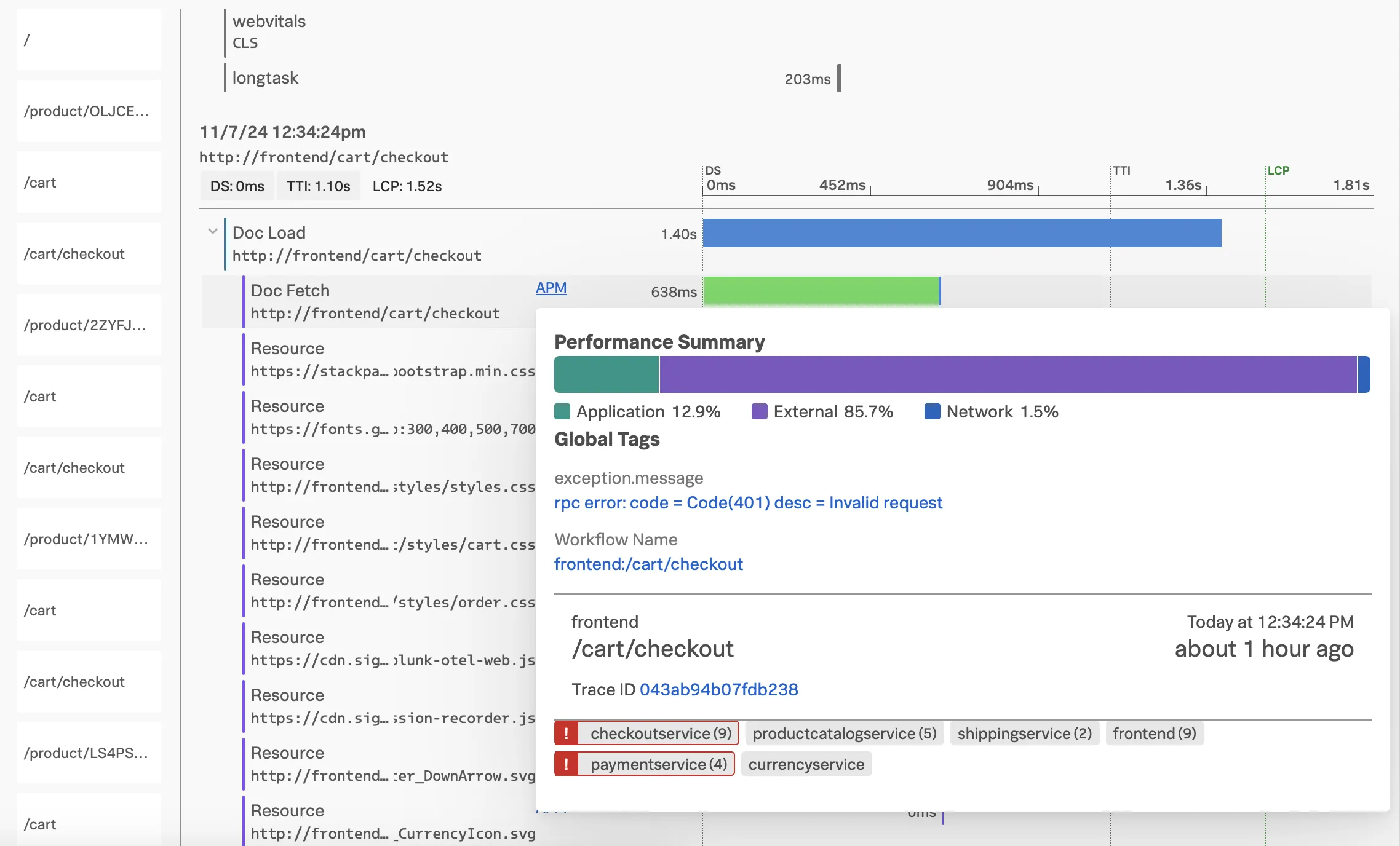
This brings up the APM Performance Summary. Having this end-to-end (RUM to APM) view is very useful when troubleshooting issues.
- You will see paymentservice and checkoutservice are in an error state as per the screenshot above.
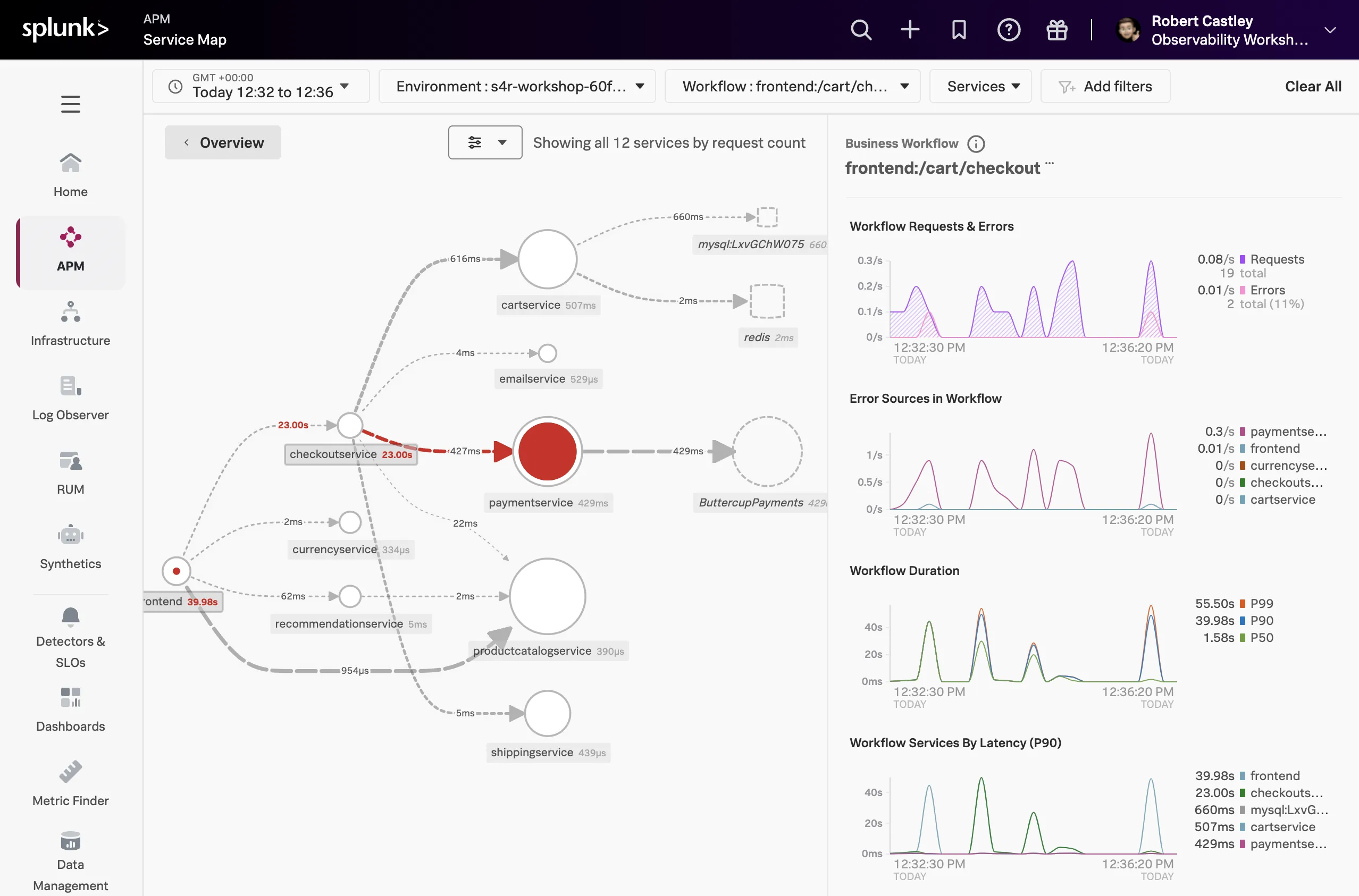
- Under Business Operation click on
front-end:/cart, this will bring up the APM Service Map.