Monitoring as Code
10 minutes- Use Terraform1 to manage Observability Cloud Dashboards and Detectors
- Initialize the Terraform Splunk Provider2.
- Run Terraform to create detectors and dashboards from code using the Splunk Terraform Provider.
- See how Terraform can also delete detectors and dashboards.
1. Initial setup
Monitoring as code adopts the same approach as infrastructure as code. You can manage monitoring the same way you do applications, servers, or other infrastructure components.
You can use monitoring as code to build out your visualizations, what to monitor, and when to alert, among other things. This means your monitoring setup, processes, and rules can be versioned, shared, and reused.
Full documentation for the Splunk Terraform Provider is available here.
Remaining in your AWS/EC2 instance, change into the o11y-cloud-jumpstart directory
Initialize Terraform and upgrade to the latest version of the Splunk Terraform Provider.
Note: Upgrading the SignalFx Terraform Provider
You will need to run the command below each time a new version of the Splunk Terraform Provider is released. You can track the releases on GitHub.
2. Create execution plan
The terraform plan command creates an execution plan. By default, creating a plan consists of:
- Reading the current state of any already-existing remote objects to make sure that the Terraform state is up-to-date.
- Comparing the current configuration to the prior state and noting any differences.
- Proposing a set of change actions that should, if applied, make the remote objects match the configuration.
The plan command alone will not actually carry out the proposed changes, and so you can use this command to check whether the proposed changes match what you expected before you apply the changes
If the plan executes successfully, we can go ahead and apply:
3. Apply execution plan
The terraform apply command executes the actions proposed in the Terraform plan above.
The most straightforward way to use terraform apply is to run it without any arguments at all, in which case it will automatically create a new execution plan (as if you had run terraform plan) and then prompt you to provide the API Token, Realm (the prefix defaults to Splunk) and approve the plan, before taking the indicated actions.
Due to this being a workshop it is required that the prefix is to be unique so you need to run the terraform apply below.
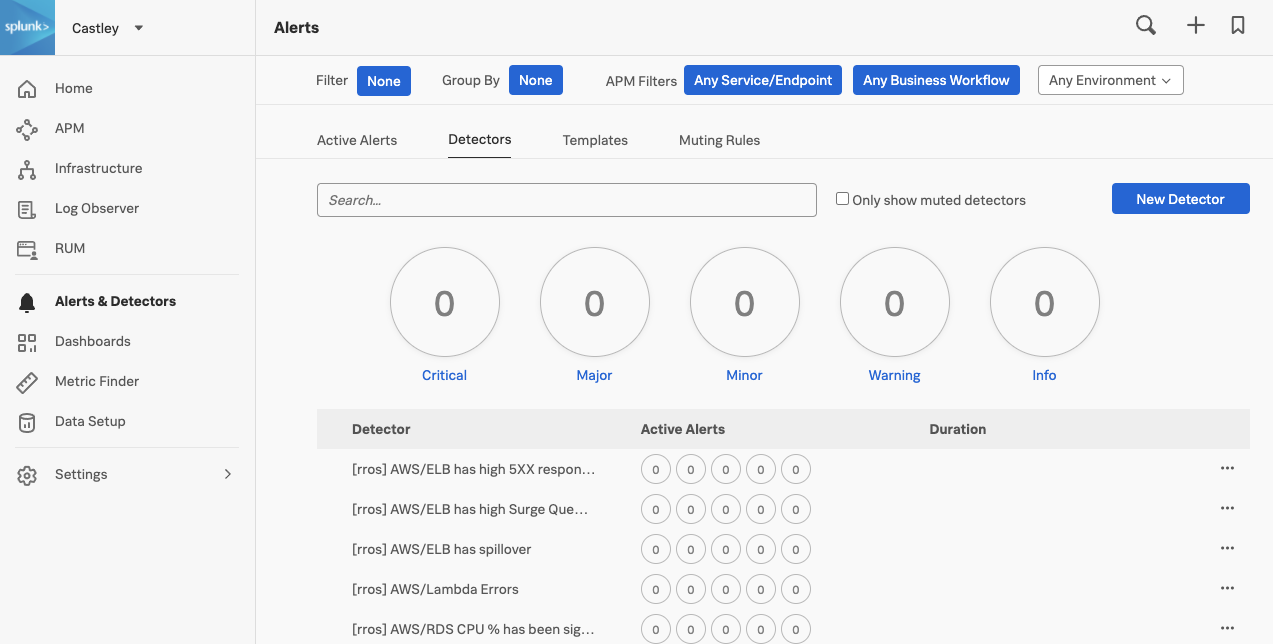
Once the apply has been completed, validate that the detectors were created, under the Alerts & Detectors and click on the Detectors tab. They will be prefixed by the instance name. To check the prefix value run:
You will see a list of the new detectors and you can search for the prefix that was output from above.
3. Destroy all your hard work
The terraform destroy command is a convenient way to destroy all remote objects managed by your Terraform configuration.
While you will typically not want to destroy long-lived objects in a production environment, Terraform is sometimes used to manage ephemeral infrastructure for development purposes, in which case you can use terraform destroy to conveniently clean up all of those temporary objects once you are finished with your work.
Now go and destroy all the Detectors and Dashboards that were previously applied!
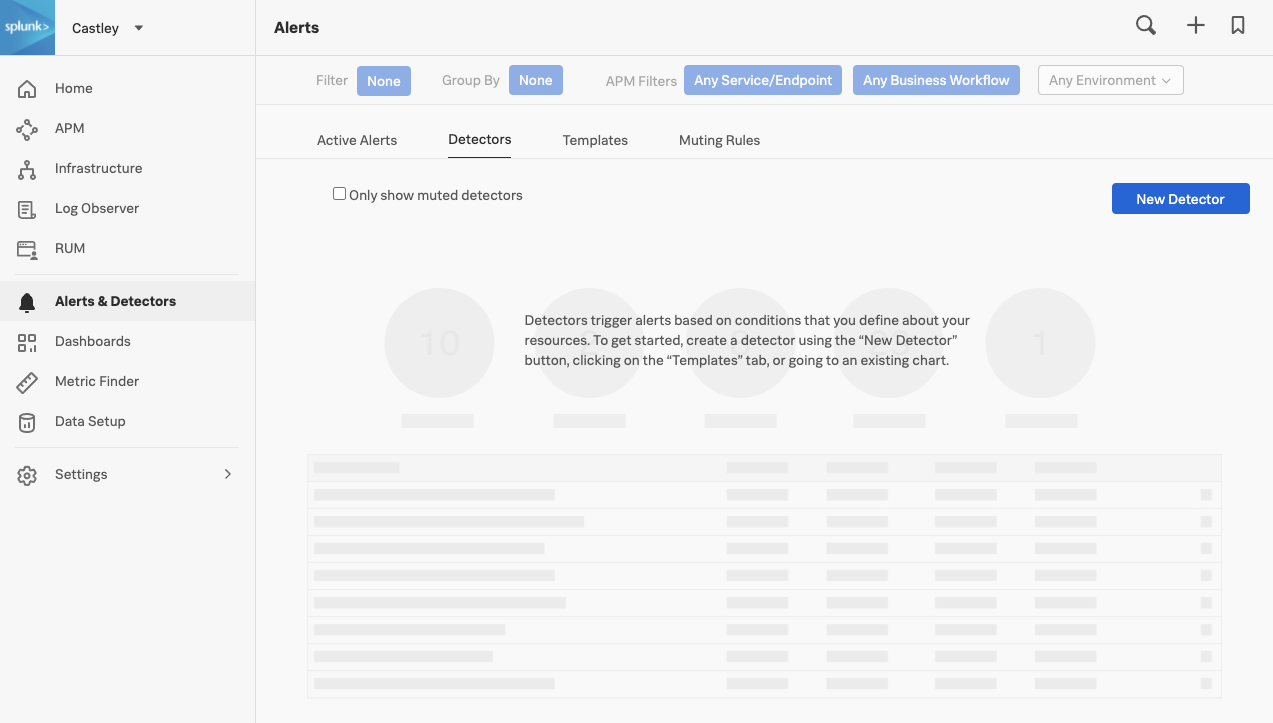
Validate all the detectors have been removed by navigating to Alerts → Detectors
Terraform is a tool for building, changing, and versioning infrastructure safely and efficiently. Terraform can manage existing and popular service providers as well as custom in-house solutions. ↩︎
A provider is responsible for understanding API interactions and exposing resources. Providers generally are an IaaS (e.g. Alibaba Cloud, AWS, GCP, Microsoft Azure, OpenStack), PaaS (e.g. Heroku), or SaaS services (e.g. Splunk, Terraform Cloud, DNSimple, Cloudflare). ↩︎