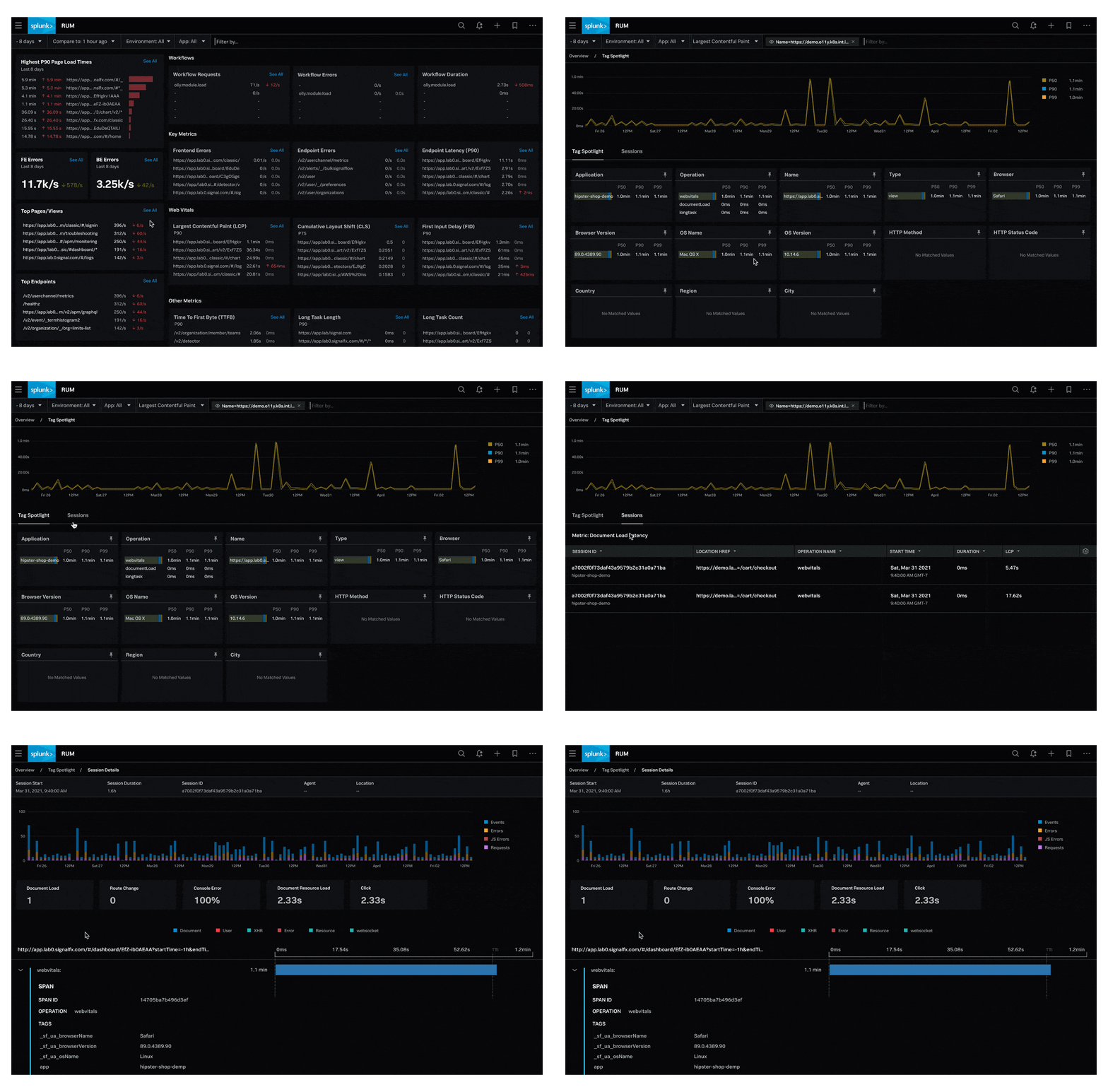
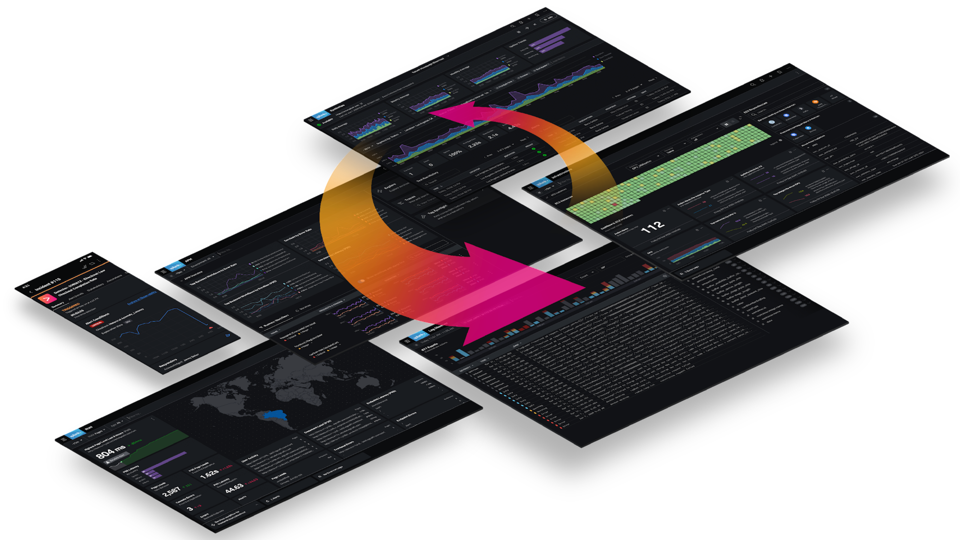
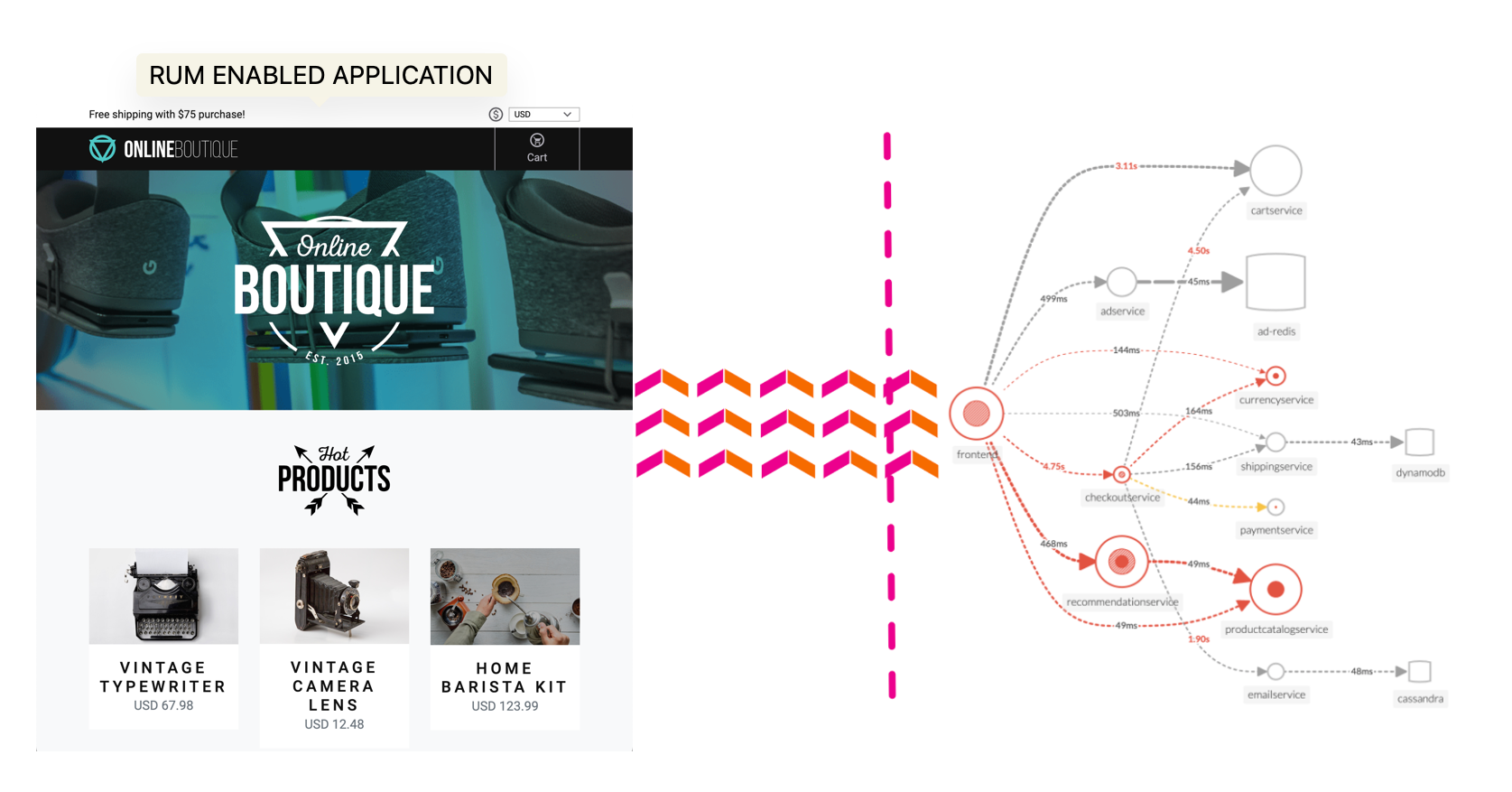
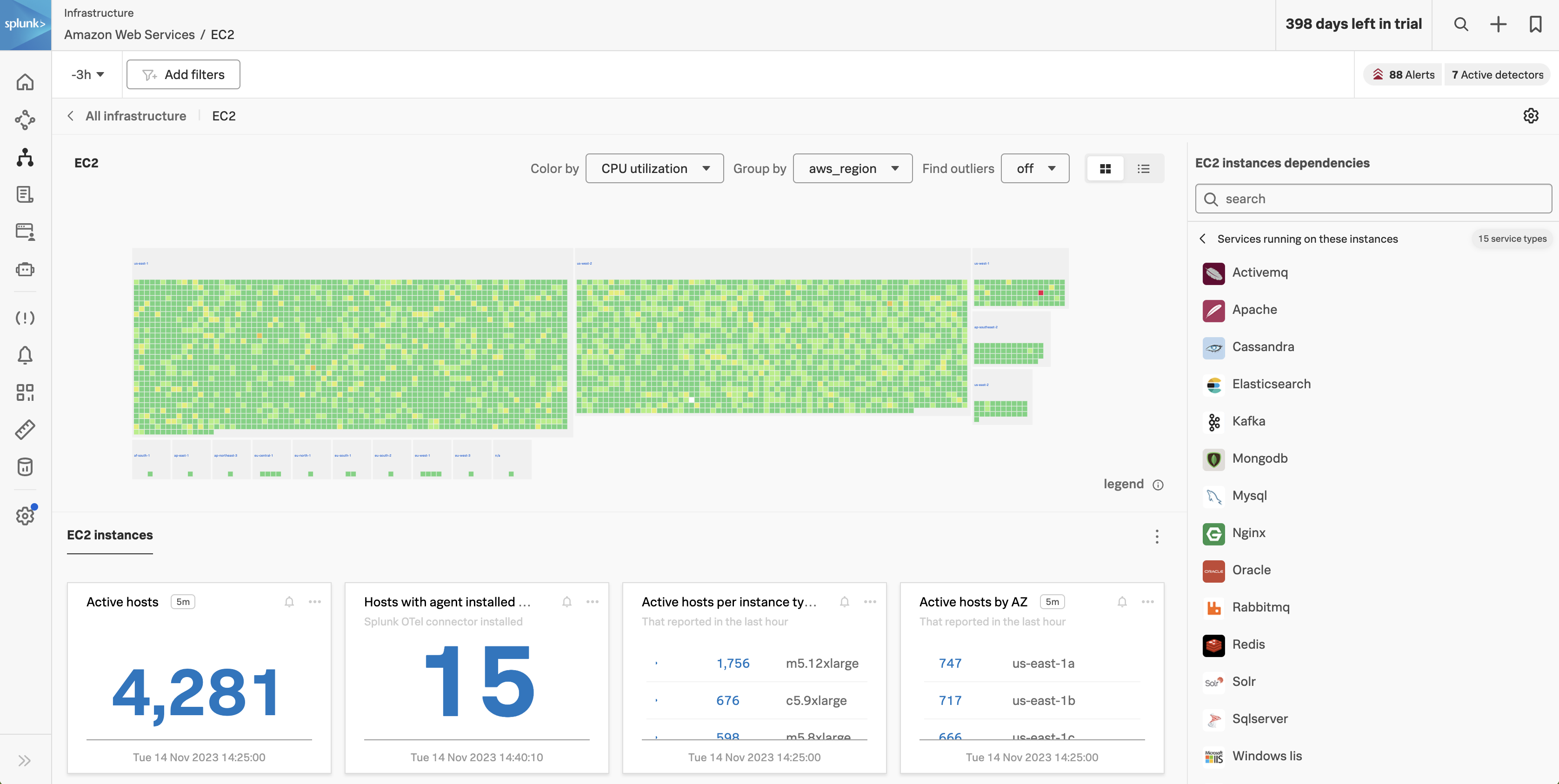
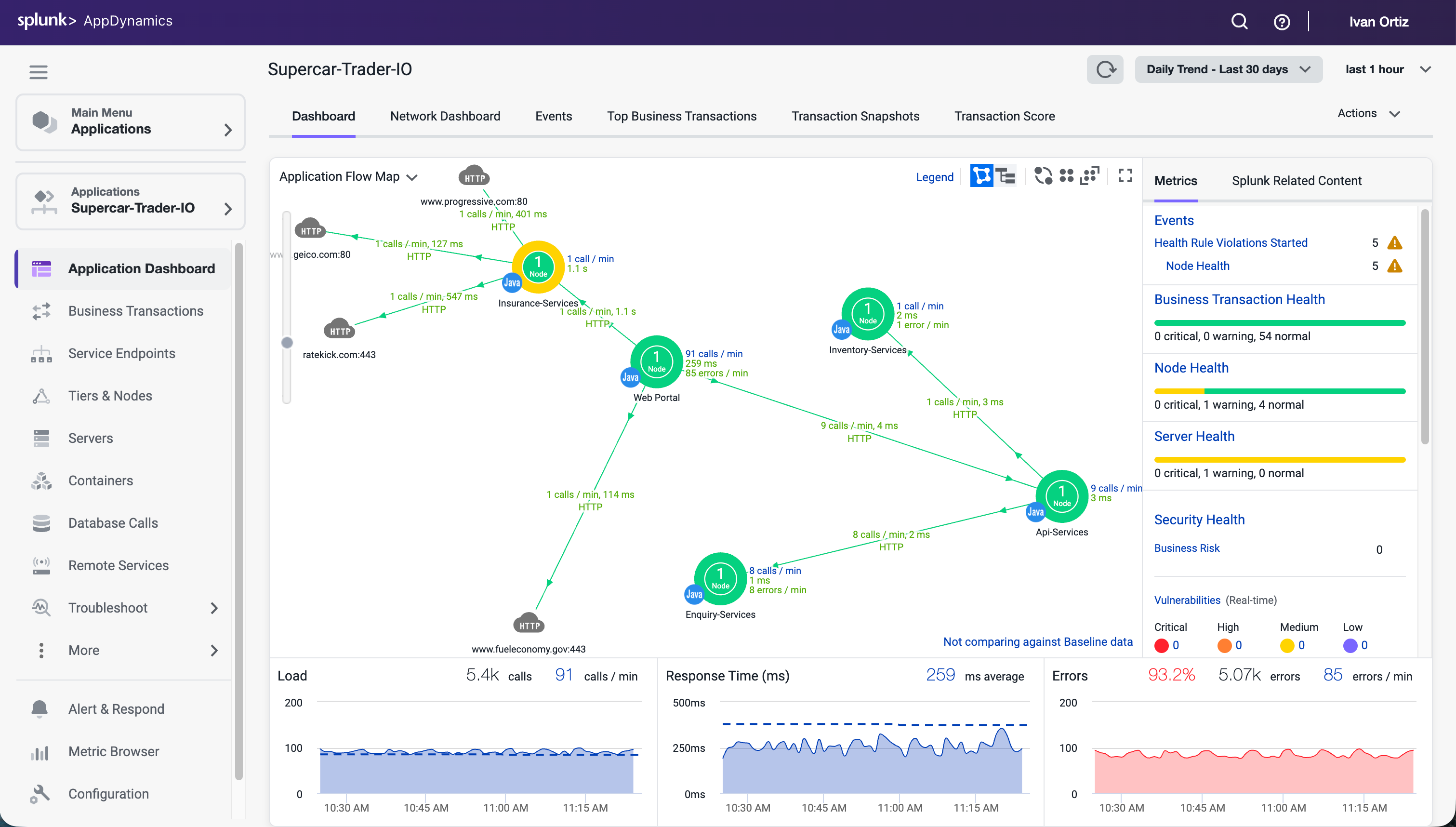
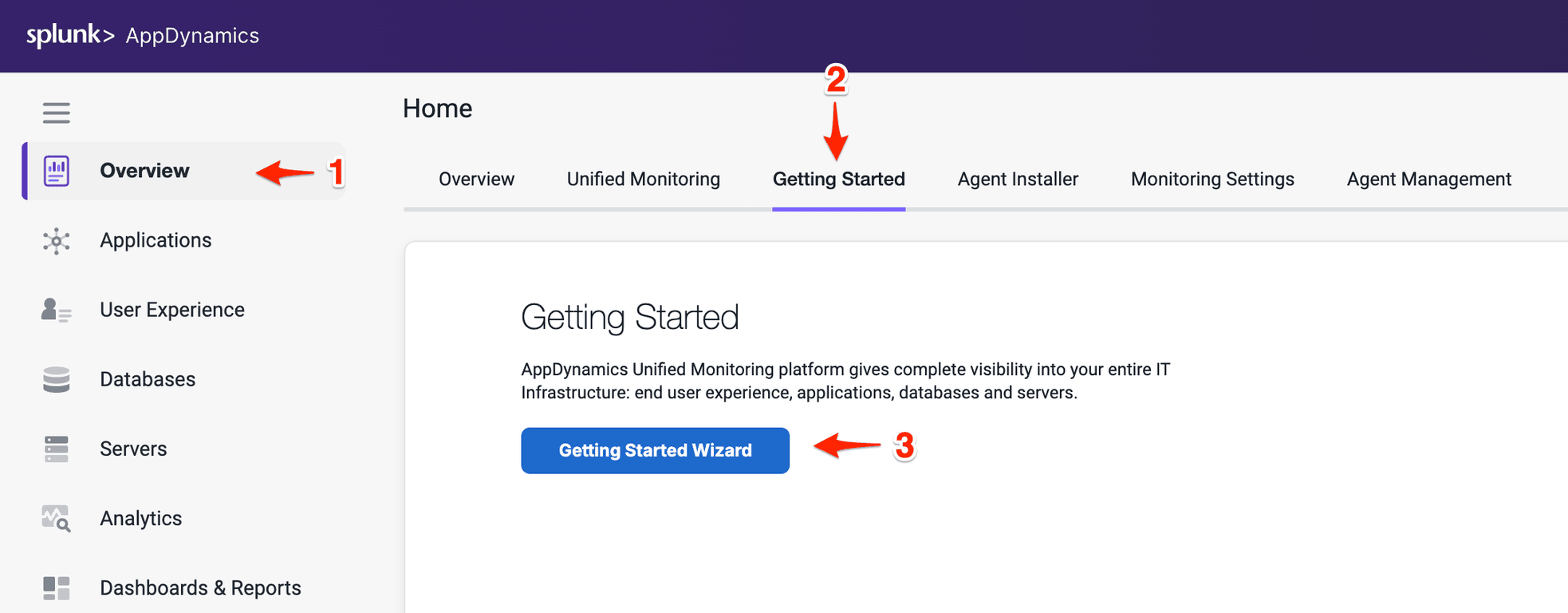
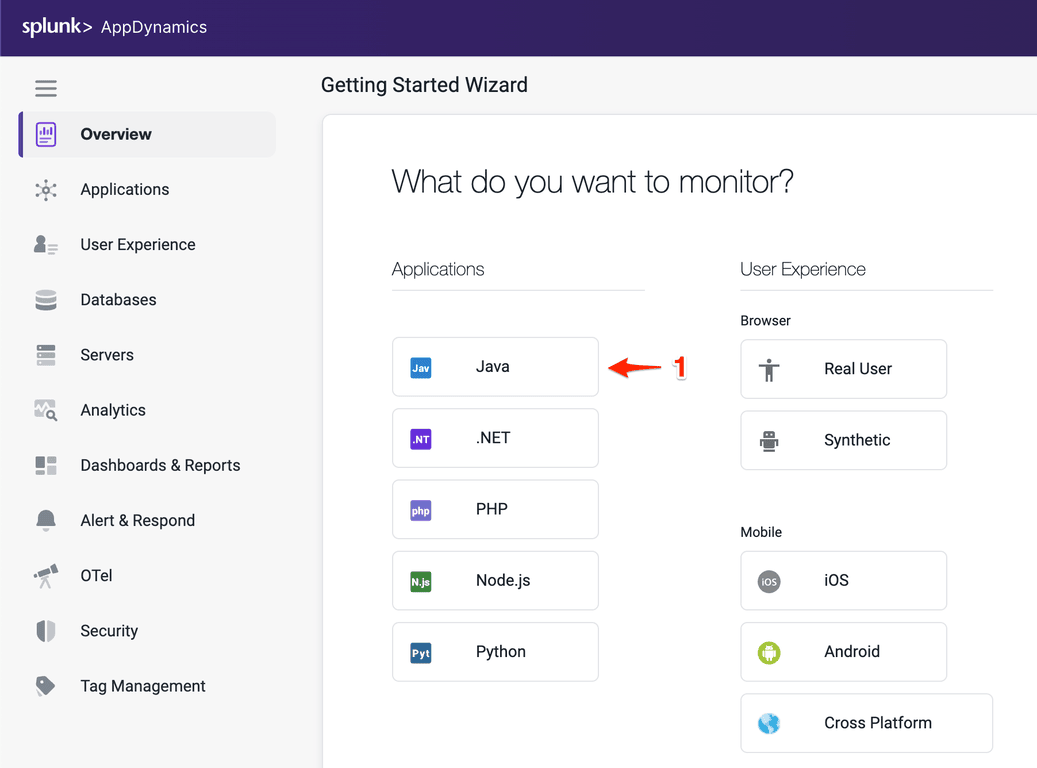
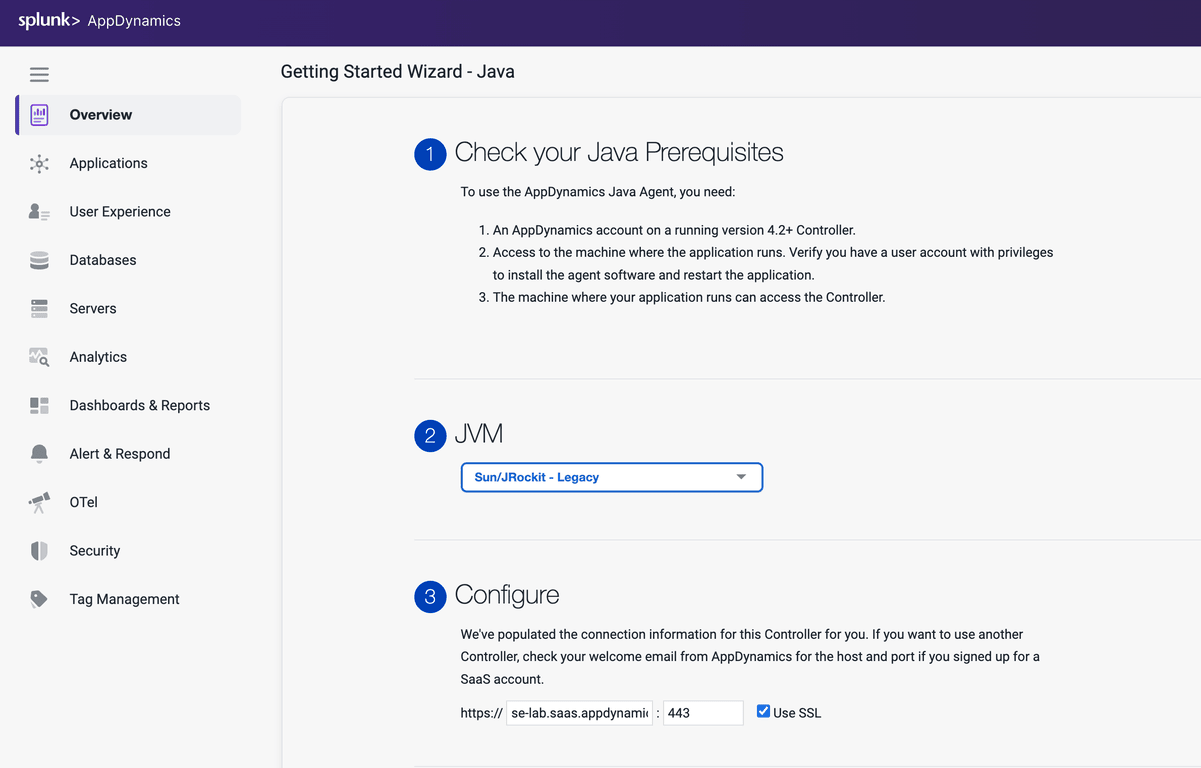
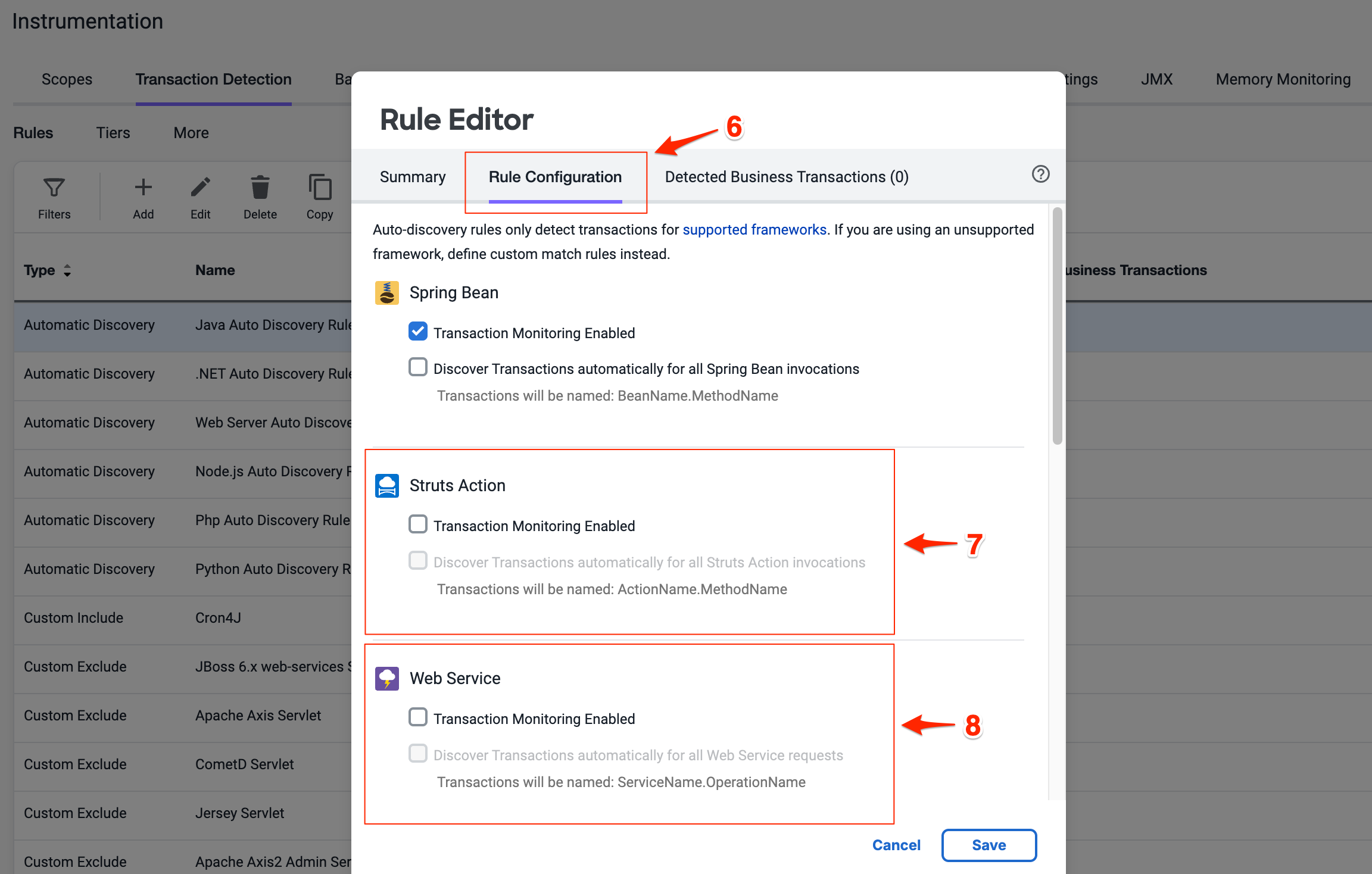
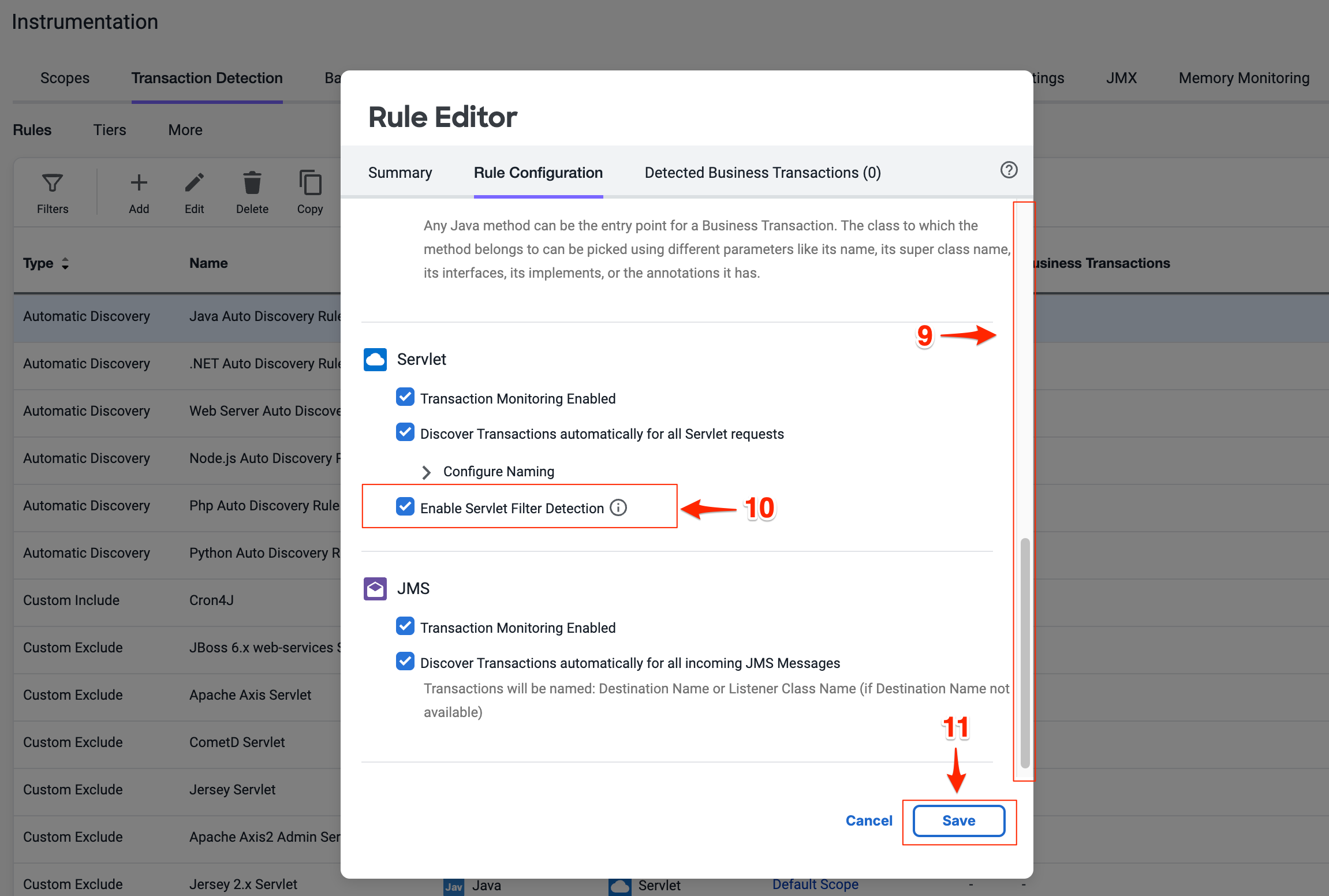
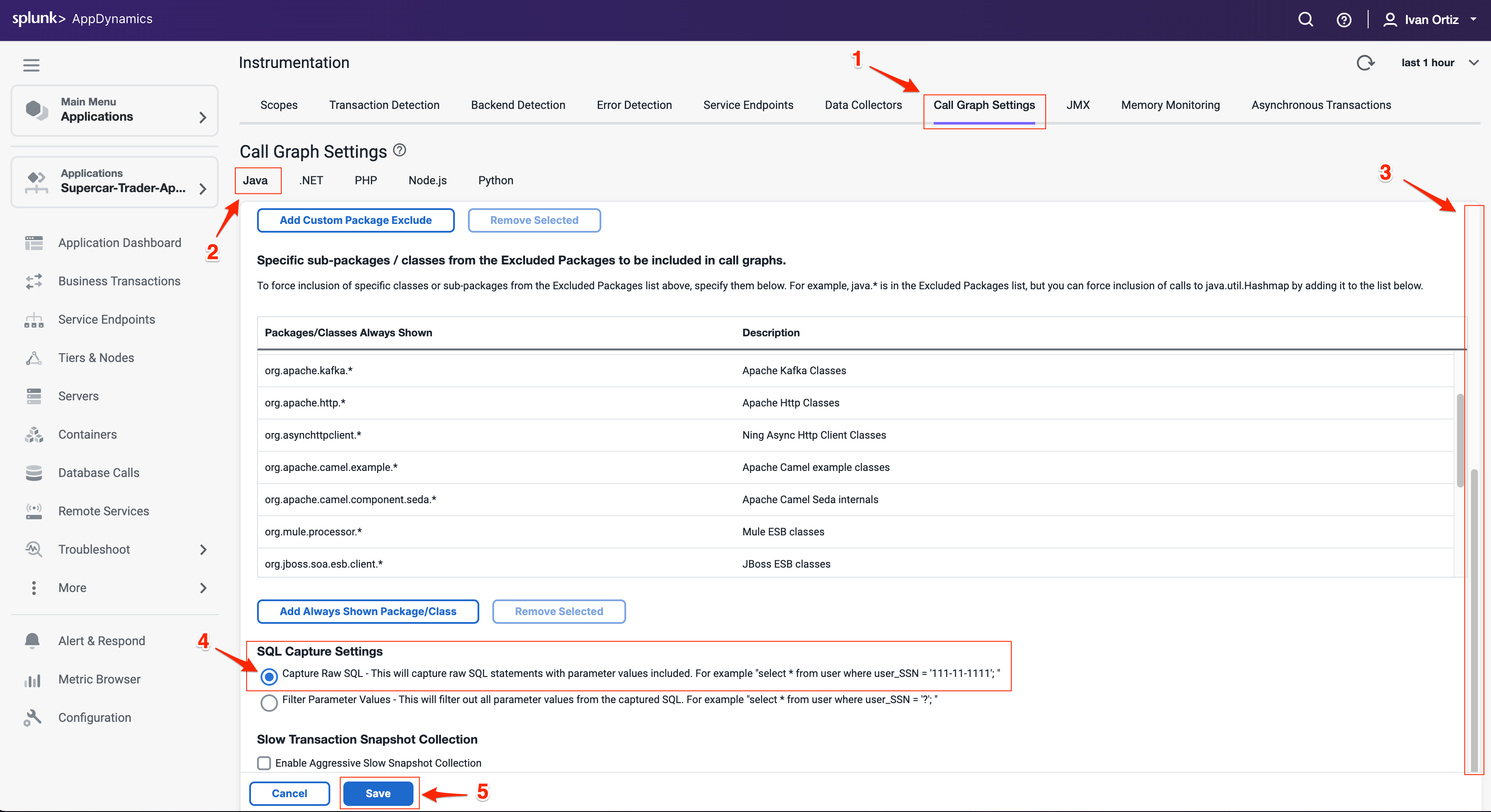
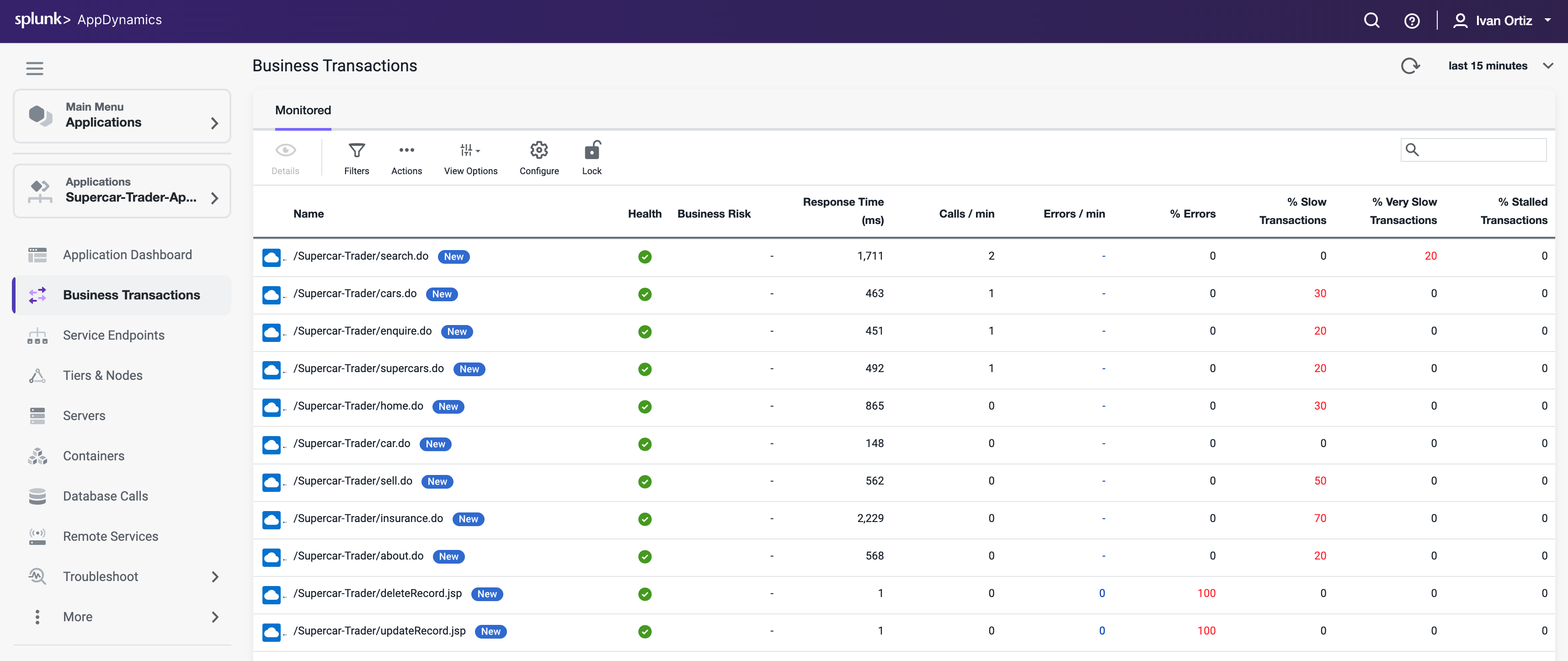
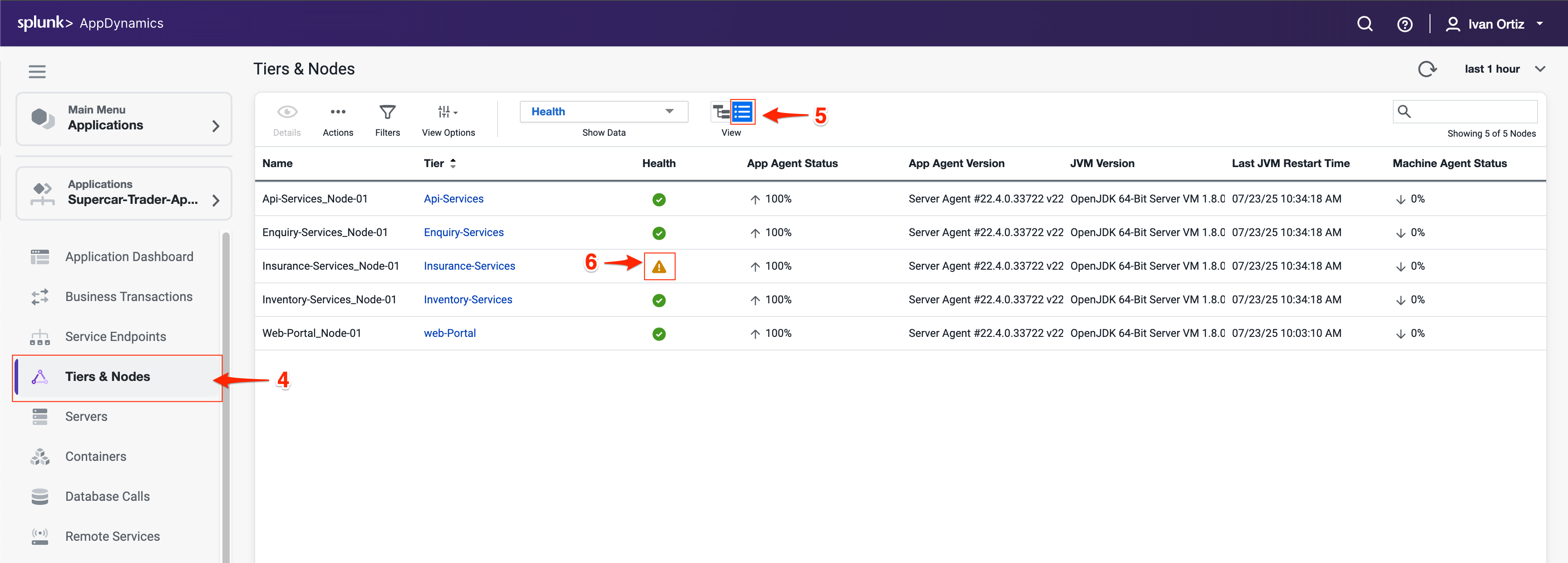
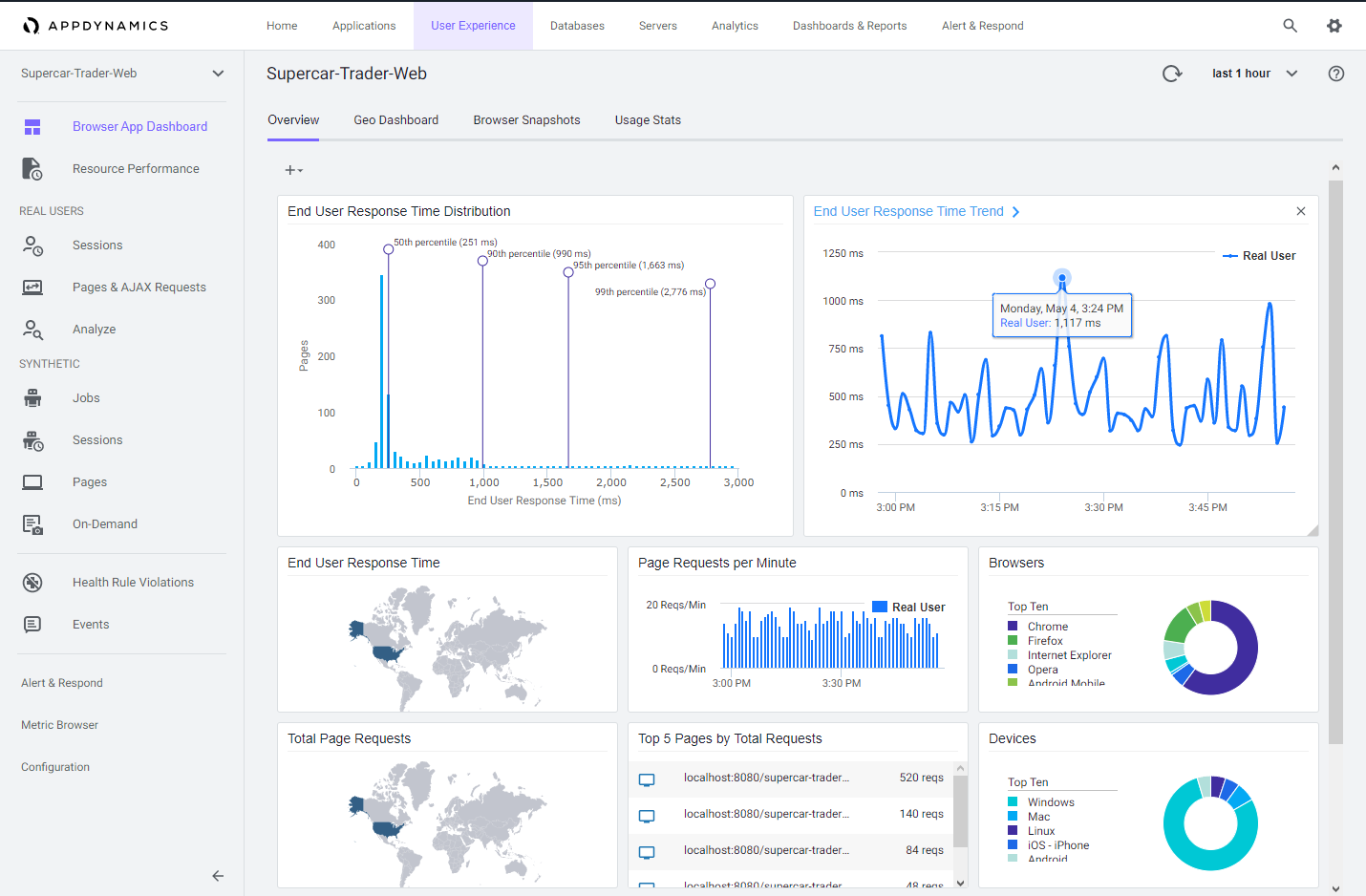
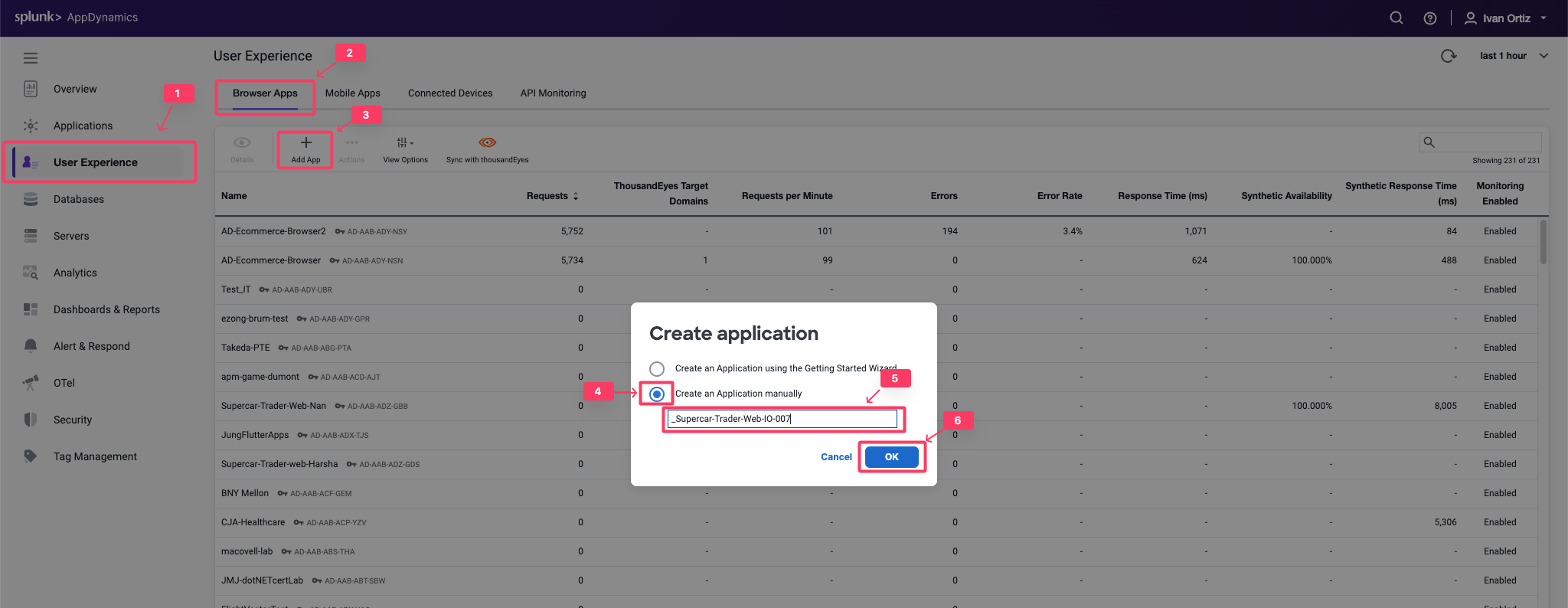
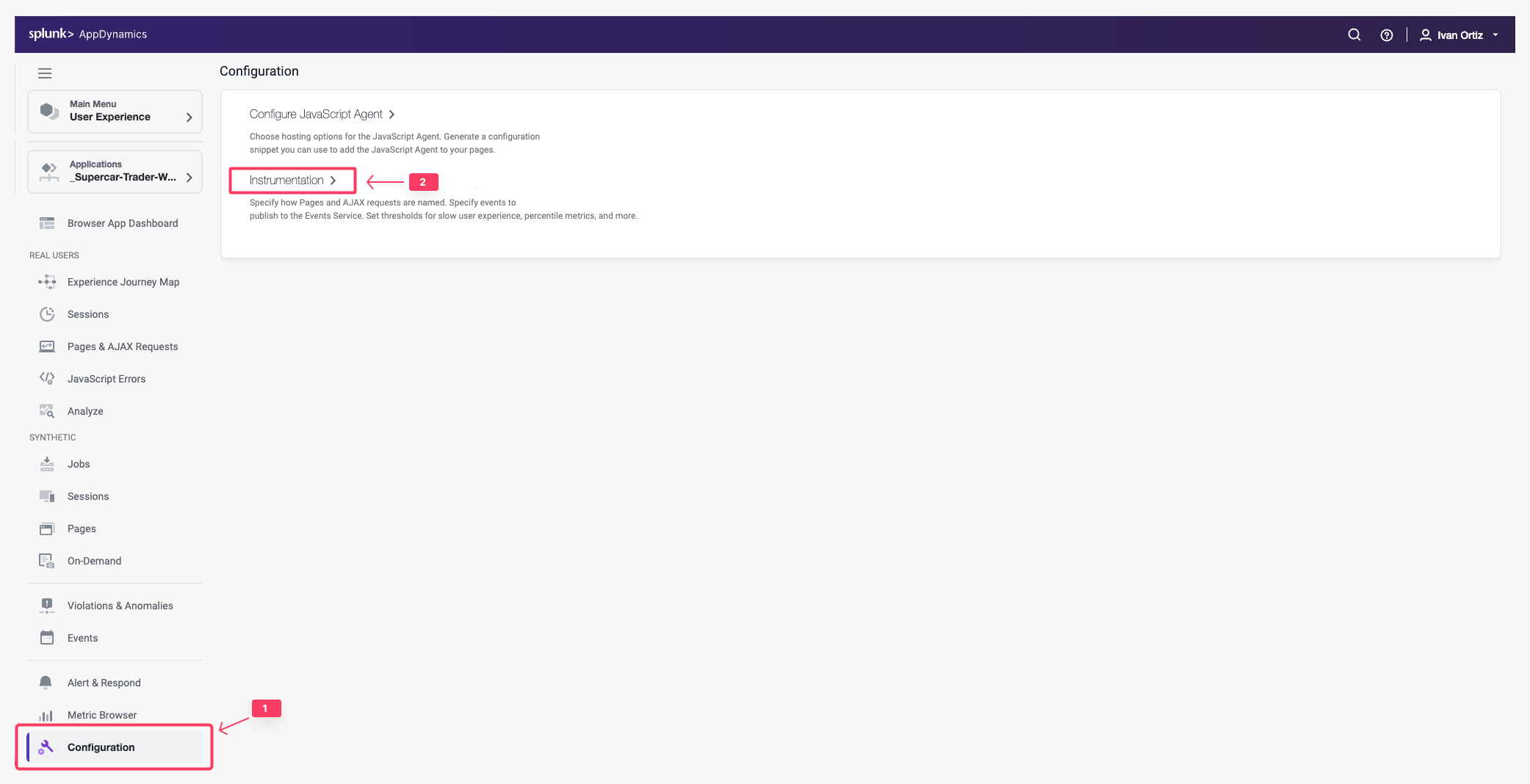
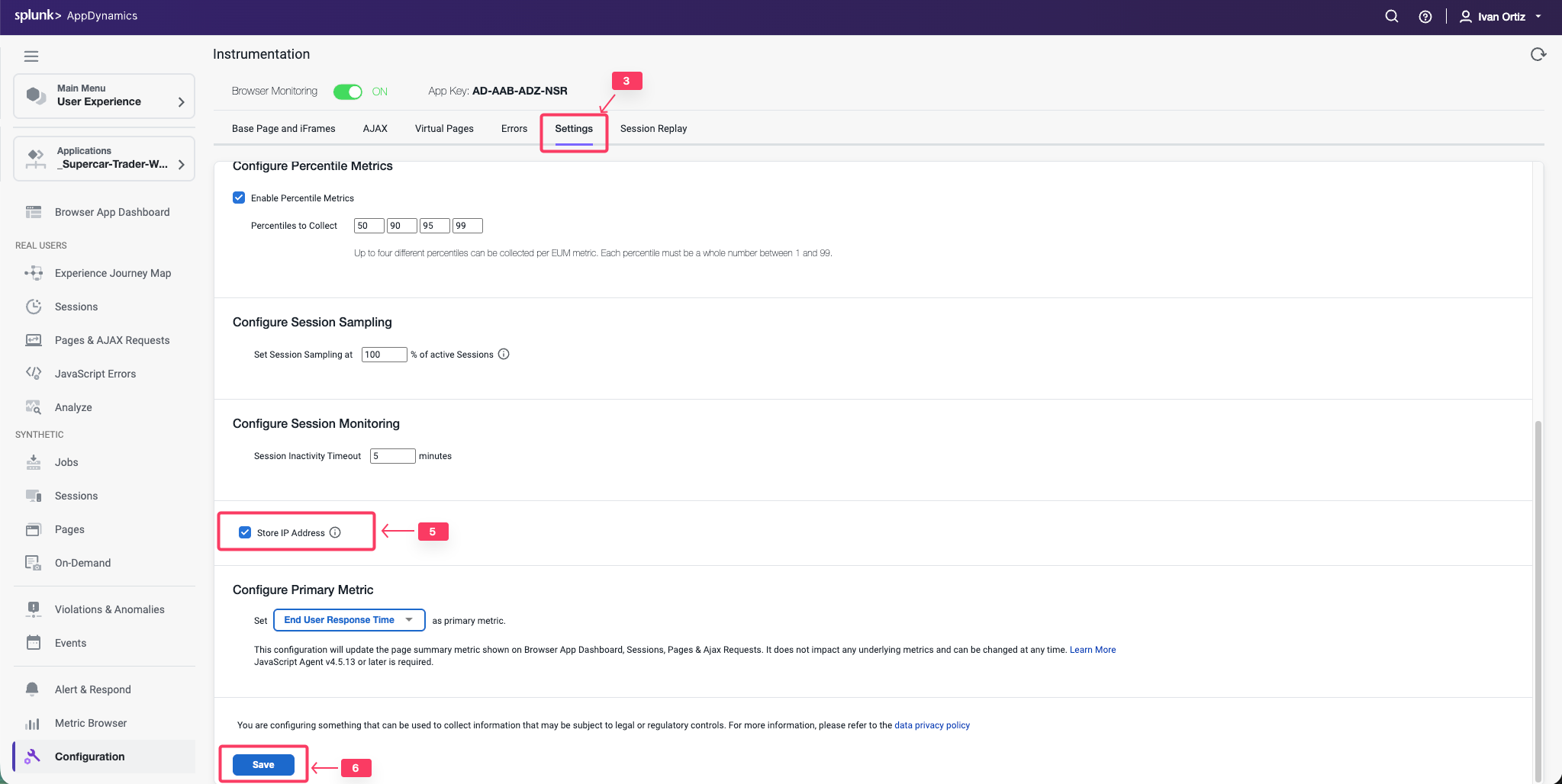
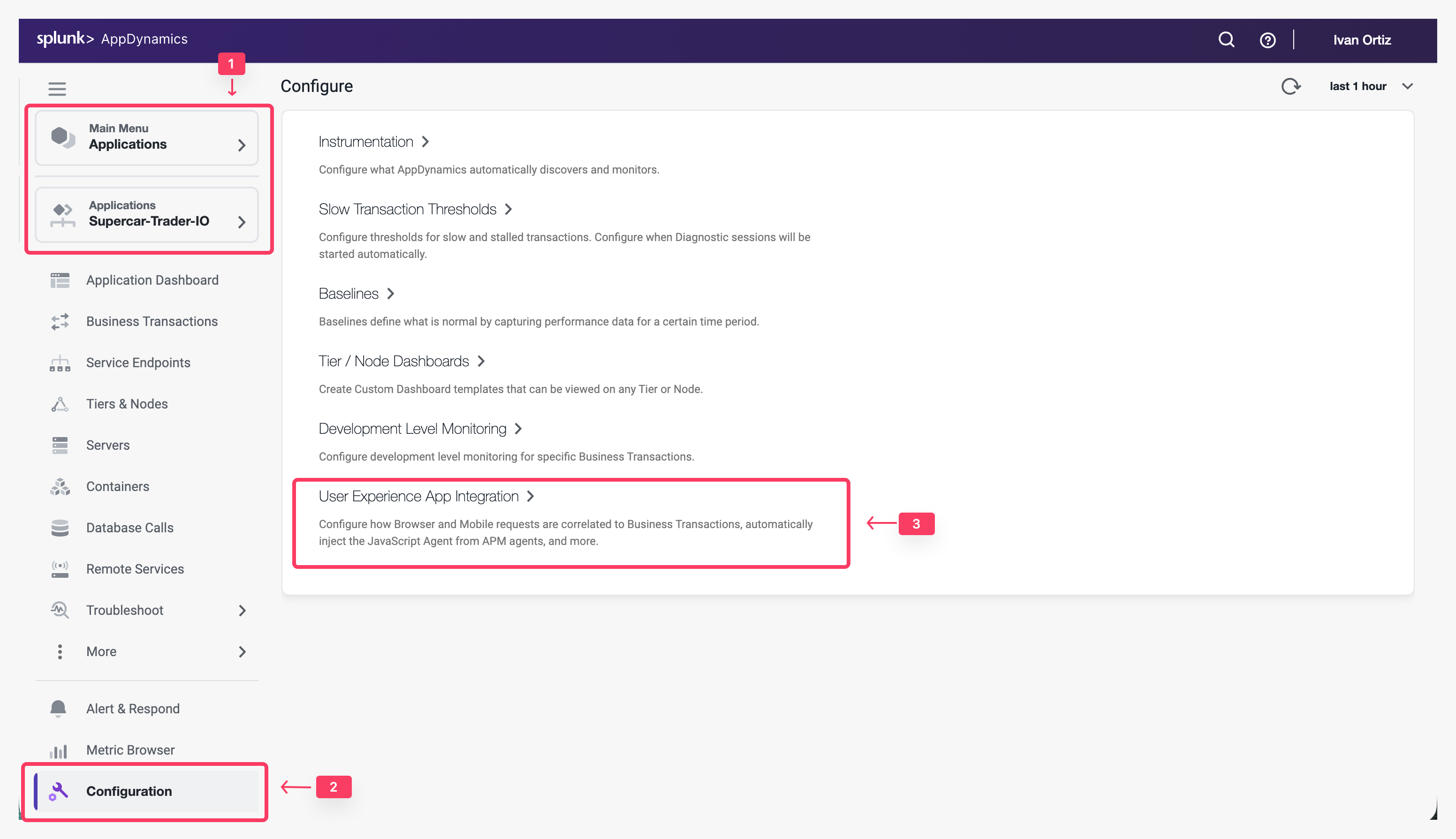
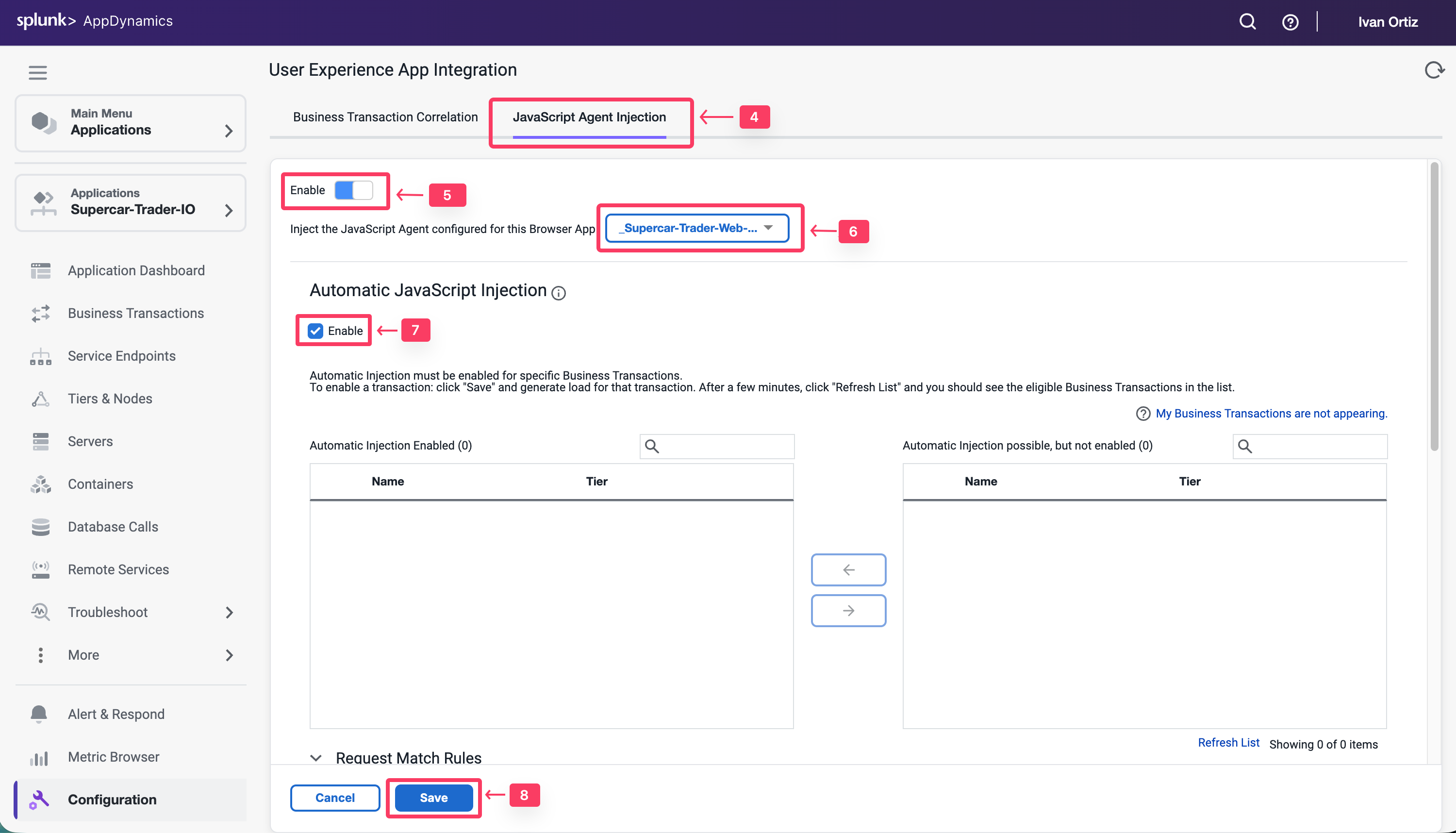
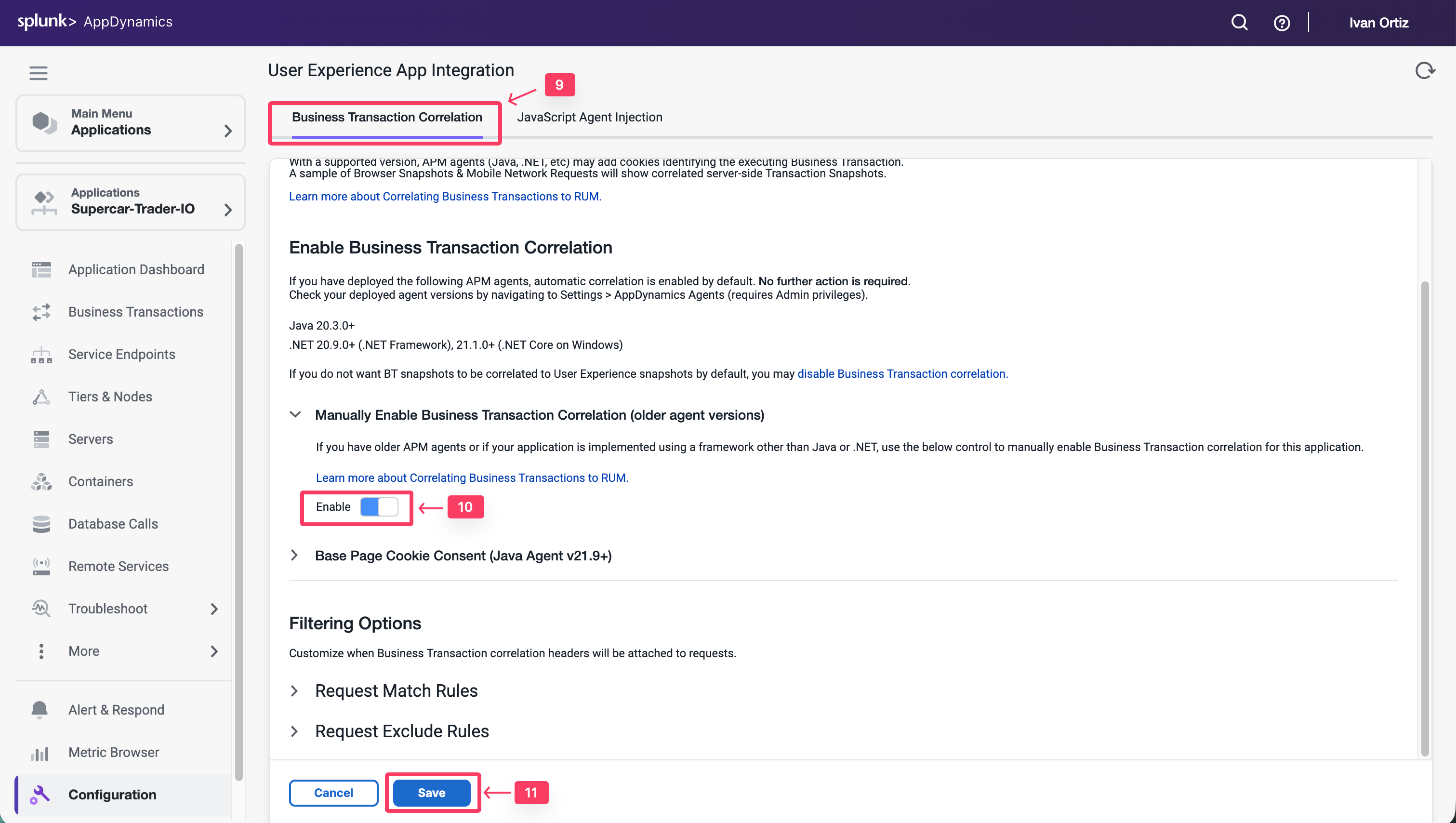
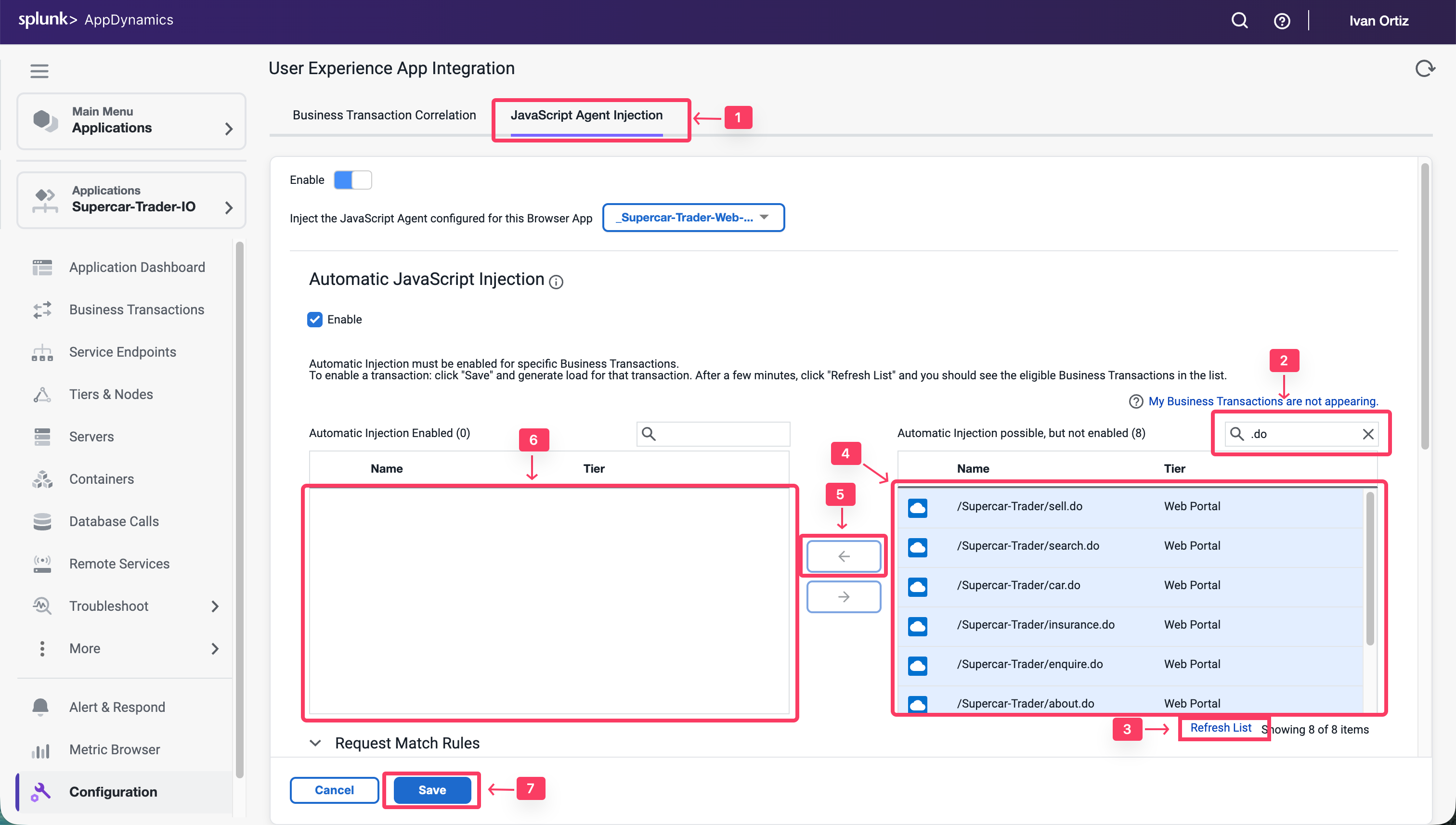
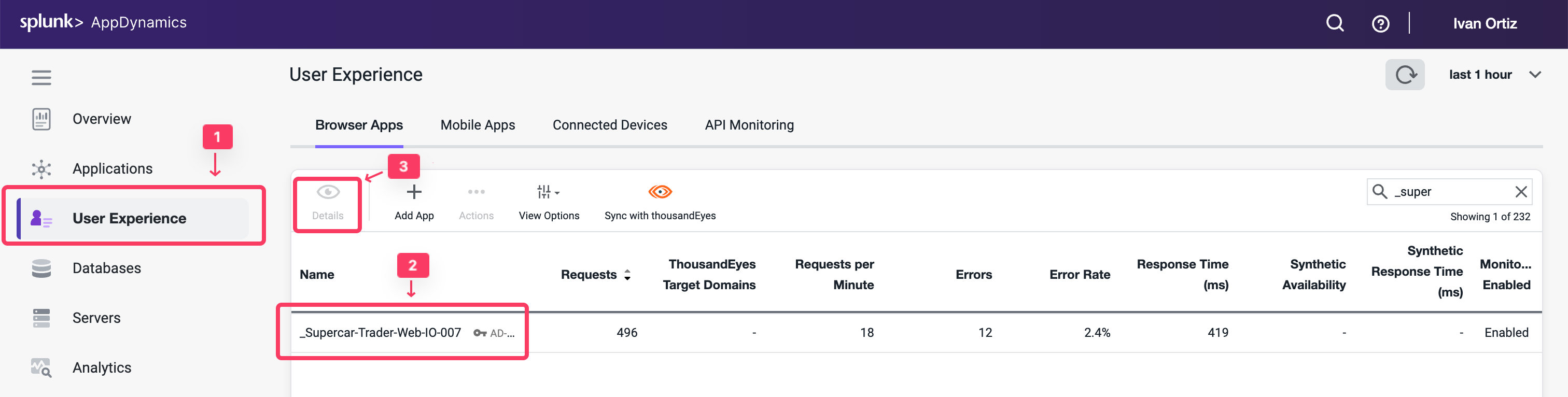
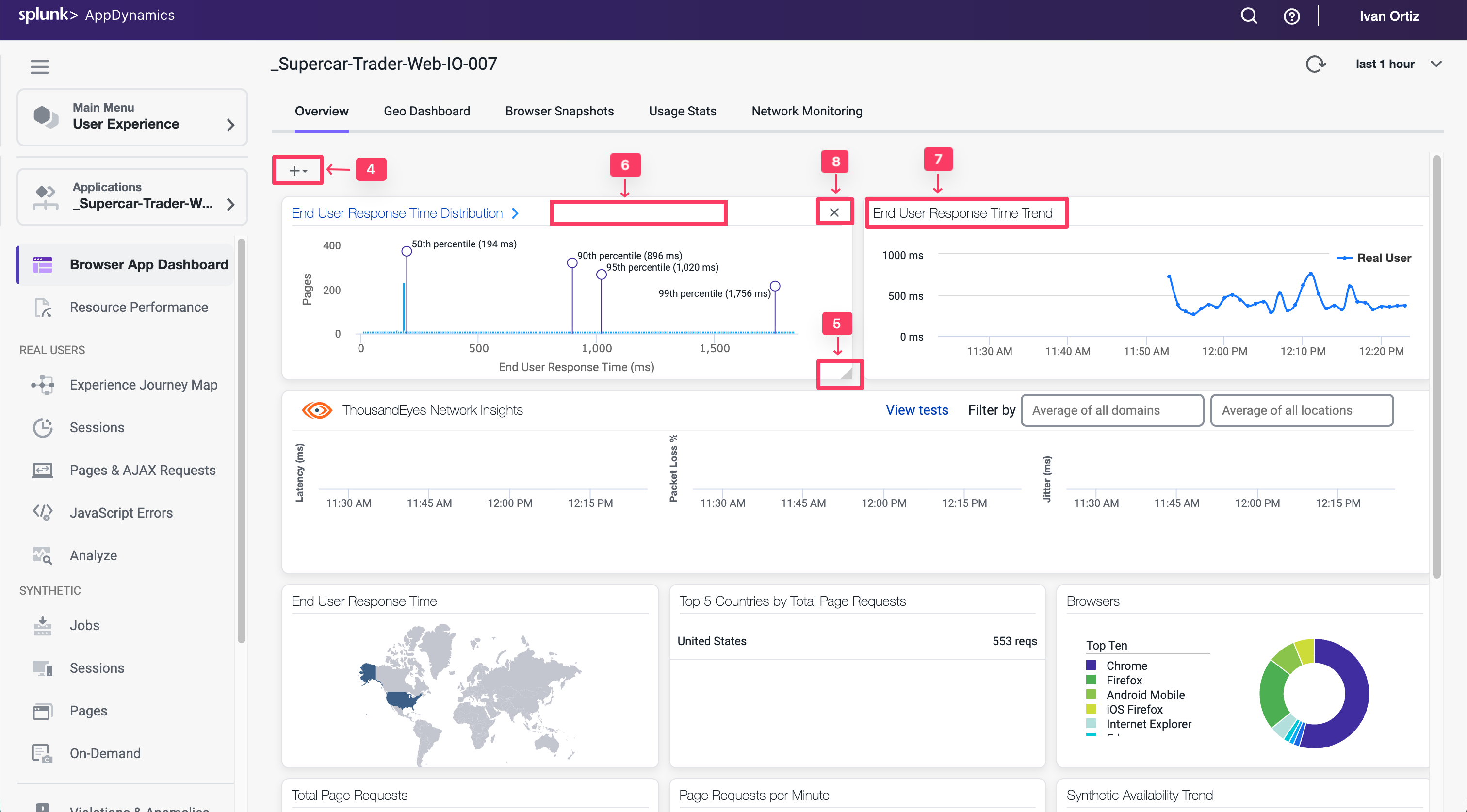
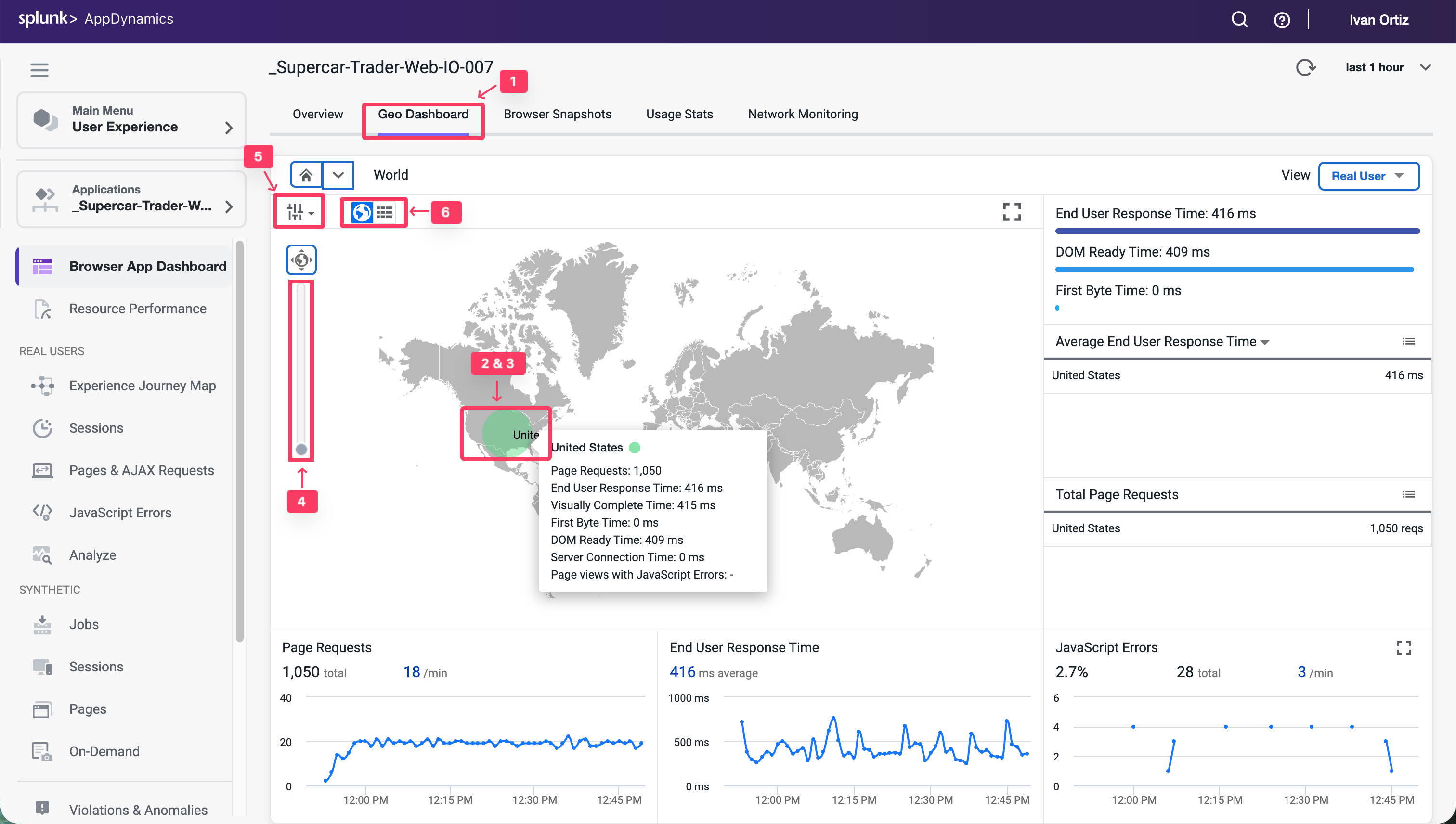
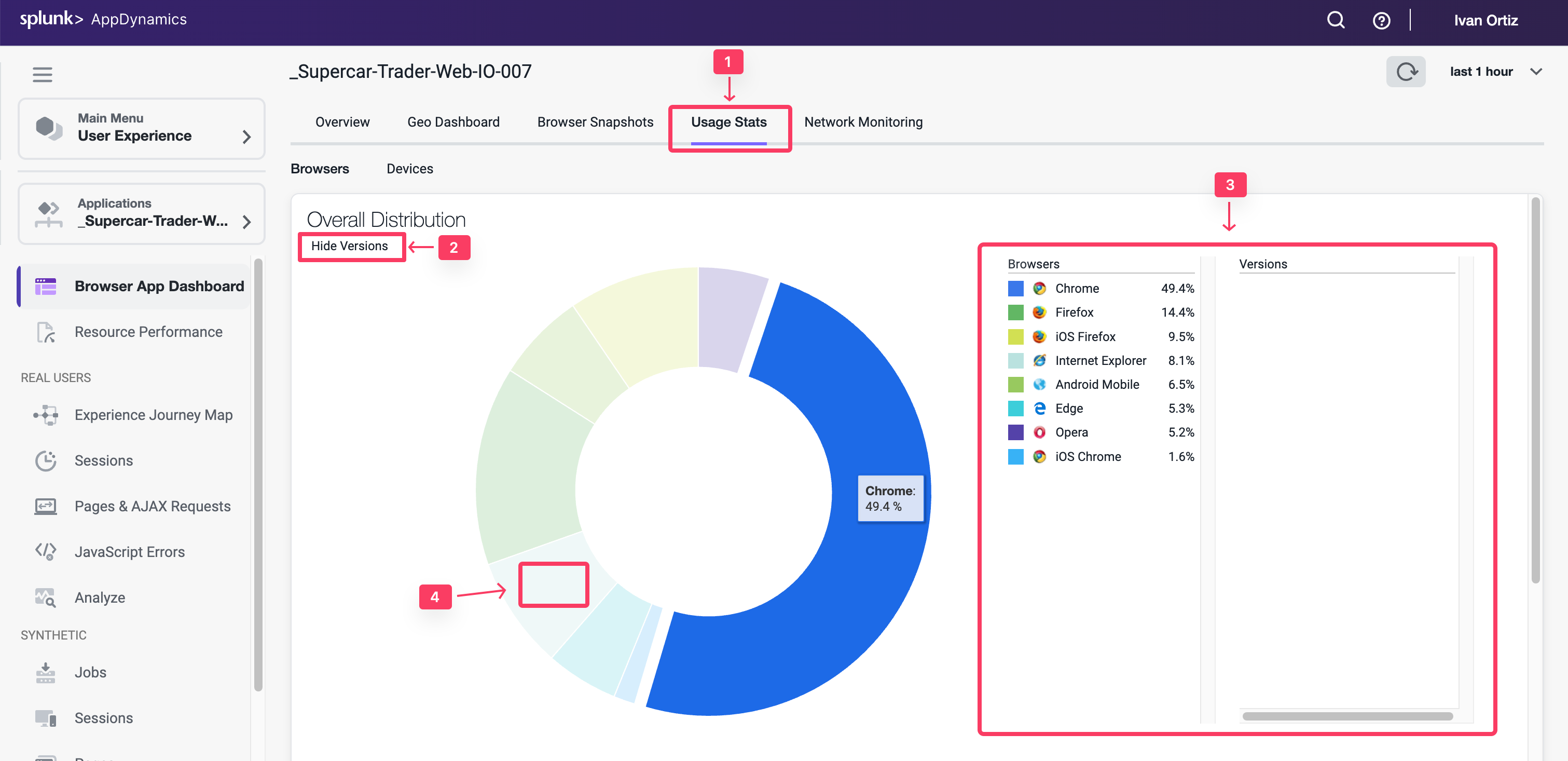
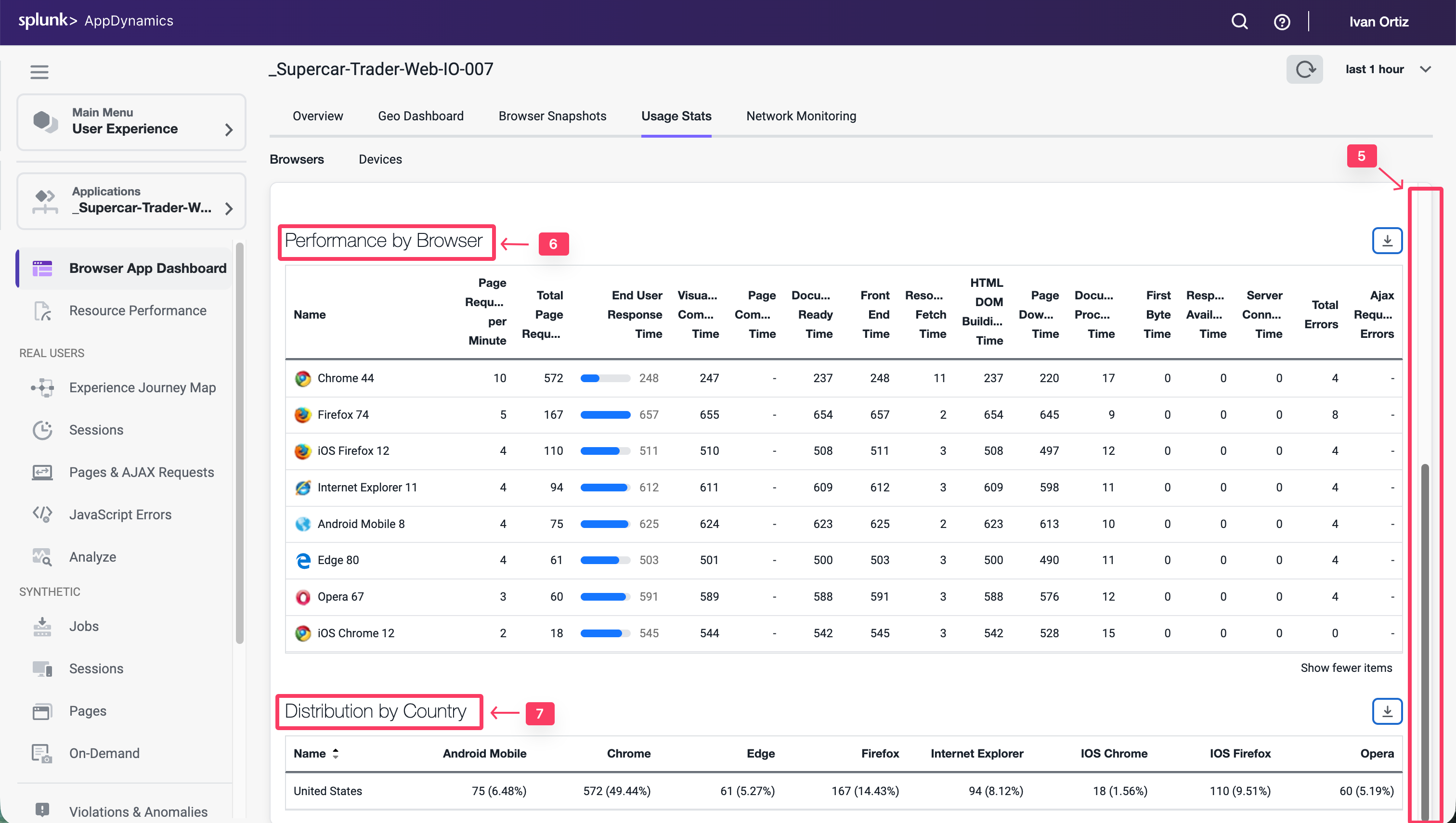
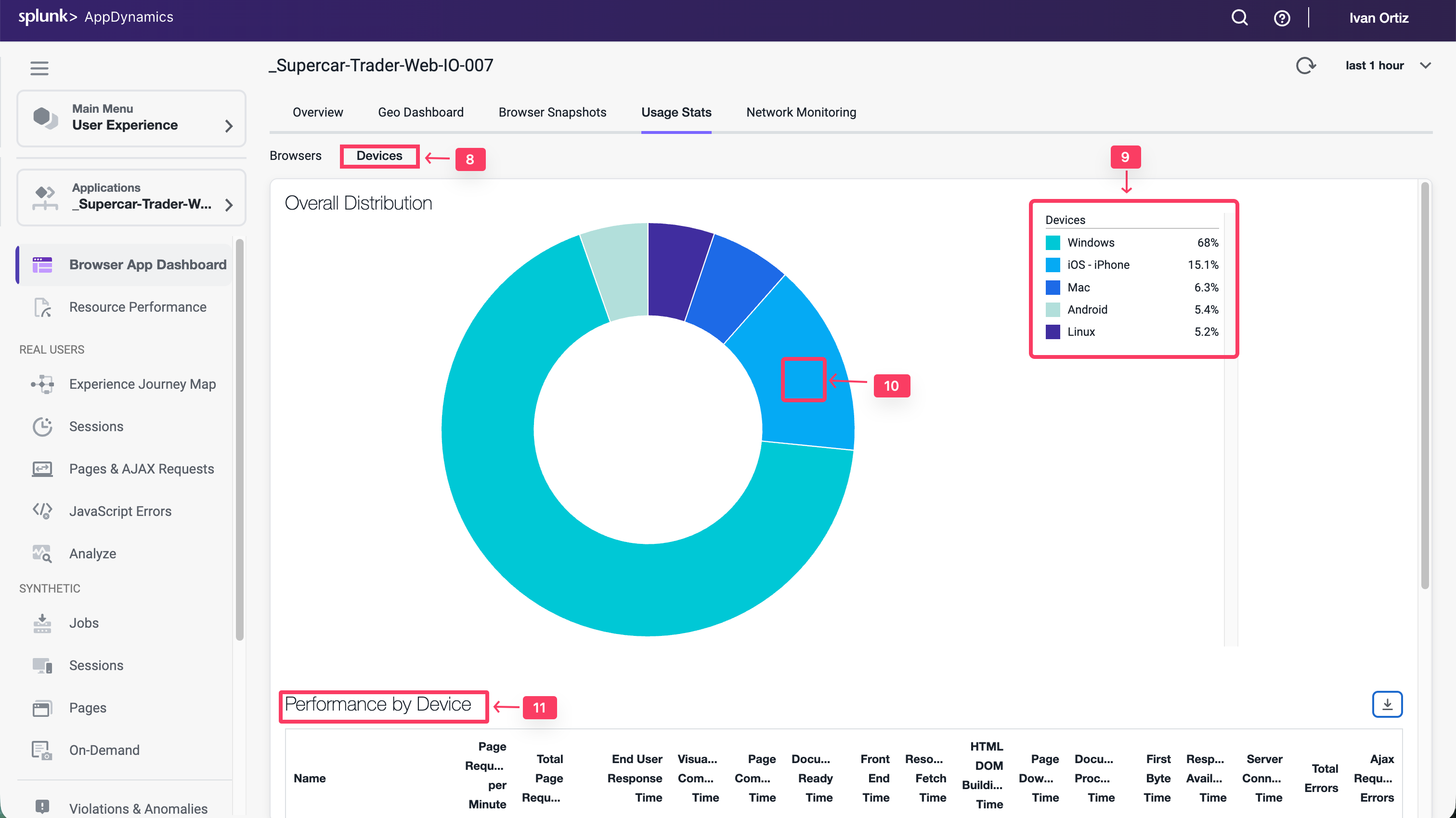
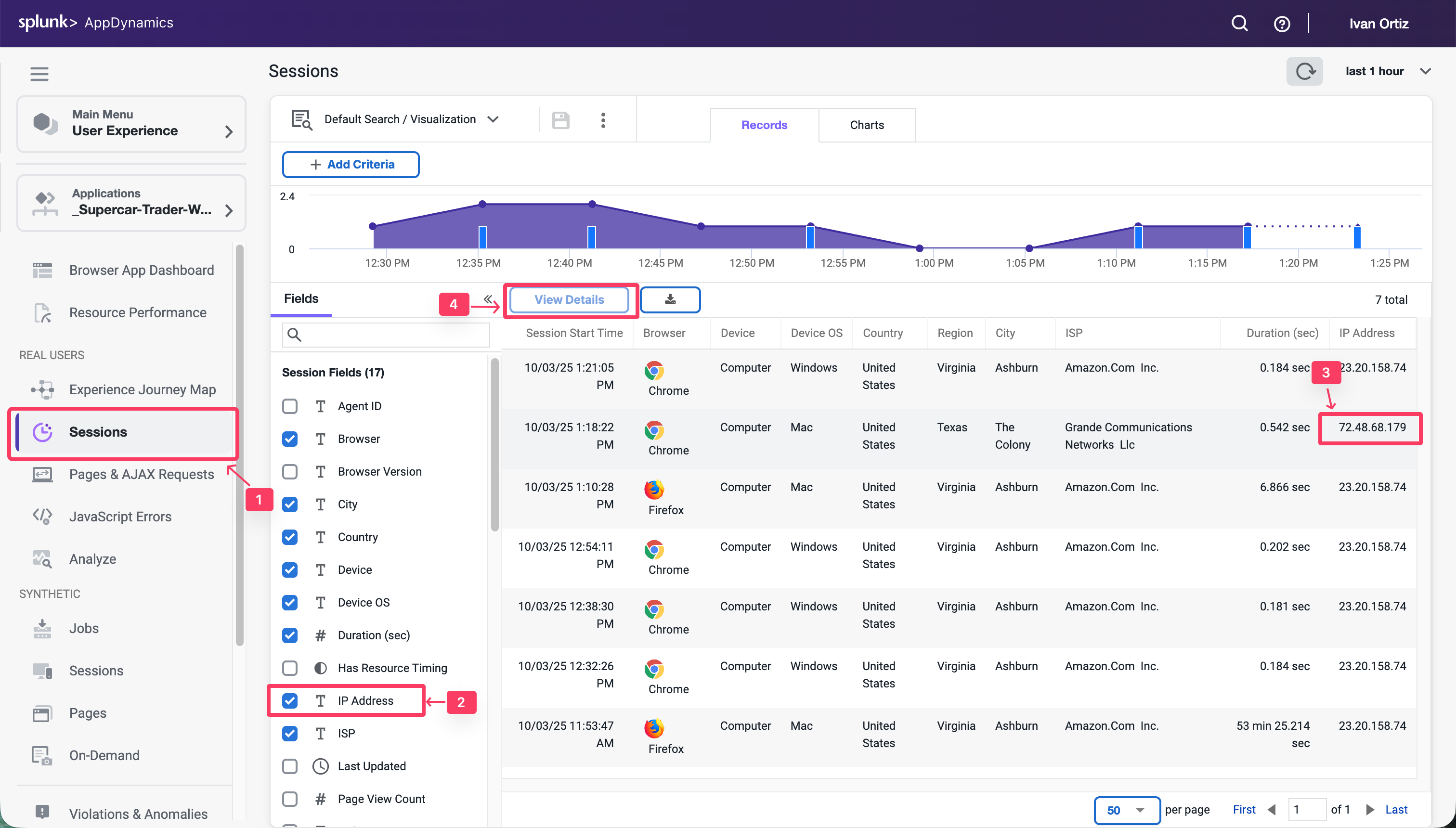
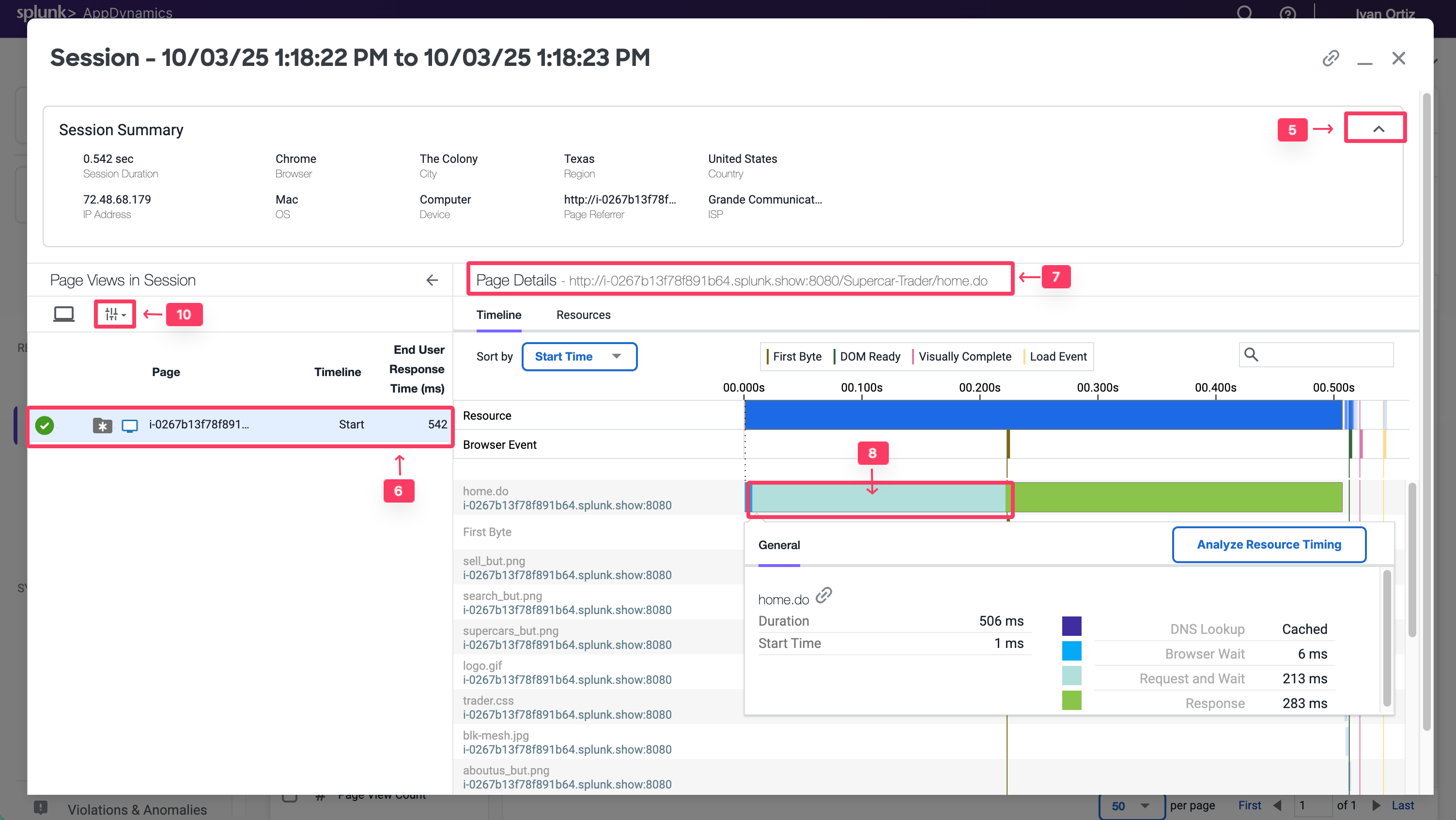
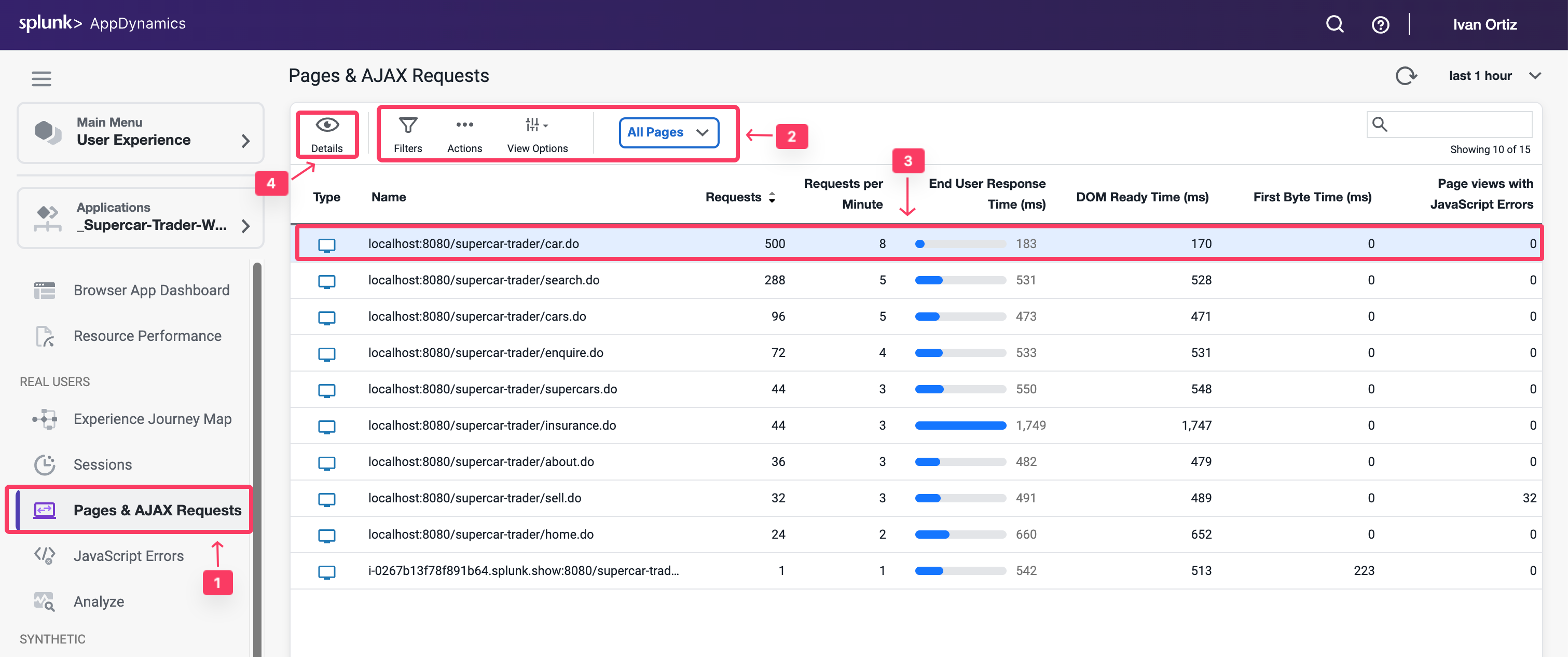
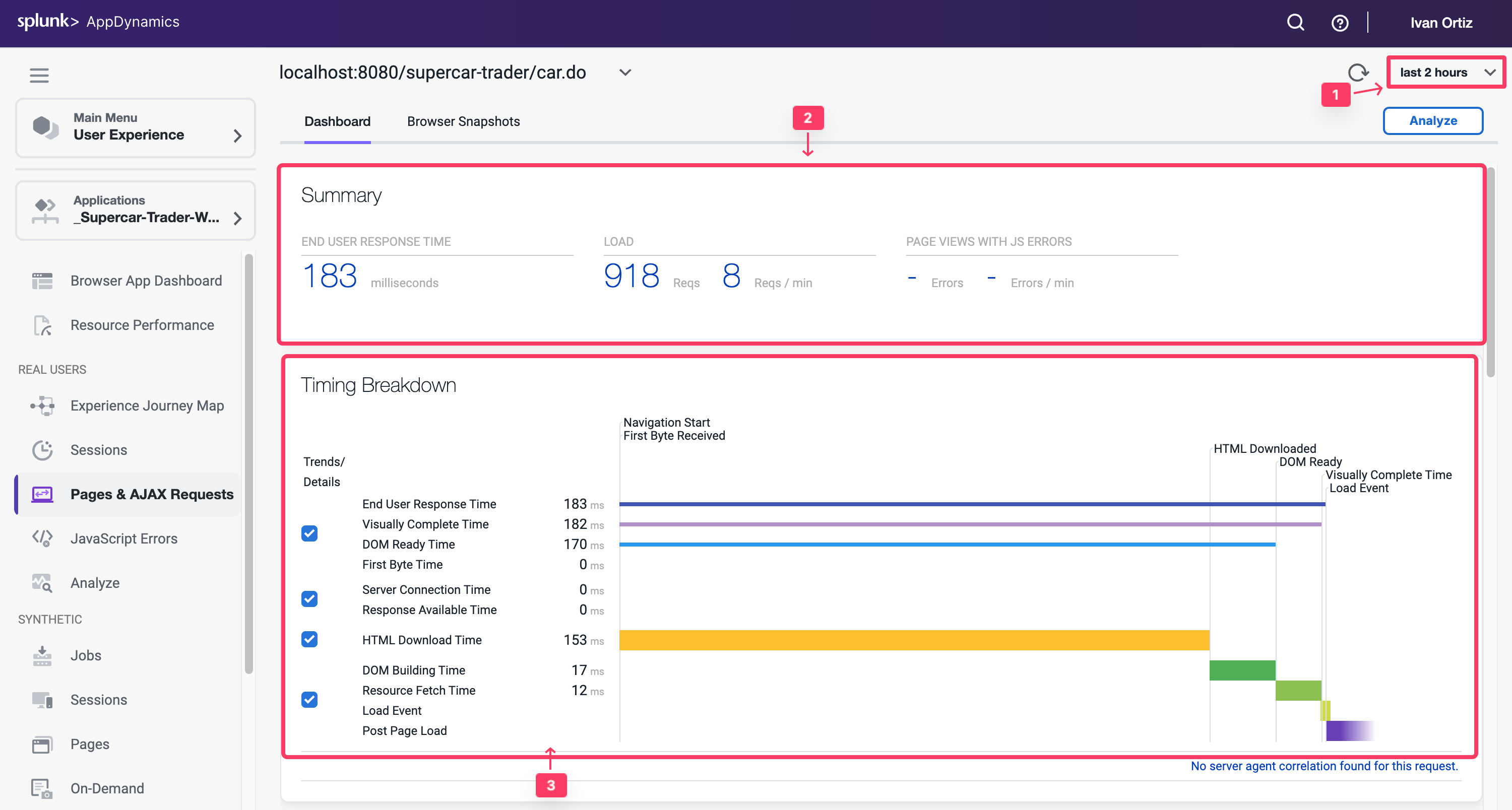
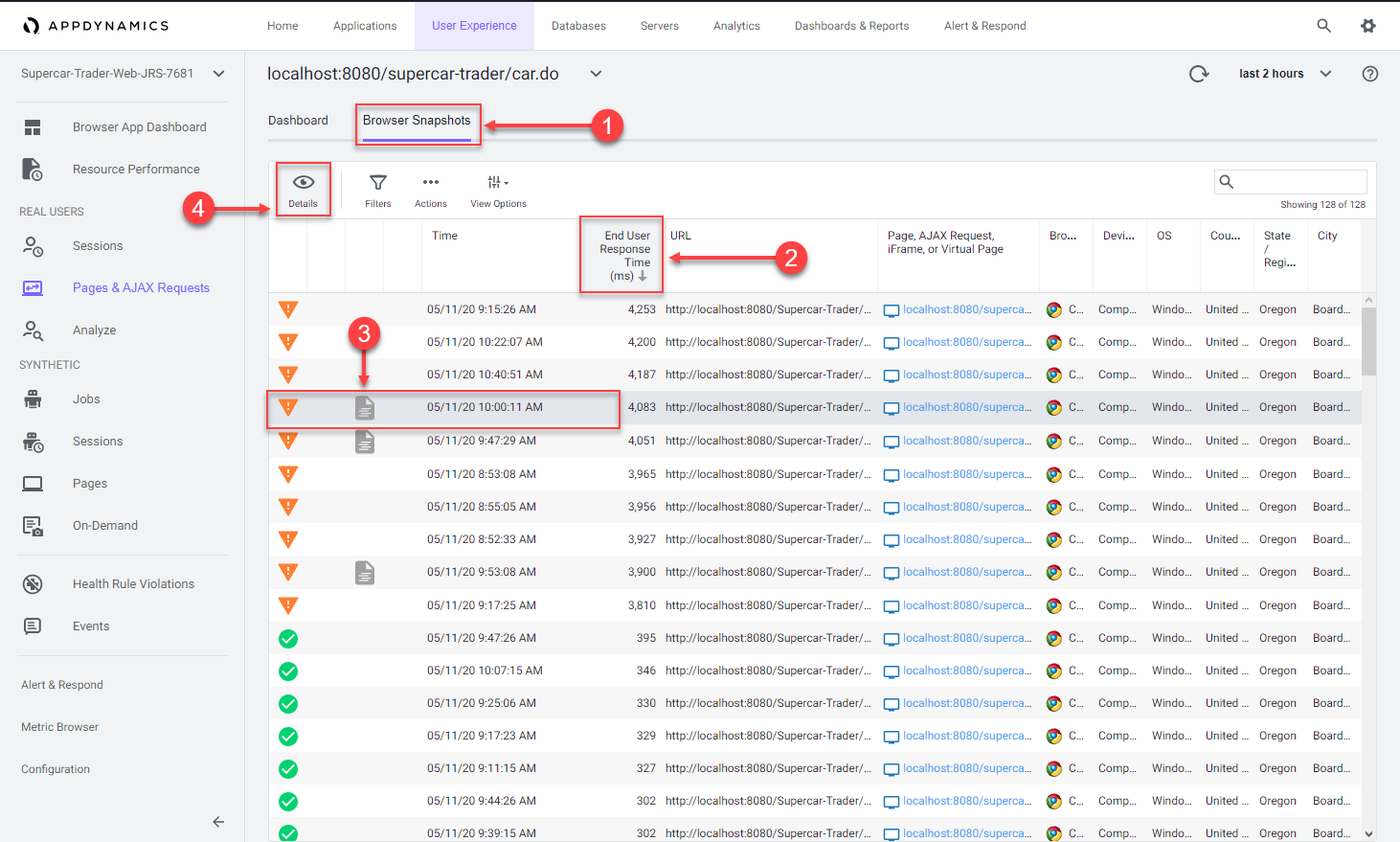
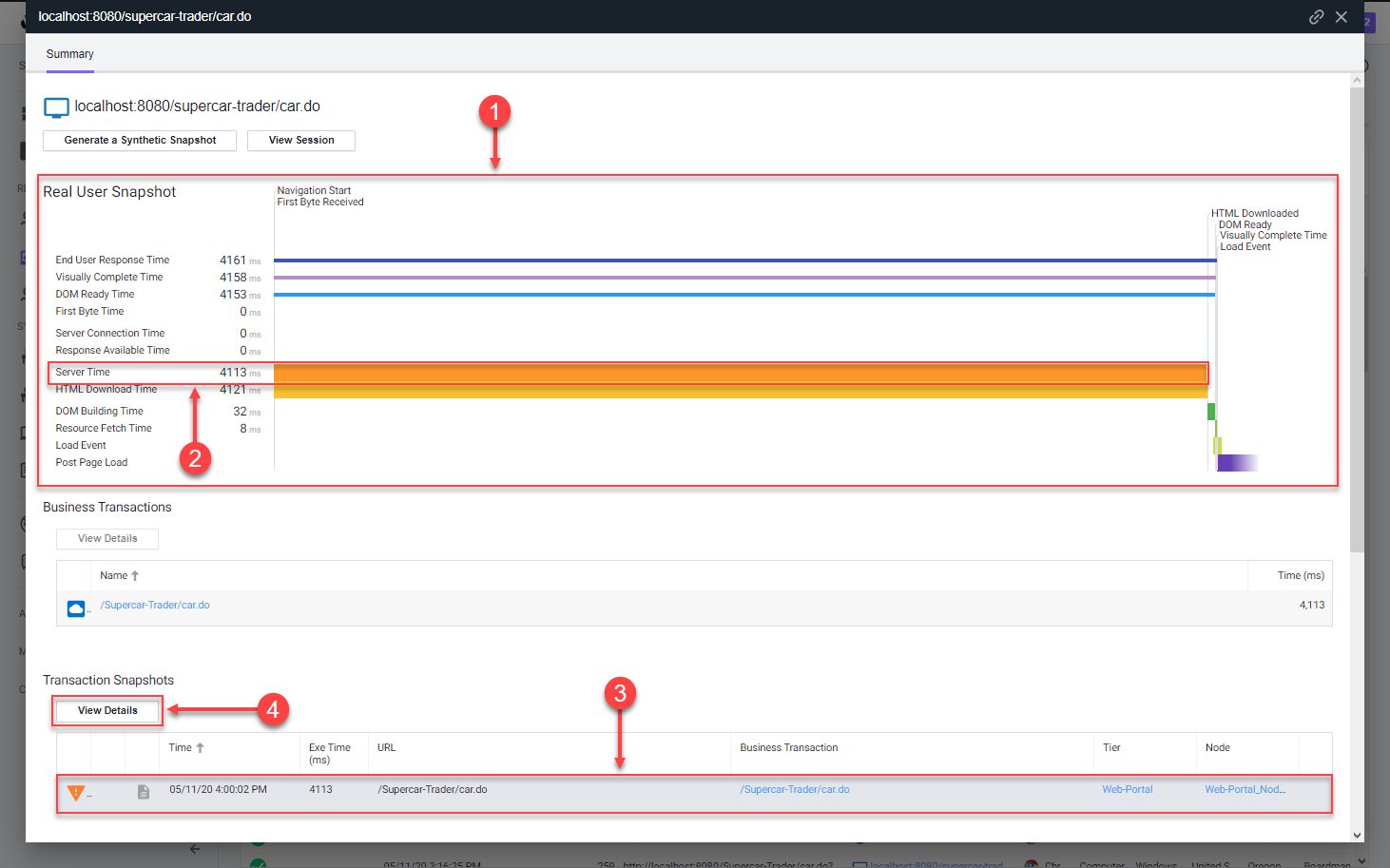
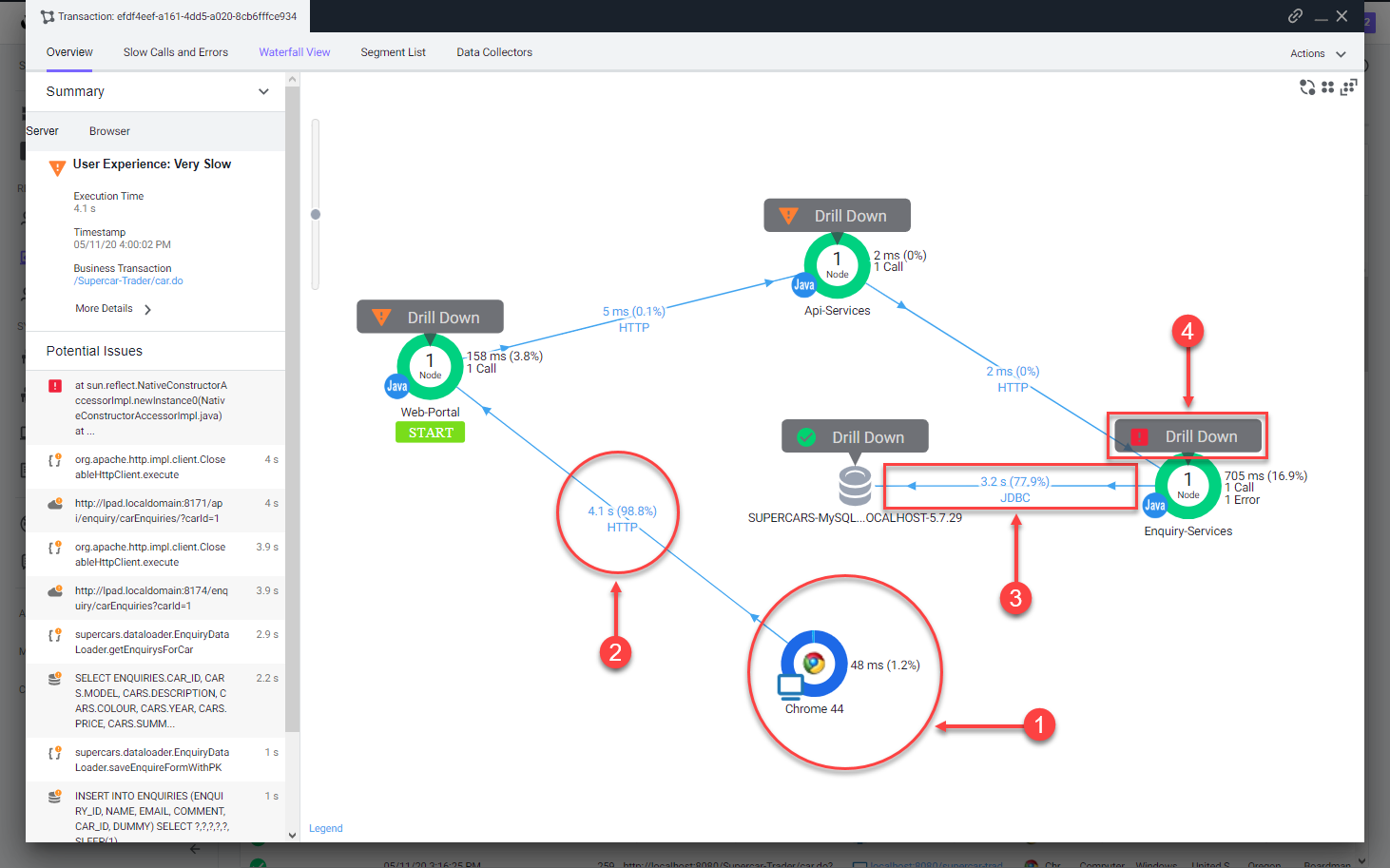
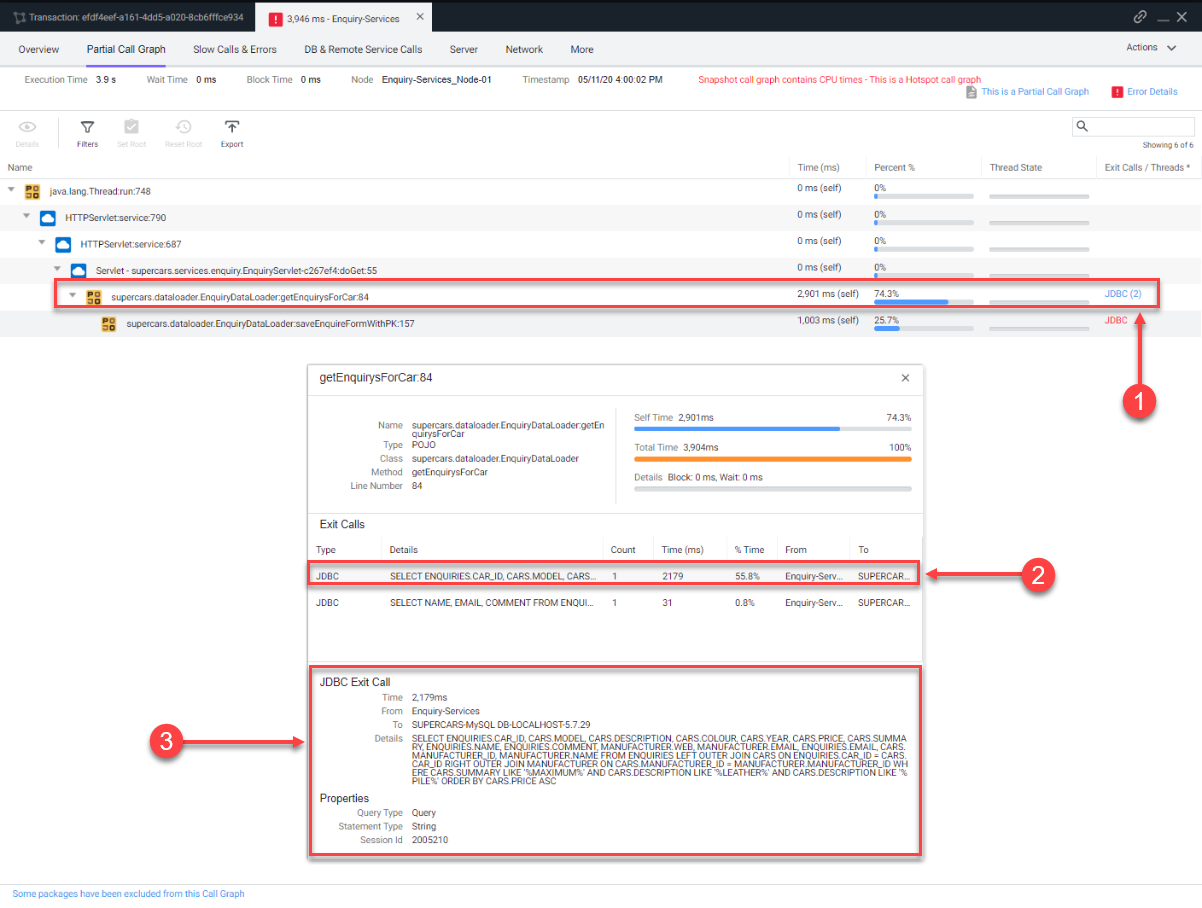
Splunk Real User Monitoring(RUM) 参加者のブラウザセッションから収集された実際のユーザーデータを分析します。あなたの課題は、パフォーマンスの悪いセッションを特定し、トラブルシューティングプロセスを開始することです。
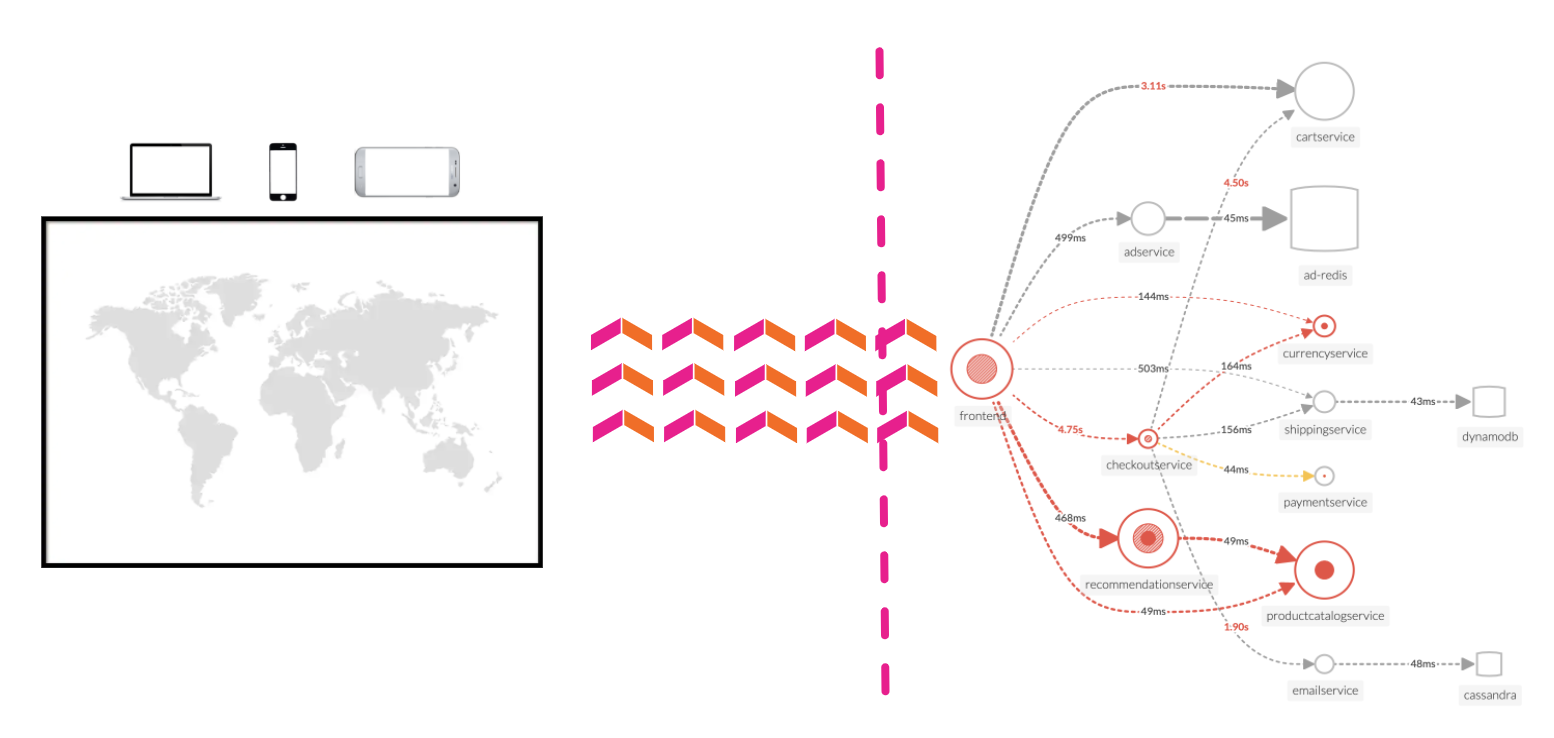
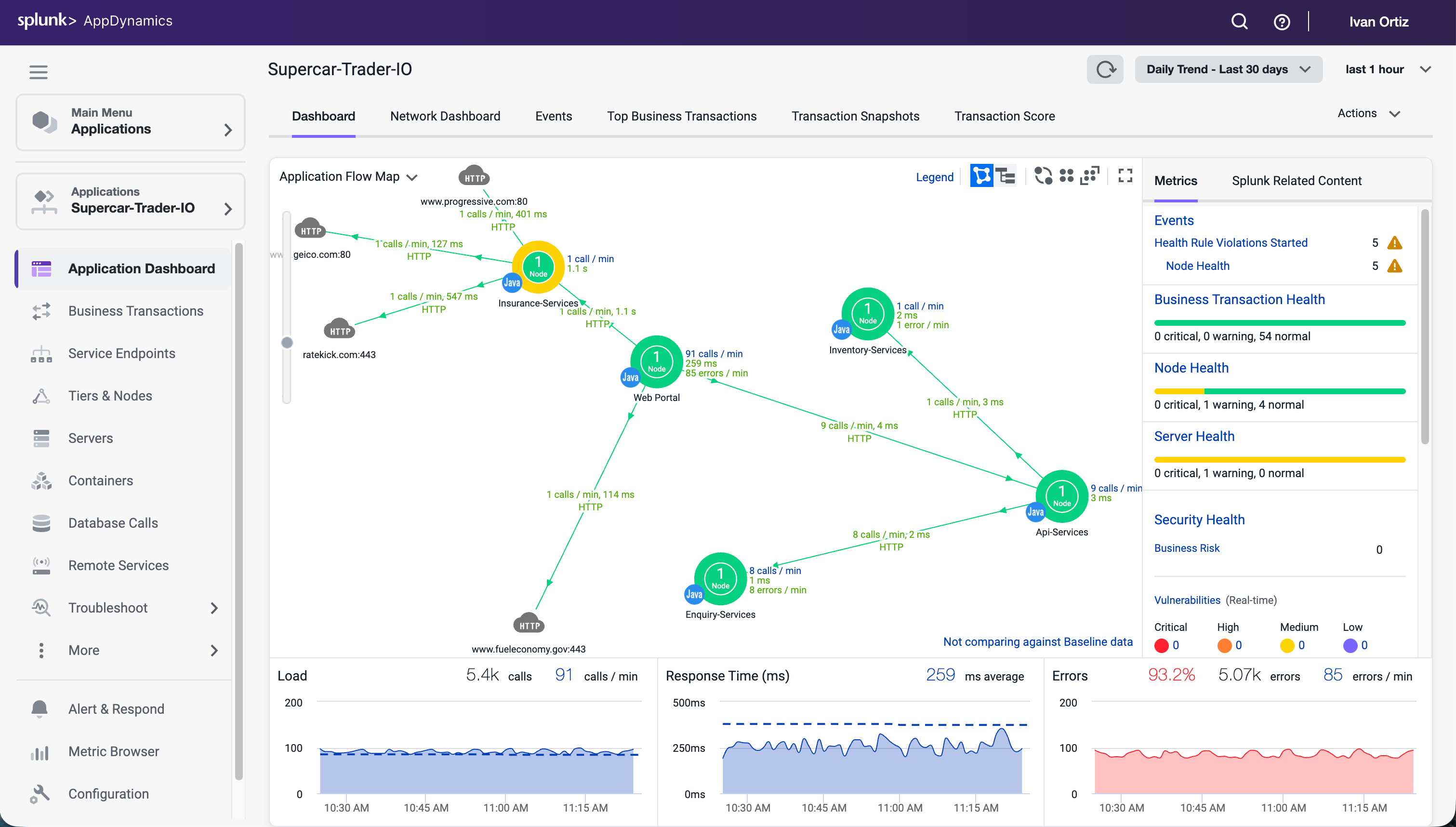
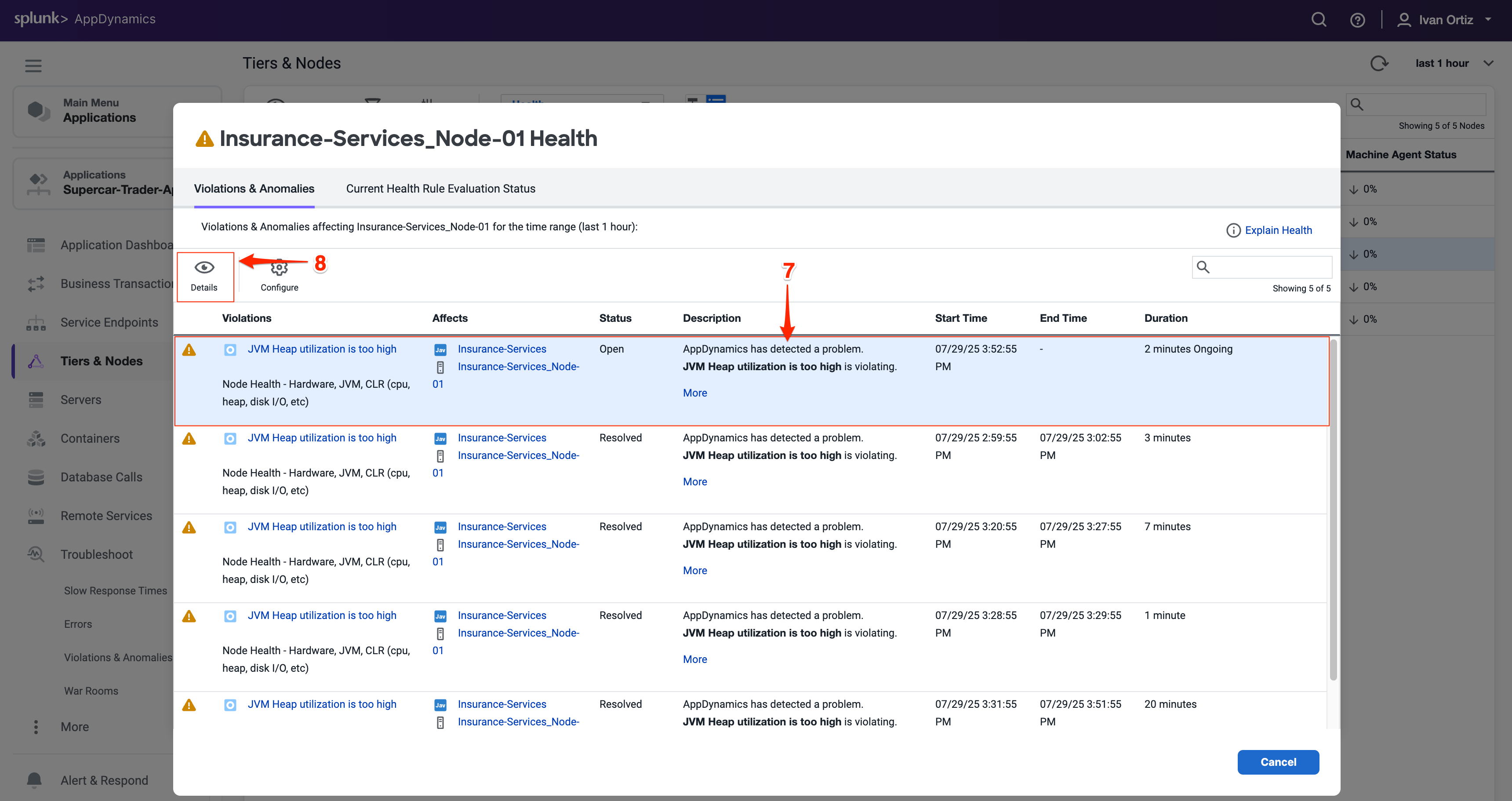
Splunk Application Performance Monitoring(APM) RUM トレース(フロントエンド)を APM トレース(バックエンド)にリンクすることで、End to End を可視化する能力を理解しましょう。様々なサービスからのテレメトリが Splunk Observability Cloud でどのように取得され、視覚化されるかを探り、異常とエラーを検出します。
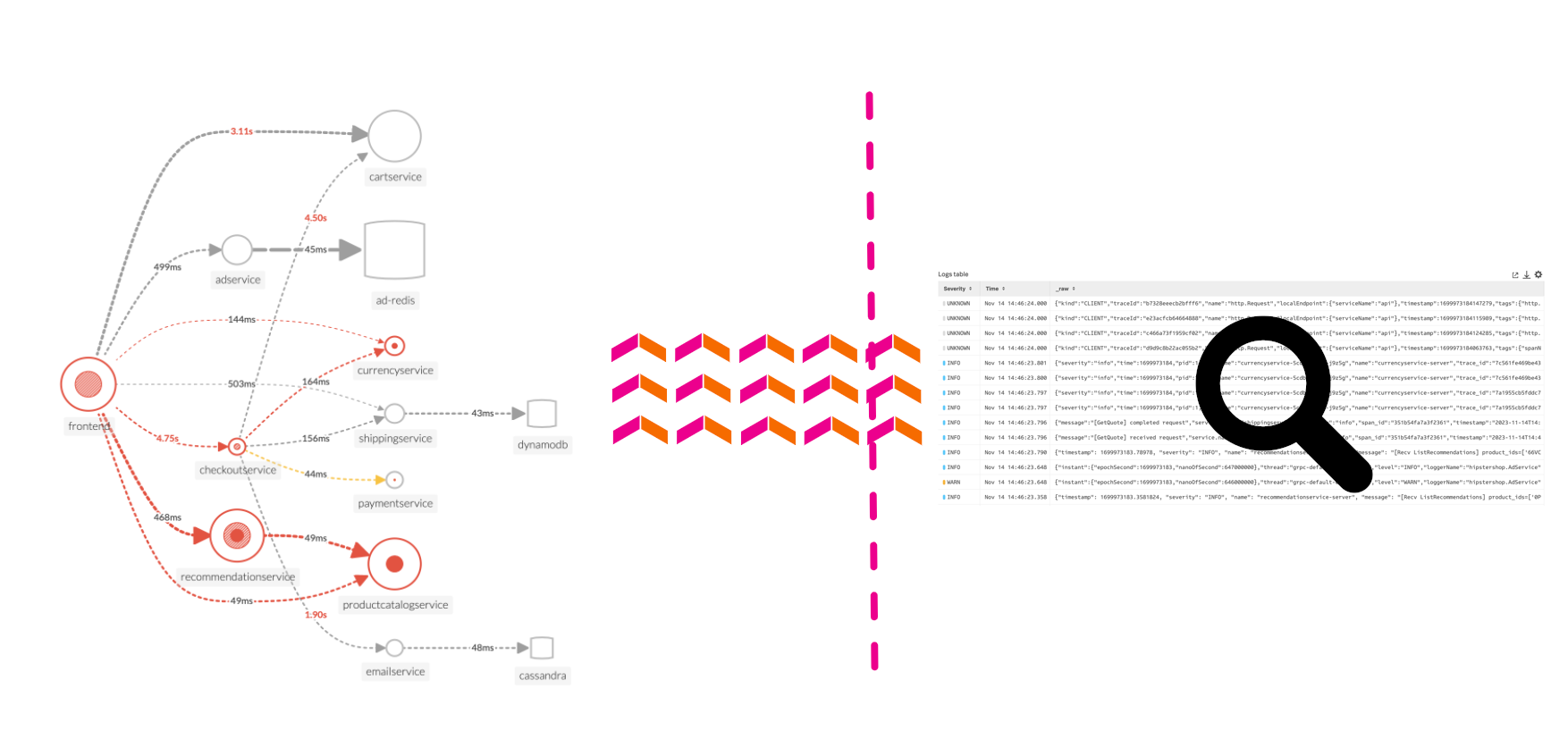
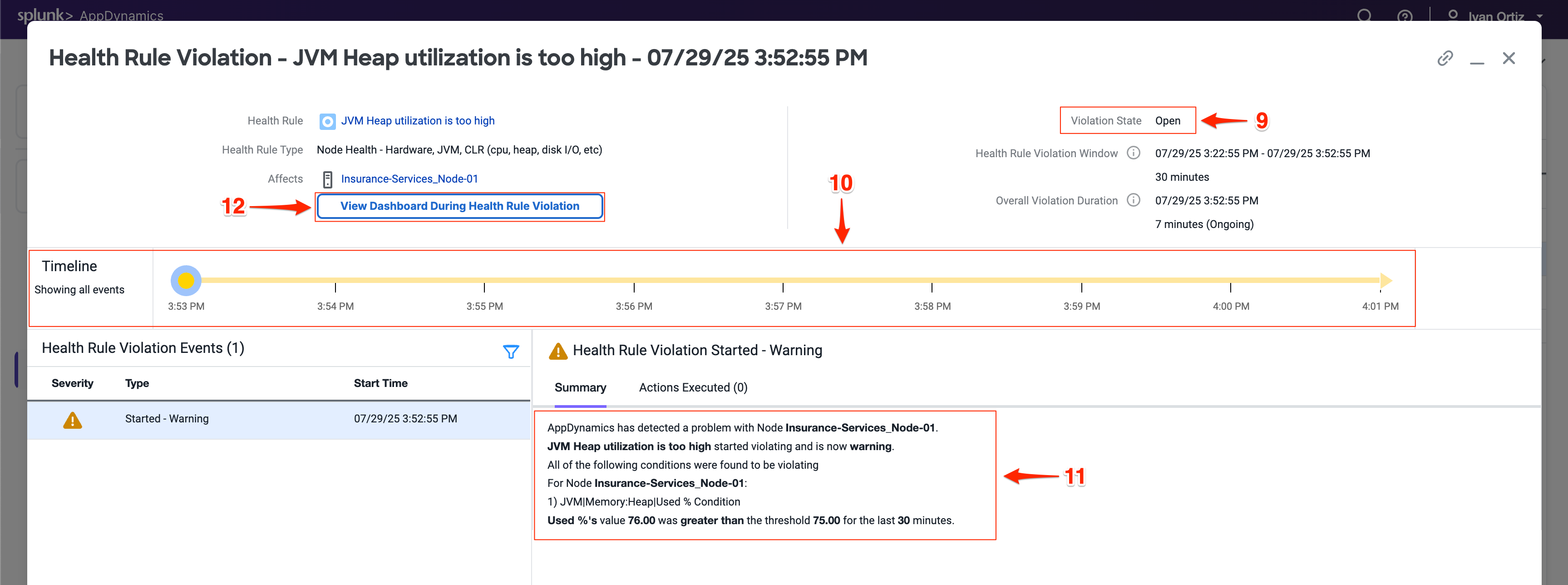
Splunk Log Observer(LO) Related Content 機能を活用してコンポーネント間を簡単に移動する方法を学びます。このワークショップでは、APM トレースから関連するログに移動して、問題についてより深い洞察を得ます。
Splunk RUM は業界で唯一のエンドツーエンドのNoSample(サンプリングなし)RUM ソリューションで、すべての Web およびモバイルセッションの完全なユーザーエクスペリエンスに関する可視性を提供し、発生時にすべてのフロントエンドトレースとバックエンドのメトリクス、トレース、ログを独自に組み合わせます。IT オペレーションとエンジニアリングチームは、エラーの範囲を迅速に特定し、優先順位を付け、分離し、パフォーマンスが実際のユーザーにどのように影響するかを測定し、すべてのユーザー操作のビデオ再構築とともにパフォーマンスメトリクスを相関させることでエンドユーザーエクスペリエンスを最適化できます。
別のフィルターを追加します。今回はFieldボックスを選択し、Find a field … 検索ボックスにseverityと入力して選択します。
注文ログ行には重要度が割り当てられていないため、ダイアログボックスの下部にあるExclude all logs with this fieldをクリックしてください。これにより、他のログが削除されます。
上部にオンボーディングコンテンツがまだ表示されている場合は、Exclude all logs with this fieldボタンを見るためにページを下にスクロールする必要があるかもしれません。
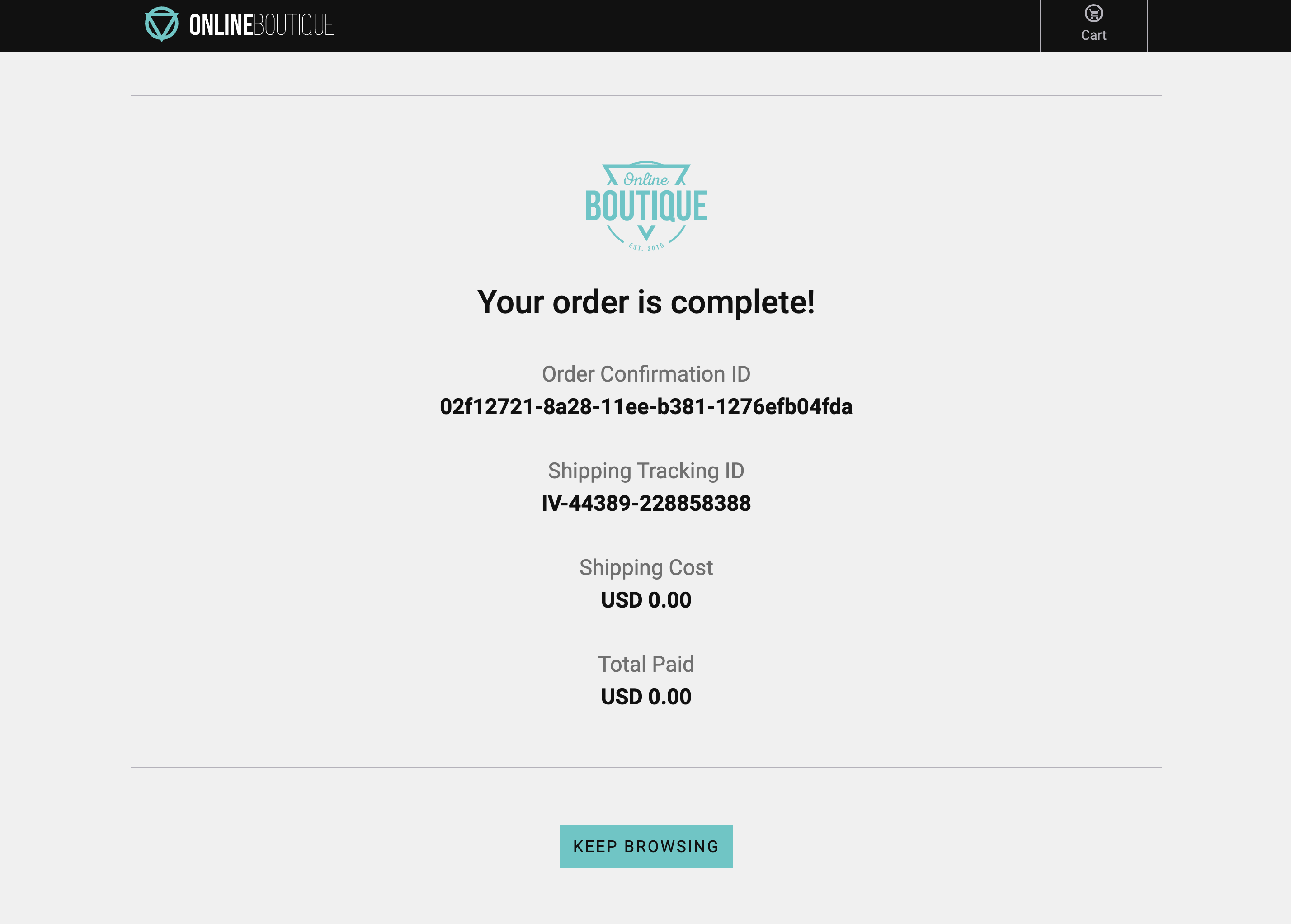
これで、過去 15 分間に販売された注文のリストが表示されるはずです。
次に、Splunk Syntheticsを確認しましょう。
Synthetics概要
5 minutes
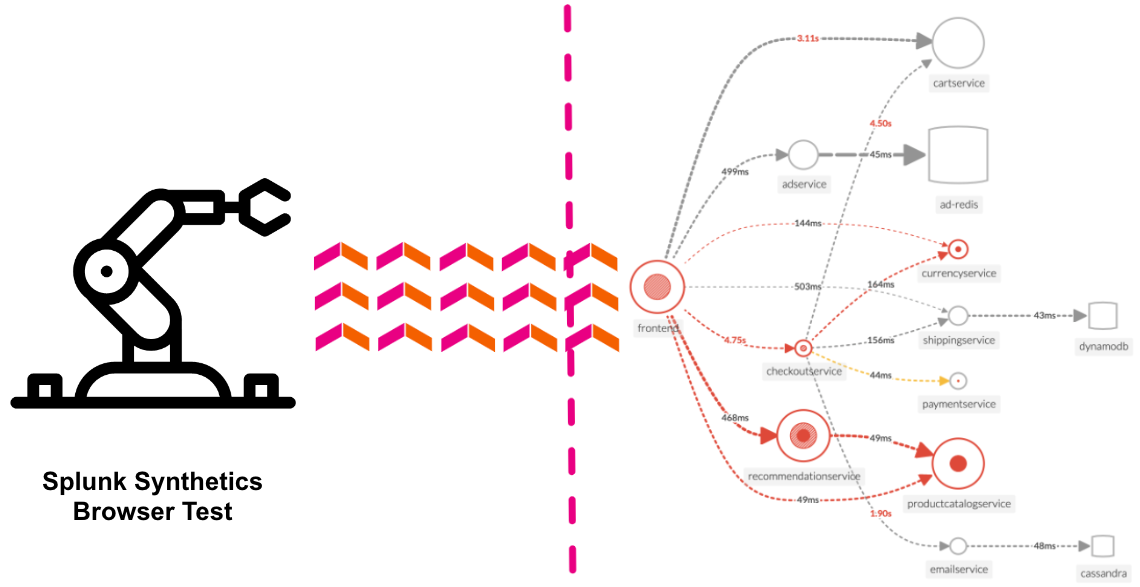
Splunk Synthetic Monitoring は、URL、API、重要な Web サービス全体に可視性を提供し、問題をより迅速に解決します。IT オペレーションとエンジニアリングチームは、問題の検出、アラート、優先順位付けを簡単に行い、複数ステップのユーザージャーニーをシミュレートし、新しいコードデプロイメントからのビジネスへの影響を測定し、ステップバイステップのガイド付き推奨事項を使用して Web パフォーマンスを最適化し、より良いデジタルエクスペリエンスを確保できます。
ワークショップの一環として、実行しているアプリケーションに対するデフォルトのブラウザテストを作成しています。テストペイン(2)でそれを見つけることができます。名前はWorkshop Browser Test forで、その後にワークショップの名前が続きます(インストラクターがそれを提供しているはずです)。
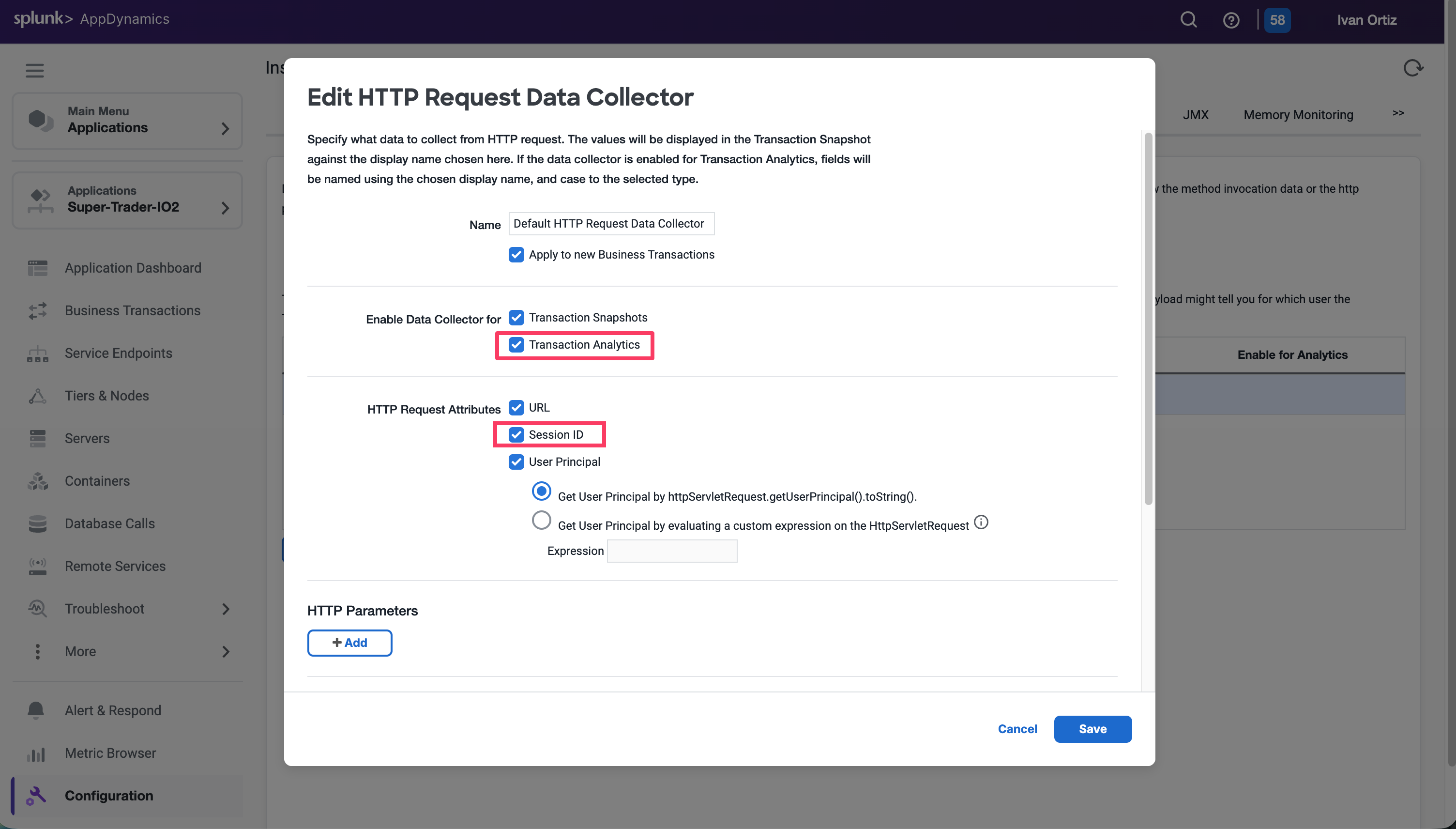
ウィザードは、ページの <head> セクションの先頭に配置する必要がある HTML コードスニペットを表示します。以下は例です(このスニペットは使用せず、ウィザードが生成したものを使用してください):
/*
IMPORTANT: Replace the <version> placeholder in the src URL with a
version from https://github.com/signalfx/splunk-otel-js-web/releases
*/
<scriptsrc="https://cdn.signalfx.com/o11y-gdi-rum/latest/splunk-otel-web.js"crossorigin="anonymous"></script><script>SplunkRum.init({realm:"eu0",rumAccessToken:"<redacted>",applicationName:"petclinic-1be0-petclinic-service",deploymentEnvironment:"petclinic-1be0-petclinic-env"});</script>
Spring PetClinic アプリケーションは、アプリケーションのすべてのページで再利用される単一の HTML ページを「レイアウト」ページとして使用しています。Splunk RUM 計装ライブラリを挿入するには、すべてのページで自動的に読み込まれるため、この場所が最適です。
それでは、レイアウトページを編集しましょう:
vi src/main/resources/templates/fragments/layout.html
Splunk automatic discovery and configuration for Java (APM)
Database Query Performance
AlwaysOn Profiling
Splunk Log Observer (LO)
Splunk Real User Monitoring (RUM)
Splunk Synthetics は少し寂しそうですが、他のワークショップでカバーしています
PetClinic Kubernetes ワークショップのサブセクション
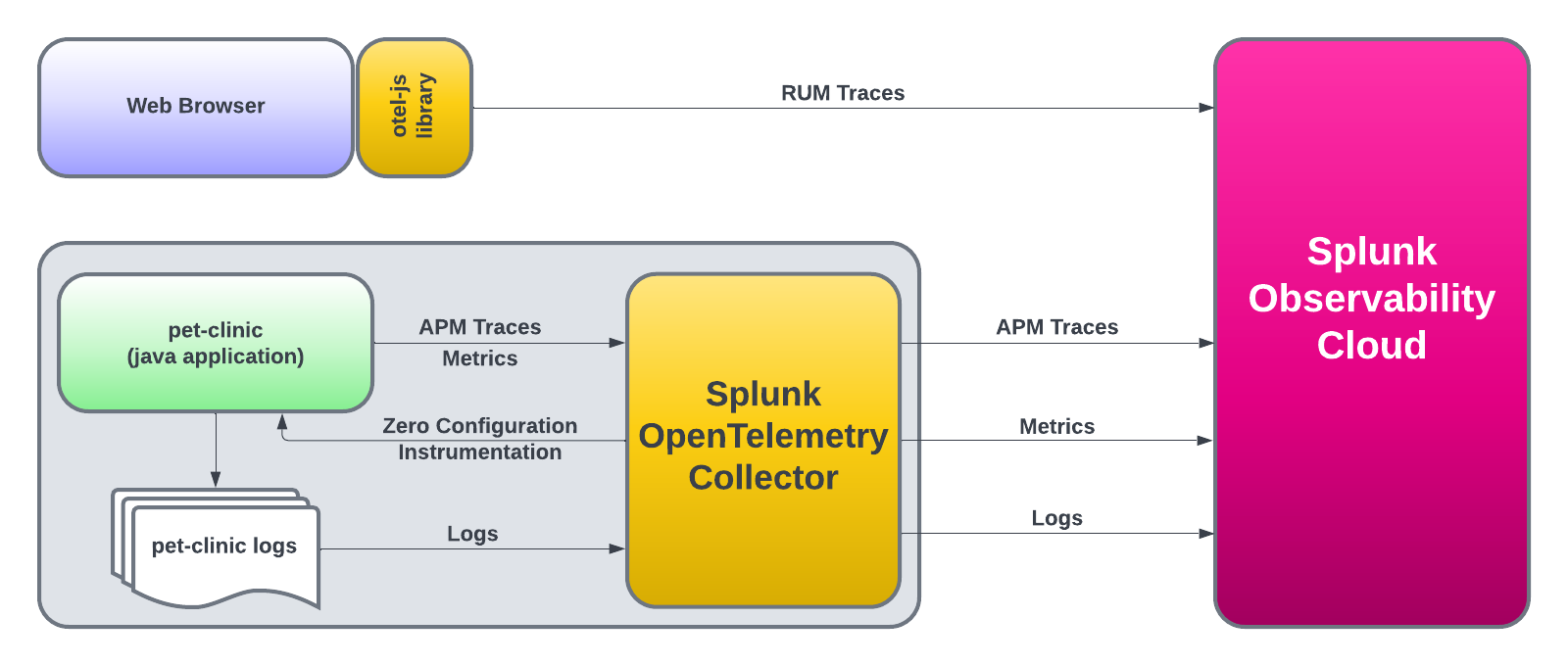
アーキテクチャ
5 minutes
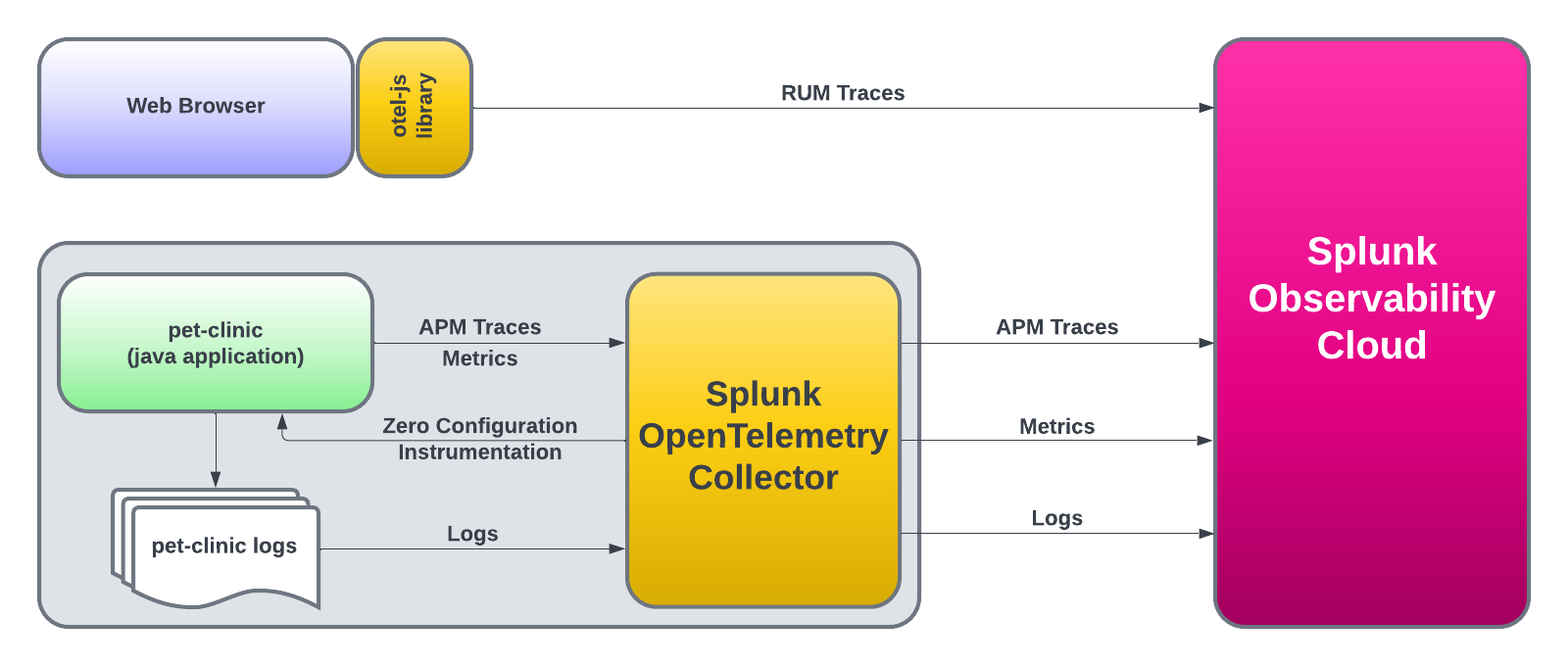
Spring PetClinic Java アプリケーションは、フロントエンドとバックエンドのサービスで構成されるシンプルなマイクロサービスアプリケーションです。フロントエンドサービスは、バックエンドサービスと対話するための Web インターフェースを提供する Spring Boot アプリケーションです。バックエンドサービスは、MySQL データベースと対話するための RESTful API を提供する Spring Boot アプリケーションです。
Using ACCESS_TOKEN={REDACTED}
Using REALM=eu0
"splunk-otel-collector-chart" has been added to your repositories
Using ACCESS_TOKEN={REDACTED}
Using REALM=eu0
Hang tight while we grab the latest from your chart repositories...
...Successfully got an update from the "splunk-otel-collector-chart" chart repository
Update Complete. ⎈Happy Helming!⎈
LAST DEPLOYED: Fri Apr 19 09:39:54 2024
NAMESPACE: default
STATUS: deployed
REVISION: 1
NOTES:
Splunk OpenTelemetry Collector is installed and configured to send data to Splunk Platform endpoint "https://http-inputs-o11y-workshop-eu0.splunkcloud.com:443/services/collector/event".
Splunk OpenTelemetry Collector is installed and configured to send data to Splunk Observability realm eu0.
[INFO] You've enabled the operator's auto-instrumentation feature (operator.enabled=true)! The operator can automatically instrument Kubernetes hosted applications.
- Status: Instrumentation language maturity varies. See `operator.instrumentation.spec` and documentation for utilized instrumentation details.
- Splunk Support: We offer full support for Splunk distributions and best-effort support for native OpenTelemetry distributions of auto-instrumentation libraries.
deployment.apps/config-server created
service/config-server created
deployment.apps/discovery-server created
service/discovery-server created
deployment.apps/api-gateway created
service/api-gateway created
service/api-gateway-external created
deployment.apps/customers-service created
service/customers-service created
deployment.apps/vets-service created
service/vets-service created
deployment.apps/visits-service created
service/visits-service created
deployment.apps/admin-server created
service/admin-server created
service/petclinic-db created
deployment.apps/petclinic-db created
configmap/petclinic-db-initdb-config created
deployment.apps/petclinic-loadgen-deployment created
configmap/scriptfile created
トレーシングに加えて、automatic discovery and configurationは、問題をさらに迅速に発見するのに役立つ追加機能を最初から提供します。このセクションでは、そのうちの2つを見ていきます:
Always-on Profiling and Java Metrics
Database Query Performance
Always-on ProfilingまたはDatabase Query Performanceについてさらに深く学びたい場合は、Debug Problems in Microservicesという別のNinja Workshopがありますので、そちらをご覧ください。
6. Advanced Featuresのサブセクション
Always-On Profiling & Metrics
先ほどHelmチャートを使用してSplunk Distribution of the OpenTelemetry Collectorをインストールした際、AlwaysOn ProfilingとMetricsを有効にするように設定しました。これにより、OpenTelemetry JavaはアプリケーションのCPUとメモリのプロファイリングを自動的に生成し、Splunk Observability Cloudに送信します。
<scriptsrc="/env.js"></script><scriptsrc="https://cdn.signalfx.com/o11y-gdi-rum/latest/splunk-otel-web.js"crossorigin="anonymous"></script><scriptsrc="https://cdn.signalfx.com/o11y-gdi-rum/latest/splunk-otel-web-session-recorder.js"crossorigin="anonymous"></script><script>varrealm=env.RUM_REALM;console.log('Realm:',realm);varauth=env.RUM_AUTH;varappName=env.RUM_APP_NAME;varenvironmentName=env.RUM_ENVIRONMENTif(realm&&auth){SplunkRum.init({realm:realm,rumAccessToken:auth,applicationName:appName,deploymentEnvironment:environmentName,version:'1.0.0',});SplunkSessionRecorder.init({applicationName:appName,realm:realm,rumAccessToken:auth,recorder:"splunk",features:{video:true,}});constProvider=SplunkRum.provider;vartracer=Provider.getTracer('appModuleLoader');}else{// Realm or auth is empty, provide default values or skip initialization
console.log("Realm or auth is empty. Skipping Splunk Rum initialization.");}</script><!-- Section added for RUM -->
リクエストで何が起こったかを確認するためにドリルダウンしたい場合は、Trace ID の URL をクリックしてください。
これにより、RUM からのリクエストに関連するトレースが表示されます:
サービスへのエントリーポイントに RUM (1) 関連コンテンツリンクが追加されており、バックエンドサービスで何が起こったかを確認した後、RUM セッションに戻ることができるようになっていることがわかります。
Workshop Wrap-up 🎁
おめでとうございます。Get the Most Out of Your Existing Kubernetes Java Applications Using Automatic Discovery and Configuration With OpenTelemetry ワークショップを完了しました。
# To limit exposure to denial of service attacks, change the host in endpoints below from 0.0.0.0 to a specific network interface.# See https://github.com/open-telemetry/opentelemetry-collector/blob/main/docs/security-best-practices.md#safeguards-against-denial-of-service-attacksextensions:health_check:pprof:endpoint:0.0.0.0:1777zpages:endpoint:0.0.0.0:55679receivers:otlp:protocols:grpc:endpoint:0.0.0.0:4317http:endpoint:0.0.0.0:4318opencensus:endpoint:0.0.0.0:55678# Collect own metricsprometheus:config:scrape_configs:- job_name:'otel-collector'scrape_interval:10sstatic_configs:- targets:['0.0.0.0:8888']jaeger:protocols:grpc:endpoint:0.0.0.0:14250thrift_binary:endpoint:0.0.0.0:6832thrift_compact:endpoint:0.0.0.0:6831thrift_http:endpoint:0.0.0.0:14268zipkin:endpoint:0.0.0.0:9411processors:batch:exporters:debug:verbosity:detailedservice:pipelines:traces:receivers:[otlp, opencensus, jaeger, zipkin]processors:[batch]exporters:[debug]metrics:receivers:[otlp, opencensus, prometheus]processors:[batch]exporters:[debug]logs:receivers:[otlp]processors:[batch]exporters:[debug]extensions:[health_check, pprof, zpages]
お客様は、メトリクスとトレース収集のコア設定体験に対する将来の破壊的変更を心配することなく、Splunk Distribution of the OpenTelemetry Collector を使用または移行できます(OpenTelemetry ログ収集の設定はベータ版です)。Collector のメトリクスには破壊的変更がある可能性があります。
receivers:hostmetrics:collection_interval:10sscrapers:# CPU utilization metricscpu:# Disk I/O metricsdisk:# File System utilization metricsfilesystem:# Memory utilization metricsmemory:# Network interface I/O metrics & TCP connection metricsnetwork:# CPU load metricsload:# Paging/Swap space utilization and I/O metricspaging:# Process count metricsprocesses:# Per process CPU, Memory and Disk I/O metrics. Disabled by default.# process:
# To limit exposure to denial of service attacks, change the host in endpoints below from 0.0.0.0 to a specific network interface.# See https://github.com/open-telemetry/opentelemetry-collector/blob/main/docs/security-best-practices.md#safeguards-against-denial-of-service-attacksextensions:health_check:endpoint:0.0.0.0:13133pprof:endpoint:0.0.0.0:1777zpages:endpoint:0.0.0.0:55679receivers:hostmetrics:collection_interval:10sscrapers:# CPU utilization metricscpu:# Disk I/O metricsdisk:# File System utilization metricsfilesystem:# Memory utilization metricsmemory:# Network interface I/O metrics & TCP connection metricsnetwork:# CPU load metricsload:# Paging/Swap space utilization and I/O metricspaging:# Process count metricsprocesses:# Per process CPU, Memory and Disk I/O metrics. Disabled by default.# process:otlp:protocols:grpc:endpoint:0.0.0.0:4317http:endpoint:0.0.0.0:4318opencensus:endpoint:0.0.0.0:55678# Collect own metricsprometheus/internal:config:scrape_configs:- job_name:'otel-collector'scrape_interval:10sstatic_configs:- targets:['0.0.0.0:8888']jaeger:protocols:grpc:endpoint:0.0.0.0:14250thrift_binary:endpoint:0.0.0.0:6832thrift_compact:endpoint:0.0.0.0:6831thrift_http:endpoint:0.0.0.0:14268zipkin:endpoint:0.0.0.0:9411processors:batch:exporters:debug:verbosity:detailedservice:pipelines:traces:receivers:[otlp, opencensus, jaeger, zipkin]processors:[batch]exporters:[debug]metrics:receivers:[otlp, opencensus, prometheus]processors:[batch]exporters:[debug]logs:receivers:[otlp]processors:[batch]exporters:[debug]extensions:[health_check, pprof, zpages]
デフォルトでは、ホスト名は可能であれば FQDN に設定され、それ以外の場合は OS が提供するホスト名がフォールバックとして使用されます。このロジックは hostname_sources 設定オプションを使用して変更できます。FQDN を取得せずに OS が提供するホスト名を使用するには、hostname_sources を os に設定します。
# To limit exposure to denial of service attacks, change the host in endpoints below from 0.0.0.0 to a specific network interface.# See https://github.com/open-telemetry/opentelemetry-collector/blob/main/docs/security-best-practices.md#safeguards-against-denial-of-service-attacksextensions:health_check:endpoint:0.0.0.0:13133pprof:endpoint:0.0.0.0:1777zpages:endpoint:0.0.0.0:55679receivers:hostmetrics:collection_interval:10sscrapers:# CPU utilization metricscpu:# Disk I/O metricsdisk:# File System utilization metricsfilesystem:# Memory utilization metricsmemory:# Network interface I/O metrics & TCP connection metricsnetwork:# CPU load metricsload:# Paging/Swap space utilization and I/O metricspaging:# Process count metricsprocesses:# Per process CPU, Memory and Disk I/O metrics. Disabled by default.# process:otlp:protocols:grpc:endpoint:0.0.0.0:4317http:endpoint:0.0.0.0:4318opencensus:endpoint:0.0.0.0:55678# Collect own metricsprometheus/internal:config:scrape_configs:- job_name:'otel-collector'scrape_interval:10sstatic_configs:- targets:['0.0.0.0:8888']jaeger:protocols:grpc:endpoint:0.0.0.0:14250thrift_binary:endpoint:0.0.0.0:6832thrift_compact:endpoint:0.0.0.0:6831thrift_http:endpoint:0.0.0.0:14268zipkin:endpoint:0.0.0.0:9411processors:batch:resourcedetection/system:detectors:[system]system:hostname_sources:[os]resourcedetection/ec2:detectors:[ec2]attributes/conf:actions:- key:participant.nameaction:insertvalue:"INSERT_YOUR_NAME_HERE"exporters:debug:verbosity:detailedservice:pipelines:traces:receivers:[otlp, opencensus, jaeger, zipkin]processors:[batch]exporters:[debug]metrics:receivers:[otlp, opencensus, prometheus]processors:[batch]exporters:[debug]logs:receivers:[otlp]processors:[batch]exporters:[debug]extensions:[health_check, pprof, zpages]
# To limit exposure to denial of service attacks, change the host in endpoints below from 0.0.0.0 to a specific network interface.# See https://github.com/open-telemetry/opentelemetry-collector/blob/main/docs/security-best-practices.md#safeguards-against-denial-of-service-attacksextensions:health_check:endpoint:0.0.0.0:13133pprof:endpoint:0.0.0.0:1777zpages:endpoint:0.0.0.0:55679receivers:hostmetrics:collection_interval:10sscrapers:# CPU utilization metricscpu:# Disk I/O metricsdisk:# File System utilization metricsfilesystem:# Memory utilization metricsmemory:# Network interface I/O metrics & TCP connection metricsnetwork:# CPU load metricsload:# Paging/Swap space utilization and I/O metricspaging:# Process count metricsprocesses:# Per process CPU, Memory and Disk I/O metrics. Disabled by default.# process:otlp:protocols:grpc:endpoint:0.0.0.0:4317http:endpoint:0.0.0.0:4318opencensus:endpoint:0.0.0.0:55678# Collect own metricsprometheus/internal:config:scrape_configs:- job_name:'otel-collector'scrape_interval:10sstatic_configs:- targets:['0.0.0.0:8888']jaeger:protocols:grpc:endpoint:0.0.0.0:14250thrift_binary:endpoint:0.0.0.0:6832thrift_compact:endpoint:0.0.0.0:6831thrift_http:endpoint:0.0.0.0:14268zipkin:endpoint:0.0.0.0:9411processors:batch:resourcedetection/system:detectors:[system]system:hostname_sources:[os]resourcedetection/ec2:detectors:[ec2]attributes/conf:actions:- key:participant.nameaction:insertvalue:"INSERT_YOUR_NAME_HERE"exporters:debug:verbosity:normalotlphttp/splunk:metrics_endpoint:https://ingest.${env:REALM}.signalfx.com/v2/datapoint/otlpheaders:X-SF-Token:${env:ACCESS_TOKEN}service:pipelines:traces:receivers:[otlp, opencensus, jaeger, zipkin]processors:[batch]exporters:[debug]metrics:receivers:[otlp, opencensus, prometheus]processors:[batch]exporters:[debug]logs:receivers:[otlp]processors:[batch]exporters:[debug]extensions:[health_check, pprof, zpages]
組織内で実行中の各 Collector の内部使用状況を監視すると、大量の新しい Metric Time Series (MTS) が発生する可能性があります。Splunk ディストリビューションでは、これらのメトリクスが厳選されており、予想される増加を予測するのに役立ちます。
Ninja Zone
Collector の内部オブザーバビリティを公開するために、いくつかの追加設定を調整できます
service:telemetry:logs:level:<info|warn|error>development:<true|false>encoding:<console|json>disable_caller:<true|false>disable_stacktrace:<true|false>output_paths:[<stdout|stderr>, paths...]error_output_paths:[<stdout|stderr>, paths...]initial_fields:key:valuemetrics:level:<none|basic|normal|detailed># Address binds the promethues endpoint to scrapeaddress:<hostname:port>
# To limit exposure to denial of service attacks, change the host in endpoints below from 0.0.0.0 to a specific network interface.# See https://github.com/open-telemetry/opentelemetry-collector/blob/main/docs/security-best-practices.md#safeguards-against-denial-of-service-attacksextensions:health_check:endpoint:0.0.0.0:13133pprof:endpoint:0.0.0.0:1777zpages:endpoint:0.0.0.0:55679receivers:hostmetrics:collection_interval:10sscrapers:# CPU utilization metricscpu:# Disk I/O metricsdisk:# File System utilization metricsfilesystem:# Memory utilization metricsmemory:# Network interface I/O metrics & TCP connection metricsnetwork:# CPU load metricsload:# Paging/Swap space utilization and I/O metricspaging:# Process count metricsprocesses:# Per process CPU, Memory and Disk I/O metrics. Disabled by default.# process:otlp:protocols:grpc:endpoint:0.0.0.0:4317http:endpoint:0.0.0.0:4318opencensus:endpoint:0.0.0.0:55678# Collect own metricsprometheus/internal:config:scrape_configs:- job_name:'otel-collector'scrape_interval:10sstatic_configs:- targets:['0.0.0.0:8888']jaeger:protocols:grpc:endpoint:0.0.0.0:14250thrift_binary:endpoint:0.0.0.0:6832thrift_compact:endpoint:0.0.0.0:6831thrift_http:endpoint:0.0.0.0:14268zipkin:endpoint:0.0.0.0:9411processors:batch:resourcedetection/system:detectors:[system]system:hostname_sources:[os]resourcedetection/ec2:detectors:[ec2]attributes/conf:actions:- key:participant.nameaction:insertvalue:"INSERT_YOUR_NAME_HERE"exporters:debug:verbosity:normalotlphttp/splunk:metrics_endpoint:https://ingest.${env:REALM}.signalfx.com/v2/datapoint/otlpheaders:X-SF-Token:${env:ACCESS_TOKEN}service:pipelines:traces:receivers:[otlp, opencensus, jaeger, zipkin]processors:[batch]exporters:[debug]metrics:receivers:[hostmetrics, otlp, opencensus, prometheus/internal]processors:[batch, resourcedetection/system, resourcedetection/ec2, attributes/conf]exporters:[debug, otlphttp/splunk]logs:receivers:[otlp]processors:[batch]exporters:[debug]extensions:[health_check, pprof, zpages]
Lead time for changes - “コミットが本番環境にデプロイされるまでにかかる時間”
Change failure rate - “本番環境で障害を引き起こすデプロイメントの割合”
Deployment frequency - "[チーム]が本番環境に正常にリリースする頻度"
Mean time to recover - "[チーム]が本番環境の障害から復旧するまでにかかる時間"
これらの指標は、ソフトウェア開発チームのパフォーマンスを示すために、Google の DevOps Research and Assessment(DORA)[^1] チームによって特定されました。Jenkins CI を選択した理由は、同じオープンソースソフトウェアのエコシステム内にとどまることで、将来ベンダーが管理する CI ツールが採用するための例として機能できるからです。
packagejenkinscireceiverimport("go.opentelemetry.io/collector/config/confighttp""go.opentelemetry.io/collector/receiver/scraperhelper""splunk.conf/workshop/example/jenkinscireceiver/internal/metadata")typeConfigstruct{// HTTPClientSettings contains all the values// that are commonly shared across all HTTP interactions// performed by the collector.confighttp.HTTPClientSettings`mapstructure:",squash"`// ScraperControllerSettings will allow us to schedule// how often to check for updates to builds.scraperhelper.ScraperControllerSettings`mapstructure:",squash"`// MetricsBuilderConfig contains all the metrics// that can be configured.metadata.MetricsBuilderConfig`mapstructure:",squash"`}
---# Type defines the name to reference the component# in the configuration filetype:jenkins# Status defines the component type and the stability levelstatus:class:receiverstability:development:[metrics]# Attributes are the expected fields reported# with the exported values.attributes:job.name:description:The name of the associated Jenkins jobtype:stringjob.status:description:Shows if the job had passed, or failedtype:stringenum:- failed- success- unknown# Metrics defines all the pontentially exported values from this receiver.metrics:jenkins.jobs.count:enabled:truedescription:Provides a count of the total number of configured jobsunit:"{Count}"gauge:value_type:intjenkins.job.duration:enabled:truedescription:Show the duration of the jobunit:"s"gauge:value_type:intattributes:- job.name- job.statusjenkins.job.commit_delta:enabled:truedescription:The calculation difference of the time job was finished minus commit timestampunit:"s"gauge:value_type:intattributes:- job.name- job.status
// To generate the additional code needed to capture metrics,// the following command to be run from the shell:// go generate -x ./...//go:generate go run github.com/open-telemetry/opentelemetry-collector-contrib/cmd/mdatagen@v0.80.0 metadata.yamlpackagejenkinscireceiver// There is no code defined within this file.
go generate -x ./... コマンドを実行すると、定義されたメトリクスをエクスポートするために必要なすべてのコードを含む新しいフォルダー jenkinscireceiver/internal/metadata が作成されます。必要なコードは以下の通りです
packagejenkinscireceiverimport("errors""go.opentelemetry.io/collector/component""go.opentelemetry.io/collector/config/confighttp""go.opentelemetry.io/collector/receiver""go.opentelemetry.io/collector/receiver/scraperhelper""splunk.conf/workshop/example/jenkinscireceiver/internal/metadata")funcNewFactory()receiver.Factory{returnreceiver.NewFactory(metadata.Type,newDefaultConfig,receiver.WithMetrics(newMetricsReceiver,metadata.MetricsStability),)}funcnewMetricsReceiver(_context.Context,setreceiver.CreateSettings,cfgcomponent.Config,consumerconsumer.Metrics)(receiver.Metrics,error){// Convert the configuration into the expected typeconf,ok:=cfg.(*Config)if!ok{returnnil,errors.New("can not convert config")}sc,err:=newScraper(conf,set)iferr!=nil{returnnil,err}returnscraperhelper.NewScraperControllerReceiver(&conf.ScraperControllerSettings,set,consumer,scraperhelper.AddScraper(sc),)}
packagejenkinscireceiverimport("go.opentelemetry.io/collector/config/confighttp""go.opentelemetry.io/collector/receiver/scraperhelper""splunk.conf/workshop/example/jenkinscireceiver/internal/metadata")typeConfigstruct{// HTTPClientSettings contains all the values// that are commonly shared across all HTTP interactions// performed by the collector.confighttp.HTTPClientSettings`mapstructure:",squash"`// ScraperControllerSettings will allow us to schedule// how often to check for updates to builds.scraperhelper.ScraperControllerSettings`mapstructure:",squash"`// MetricsBuilderConfig contains all the metrics// that can be configured.metadata.MetricsBuilderConfig`mapstructure:",squash"`}funcnewDefaultConfig()component.Config{return&Config{ScraperControllerSettings:scraperhelper.NewDefaultScraperControllerSettings(metadata.Type),HTTPClientSettings:confighttp.NewDefaultHTTPClientSettings(),MetricsBuilderConfig:metadata.DefaultMetricsBuilderConfig(),}}
packagejenkinscireceivertypescraperstruct{}funcnewScraper(cfg*Config,setreceiver.CreateSettings)(scraperhelper.Scraper,error){// Create a our scraper with our valuess:=scraper{// To be filled in later}returnscraperhelper.NewScraper(metadata.Type,s.scrape)}func(scraper)scrape(ctxcontext.Context)(pmetric.Metrics,error){// To be filled inreturnpmetrics.NewMetrics(),nil}
---dist:name:otelcoldescription:"Conf workshop collector"output_path:./distversion:v0.0.0-experimentalextensions:- gomod:github.com/open-telemetry/opentelemetry-collector-contrib/extension/basicauthextension v0.80.0- gomod:github.com/open-telemetry/opentelemetry-collector-contrib/extension/healthcheckextension v0.80.0receivers:- gomod:go.opentelemetry.io/collector/receiver/otlpreceiver v0.80.0- gomod:github.com/open-telemetry/opentelemetry-collector-contrib/receiver/jaegerreceiver v0.80.0- gomod:github.com/open-telemetry/opentelemetry-collector-contrib/receiver/prometheusreceiver v0.80.0- gomod:splunk.conf/workshop/example/jenkinscireceiver v0.0.0path:./jenkinscireceiverprocessors:- gomod:go.opentelemetry.io/collector/processor/batchprocessor v0.80.0exporters:- gomod:go.opentelemetry.io/collector/exporter/loggingexporter v0.80.0- gomod:go.opentelemetry.io/collector/exporter/otlpexporter v0.80.0- gomod:go.opentelemetry.io/collector/exporter/otlphttpexporter v0.80.0# This replace is a go directive that allows for redefine# where to fetch the code to use since the default would be from a remote project.replaces:- splunk.conf/workshop/example/jenkinscireceiver => ./jenkinscireceiver
packagejenkinscireceiverimport("context"jenkins"github.com/yosida95/golang-jenkins""go.opentelemetry.io/collector/component""go.opentelemetry.io/collector/pdata/pmetric""go.opentelemetry.io/collector/receiver""go.opentelemetry.io/collector/receiver/scraperhelper""splunk.conf/workshop/example/jenkinscireceiver/internal/metadata")typescraperstruct{mb*metadata.MetricsBuilderclient*jenkins.Jenkins}funcnewScraper(cfg*Config,setreceiver.CreateSettings)(scraperhelper.Scraper,error){s:=&scraper{mb:metadata.NewMetricsBuilder(cfg.MetricsBuilderConfig,set),}returnscraperhelper.NewScraper(metadata.Type,s.scrape,scraperhelper.WithStart(func(ctxcontext.Context,hcomponent.Host)error{client,err:=cfg.ToClient(h,set.TelemetrySettings)iferr!=nil{returnerr}// The collector provides a means of injecting authentication// on our behalf, so this will ignore the libraries approach// and use the configured http client with authentication.s.client=jenkins.NewJenkins(nil,cfg.Endpoint)s.client.SetHTTPClient(client)returnnil}),)}func(sscraper)scrape(ctxcontext.Context)(pmetric.Metrics,error){// To be filled inreturnpmetric.NewMetrics(),nil}
func(sscraper)scrape(ctxcontext.Context)(pmetric.Metrics,error){jobs,err:=s.client.GetJobs()iferr!=nil{returnpmetric.Metrics{},err}// Recording the timestamp to ensure// all captured data points within this scrape have the same value.now:=pcommon.NewTimestampFromTime(time.Now())// Casting to an int64 to match the expected types.mb.RecordJenkinsJobsCountDataPoint(now,int64(len(jobs)))// To be filled inreturns.mb.Emit(),nil}
func(sscraper)scrape(ctxcontext.Context)(pmetric.Metrics,error){jobs,err:=s.client.GetJobs()iferr!=nil{returnpmetric.Metrics{},err}// Recording the timestamp to ensure// all captured data points within this scrape have the same value.now:=pcommon.NewTimestampFromTime(time.Now())// Casting to an int64 to match the expected types.mb.RecordJenkinsJobsCountDataPoint(now,int64(len(jobs)))for_,job:=rangejobs{// Ensure we have valid results to start off withvar(build=job.LastCompletedBuildstatus=metadata.AttributeJobStatusUnknown)// This will check the result of the job, however,// since the only defined attributes are// `success`, `failure`, and `unknown`.// it is assume that anything did not finish// with a success or failure to be an unknown status.switchbuild.Result{case"aborted","not_built","unstable":status=metadata.AttributeJobStatusUnknowncase"success":status=metadata.AttributeJobStatusSuccesscase"failure":status=metadata.AttributeJobStatusFailed}s.mb.RecordJenkinsJobDurationDataPoint(now,int64(job.LastCompletedBuild.Duration),job.Name,status,)}returns.mb.Emit(),nil}
func(sscraper)scrape(ctxcontext.Context)(pmetric.Metrics,error){jobs,err:=s.client.GetJobs()iferr!=nil{returnpmetric.Metrics{},err}// Recording the timestamp to ensure// all captured data points within this scrape have the same value.now:=pcommon.NewTimestampFromTime(time.Now())// Casting to an int64 to match the expected types.mb.RecordJenkinsJobsCountDataPoint(now,int64(len(jobs)))for_,job:=rangejobs{// Ensure we have valid results to start off withvar(build=job.LastCompletedBuildstatus=metadata.AttributeJobStatusUnknown)// Previous step here// Ensure that the `ChangeSet` has values// set so there is a valid value for us to referenceiflen(build.ChangeSet.Items)==0{continue}// Making the assumption that the first changeset// item is the most recent change.change:=build.ChangeSet.Items[0]// Record the difference from the build time// compared against the change timestamp.s.mb.RecordJenkinsJobCommitDeltaDataPoint(now,int64(build.Timestamp-change.Timestamp),job.Name,status,)}returns.mb.Emit(),nil}
filelog/quotes:# Receiver Type/Nameinclude:./quotes.log # The file to read log data frominclude_file_path:true# Include file path in the log datainclude_file_name:false# Exclude file name from the log dataresource:# Add custom resource attributescom.splunk.source:./quotes.log # Source of the log datacom.splunk.sourcetype:quotes # Source type of the log data
exporters:# List of exportersdebug:# Debug exporterverbosity:detailed # Enable detailed debug outputfile/traces:# Exporter Type/Namepath:"./gateway-traces.out"# Path for OTLP JSON output for tracesappend:false# Overwrite the file each timefile/metrics:# Exporter Type/Namepath:"./gateway-metrics.out"# Path for OTLP JSON output for metricsappend:false# Overwrite the file each timefile/logs:# Exporter Type/Namepath:"./gateway-logs.out"# Path for OTLP JSON output for logsappend:false# Overwrite the file each time
2025-01-28T14:22:47.020+0100 info internal/retry_sender.go:126 Exporting failed. Will retry the request after interval. {"kind": "exporter", "data_type": "traces", "name": "otlphttp", "error": "failed to make an HTTP request: Post \"http://localhost:5318/v1/traces\": dial tcp 127.0.0.1:5318: connect: connection refused", "interval": "9.471474933s"}
traces:receivers:- otlpprocessors:- memory_limiter- filter/health # Filters data based on rules- resource/add_mode- batchexporters:- debug- file/traces
InstrumentationScope healthz 1.0.0
Span #0
Trace ID : 0cce8759b5921c8f40b346b2f6e2f4b6
Parent ID :
ID : bc32bd0e4ddcb174
Name : /_healthz
Kind : Server
Start time : 2025-07-11 08:47:50.938703979 +0000 UTC
End time : 2025-07-11 08:47:51.938704091 +0000 UTC
Status code : Ok
Status message : Success
jq -c '.resourceSpans[].scopeSpans[].spans[] | "Span \(input_line_number) found with name \(.name)"' ./agent.out
"Span 1 found with name /movie-validator"
"Span 2 found with name /_healthz"
"Span 3 found with name /movie-validator"
"Span 4 found with name /_healthz"
"Span 5 found with name /movie-validator"
"Span 6 found with name /_healthz"
"Span 7 found with name /movie-validator"
"Span 8 found with name /_healthz"
"Span 9 found with name /movie-validator"
"Span 10 found with name /_healthz"
"Span 1 found with name /movie-validator"
"Span 2 found with name /movie-validator"
"Span 3 found with name /movie-validator"
"Span 4 found with name /movie-validator"
"Span 5 found with name /movie-validator"
redaction/redact:allow_all_keys:true# If false, only allowed keys will be retainedblocked_values:# List of regex patterns to block- '\b4[0-9]{3}[\s-]?[0-9]{4}[\s-]?[0-9]{4}[\s-]?[0-9]{4}\b'# Visa- '\b5[1-5][0-9]{2}[\s-]?[0-9]{4}[\s-]?[0-9]{4}[\s-]?[0-9]{4}\b'# MasterCardsummary:debug # Show debug details about redaction
[{"severityText":"DEBUG","severityNumber":5,"body":"{\"level\":\"DEBUG\",\"message\":\"All we have to decide is what to do with the time that is given us.\",\"movie\":\"LOTR\",\"timestamp\":\"2025-03-07 11:56:29\"}"},{"severityText":"WARN","severityNumber":13,"body":"{\"level\":\"WARN\",\"message\":\"The Force will be with you. Always.\",\"movie\":\"SW\",\"timestamp\":\"2025-03-07 11:56:29\"}"},{"severityText":"ERROR","severityNumber":17,"body":"{\"level\":\"ERROR\",\"message\":\"One does not simply walk into Mordor.\",\"movie\":\"LOTR\",\"timestamp\":\"2025-03-07 11:56:29\"}"},{"severityText":"DEBUG","severityNumber":5,"body":"{\"level\":\"DEBUG\",\"message\":\"Do or do not, there is no try.\",\"movie\":\"SW\",\"timestamp\":\"2025-03-07 11:56:29\"}"}][{"severityText":"ERROR","severityNumber":17,"body":"{\"level\":\"ERROR\",\"message\":\"There is some good in this world, and it's worth fighting for.\",\"movie\":\"LOTR\",\"timestamp\":\"2025-03-07 11:56:29\"}"}]
file/traces/route1-regular:# Exporter for regular tracespath:"./gateway-traces-route1-regular.out"# Path for saving trace dataappend:false# Overwrite the file each timefile/traces/route2-security:# Exporter for security tracespath:"./gateway-traces-route2-security.out"# Path for saving trace dataappend:false# Overwrite the file each time
routing:default_pipelines:[traces/route1-regular] # Default pipeline if no rule matcheserror_mode:ignore # Ignore errors in routingtable:# Define routing rules# Routes spans to a target pipeline if the resourceSpan attribute matches the rule- statement:route() where attributes["deployment.environment"] == "security-applications"pipelines:[traces/route2-security] # Security target pipeline
pipelines:traces:receivers:- otlpprocessors:- memory_limiter- attributes/update # Update, hash, and remove attributes- redaction/redact # Redact sensitive fields using regex- resourcedetection- resource/add_mode- batchexporters:- debug- file- otlphttp- sum # Sum connector which aggregates payment.amount from spans and sends to metrics pipelinemetrics:receivers:- sum # Receives metrics from the sum exporter in the traces pipeline- count # Receives count metric from logs count exporter in logs pipeline.- otlp#- hostmetrics # Host Metrics Receiverprocessors:- memory_limiter- resourcedetection- resource/add_mode- batchexporters:- debug- otlphttplogs:receivers:- otlp- filelog/quotesprocessors:- memory_limiter- resourcedetection- resource/add_mode- transform/logs # Transform logs processor- batchexporters:- count # Count Connector that exports count as a metric to metrics pipeline.- debug- otlphttp
George Lucas 67.49
Frodo Baggins 87.14
Thorin Oakenshield 90.98
Luke Skywalker 51.37
Luke Skywalker 65.56
Thorin Oakenshield 67.5
Thorin Oakenshield 66.66
Peter Jackson 94.39
...import{context,propagation,trace,}from"@opentelemetry/api";...consttracer=trace.getTracer('lambda-app');...returntracer.startActiveSpan('put-record',async(span)=>{letcarrier={};propagation.inject(context.active(),carrier);consteventBody=Buffer.from(event.body,'base64').toString();constdata="{\"tracecontext\": "+JSON.stringify(carrier)+", \"record\": "+eventBody+"}";console.log(`Record with Trace Context added:
${data}`);try{awaitkinesis.send(newPutRecordCommand({StreamName:streamName,PartitionKey:"1234",Data:data,}),message=`Message placed in the Event Stream: ${streamName}`)...span.end();
インストラクターから提供された IP アドレスとパスワードを使用して、以下のいずれかの方法で EC2 インスタンスに接続してください:
Mac OS / Linux
ssh splunk@IP アドレス
Windows 10+
OpenSSH クライアントを使用
以前のバージョンの Windows
Putty を使用
OpenTelemetryコレクターのデプロイ
10 minutes
OpenTelemetry コレクターのアンインストール
EC2 インスタンスには、すでに Splunk Distribution の OpenTelemetry コレクターの古いバージョンが
インストールされている可能性があります。先に進む前に、次のコマンドを使用してアンインストールしましょう:
curl -sSL https://dl.signalfx.com/splunk-otel-collector.sh > /tmp/splunk-otel-collector.sh;sudo sh /tmp/splunk-otel-collector.sh --uninstall
Reading package lists... Done
Building dependency tree... Done
Reading state information... Done
The following packages will be REMOVED:
splunk-otel-collector*
0 upgraded, 0 newly installed, 1 to remove and 167 not upgraded.
After this operation, 766 MB disk space will be freed.
(Reading database ... 157441 files and directories currently installed.)Removing splunk-otel-collector (0.92.0) ...
(Reading database ... 147373 files and directories currently installed.)Purging configuration files for splunk-otel-collector (0.92.0) ...
Scanning processes...
Scanning candidates...
Scanning linux images...
Running kernel seems to be up-to-date.
Restarting services...
systemctl restart fail2ban.service falcon-sensor.service
Service restarts being deferred:
systemctl restart networkd-dispatcher.service
systemctl restart unattended-upgrades.service
No containers need to be restarted.
No user sessions are running outdated binaries.
No VM guests are running outdated hypervisor (qemu) binaries on this host.
Successfully removed the splunk-otel-collector package
OpenTelemetry collector のデプロイ
Linux EC2 インスタンスに、Splunk Distribution の OpenTelemetry コレクターの最新バージョンをデプロイしましょう。
Dec 20 00:13:14 derek-1 systemd[1]: Started Splunk OpenTelemetry Collector.
Dec 20 00:13:14 derek-1 otelcol[14465]: 2024/12/20 00:13:14 settings.go:483: Set config to /etc/otel/collector/agent_config.yaml
Dec 20 00:13:14 derek-1 otelcol[14465]: 2024/12/20 00:13:14 settings.go:539: Set memory limit to 460 MiB
Dec 20 00:13:14 derek-1 otelcol[14465]: 2024/12/20 00:13:14 settings.go:524: Set soft memory limit set to 460 MiB
Dec 20 00:13:14 derek-1 otelcol[14465]: 2024/12/20 00:13:14 settings.go:373: Set garbage collection target percentage (GOGC) to 400Dec 20 00:13:14 derek-1 otelcol[14465]: 2024/12/20 00:13:14 settings.go:414: set"SPLUNK_LISTEN_INTERFACE" to "127.0.0.1"etc.
Hit:1 http://us-west-1.ec2.archive.ubuntu.com/ubuntu jammy InRelease
Hit:2 http://us-west-1.ec2.archive.ubuntu.com/ubuntu jammy-updates InRelease
Hit:3 http://us-west-1.ec2.archive.ubuntu.com/ubuntu jammy-backports InRelease
Hit:4 http://security.ubuntu.com/ubuntu jammy-security InRelease
Ign:5 https://splunk.jfrog.io/splunk/otel-collector-deb release InRelease
Hit:6 https://splunk.jfrog.io/splunk/otel-collector-deb release Release
Reading package lists... Done
Building dependency tree... Done
Reading state information... Done
The following additional packages will be installed:
aspnetcore-runtime-8.0 aspnetcore-targeting-pack-8.0 dotnet-apphost-pack-8.0 dotnet-host-8.0 dotnet-hostfxr-8.0 dotnet-runtime-8.0 dotnet-targeting-pack-8.0 dotnet-templates-8.0 liblttng-ust-common1
liblttng-ust-ctl5 liblttng-ust1 netstandard-targeting-pack-2.1-8.0
The following NEW packages will be installed:
aspnetcore-runtime-8.0 aspnetcore-targeting-pack-8.0 dotnet-apphost-pack-8.0 dotnet-host-8.0 dotnet-hostfxr-8.0 dotnet-runtime-8.0 dotnet-sdk-8.0 dotnet-targeting-pack-8.0 dotnet-templates-8.0
liblttng-ust-common1 liblttng-ust-ctl5 liblttng-ust1 netstandard-targeting-pack-2.1-8.0
0 upgraded, 13 newly installed, 0 to remove and 0 not upgraded.
Need to get 138 MB of archives.
After this operation, 495 MB of additional disk space will be used.
etc.
MSBuild version 17.8.5+b5265ef37 for .NET
Determining projects to restore...
All projects are up-to-date for restore.
helloworld -> /home/splunk/workshop/docker-k8s-otel/helloworld/bin/Debug/net8.0/helloworld.dll
Build succeeded.
0 Warning(s)0 Error(s)Time Elapsed 00:00:02.04
ビルドが成功したら、次のように実行できます:
dotnet run
Building...
info: Microsoft.Hosting.Lifetime[14] Now listening on: http://localhost:8080
info: Microsoft.Hosting.Lifetime[0] Application started. Press Ctrl+C to shut down.
info: Microsoft.Hosting.Lifetime[0] Hosting environment: Development
info: Microsoft.Hosting.Lifetime[0] Content root path: /home/splunk/workshop/docker-k8s-otel/helloworld
FROM build AS publishARGBUILD_CONFIGURATION=Release
RUN dotnet publish "./helloworld.csproj" -c $BUILD_CONFIGURATION -o /app/publish /p:UseAppHost=false
Final ステージ
4 番目のステージは最終ステージで、これは base
ステージイメージをベースにしています(build と publish ステージよりも軽量)。publish ステージイメージからの出力をコピーし、
アプリケーションの entry point を定義します:
FROM base AS finalWORKDIR /appCOPY --from=publish /app/publish .ENTRYPOINT["dotnet","helloworld.dll"]
DEPRECATED: The legacy builder is deprecated and will be removed in a future release.
Install the buildx component to build images with BuildKit:
https://docs.docker.com/go/buildx/
Sending build context to Docker daemon 281.1kB
Step 1/19 : FROM mcr.microsoft.com/dotnet/aspnet:8.0 AS base
8.0: Pulling from dotnet/aspnet
af302e5c37e9: Pull complete91ab5e0aabf0: Pull complete1c1e4530721e: Pull complete1f39ca6dcc3a: Pull completeea20083aa801: Pull complete64c242a4f561: Pull completeDigest: sha256:587c1dd115e4d6707ff656d30ace5da9f49cec48e627a40bbe5d5b249adc3549
Status: Downloaded newer image for mcr.microsoft.com/dotnet/aspnet:8.0
---> 0ee5d7ddbc3b
Step 2/19 : USER app
etc,
# CODE ALREADY IN YOUR DOCKERFILEFROM base AS final# NEW CODE: Copy instrumentation file treeWORKDIR "//home/app/.splunk-otel-dotnet"COPY --from=build /root/.splunk-otel-dotnet/ .# CODE ALREADY IN YOUR DOCKERFILEWORKDIR /appCOPY --from=publish /app/publish .# NEW CODE: copy the entrypoint.sh scriptCOPY entrypoint.sh .# NEW CODE: set OpenTelemetry environment variablesENVOTEL_SERVICE_NAME=helloworld
ENVOTEL_RESOURCE_ATTRIBUTES='deployment.environment=otel-$INSTANCE'# NEW CODE: replace the prior ENTRYPOINT command with the following two linesENTRYPOINT["sh","entrypoint.sh"]CMD["dotnet","helloworld.dll"]
vi での変更を保存するには、escキーを押してコマンドモードに入り、:wq!と入力してからenter/returnキーを押します。
FROM mcr.microsoft.com/dotnet/aspnet:8.0 AS baseUSER appWORKDIR /appEXPOSE 8080FROM mcr.microsoft.com/dotnet/sdk:8.0 AS buildARGBUILD_CONFIGURATION=Release
WORKDIR /srcCOPY["helloworld.csproj", "helloworld/"]RUN dotnet restore "./helloworld/./helloworld.csproj"WORKDIR "/src/helloworld"COPY . .RUN dotnet build "./helloworld.csproj" -c $BUILD_CONFIGURATION -o /app/build# NEW CODE: add dependencies for splunk-otel-dotnet-install.shRUN apt-get update &&\
apt-get install -y unzip# NEW CODE: download Splunk OTel .NET installerRUN curl -sSfL https://github.com/signalfx/splunk-otel-dotnet/releases/latest/download/splunk-otel-dotnet-install.sh -O# NEW CODE: install the distributionRUN sh ./splunk-otel-dotnet-install.shFROM build AS publishARGBUILD_CONFIGURATION=Release
RUN dotnet publish "./helloworld.csproj" -c $BUILD_CONFIGURATION -o /app/publish /p:UseAppHost=falseFROM base AS final# NEW CODE: Copy instrumentation file treeWORKDIR "//home/app/.splunk-otel-dotnet"COPY --from=build /root/.splunk-otel-dotnet/ .WORKDIR /appCOPY --from=publish /app/publish .# NEW CODE: copy the entrypoint.sh scriptCOPY entrypoint.sh .# NEW CODE: set OpenTelemetry environment variablesENVOTEL_SERVICE_NAME=helloworld
ENVOTEL_RESOURCE_ATTRIBUTES='deployment.environment=otel-$INSTANCE'# NEW CODE: replace the prior ENTRYPOINT command with the following two linesENTRYPOINT["sh","entrypoint.sh"]CMD["dotnet","helloworld.dll"]
NAME: splunk-otel-collector
LAST DEPLOYED: Fri Dec 20 01:01:43 2024NAMESPACE: default
STATUS: deployed
REVISION: 1TEST SUITE: None
NOTES:
Splunk OpenTelemetry Collector is installed and configured to send data to Splunk Observability realm us1.
コレクターが実行中であることを確認
以下のコマンドでコレクターが実行されているかどうかを確認できます:
kubectl get pods
NAME READY STATUS RESTARTS AGE
splunk-otel-collector-agent-8xvk8 1/1 Running 0 49s
splunk-otel-collector-k8s-cluster-receiver-d54857c89-tx7qr 1/1 Running 0 49s
vi での変更を保存するには、escキーを押してコマンドモードに入り、:wq!と入力してからenter/returnキーを押します。
新しい Docker イメージのビルド
環境変数を除外した新しい Docker イメージをビルドしましょう:
cd /home/splunk/workshop/docker-k8s-otel/helloworld
docker build -t helloworld:1.2 .
Note: we’ve used a different version (1.2) to distinguish the image from our earlier version.
To clean up the older versions, run the following command to get the container id:
docker ps -a
Then run the following command to delete the container:
docker rm <old container id> --force
Now we can get the container image id:
docker images | grep 1.1
Finally, we can run the following command to delete the old image:
env:- name:PORTvalue:"8080"- name:NODE_IPvalueFrom:fieldRef:fieldPath:status.hostIP- name:OTEL_EXPORTER_OTLP_ENDPOINTvalue:"http://$(NODE_IP):4318"- name:OTEL_SERVICE_NAMEvalue:"helloworld"- name:OTEL_RESOURCE_ATTRIBUTESvalue:"deployment.environment=YOURINSTANCE"# NEW VALUE HERE:- name:OTEL_TRACES_EXPORTERvalue:"otlp,console"
NAME DATA AGE
splunk-otel-collector-otel-k8s-cluster-receiver 1 3h37m
splunk-otel-collector-otel-agent 1 3h37m
なぜ 2 つの config map があるのでしょうか?
次に、以下のようにコレクターエージェントの config map を表示できます:
kubectl describe cm splunk-otel-collector-otel-agent
Name: splunk-otel-collector-otel-agent
Namespace: default
Labels: app=splunk-otel-collector
app.kubernetes.io/instance=splunk-otel-collector
app.kubernetes.io/managed-by=Helm
app.kubernetes.io/name=splunk-otel-collector
app.kubernetes.io/version=0.113.0
chart=splunk-otel-collector-0.113.0
helm.sh/chart=splunk-otel-collector-0.113.0
heritage=Helm
release=splunk-otel-collector
Annotations: meta.helm.sh/release-name: splunk-otel-collector
meta.helm.sh/release-namespace: default
Data====relay:
----
exporters:
otlphttp:
headers:
X-SF-Token: ${SPLUNK_OBSERVABILITY_ACCESS_TOKEN} metrics_endpoint: https://ingest.us1.signalfx.com/v2/datapoint/otlp
traces_endpoint: https://ingest.us1.signalfx.com/v2/trace/otlp
(followed by the rest of the collector config in yaml format)
K8s でコレクター設定を更新する方法
Linux インスタンスでコレクターを実行した以前の例では、コレクター設定は
/etc/otel/collector/agent_config.yamlファイルで利用可能でした。その場合にコレクター設定を
変更する必要があれば、単純にこのファイルを編集し、変更を保存してから
コレクターを再起動すればよかったのです。
Release "splunk-otel-collector" has been upgraded. Happy Helming!
NAME: splunk-otel-collector
LAST DEPLOYED: Fri Dec 20 01:17:03 2024NAMESPACE: default
STATUS: deployed
REVISION: 2TEST SUITE: None
NOTES:
Splunk OpenTelemetry Collector is installed and configured to send data to Splunk Observability realm us1.
その後、config map を表示して変更が適用されたことを確認できます:
kubectl describe cm splunk-otel-collector-otel-k8s-cluster-receiver
Release "splunk-otel-collector" has been upgraded. Happy Helming!
NAME: splunk-otel-collector
LAST DEPLOYED: Fri Dec 20 01:32:03 2024NAMESPACE: default
STATUS: deployed
REVISION: 3TEST SUITE: None
NOTES:
Splunk OpenTelemetry Collector is installed and configured to send data to Splunk Observability realm us1.
重複ログをキャプチャしないようにするには、OTEL_LOGS_EXPORTER環境変数をnoneに設定して、
Splunk Distribution of OpenTelemetry .NET が OTLP を使用してコレクターにログをエクスポートしないようにできます。
これは、deployment.yamlファイルにOTEL_LOGS_EXPORTER環境変数を追加することで実行できます:
Real User Monitoring (RUM)計装のために、Open Telemetry Javascript https://github.com/signalfx/splunk-otel-js-web スニペットをページ内に追加します。再度ウィザードを使用します Data Management → Add Integrationボタン → Monitor user experience(画面上部タブ) → Browser Instrumentationを開きます。
ドロップダウンから設定済みの RUM ACCESS TOKEN を選択し、Next をクリックします。以下の構文で App name とEnvironment を入力します:
次に、ワークショップのRUMトークンを選択し、 App nameとEnvironmentを定義します。ウィザードでは、ページ上部の <head> セクションに配置する必要のある HTML コードの断片が表示されます。この例では、次のように記述していますが、ウィザードでは先程入力した値が反映されてるはずです。
Alt-U で、アンドゥができます。Macの場合は Esc キーを押したあとに U を押してください!
ctrl-_ のあとに数字を入力すると、指定した行数にジャンプします。
ctrl-O のあとに Enter で、ファイルを保存します。
ctrl-X で、nanoを終了します。
receivers:hostmetrics:collection_interval:10sscrapers:# CPU utilization metricscpu:# Disk I/O metricsdisk:# File System utilization metricsfilesystem:# Memory utilization metricsmemory:# Network interface I/O metrics & TCP connection metricsnetwork:# CPU load metricsload:# Paging/Swap space utilization and I/O metricspaging:# Process count metricsprocesses:# Per process CPU, Memory and Disk I/O metrics. Disabled by default.# process:
extensions:health_check:endpoint:0.0.0.0:13133pprof:endpoint:0.0.0.0:1777zpages:endpoint:0.0.0.0:55679receivers:hostmetrics:collection_interval:10sscrapers:# CPU utilization metricscpu:# Disk I/O metricsdisk:# File System utilization metricsfilesystem:# Memory utilization metricsmemory:# Network interface I/O metrics & TCP connection metricsnetwork:# CPU load metricsload:# Paging/Swap space utilization and I/O metricspaging:# Process count metricsprocesses:# Per process CPU, Memory and Disk I/O metrics. Disabled by default.# process:otlp:protocols:grpc:http:opencensus:# Collect own metricsprometheus/internal:config:scrape_configs:- job_name:'otel-collector'scrape_interval:10sstatic_configs:- targets:['0.0.0.0:8888']jaeger:protocols:grpc:thrift_binary:thrift_compact:thrift_http:zipkin:processors:batch:exporters:logging:verbosity:detailedservice:pipelines:traces:receivers:[otlp, opencensus, jaeger, zipkin]processors:[batch]exporters:[logging]metrics:receivers:[otlp, opencensus, prometheus/internal]processors:[batch]exporters:[logging]extensions:[health_check, pprof, zpages]
If the workshop instance is running on an AWS/EC2 instance we can gather the following tags from the EC2 metadata API (this is not available on other platforms).
ワークショップのインスタンスが AWS/EC2 インスタンスで実行されている場合、EC2 のメタデータ API から以下のタグを収集します(これは他のプラットフォームでは利用できないものもあります)。
extensions:health_check:endpoint:0.0.0.0:13133pprof:endpoint:0.0.0.0:1777zpages:endpoint:0.0.0.0:55679receivers:hostmetrics:collection_interval:10sscrapers:# CPU utilization metricscpu:# Disk I/O metricsdisk:# File System utilization metricsfilesystem:# Memory utilization metricsmemory:# Network interface I/O metrics & TCP connection metricsnetwork:# CPU load metricsload:# Paging/Swap space utilization and I/O metricspaging:# Process count metricsprocesses:# Per process CPU, Memory and Disk I/O metrics. Disabled by default.# process:otlp:protocols:grpc:http:opencensus:# Collect own metricsprometheus/internal:config:scrape_configs:- job_name:'otel-collector'scrape_interval:10sstatic_configs:- targets:['0.0.0.0:8888']jaeger:protocols:grpc:thrift_binary:thrift_compact:thrift_http:zipkin:processors:batch:resourcedetection/system:detectors:[system]system:hostname_sources:[os]resourcedetection/ec2:detectors:[ec2]attributes/conf:actions:- key:participant.nameaction:insertvalue:"INSERT_YOUR_NAME_HERE"exporters:logging:verbosity:detailedservice:pipelines:traces:receivers:[otlp, opencensus, jaeger, zipkin]processors:[batch]exporters:[logging]metrics:receivers:[otlp, opencensus, prometheus]processors:[batch]exporters:[logging]extensions:[health_check, pprof, zpages]
extensions:health_check:endpoint:0.0.0.0:13133pprof:endpoint:0.0.0.0:1777zpages:endpoint:0.0.0.0:55679receivers:hostmetrics:collection_interval:10sscrapers:# CPU utilization metricscpu:# Disk I/O metricsdisk:# File System utilization metricsfilesystem:# Memory utilization metricsmemory:# Network interface I/O metrics & TCP connection metricsnetwork:# CPU load metricsload:# Paging/Swap space utilization and I/O metricspaging:# Process count metricsprocesses:# Per process CPU, Memory and Disk I/O metrics. Disabled by default.# process:otlp:protocols:grpc:http:opencensus:# Collect own metricsprometheus/internal:config:scrape_configs:- job_name:'otel-collector'scrape_interval:10sstatic_configs:- targets:['0.0.0.0:8888']jaeger:protocols:grpc:thrift_binary:thrift_compact:thrift_http:zipkin:processors:batch:resourcedetection/system:detectors:[system]system:hostname_sources:[os]resourcedetection/ec2:detectors:[ec2]attributes/conf:actions:- key:participant.nameaction:insertvalue:"INSERT_YOUR_NAME_HERE"exporters:logging:verbosity:normalotlphttp/splunk:metrics_endpoint:https://ingest.${env:REALM}.signalfx.com/v2/datapoint/otlpheaders:X-SF-TOKEN:${env:ACCESS_TOKEN}service:pipelines:traces:receivers:[otlp, opencensus, jaeger, zipkin]processors:[batch]exporters:[logging]metrics:receivers:[otlp, opencensus, prometheus]processors:[batch]exporters:[logging]extensions:[health_check, pprof, zpages]
service:telemetry:logs:level:<info|warn|error>development:<true|false>encoding:<console|json>disable_caller:<true|false>disable_stacktrace:<true|false>output_paths:[<stdout|stderr>, paths...]error_output_paths:[<stdout|stderr>, paths...]initial_fields:key:valuemetrics:level:<none|basic|normal|detailed># Address binds the promethues endpoint to scrapeaddress:<hostname:port>
extensions:health_check:endpoint:0.0.0.0:13133pprof:endpoint:0.0.0.0:1777zpages:endpoint:0.0.0.0:55679receivers:hostmetrics:collection_interval:10sscrapers:# CPU utilization metricscpu:# Disk I/O metricsdisk:# File System utilization metricsfilesystem:# Memory utilization metricsmemory:# Network interface I/O metrics & TCP connection metricsnetwork:# CPU load metricsload:# Paging/Swap space utilization and I/O metricspaging:# Process count metricsprocesses:# Per process CPU, Memory and Disk I/O metrics. Disabled by default.# process:otlp:protocols:grpc:http:opencensus:# Collect own metricsprometheus/internal:config:scrape_configs:- job_name:'otel-collector'scrape_interval:10sstatic_configs:- targets:['0.0.0.0:8888']jaeger:protocols:grpc:thrift_binary:thrift_compact:thrift_http:zipkin:processors:batch:resourcedetection/system:detectors:[system]system:hostname_sources:[os]resourcedetection/ec2:detectors:[ec2]attributes/conf:actions:- key:participant.nameaction:insertvalue:"INSERT_YOUR_NAME_HERE"exporters:logging:verbosity:normalotlphttp/splunk:metrics_endpoint:https://ingest.${env:REALM}.signalfx.com/v2/datapoint/otlpheaders:X-SF-TOKEN:${env:ACCESS_TOKEN}service:pipelines:traces:receivers:[otlp, opencensus, jaeger, zipkin]processors:[batch]exporters:[logging]metrics:receivers:[hostmetrics, otlp, opencensus, prometheus/internal]processors:[batch, resourcedetection/system, resourcedetection/ec2, attributes/conf] exporters:[logging, otlphttp/splunk]extensions:[health_check, pprof, zpages]
これらの指標は Google の DevOps Research and Assessment (DORA) チームによって特定されたもので、ソフトウェア開発チームのパフォーマンスを示すのに役立ちます。Jenkins CI を選択した理由は、私たちが同じオープンソースソフトウェアエコシステムに留まり、将来的にベンダー管理のCIツールが採用する例となることができるためです。
packagejenkinscireceiverimport("go.opentelemetry.io/collector/config/confighttp""go.opentelemetry.io/collector/receiver/scraperhelper""splunk.conf/workshop/example/jenkinscireceiver/internal/metadata")typeConfigstruct{// HTTPClientSettings contains all the values// that are commonly shared across all HTTP interactions// performed by the collector.confighttp.HTTPClientSettings`mapstructure:",squash"`// ScraperControllerSettings will allow us to schedule // how often to check for updates to builds.scraperhelper.ScraperControllerSettings`mapstructure:",squash"`// MetricsBuilderConfig contains all the metrics// that can be configured.metadata.MetricsBuilderConfig`mapstructure:",squash"`}
---# Type defines the name to reference the component# in the configuration filetype:jenkins# Status defines the component type and the stability levelstatus:class:receiverstability:development:[metrics]# Attributes are the expected fields reported# with the exported values.attributes:job.name:description:The name of the associated Jenkins jobtype:stringjob.status:description:Shows if the job had passed, or failedtype:stringenum:- failed- success- unknown# Metrics defines all the pontentially exported values from this receiver. metrics:jenkins.jobs.count:enabled:truedescription:Provides a count of the total number of configured jobsunit:"{Count}"gauge:value_type:intjenkins.job.duration:enabled:truedescription:Show the duration of the jobunit:"s"gauge:value_type:intattributes:- job.name- job.statusjenkins.job.commit_delta:enabled:truedescription:The calculation difference of the time job was finished minus commit timestampunit:"s"gauge:value_type:intattributes:- job.name- job.status
// To generate the additional code needed to capture metrics, // the following command to be run from the shell:// go generate -x ./...//go:generate go run github.com/open-telemetry/opentelemetry-collector-contrib/cmd/mdatagen@v0.80.0 metadata.yamlpackagejenkinscireceiver// There is no code defined within this file.
コマンド go generate -x ./... を実行すると、定義されたメトリクスをエクスポートするために必要なすべてのコードを含む新しいフォルダ jenkinscireceiver/internal/metadata が作成されます。生成されるコードは以下の通りです:
packagejenkinscireceiverimport("errors""go.opentelemetry.io/collector/component""go.opentelemetry.io/collector/config/confighttp""go.opentelemetry.io/collector/receiver""go.opentelemetry.io/collector/receiver/scraperhelper""splunk.conf/workshop/example/jenkinscireceiver/internal/metadata")funcNewFactory()receiver.Factory{returnreceiver.NewFactory(metadata.Type,newDefaultConfig,receiver.WithMetrics(newMetricsReceiver,metadata.MetricsStability),)}funcnewMetricsReceiver(_context.Context,setreceiver.CreateSettings,cfgcomponent.Config,consumerconsumer.Metrics)(receiver.Metrics,error){// Convert the configuration into the expected typeconf,ok:=cfg.(*Config)if!ok{returnnil,errors.New("can not convert config")}sc,err:=newScraper(conf,set)iferr!=nil{returnnil,err}returnscraperhelper.NewScraperControllerReceiver(&conf.ScraperControllerSettings,set,consumer,scraperhelper.AddScraper(sc),)}
packagejenkinscireceiverimport("go.opentelemetry.io/collector/config/confighttp""go.opentelemetry.io/collector/receiver/scraperhelper""splunk.conf/workshop/example/jenkinscireceiver/internal/metadata")typeConfigstruct{// HTTPClientSettings contains all the values// that are commonly shared across all HTTP interactions// performed by the collector.confighttp.HTTPClientSettings`mapstructure:",squash"`// ScraperControllerSettings will allow us to schedule // how often to check for updates to builds.scraperhelper.ScraperControllerSettings`mapstructure:",squash"`// MetricsBuilderConfig contains all the metrics// that can be configured.metadata.MetricsBuilderConfig`mapstructure:",squash"`}funcnewDefaultConfig()component.Config{return&Config{ScraperControllerSettings:scraperhelper.NewDefaultScraperControllerSettings(metadata.Type),HTTPClientSettings:confighttp.NewDefaultHTTPClientSettings(),MetricsBuilderConfig:metadata.DefaultMetricsBuilderConfig(),}}
packagejenkinscireceivertypescraperstruct{}funcnewScraper(cfg*Config,setreceiver.CreateSettings)(scraperhelper.Scraper,error){// Create a our scraper with our values s:=scraper{// To be filled in later}returnscraperhelper.NewScraper(metadata.Type,s.scrape)}func(scraper)scrape(ctxcontext.Context)(pmetric.Metrics,error){// To be filled inreturnpmetrics.NewMetrics(),nil}
---dist:name:otelcoldescription:"Conf workshop collector"output_path:./distversion:v0.0.0-experimentalextensions:- gomod:github.com/open-telemetry/opentelemetry-collector-contrib/extension/basicauthextension v0.80.0- gomod:github.com/open-telemetry/opentelemetry-collector-contrib/extension/healthcheckextension v0.80.0receivers:- gomod:go.opentelemetry.io/collector/receiver/otlpreceiver v0.80.0- gomod:github.com/open-telemetry/opentelemetry-collector-contrib/receiver/jaegerreceiver v0.80.0- gomod:github.com/open-telemetry/opentelemetry-collector-contrib/receiver/prometheusreceiver v0.80.0- gomod:splunk.conf/workshop/example/jenkinscireceiver v0.0.0path:./jenkinscireceiverprocessors:- gomod:go.opentelemetry.io/collector/processor/batchprocessor v0.80.0exporters:- gomod:go.opentelemetry.io/collector/exporter/loggingexporter v0.80.0- gomod:go.opentelemetry.io/collector/exporter/otlpexporter v0.80.0- gomod:go.opentelemetry.io/collector/exporter/otlphttpexporter v0.80.0# This replace is a go directive that allows for redefine# where to fetch the code to use since the default would be from a remote project.replaces:- splunk.conf/workshop/example/jenkinscireceiver => ./jenkinscireceiver
packagejenkinscireceiverimport("context"jenkins"github.com/yosida95/golang-jenkins""go.opentelemetry.io/collector/component""go.opentelemetry.io/collector/pdata/pmetric""go.opentelemetry.io/collector/receiver""go.opentelemetry.io/collector/receiver/scraperhelper""splunk.conf/workshop/example/jenkinscireceiver/internal/metadata")typescraperstruct{mb*metadata.MetricsBuilderclient*jenkins.Jenkins}funcnewScraper(cfg*Config,setreceiver.CreateSettings)(scraperhelper.Scraper,error){s:=&scraper{mb:metadata.NewMetricsBuilder(cfg.MetricsBuilderConfig,set),}returnscraperhelper.NewScraper(metadata.Type,s.scrape,scraperhelper.WithStart(func(ctxcontext.Context,hcomponent.Host)error{client,err:=cfg.ToClient(h,set.TelemetrySettings)iferr!=nil{returnerr}// The collector provides a means of injecting authentication// on our behalf, so this will ignore the libraries approach// and use the configured http client with authentication.s.client=jenkins.NewJenkins(nil,cfg.Endpoint)s.client.SetHTTPClient(client)returnnil}),)}func(sscraper)scrape(ctxcontext.Context)(pmetric.Metrics,error){// To be filled inreturnpmetric.NewMetrics(),nil}
func(sscraper)scrape(ctxcontext.Context)(pmetric.Metrics,error){jobs,err:=s.client.GetJobs()iferr!=nil{returnpmetric.Metrics{},err}// Recording the timestamp to ensure// all captured data points within this scrape have the same value. now:=pcommon.NewTimestampFromTime(time.Now())// Casting to an int64 to match the expected types.mb.RecordJenkinsJobsCountDataPoint(now,int64(len(jobs)))// To be filled inreturns.mb.Emit(),nil}
func(sscraper)scrape(ctxcontext.Context)(pmetric.Metrics,error){jobs,err:=s.client.GetJobs()iferr!=nil{returnpmetric.Metrics{},err}// Recording the timestamp to ensure// all captured data points within this scrape have the same value. now:=pcommon.NewTimestampFromTime(time.Now())// Casting to an int64 to match the expected types.mb.RecordJenkinsJobsCountDataPoint(now,int64(len(jobs)))for_,job:=rangejobs{// Ensure we have valid results to start off withvar(build=job.LastCompletedBuildstatus=metadata.AttributeJobStatusUnknown)// This will check the result of the job, however,// since the only defined attributes are // `success`, `failure`, and `unknown`. // it is assume that anything did not finish // with a success or failure to be an unknown status.switchbuild.Result{case"aborted","not_built","unstable":status=metadata.AttributeJobStatusUnknowncase"success":status=metadata.AttributeJobStatusSuccesscase"failure":status=metadata.AttributeJobStatusFailed}s.mb.RecordJenkinsJobDurationDataPoint(now,int64(job.LastCompletedBuild.Duration),job.Name,status,)}returns.mb.Emit(),nil}
func(sscraper)scrape(ctxcontext.Context)(pmetric.Metrics,error){jobs,err:=s.client.GetJobs()iferr!=nil{returnpmetric.Metrics{},err}// Recording the timestamp to ensure// all captured data points within this scrape have the same value. now:=pcommon.NewTimestampFromTime(time.Now())// Casting to an int64 to match the expected types.mb.RecordJenkinsJobsCountDataPoint(now,int64(len(jobs)))for_,job:=rangejobs{// Ensure we have valid results to start off withvar(build=job.LastCompletedBuildstatus=metadata.AttributeJobStatusUnknown)// Previous step here// Ensure that the `ChangeSet` has values// set so there is a valid value for us to referenceiflen(build.ChangeSet.Items)==0{continue}// Making the assumption that the first changeset// item is the most recent change.change:=build.ChangeSet.Items[0]// Record the difference from the build time// compared against the change timestamp.s.mb.RecordJenkinsJobCommitDeltaDataPoint(now,int64(build.Timestamp-change.Timestamp),job.Name,status,)}returns.mb.Emit(),nil}
プロパティを使う良い例としては、ホスト情報の追加などがあります。 machine_type, processor, os などの情報を確認することが重要ですが、これらをディメンションとして設定し、各ホストからのすべてのメトリクスと共に送信するのではなく、プロパティとして設定し、ホストディメンションに添付することができます。