Apply changes
In order to apply changes from the GUI to the core SC4SNMP, press the Apply changes button. Update can be made minimum 5 minutes
after the previous one was applied. If the Apply changes button is clicked earlier, new update will be scheduled automatically
and the following message with ETA will be displayed:
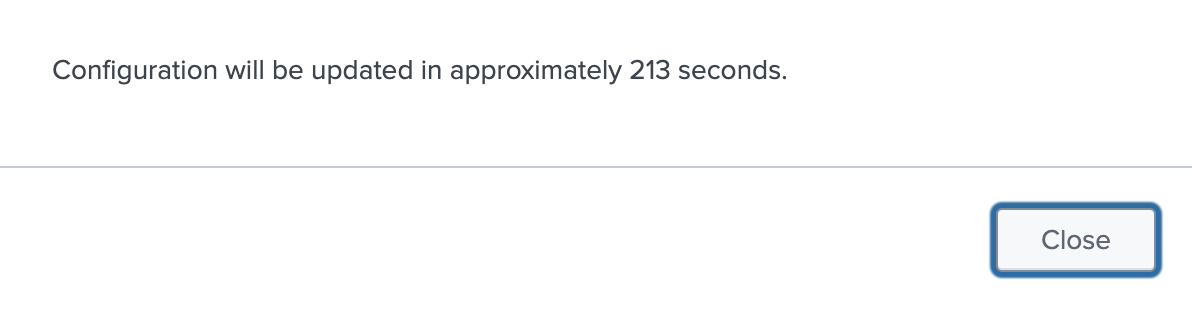
Scheduled update triggers new kubernetes job job/snmp-splunk-connect-for-snmp-inventory. If the ETA elapsed and the
previous job/snmp-splunk-connect-for-snmp-inventory is still present in the sc4snmp kubernetes namespace,
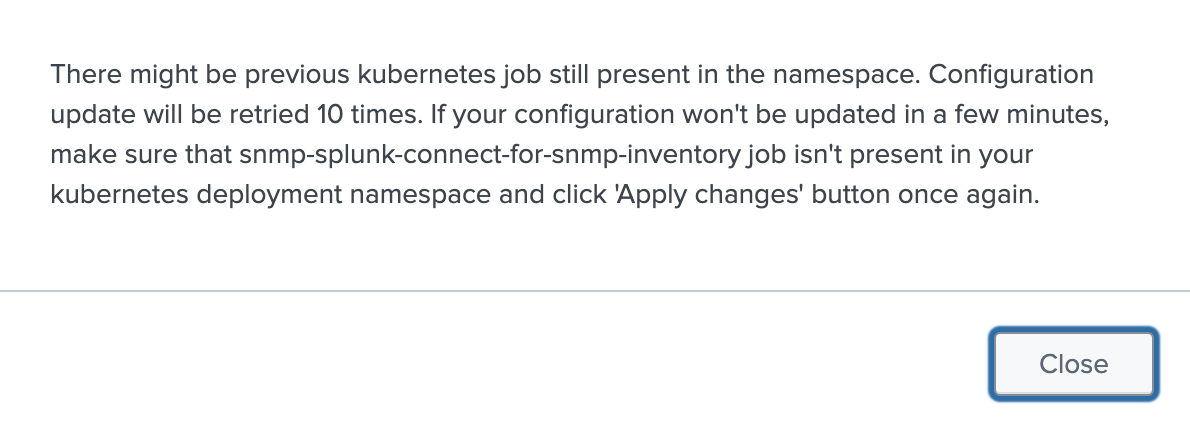
creation of the new job will be retried 10 times. If Apply changes is clicked during retries, the following message
will be displayed:
Restore configuration

Pressing Restore configuration, next to Apply changes, reloads Profiles, Groups, and Inventory from the configuration files provided at deployment time, replacing whatever has since been configured through the GUI. Hosts no longer present in those files are removed from the inventory.
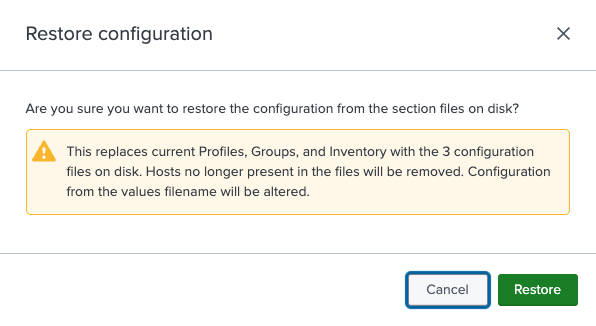
This action cannot be undone, so it must be confirmed in a warning dialog before it runs. Once confirmed, the restore triggers the same update job described above, so the same 5-minute cooldown and retry behavior applies.