Configuring inventory in GUI
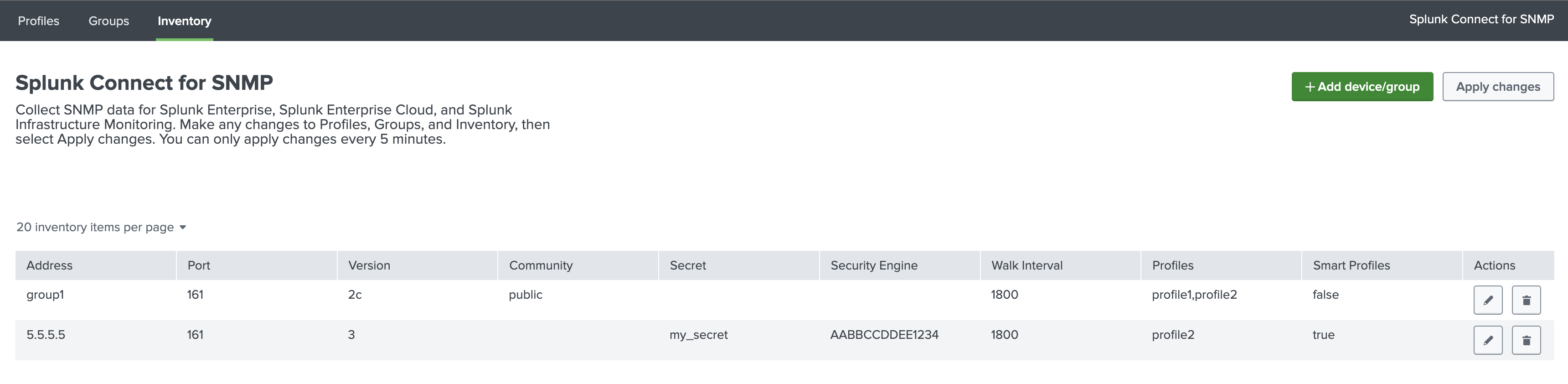
SC4SNMP inventory can be configured in Inventory tab.
Add inventory
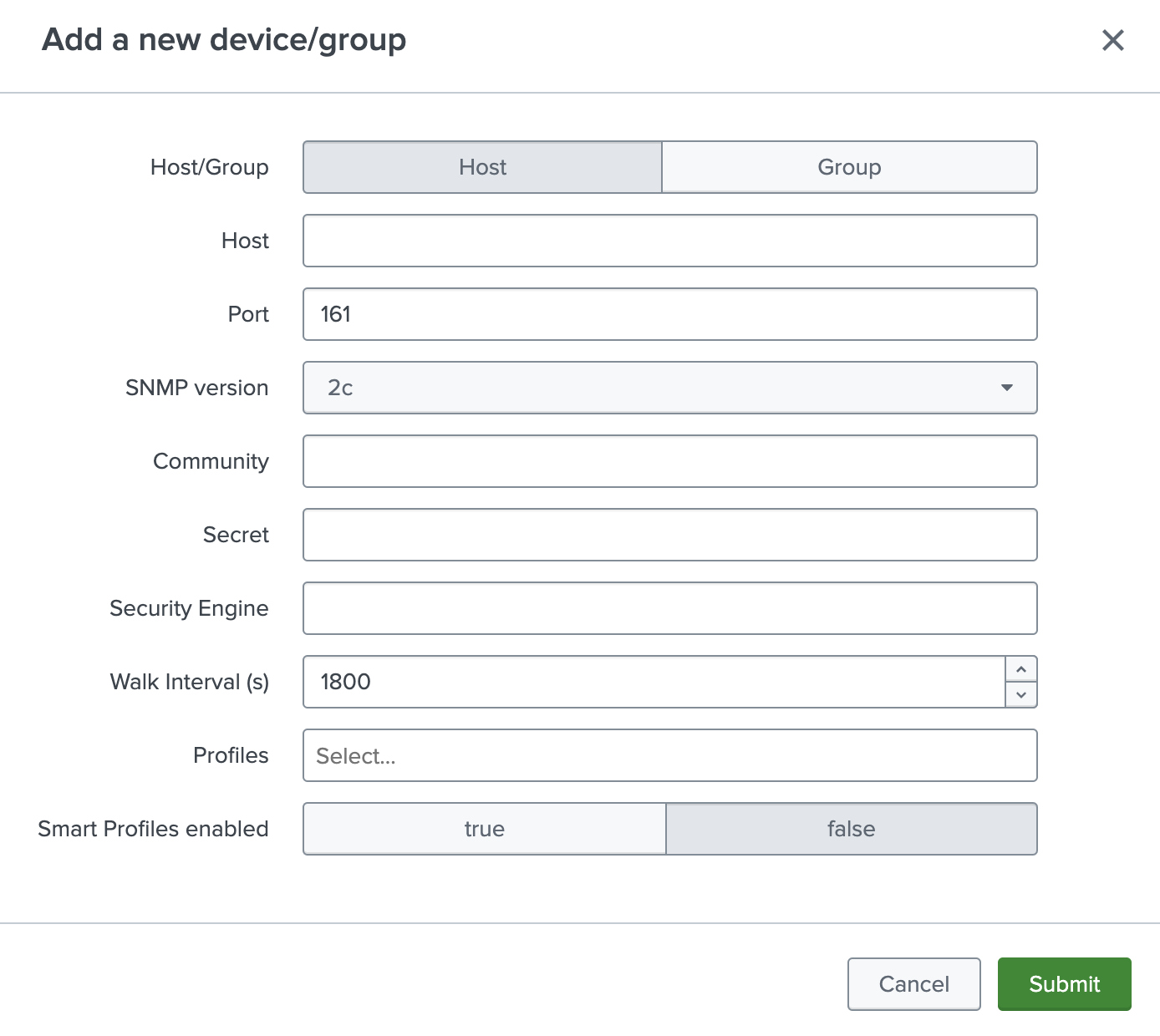
After pressing Add device/group button, new single device or group can be added.
Configuration of the device is the same as in the inventory.yaml file. For details check Inventory configuration.
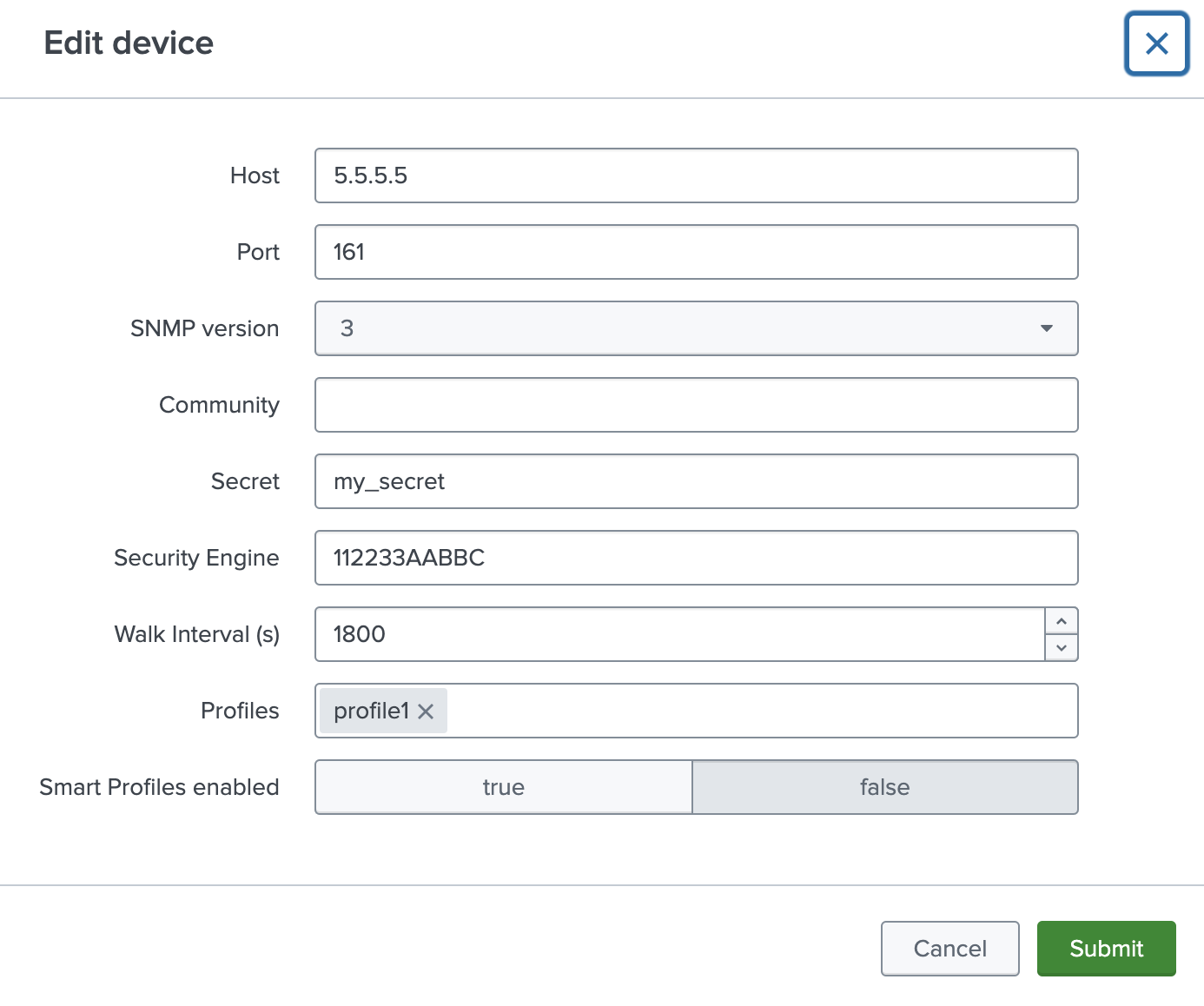
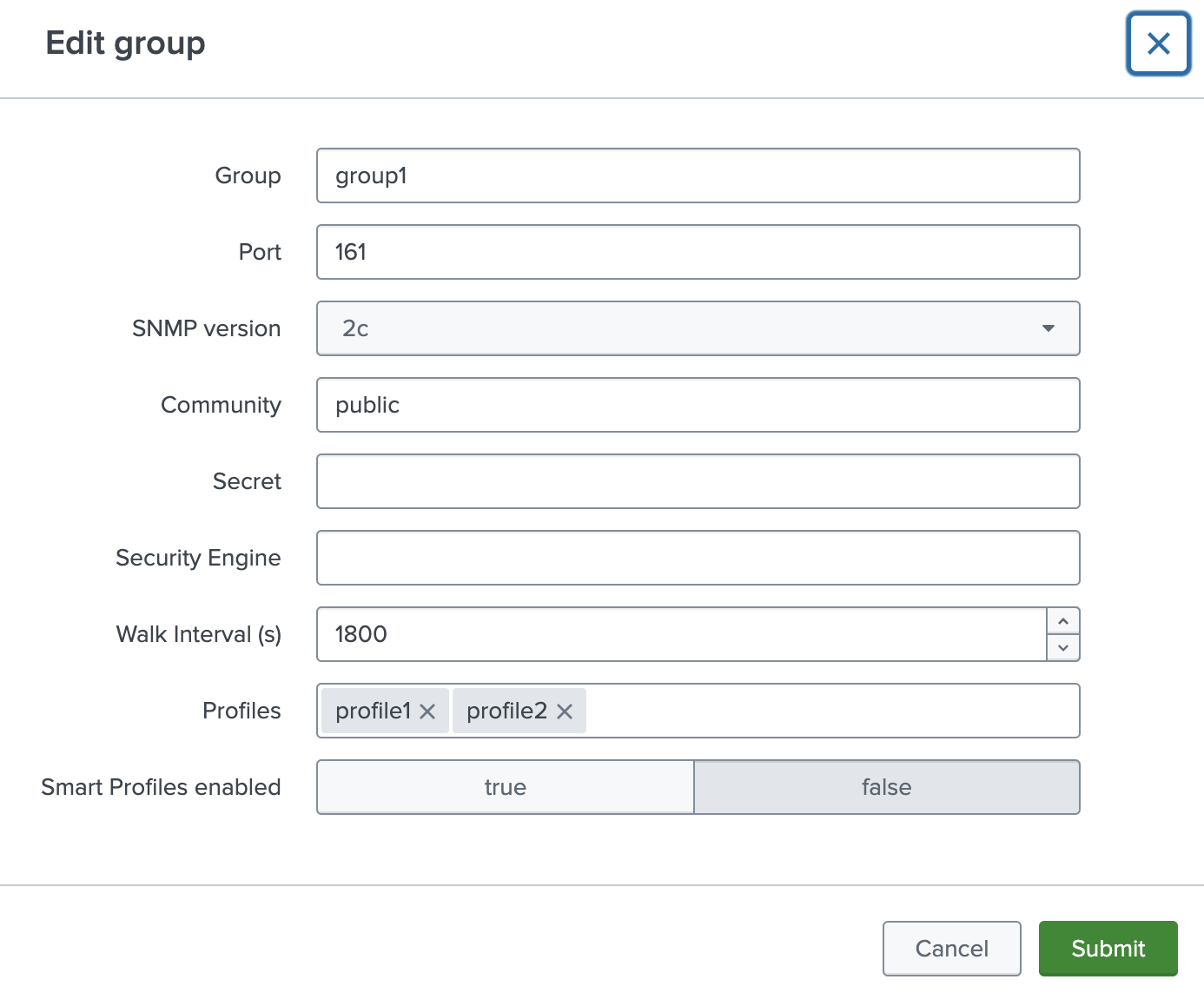
Edit inventory
To edit a device or group, click the pencil icon next in the desired row.